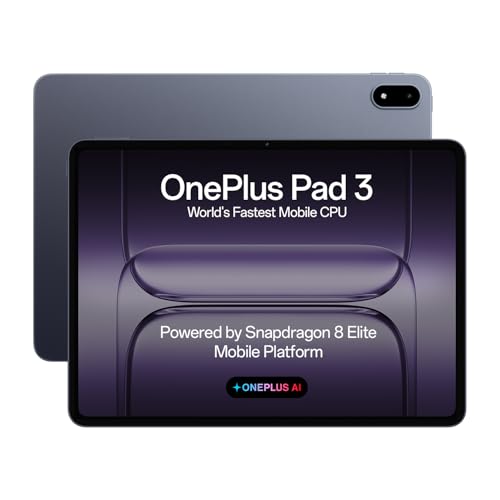
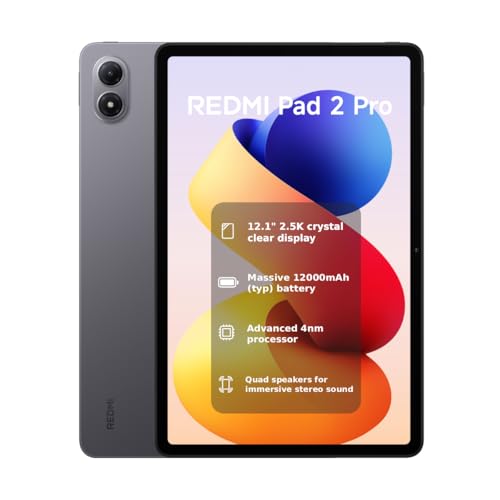
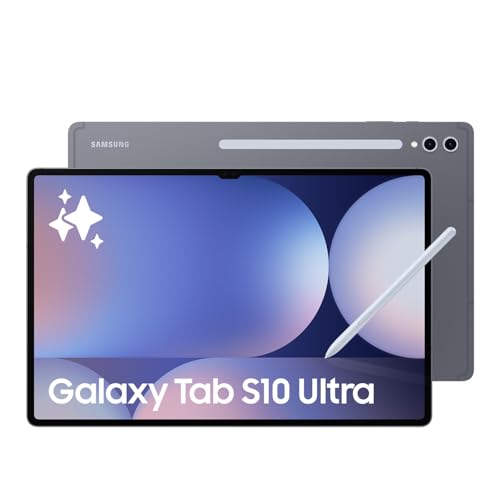
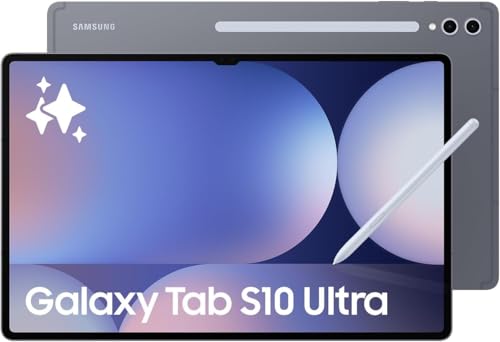
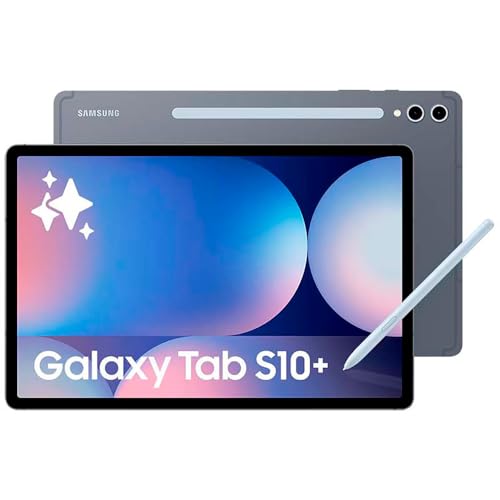
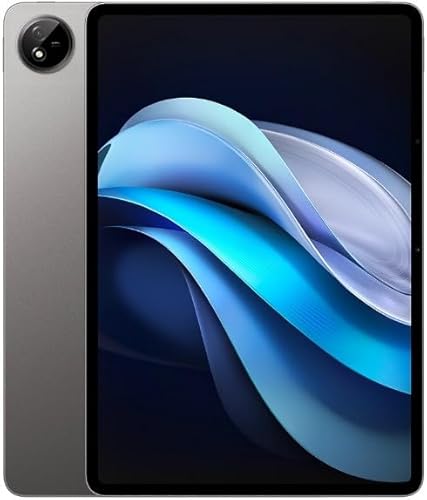
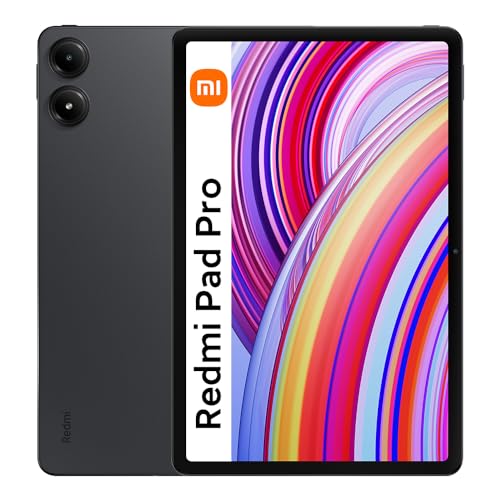
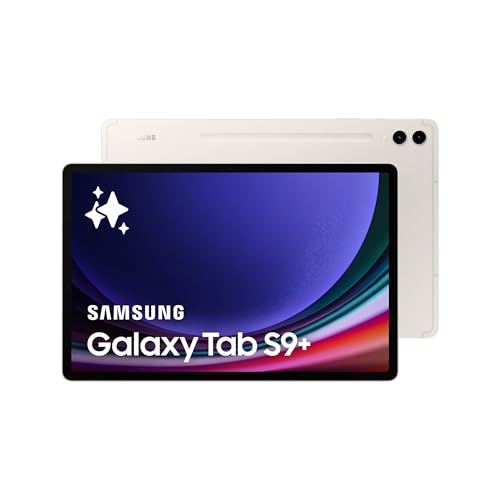
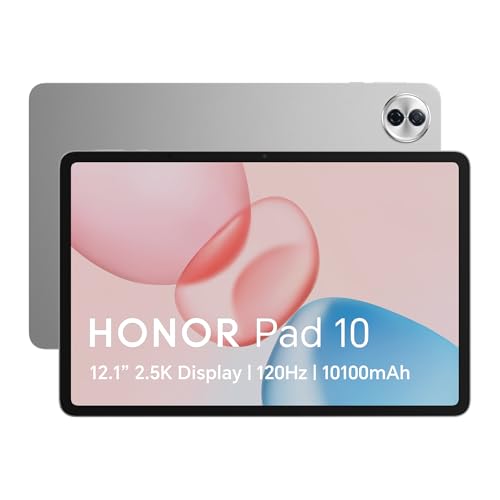
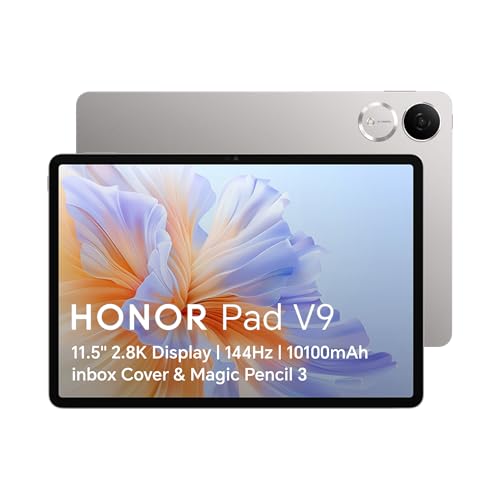
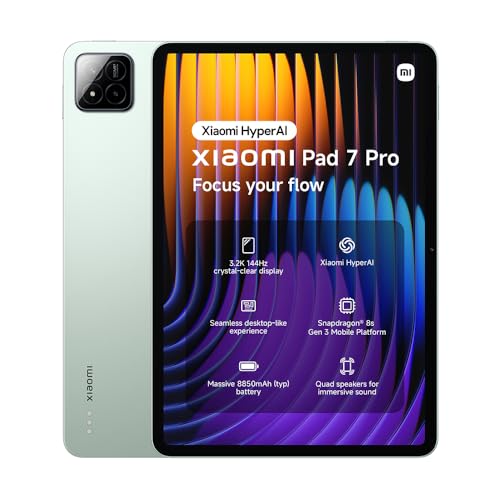
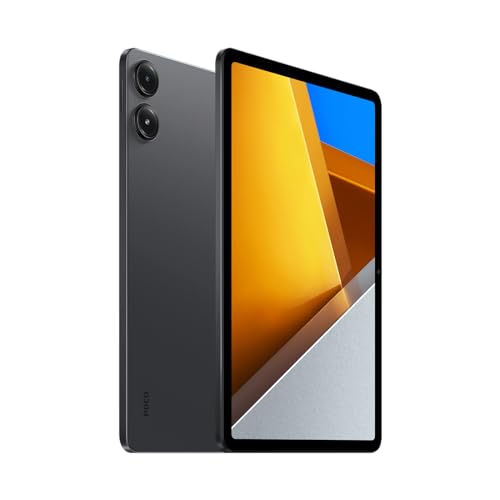
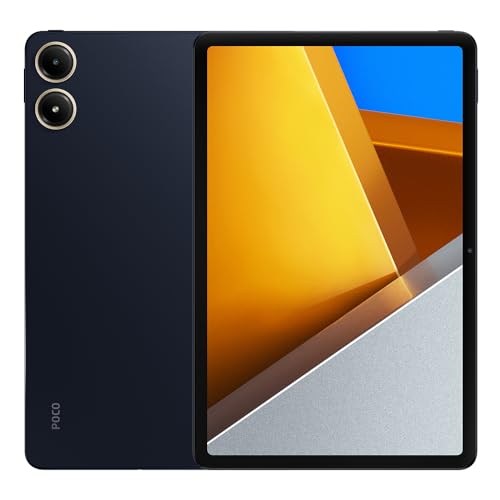
What is a gaming tablet?
A gaming tablet is a tablet designed to run mobile games with high performance. It has a fast processor, strong graphics capabilities, and a display with high refresh rates for smoother gameplay. Many gaming tablets also support accessories like game controllers or styluses, so you can play with more precision and comfort.
These tablets often come with larger batteries since games consume more power, and they usually have advanced cooling systems to reduce overheating during long sessions. Storage capacity tends to be higher because modern games require more space.
You can also find gaming tablets with stereo speakers or headphone support, which improve the overall gaming experience.
Which brands make the best gaming tablets?
The best gaming tablet brands are as follows.
- Samsung (Overall score: 8.9 points)
- Apple (Overall score: 8.7 points)
- Huawei (Overall score: 8.6 points)
How much do gaming tablets cost?
Gaming tablets cost between £170 and £850 depending on performance, display quality, and storage capacity.
Entry-level models start at about 200–£260 with basic processors and smaller storage, which are enough for light gaming and older titles. Mid-range tablets usually cost 400–£550 and include faster chipsets, higher refresh rate screens, and larger memory, so they handle more demanding games with smooth graphics. High-end gaming tablets range from £600 to £850 and above, with advanced processors, large RAM, and displays that support 120 Hz or higher.
The following chart shows how prices are distributed across gaming tablets.
[vertical-chart-09909474996253659050068926889408837897840669431706]
What processor and GPU should a gaming tablet have?
A gaming tablet should have a powerful processor and GPU that can handle demanding games without lag.
You need a high-performance chipset, usually an octa-core processor with high clock speeds, because games rely on fast processing for smooth frame rates and stable performance. A strong CPU also manages multitasking when you switch between apps while gaming.
The GPU matters as much as the processor, since it handles graphics quality and rendering speed. A good gaming tablet should use a dedicated or integrated GPU from series known for gaming, such as Adreno in Qualcomm chipsets or Mali and Immortalis in ARM designs. These GPUs support high refresh rates, HDR, and advanced graphics features, so you see sharper textures and smoother animations during gameplay.
How much RAM and storage do gaming tablets include?
Gaming tablets include between 6 GB and 16 GB of RAM and storage that ranges from 128 GB up to 1 TB.
You need at least 8 GB of RAM for smooth multitasking and to run modern games without slowdown, while higher-end models with 12 GB or 16 GB give you extra stability during long sessions. Tablets with lower RAM, like 4 GB or less, struggle with new titles and multitasking, so they are not ideal for gaming.
Storage in gaming tablets starts at 128 GB, which is enough if you install a few games at a time. Big titles can take 5–15 GB each, so 256 GB or 512 GB storage gives you more room for apps, downloads, and updates without constant cleanup. Some tablets include 1 TB versions, which are best if you plan to keep large libraries of games, media, and files directly on the device.
The chart below illustrates how RAM capacity is distributed across gaming tablets.
[vertical-chart-02907017256128338057053273064207505389311018546952]
What screen sizes, resolutions, and refresh rates are best for gaming tablets?
The best screen sizes, resolutions, and refresh rates for gaming tablets depend on how you play and what you value most.
A screen size of 10 to 12 inches works best for most gamers because it balances portability with enough space to see details clearly. Smaller screens around 8 inches feel more compact and lightweight, but you may lose immersion in graphically rich games. Larger displays above 12 inches give you a more cinematic feel but are heavier and less comfortable to hold for long sessions.
Resolution matters because it affects sharpness and detail. Full HD (1920×1080) is the standard minimum for gaming tablets, while Quad HD (2560×1600) or higher gives you crisper visuals, especially on screens above 10 inches where lower resolutions can look pixelated.
A higher resolution improves textures and image clarity but also requires more GPU power, so you should pair it with a strong processor and graphics unit.
How long does the battery last on gaming tablets?
Battery life on gaming tablets lasts between 6 and 12 hours on a single charge, depending on the device and how you use it.
If you play high-performance games with maximum brightness and higher refresh rates, you can expect closer to 6 hours. If you use the tablet for lighter gaming or mix it with browsing and video streaming, the battery can stretch closer to 10–12 hours.
Most gaming tablets use batteries with capacities from 7,000 mAh up to more than 11,000 mAh, which supports long sessions. Larger batteries add weight, but they let you play without needing constant charging.
Fast charging is also common, so you can recharge a tablet in about 1–2 hours, and some models reach 50% in just 30 minutes.
What connections and accessories do gaming tablets support?
Gaming tablets can support the following connections and accessories:
- USB-C: Used for charging, data transfer, and connecting external drives or controllers.
- Headphone jack: Present on some models for wired headsets, while others use wireless audio only.
- Bluetooth: Connects wireless controllers, keyboards, headphones, and other peripherals.
- Wi-Fi: Provides online access for gaming, downloads, and streaming with stable performance.
- Cellular (4G/5G): Some models support SIM cards so you can play or download without Wi-Fi.
- MicroSD slot: Expands internal storage for larger game libraries and media files.
- HDMI (via adapter): Lets you connect the tablet to external monitors or TVs for larger displays.
- Stylus support: Works with compatible pens for touchscreen precision in certain games.
- Keyboard and mouse: Some tablets support external input through Bluetooth or USB for PC-style play.
- Game controllers: Attach via Bluetooth or wired connection, which gives console-like control.
What else to consider while choosing the best gaming tablet?
When choosing the best gaming tablet, consider the following key factors that directly impact your gaming experience:
- Performance: The processor acts as the brain of your gaming tablet and determines how smoothly games will run. High-end tablets feature chips like Apple's M4 processor or Snapdragon 8 Gen 2, which handle demanding games like Genshin Impact and Call of Duty Mobile without lag. Budget options with MediaTek Helio G99 or Snapdragon 680 work well for casual gaming but may struggle with graphics-intensive titles.
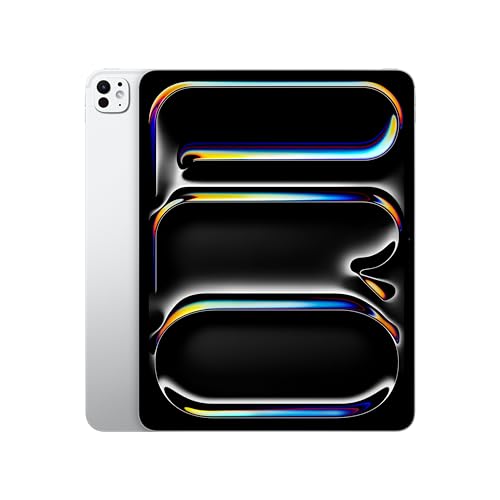
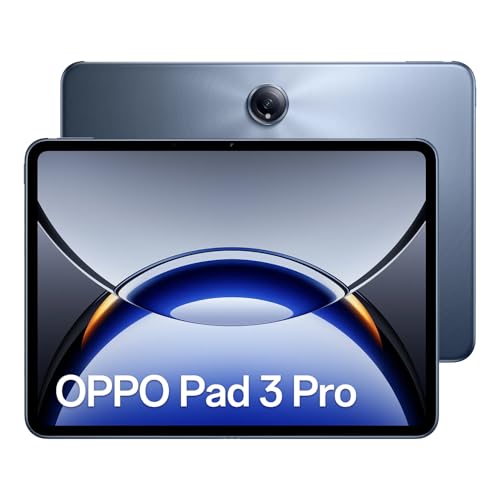
- Display quality and refresh rate: Screen resolution and refresh rate directly affect your visual experience during gameplay. Look for tablets with at least 2K resolution and 90Hz refresh rate, though premium models offer 2.8K displays with 120Hz or even 144Hz refresh rates. The iPad Pro features an Ultra Retina display with ProMotion technology, while Android options like the OPPO Pad 3 Pro deliver 144Hz displays for ultra-smooth visuals.
- RAM and storage: Memory determines how many apps you can run simultaneously and how quickly games load. Gaming tablets should have at least 6GB of RAM for smooth multitasking, while 8GB to 12GB handles high-end 3D games and emulation better. Storage matters too since modern games can consume several gigabytes - consider tablets with 128GB minimum or expandable storage options.
- Battery life and cooling systems: Gaming drains battery quickly and generates heat that can throttle performance. Premium gaming tablets include advanced cooling systems that prevent overheating during intensive sessions. Look for tablets with large battery capacities that can sustain 4-6 hours of gaming, and thermal management that maintains consistent performance.
- Graphics processing power: Dedicated graphics capabilities determine how well your tablet renders game visuals and maintains frame rates. Tablets with Mali-G57 MP2 GPUs handle most mobile games adequately, while devices like the ASUS ROG Flow Z13 feature RTX graphics cards for console-level gaming performance. Apple tablets benefit from integrated graphics that work seamlessly with iOS games.
- Audio and ergonomics: Sound quality and comfortable handling affect long gaming sessions. Tablets with stereo speakers or audio enhancement technologies create better immersion, while proper weight distribution and grip design prevent hand fatigue. Screen size also matters - larger displays like the Samsung Galaxy Tab S9 Ultra's 14.6-inch screen provide better visibility but reduce portability.