How does a tablet with a SIM card work?
A tablet with a SIM card works like a smartphone because the SIM card connects it directly to a mobile network.
The card stores subscriber details, such as your number and network authorization, so the tablet can access 4G or 5G mobile data without Wi-Fi. This gives the device internet connectivity anywhere there is cellular coverage.
With a SIM card, a tablet can use data for web browsing, video streaming, or online apps in the same way as a phone. Some models also support voice calls and SMS, although many focus only on data. The connection depends on the network type supported by the tablet and the plan linked to the SIM card, which sets limits for speed and data usage.
The following chart shows how tablets are split between models with and without cellular support.
[pie-chart-03579140052220055591178976957874573365643197783197]
What type of SIM card do tablets use?
Tablets use different types of SIM cards depending on the model and brand. The most common ones are Micro SIM, Nano SIM, and eSIM. Older tablets often use a Micro SIM, while newer models mostly use a Nano SIM (the same size used in most modern smartphones). Some recent tablets use eSIM technology, which is a digital SIM that activates mobile service without a physical card.
Can a tablet with a SIM card replace a laptop or smartphone?
A tablet with a SIM card can replace a smartphone in some cases but not fully replace a laptop. It connects to mobile networks for calls, texts, and internet access, so it works like a large phone that can handle communication and online tasks without Wi-Fi. However, its size makes it less practical than a smartphone for daily calls or pocket use, and it lacks the full multitasking power of a laptop.
For productivity, a tablet with a SIM card works well for web browsing, streaming, and apps, and with a keyboard it can handle tasks like emails, document editing, and video calls. Still, laptops have stronger processors, larger storage, and better software for advanced tasks such as programming, heavy multitasking, or running desktop applications.
Tablets also depend on mobile operating systems, which limit compatibility with some professional tools.
Which brands make the best tablets with SIM cards?
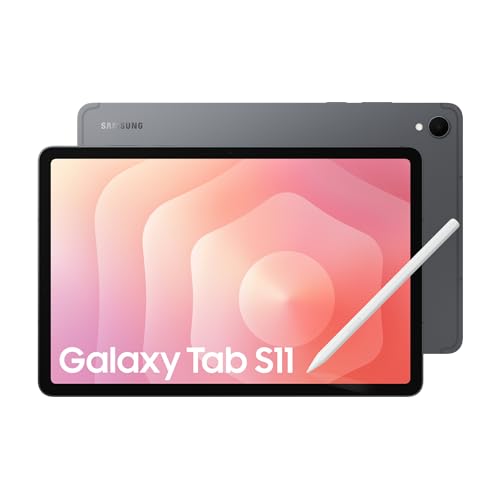
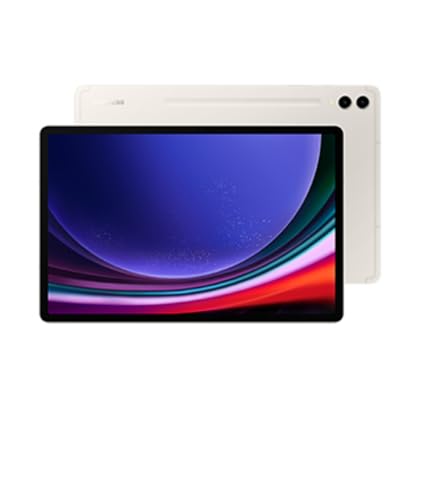
The best tablet brands with SIM card support are as follows.
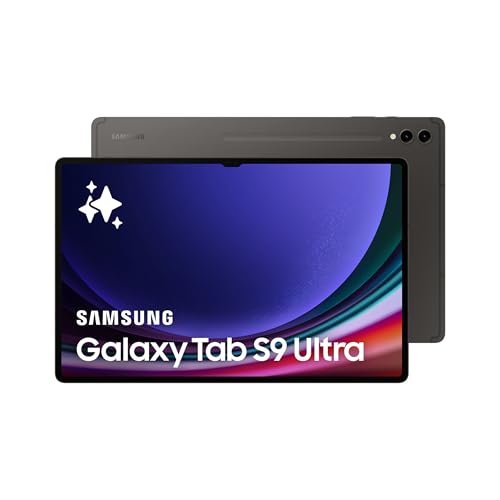
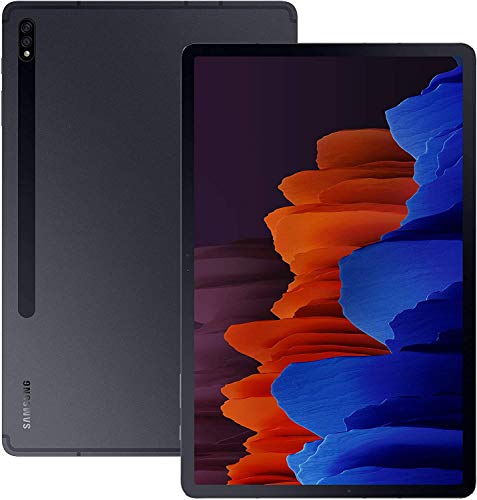
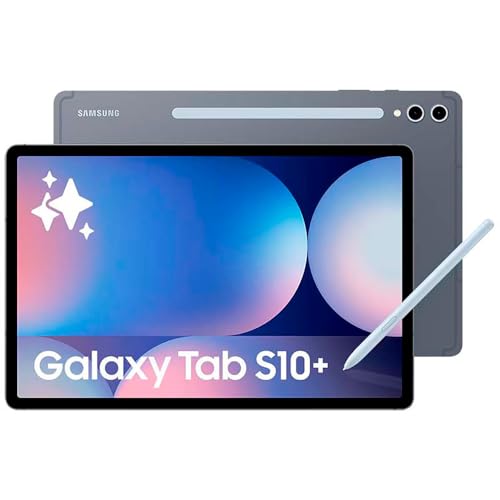
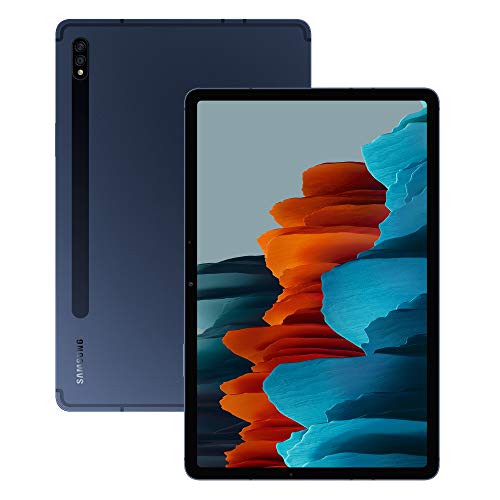
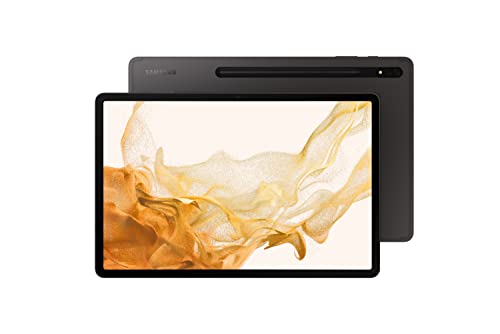
- Samsung (Overall score: 9.1 points)
- Xiaomi (Overall score: 8.9 points)
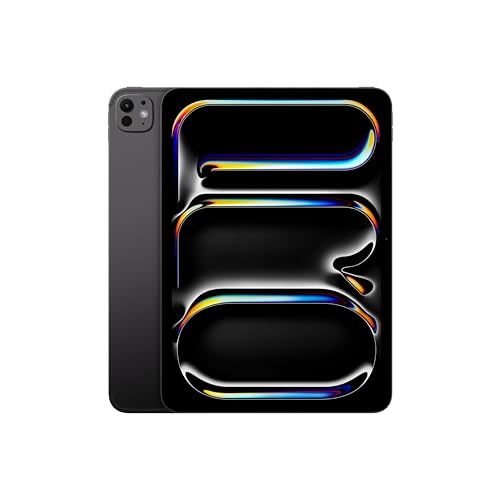
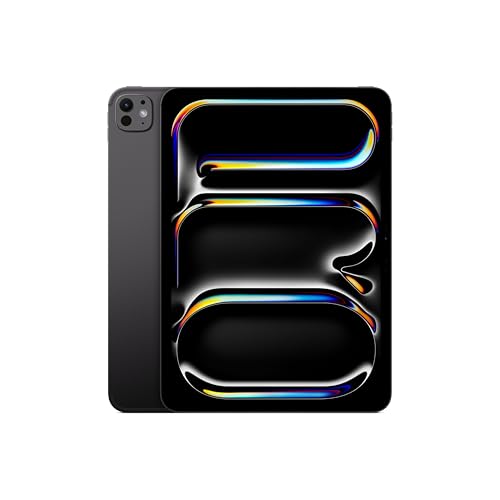
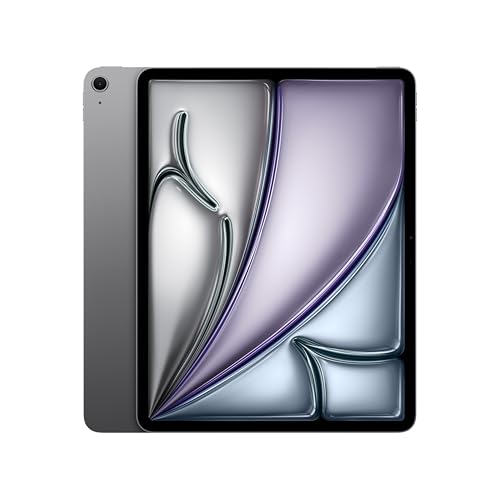
- Apple (Overall score: 8.9 points)
How much do tablets with SIM cards cost?
Tablets with SIM cards cost between £90 and £1,100 depending on the brand, screen size, and hardware.
Entry-level models with smaller displays and limited storage stay around £90-£220, while mid-range tablets with better processors and higher resolution displays range from £260-£550. High-end devices such as premium iPads and Samsung Galaxy Tabs with large screens, strong performance, and 5G connectivity reach £700-£1,100.
What to consider while choosing the best tablet with a SIM card?
When choosing the best tablet with SIM card, you should consider the following key hardware specifications and features.
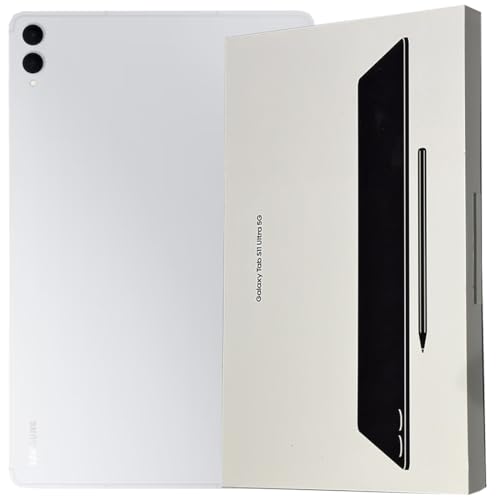
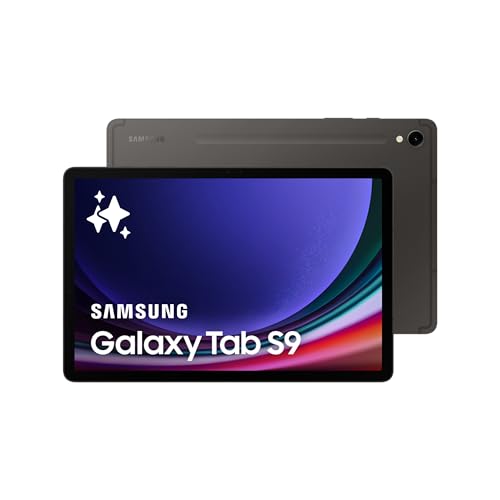
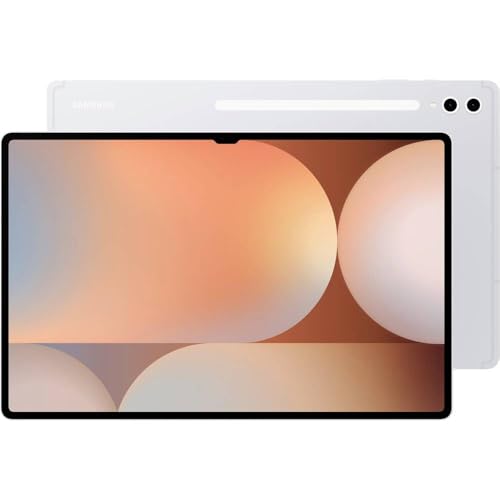
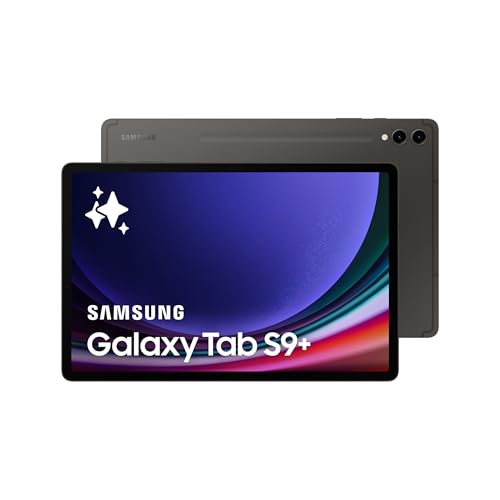
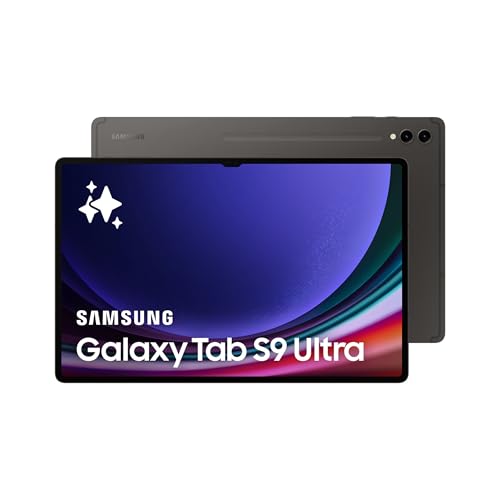
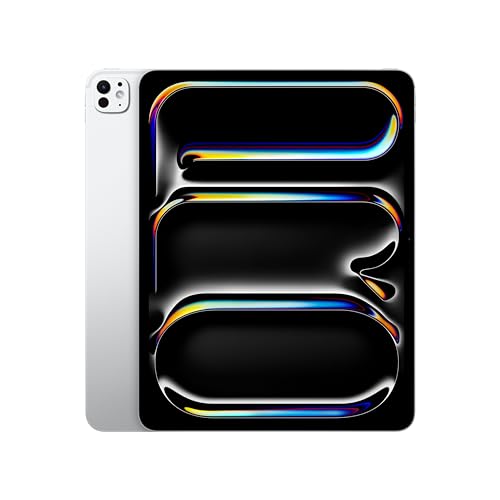
- Cellular compatibility and eSIM: Check 4G/5G band support for the region and confirm nano‑SIM and/or eSIM on the exact “Wi‑Fi + Cellular” variant (some lines sell Wi‑Fi‑only SKUs), and look for dual SIM (nano‑SIM + eSIM) on newer models like Samsung Galaxy Tab S9/S9+/S9 Ultra and iPad Air/Pro with Cellular. Verify carrier support for eSIM activation and roaming profiles if travel matters.
- Software support and updates: Prefer brands with long OS and security update policies since tablets stay in service for years, i.e., Apple iPadOS support lists by model and Android makers like Samsung that commit multiple years of updates. Longer support keeps cellular stack, modem firmware, and eSIM features current for reliability.
- Battery life and charging: Look at stated battery capacity in mAh and real‑world endurance reports because screen size, panel type, and refresh rate drive drain, i.e., Galaxy Tab S9’s 8,400 mAh targets all‑day mixed use with 45 W fast charging. Larger panels and higher brightness need more watt‑hours, and charge speed affects downtime on the go.
- Display quality and visibility: Choose OLED for deep blacks and higher contrast or high‑end LCD for balanced efficiency, and target at least 500+ nits for outdoor use with adaptive refresh if possible. Series examples include iPad Pro (OLED in latest generation) and Samsung Galaxy Tab S9 series (OLED on S9/S9+/Ultra) for color‑critical work.
- Performance and memory: Match CPU/GPU to workloads like multitasking, office suites, and games, i.e., Snapdragon 8 Gen 2 for Galaxy in Tab S9 series and Apple M‑class chips in iPad Air/Pro deliver smooth split‑screen and cellular radio overhead. Check RAM/storage tiers because heavier apps and offline media libraries need headroom.
- Accessories and mobility: Confirm first‑party keyboards, pens, and cases on the cellular SKU since some bundles differ, i.e., Samsung S Pen included on Tab S9 series and robust keyboard options on iPad Pro/Air. Weight and build affect travel comfort, and sturdy cases matter if a tablet doubles as a field device.