
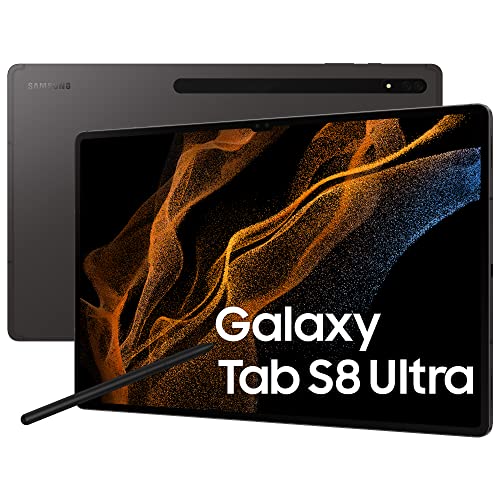
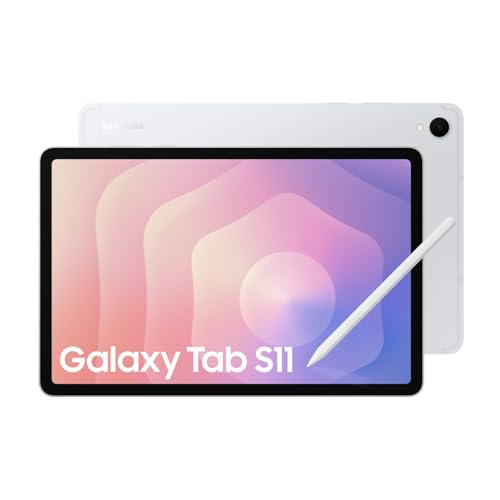
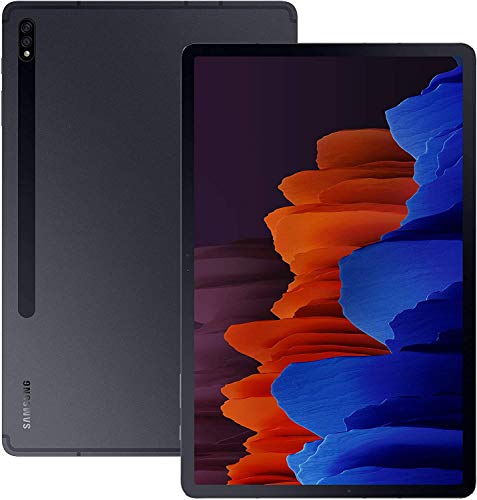
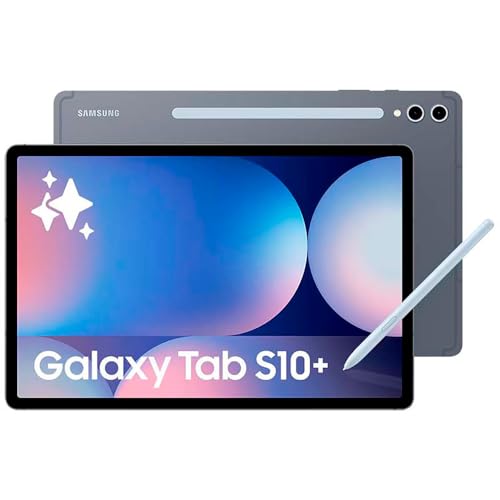
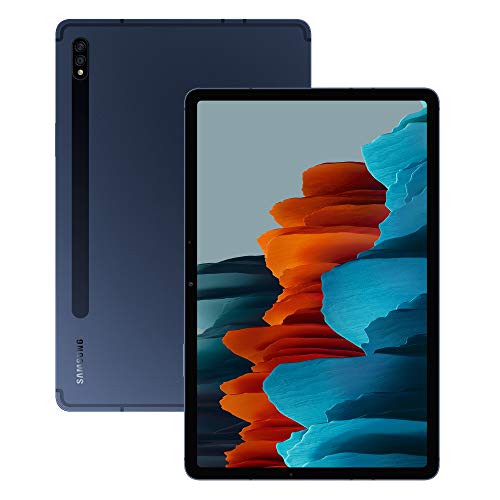
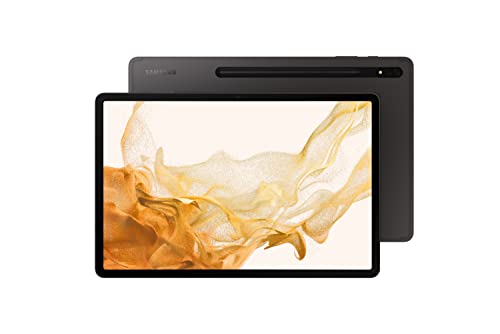
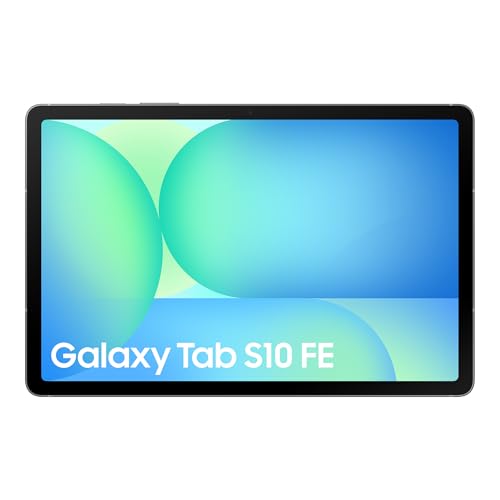
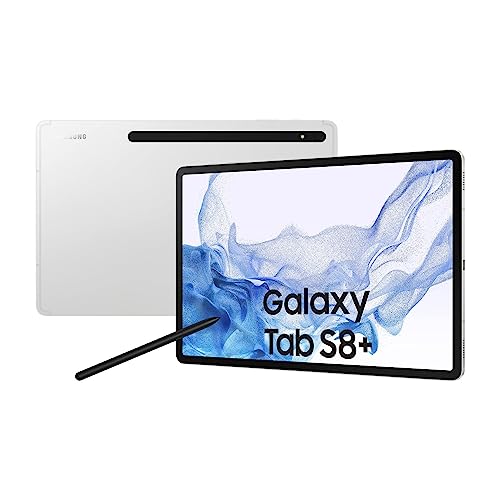


Are Samsung tablets good?
Samsung tablets have an average overall score of 9.1, ranking #1 among all tablet brands, and a user rating of 9.5, placing them at #2 based on user reviews.
They are known for strong display quality, especially on higher-end models that use AMOLED screens with vibrant colors and sharp resolution. Performance tends to be reliable, with Samsung integrating capable processors and solid battery life that suits media use, browsing, and productivity. Their tablets also run on Android with Samsung’s One UI skin, which is well-optimized and adds extra features compared to standard Android.
In addition to hardware, Samsung tablets often support accessories such as the S Pen stylus and detachable keyboards, which make them versatile for both entertainment and work. The brand has a reputation for durable build quality and consistent software updates across its key product lines.
The best Samsung tablets are as follows.
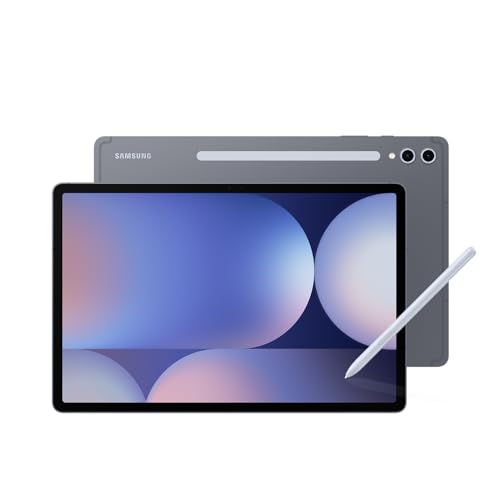
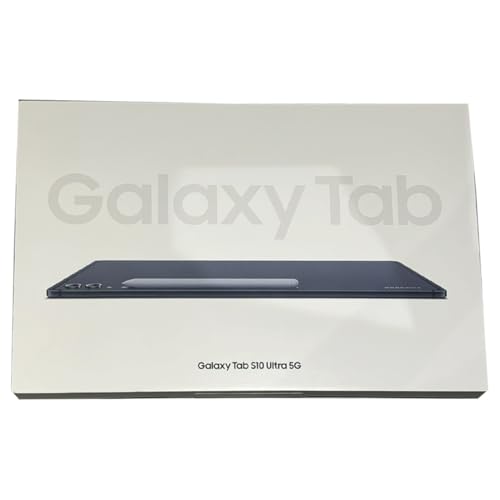
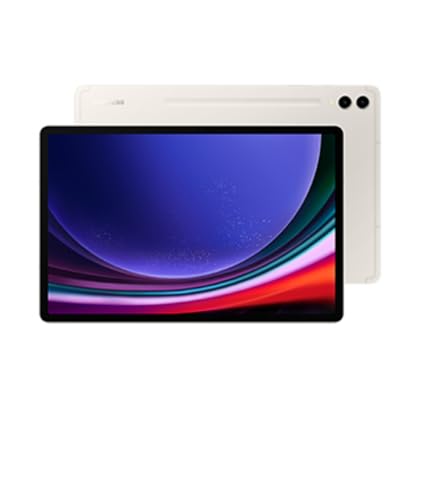
- Samsung Galaxy Tab S10 Plus WiFi (12GB + 512GB) Overall score: 9.16 points
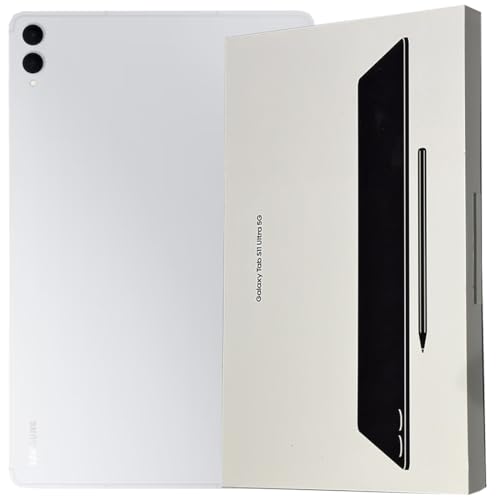
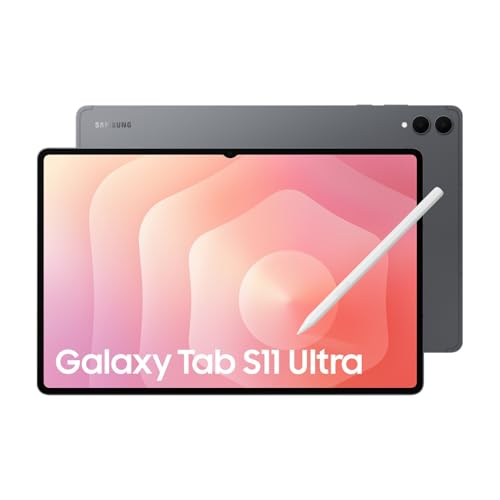
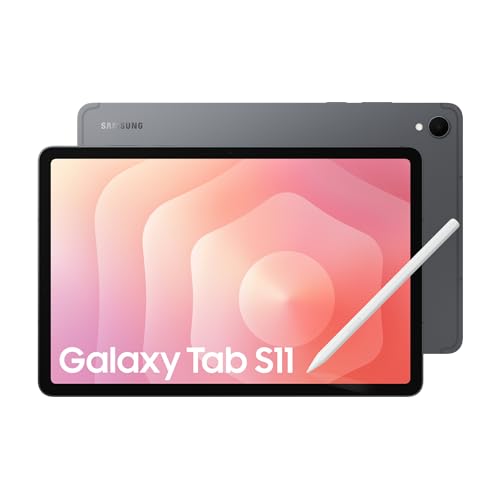
- Samsung Galaxy Tab S11 Ultra 5G (12GB + 256GB) Overall score: 9.15 points
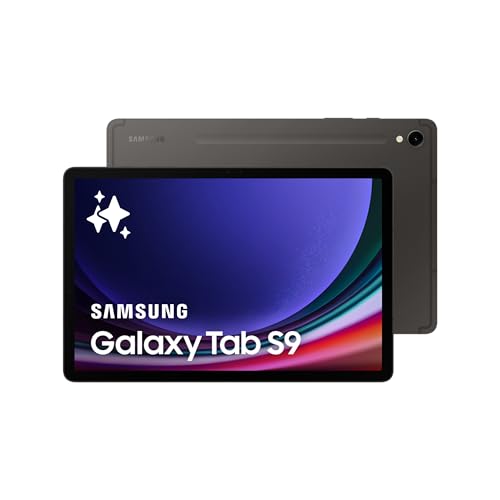
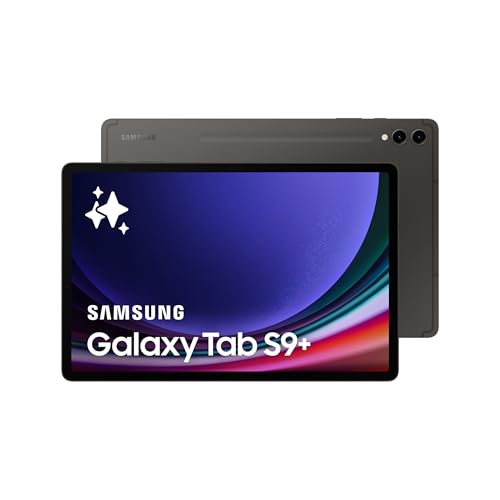
- Samsung Galaxy Tab S9 WiFi (12GB + 256GB) Overall score: 9.13 points
The following chart ranks tablet brands based on their overall scores.
[horizontal-chart-17307447123912072405130790404762119862712244951798]What are the main advantages of Samsung tablets?
The main advantages of Samsung tablets are the following:
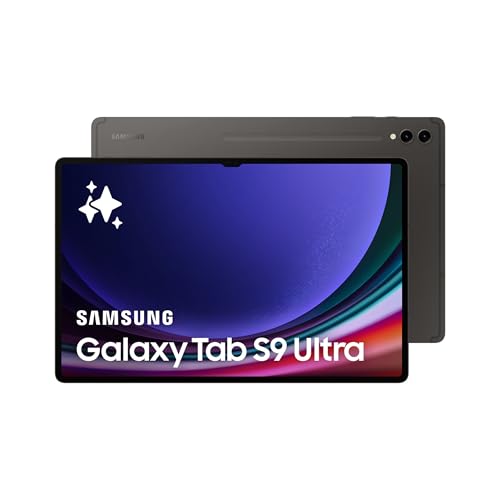
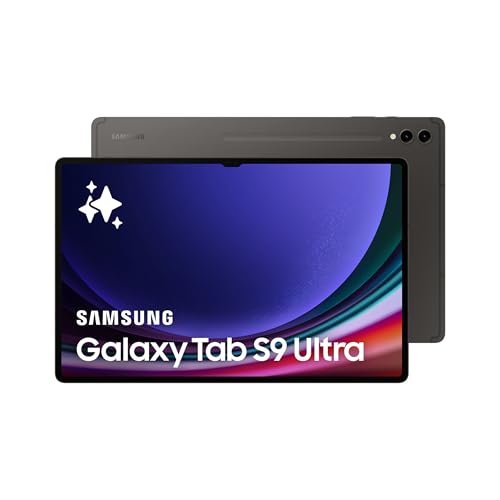
- Display quality: Samsung tablets use Super AMOLED or LCD panels with high resolutions (up to 2960 × 1848 pixels on Galaxy Tab S9 Ultra), high brightness around 600 nits, and HDR10+ support. This results in sharper images and more vivid colors than most competitors.
- Performance: Samsung tablets integrate Qualcomm Snapdragon 8 Gen 2 or Exynos processors with up to 12 GB of RAM, so they can run demanding apps and multitasking without slowdowns. Even mid-range models like Galaxy Tab S9 FE use solid chipsets that support smooth performance.
- Battery life: High-end models include batteries up to 11,200 mAh which last around 12–14 hours of continuous video playback. Fast charging of up to 45 W reduces charging time significantly (about 1.5 hours for a full charge).
- S Pen support: Many Samsung tablets (like Galaxy Tab S series and some A models) come with the S Pen included. The stylus has low latency around 2.8 ms and supports pressure sensitivity, useful for drawing, writing, and productivity tasks.
- Software and updates: Samsung tablets run One UI on Android with added multitasking functions such as split-screen, DeX desktop mode, and advanced stylus tools. Samsung also guarantees 4 years of major Android updates and 5 years of security patches for flagship tablets.
- Storage and expandability: Internal storage goes up to 1 TB and many models include a microSD slot (expandable up to 1 TB), which is rare in premium tablets. This is useful for storing large files, videos, or games without relying only on cloud storage.
What are the main disadvantages of Samsung tablets?
Samsung tablets have the following main disadvantages:
- Price: High-end models like Galaxy Tab S9 Ultra often cost £1,100 or more with accessories, which makes them more expensive than many Windows laptops.
- Weight and size: Larger models such as the 14.6-inch Tab S9 Ultra weigh around 732 g, so they are less comfortable for long handheld use.
- App optimization: Some Android apps are not optimized for large-screen tablets, so they display stretched layouts or lack multitasking features compared to iPadOS apps.
- Charging speed variation: While premium models charge at 45 W, mid-range Galaxy Tab A series is limited to slower charging (15 W), which takes more than 3 hours for a full charge.
- Bloatware: One UI often includes pre-installed Samsung and third-party apps that cannot be removed, which occupies storage and can slow down lower-end models.