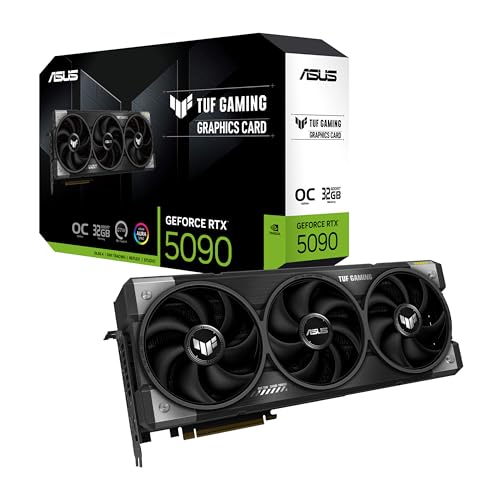
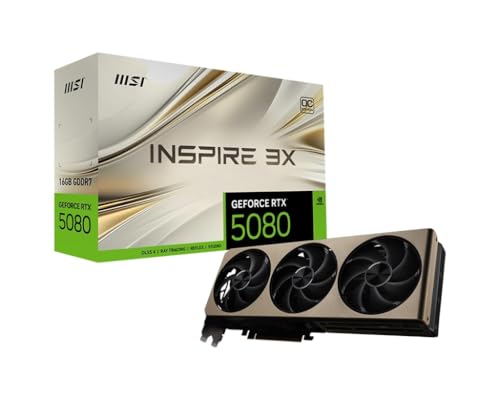
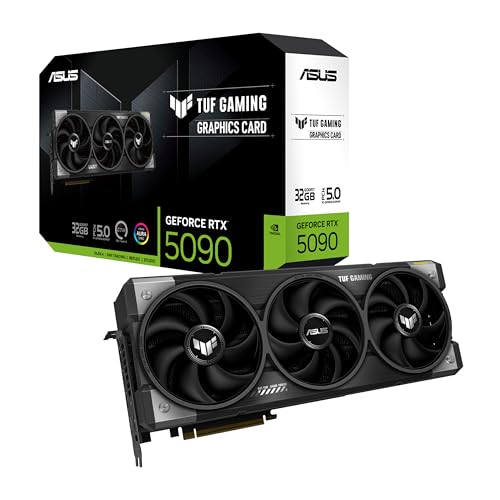
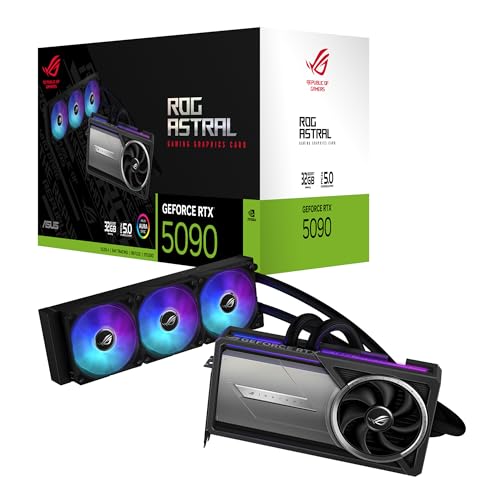
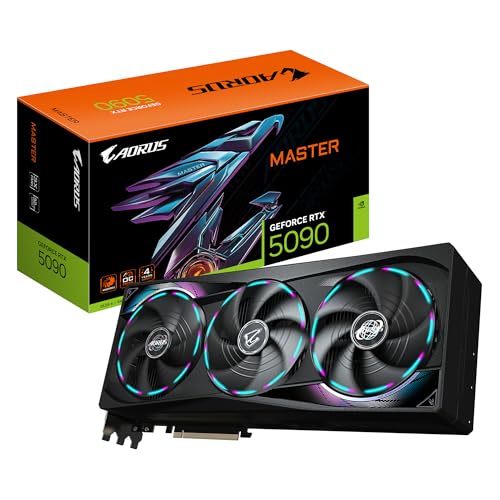
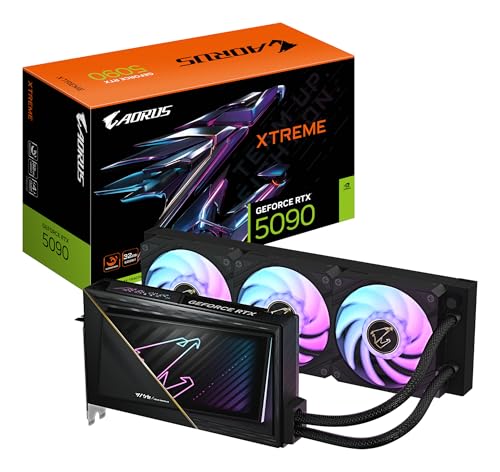
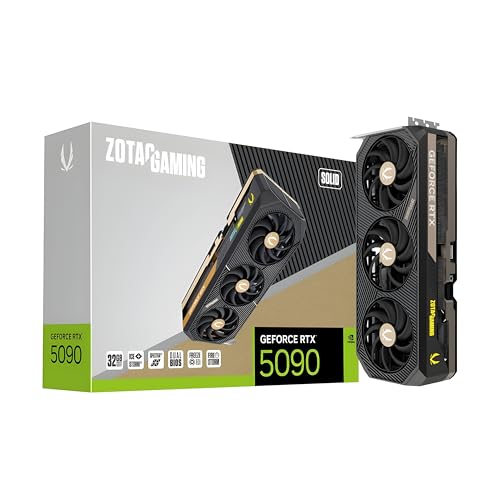
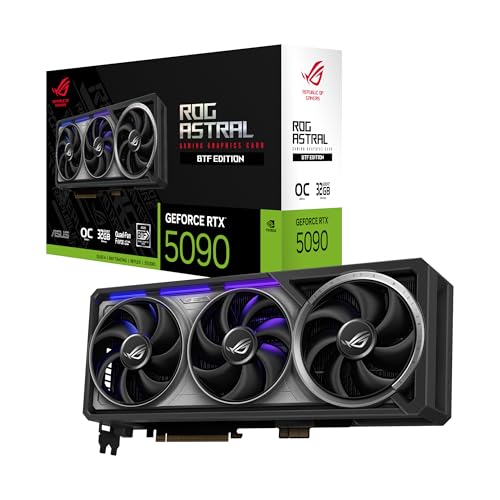
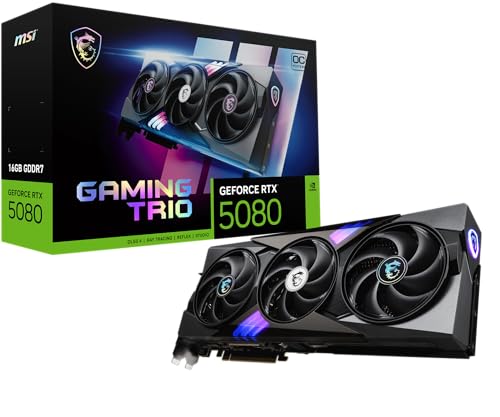
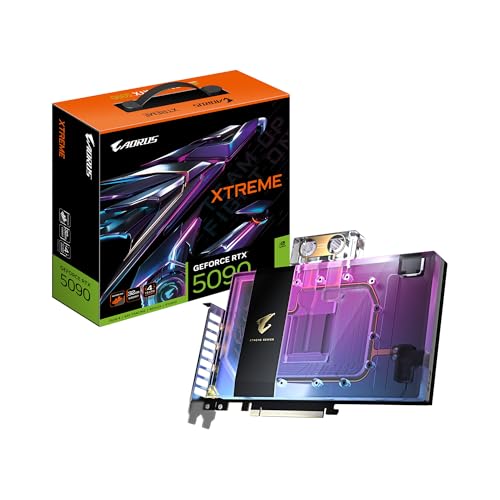
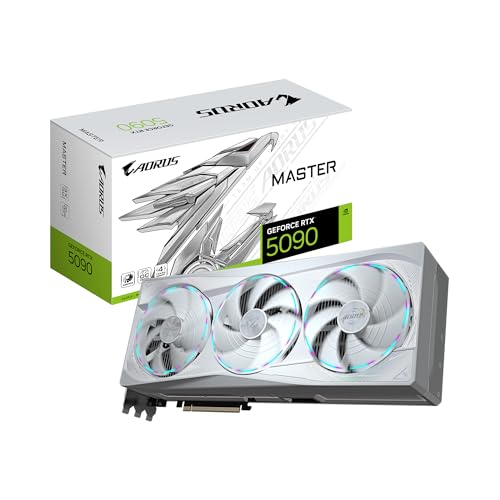
Which brands make the best PCIe 5.0 graphics cards?
The PCIe 5.0 graphics-card brands with the best average overall scores are as follows.
- GALAX (Average overall score: 8.7)
- MSI (Average overall score: 8.7)
- GIGABYTE (Average overall score: 8.6)
The chart below compares how the main PCIe 5.0 graphics card brands perform on average by overall score.
[horizontal-chart-01342520759426065634091598848684121730031845366714]
What does PCIe 5.0 mean on a graphics card?
PCIe 5.0 on a graphics card means the card is designed for the fifth generation of the PCI Express interface, which doubles the per-lane bandwidth of PCIe 4.0 at the platform level. In practical terms, that tells you the GPU belongs to a newer generation of hardware with access to a faster host connection, even though the card's real-world gaming speed still depends much more on the GPU itself than on the slot version alone.
PCIe 5.0 is mainly about interface bandwidth and forward-looking platform support, not a guarantee of higher frame rates by itself. On graphics cards, it matters most when you care about modern motherboard compatibility, future platform headroom, or certain bandwidth-sensitive edge cases rather than just the headline GPU tier.
Do PCIe 5.0 graphics cards work in older PCIe slots?
Yes, PCIe 5.0 graphics cards work in older PCIe slots because PCI Express is backward compatible across generations. If you install one in a PCIe 4.0 or PCIe 3.0 slot, the card simply runs at the highest speed both the GPU and the motherboard slot support together.
That makes upgrades easier, but the older platform can still limit the link bandwidth. In many normal gaming situations the difference is small, especially with a full x16 connection, yet the bandwidth headroom is lower than it would be on a native PCIe 5.0 platform.
What hardware support do PCIe 5.0 graphics cards need?
PCIe 5.0 graphics cards need a motherboard and CPU platform that supports PCIe 5.0 if you want the card to run at full fifth-generation link speed. The card can still function on older PCIe platforms, but native PCIe 5.0 operation depends on the slot, the board layout, and the processor generation rather than on the GPU alone.
Power and case support matter just as much as slot support. Many PCIe 5.0 cards sit in modern high-performance tiers, so you still need enough PSU capacity, the right power connector setup, and enough physical clearance for large triple-fan or multi-slot coolers.
Platform support is therefore a full-system question, not just a slot-version label. A newer motherboard may expose the PCIe 5.0 link, but the build still has to make sense electrically, thermally, and physically around the class of GPU you choose.
How much do the best PCIe 5.0 graphics cards cost?
PCIe 5.0 graphics cards usually cost about £300-£2,200, with most mainstream and upper-midrange models clustering much closer to £300-£800. The interface standard itself is not what makes these cards expensive; the price mostly follows the GPU tier, VRAM configuration, cooler size, and overall market position.
Around £300-£800, you are usually looking at newer mainstream and upper-midrange cards where PCIe 5.0 is simply part of the current-generation package. Around £900-£1,500, the market moves into stronger high-end gaming hardware with more VRAM and heavier coolers. Above that, the pricing is usually being pushed by halo-class gaming cards, workstation products, or extreme creator hardware rather than by PCIe 5.0 alone.
This chart visualizes PCIe 5.0 graphics card prices.
[vertical-chart-08183858460914329049109298803415664051892619586953]
No, PCIe 5.0 does not automatically improve graphics card performance in the way a faster GPU core or more shader power does. Most modern gaming cards still do very well on PCIe 4.0 x16, so moving the same GPU to PCIe 5.0 usually brings little or no obvious frame-rate gain by itself.
PCIe 5.0 matters more as extra bandwidth headroom than as an instant gaming boost. That headroom can be more relevant in narrower-lane designs, certain data-heavy workloads, or future platform scenarios where the interface matters more than it does in today's average gaming setup.
Performance is therefore mostly a byproduct of the GPU generation that happens to use PCIe 5.0, not of the bus revision alone. When comparing cards, the GPU architecture, VRAM configuration, cooler, and price class are still much more important than the slot generation label.
What should you consider while choosing a PCIe 5.0 graphics card?
The main factors to consider while choosing a PCIe 5.0 graphics card are as follows:
- GPU tier: Start with the performance class you actually need, because PCIe 5.0 does not rescue a weak GPU. Shader power, RT capability, VRAM tier, and memory bandwidth matter much more than the bus revision when you compare real gaming or creator performance.
- Platform support: Check whether your motherboard, CPU generation, BIOS, and slot wiring really support PCIe 5.0 at the lane width you expect. A PCIe 5.0 card can run in older slots, but you should know whether you are buying for immediate full-speed use or for a later platform upgrade.
- Lane width and slot sharing: Some boards reduce graphics-slot bandwidth once you populate extra NVMe drives, capture cards, or secondary PCIe slots. On newer platforms, it is worth checking whether the main slot still keeps its intended lane allocation after the whole build is populated.
- Power connectors: Many newer high-end cards combine PCIe 5.0-era platform positioning with heavier power demands, including 12V-2x6 or 12VHPWR cabling. Make sure the PSU, cable quality, and connector layout are appropriate for the exact card rather than assuming the slot generation tells the whole story.
- Cooler size and case fit: A large share of the stronger PCIe 5.0 cards are physically big 2.5-slot to 4-slot designs. Check length, thickness, airflow, and front-radiator clearance before buying, especially in tighter mid-tower or compact builds.
- Price logic: Do not pay a large premium just to get the PCIe 5.0 label. If a similarly priced PCIe 4.0-era card gives you a meaningfully stronger GPU tier or more VRAM, that usually matters more than buying the newer bus revision on paper.