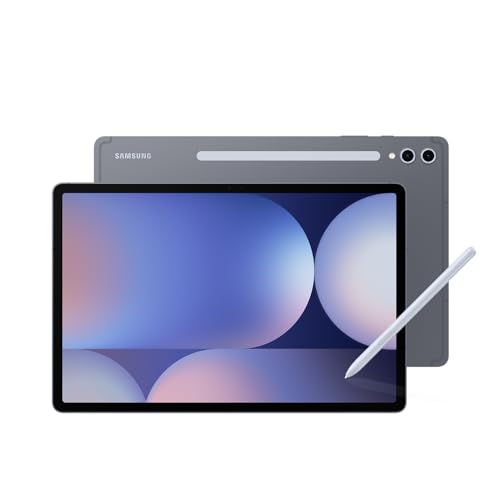
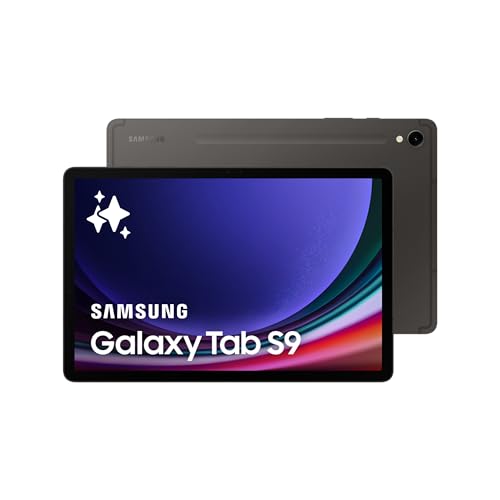
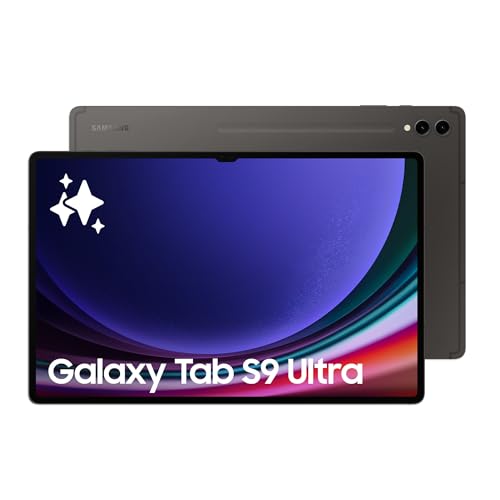
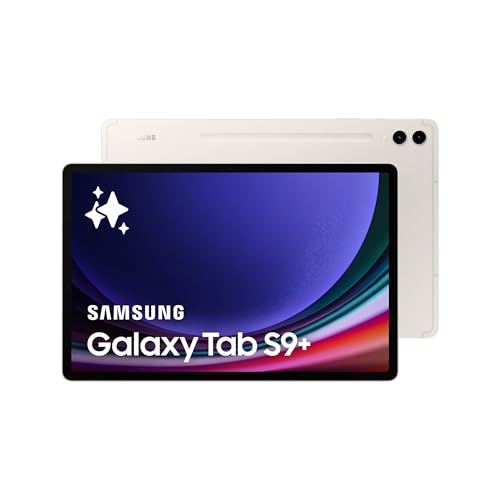
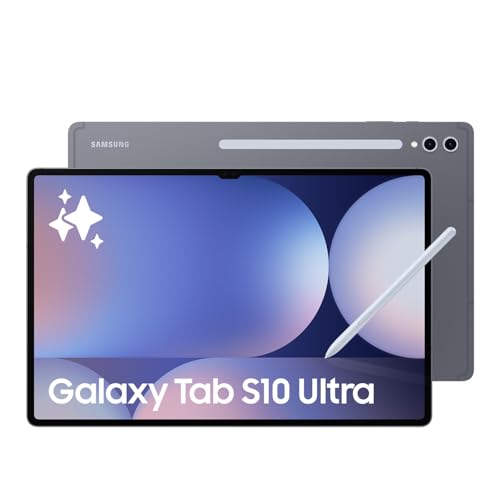
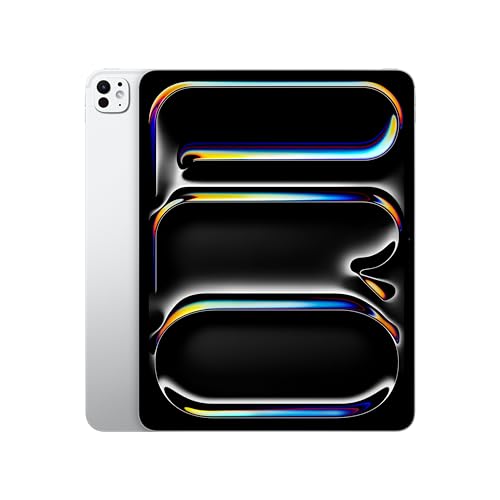
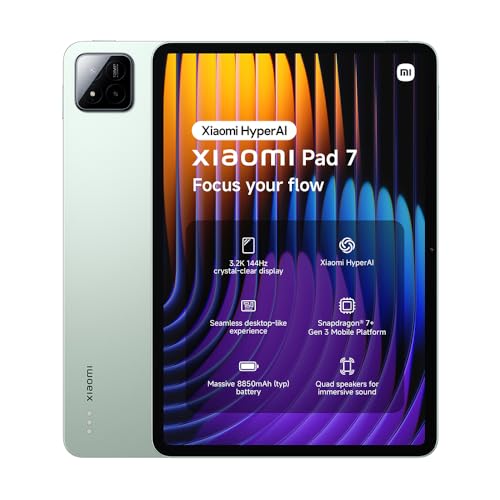
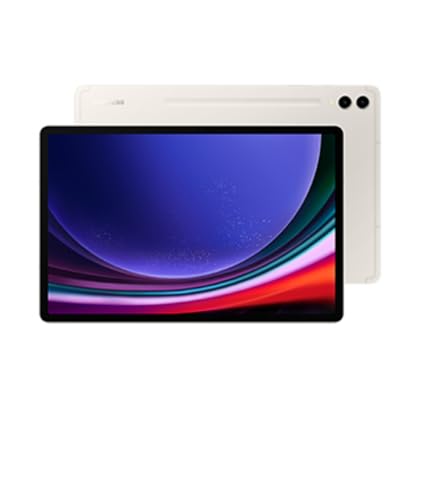
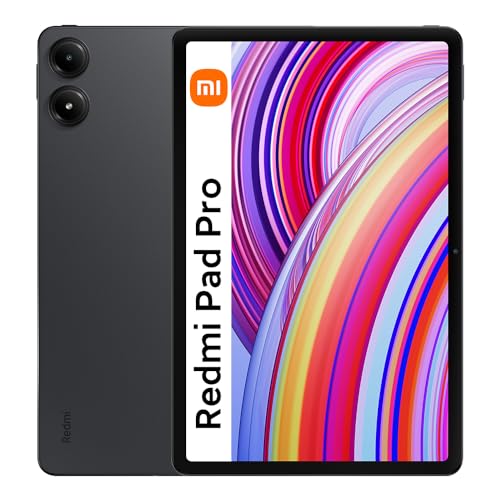
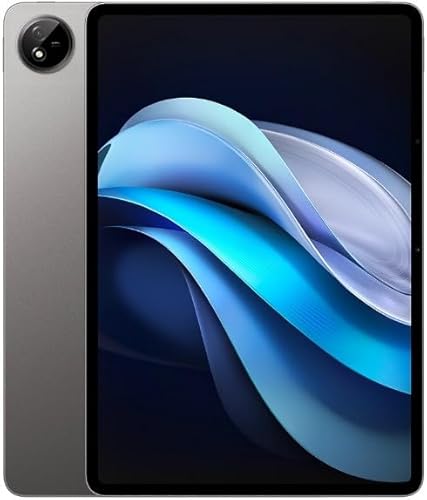
What is a tablet with a keyboard?
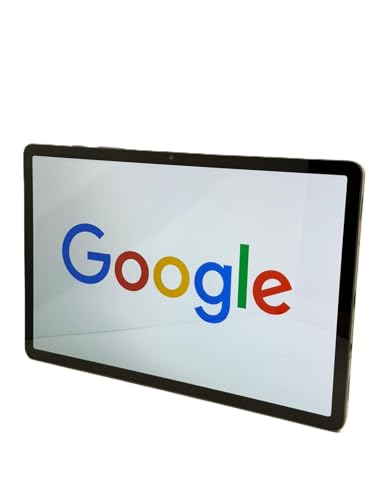
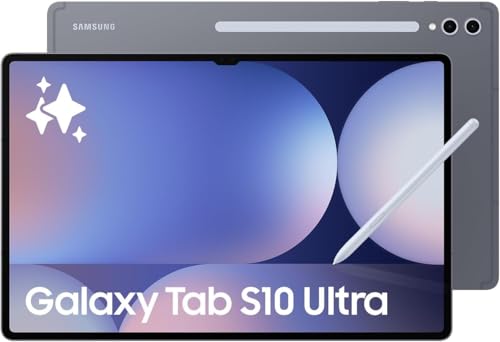
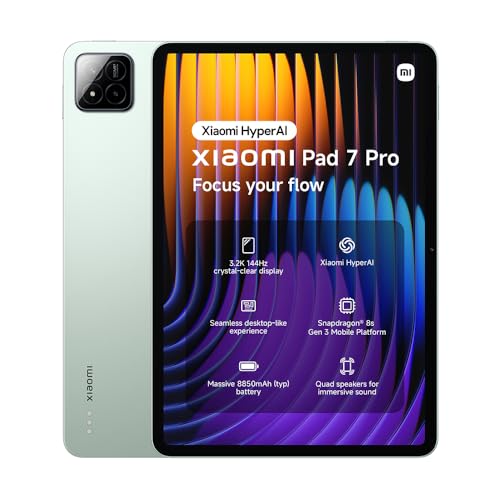
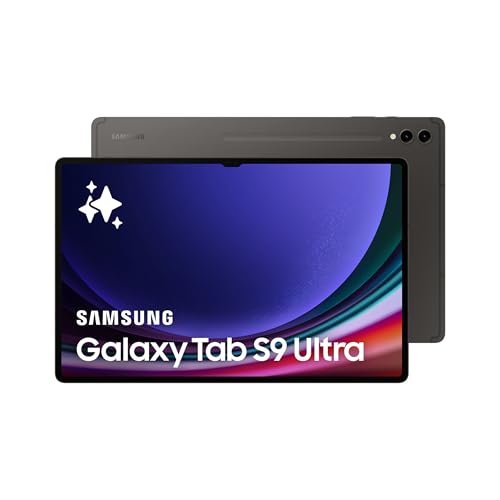
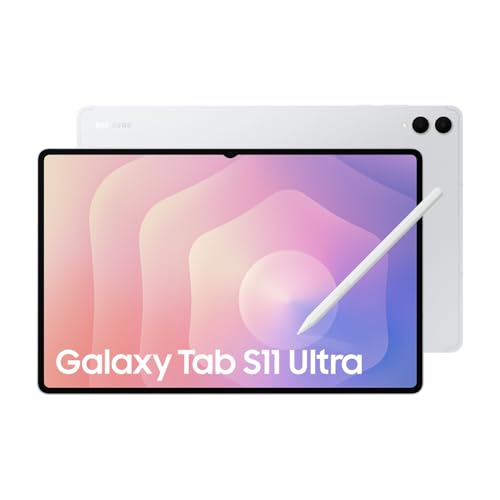
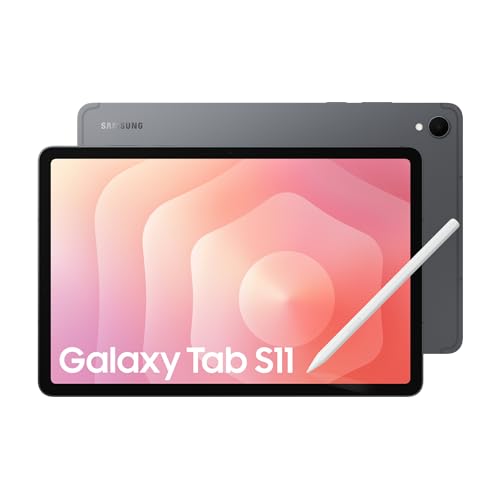
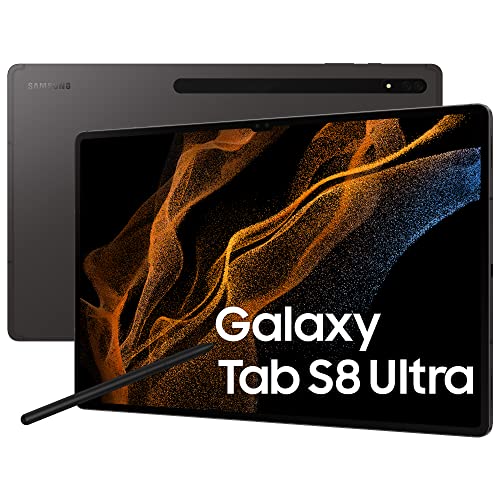
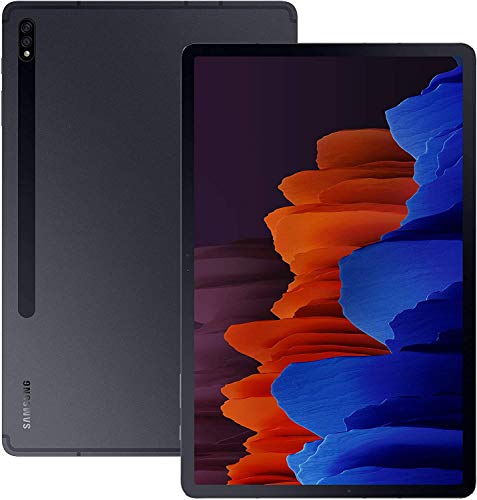
A tablet with a keyboard is a tablet that connects to a physical keyboard through a dock, magnetic connector, or Bluetooth. It works as a hybrid device that combines touchscreen control with a typing experience similar to a laptop. Some keyboards act as protective covers when closed, while others detach fully, so the tablet can still function on its own.
Who should buy a tablet with a keyboard?
A tablet with a keyboard suits the following types of users most:
- Students: University and college students benefit from tablets with keyboards because they can take notes during lectures and complete assignments without carrying heavy laptops. The touch screen functionality helps with research and digital textbooks, while the keyboard attachment makes typing essays and reports much faster than on-screen keyboards.
- Business travelers: Professionals who travel frequently find tablets with keyboards ideal for their mobility needs since these devices weigh less than traditional laptops but still handle email, presentations, and document editing. The long battery life means they can work during flights and meetings without searching for power outlets.
- Creative professionals: Graphic designers, artists, and content creators appreciate tablets with keyboards because the touch screen supports stylus input for drawing and design work while the keyboard handles text-heavy tasks. Many creative apps work better with touch controls than traditional mouse and keyboard setups.
- Remote workers: People who work from different locations need devices that adapt to various work environments, and tablets with keyboards provide this flexibility since they function as both consumption and creation devices. The compact size means they fit easily in small workspaces like coffee shops or home offices.
- Senior users: Older adults often prefer tablets with keyboards because the larger screen size makes text easier to read while the familiar keyboard layout reduces the learning curve compared to touch-only devices. The simplified interface of tablet operating systems combined with physical keys creates a comfortable computing experience.
- Light computer users: People who primarily browse the web, check email, and use basic productivity apps find tablets with keyboards sufficient for their needs while costing less than full laptops. These users avoid the complexity of traditional computers while still having access to a physical keyboard when needed.
How do tablets with keyboards compare to laptops?
Tablets with keyboards compare to laptops as lighter and more portable devices, but they usually have lower processing power and fewer advanced functions. They suit tasks like browsing, writing, or video calls, while laptops handle heavy software, multitasking, and professional programs better.
A tablet with a keyboard often has a touchscreen and detachable design, which adds flexibility that a laptop does not have.
What size tablet works best with a keyboard?
The size of tablet that works best with a keyboard is usually between 10 and 13 inches.
A 10-inch tablet is light and portable, and it pairs well with compact keyboards for travel or casual work. A 12- or 13-inch tablet gives a wider display and more comfortable typing space, which suits writing, editing, and multitasking.
Smaller tablets, such as 8-inch models, feel cramped with a keyboard and do not suit longer typing sessions. Larger tablets above 13 inches often match the dimensions of laptops, so they work well for productivity but reduce portability.
The following chart shows how screen sizes are distributed across tablets with keyboard support.
[vertical-chart-03150935594647807393041854996464861304842163625086]
Which brands make the best tablets with keyboard?
The best tablet brands with keyboard support are as follows.
- Samsung (Overall score: 8.9 points)
- Vivo (Overall score: 8.6 points)
- Apple (Overall score: 8.6 points)
Tablet brands with keyboard support are ranked by overall score in the following chart.
[horizontal-chart-06403242337370002319083800767338941559093882153740]
How much do tablets with keyboard cost?
Tablets with keyboard cost between £130 and £1,300 depending on size, performance, and brand.
Entry-level models with small screens and basic processors start at about 150–£260, which suits web browsing, email, and light productivity. Mid-range devices with faster processors, higher resolution displays, and detachable keyboards usually range from £340 to £600, and these models handle office work and entertainment well.
High-end tablets with keyboards cost from £700 to over £1,300, as they use advanced processors, large high-resolution displays, and strong battery performance.
What else should you consider when choosing the best tablet with keyboard?
When choosing the best tablet with keyboard, you should consider the following key factors:
- Display quality: Screen resolution directly impacts text clarity and visual experience during work sessions. Tablets like the iPad Pro series feature Liquid Retina displays with 2732x2048 resolution, while Microsoft Surface Pro models typically offer 2880x1920 pixel density.
- Processing power and RAM: The processor determines how smoothly applications run and multitasking performance. Apple's M-series chips in iPad Pro models deliver desktop-class performance, while Intel Core processors in Surface tablets handle demanding software like Adobe Creative Suite. RAM capacity of 8GB or higher supports seamless switching between multiple applications.
- Keyboard design and connectivity: Keyboard attachment methods vary between magnetic connections and Bluetooth pairing systems. The iPad Pro works with Magic Keyboard that features backlit keys and trackpad, while Surface Type Cover connects magnetically with precise key travel. Key spacing and tactile feedback affect typing comfort during extended work sessions.
- Operating System compatibility: The OS determines which software applications you can run and workflow integration. iPadOS excels in creative applications and touch-first design, while Windows tablets run full desktop programs like Microsoft Office and development tools. Android tablets like Samsung Galaxy Tab series work well with Google Workspace applications.
- Battery life: Active usage time varies significantly between models and usage patterns. iPad Air delivers up to 10 hours of video playback, while Surface Pro models typically provide 8-9 hours of mixed usage. USB-C charging has become standard, but some models still use proprietary connectors.
- Storage: Internal storage affects how many applications and files you can store locally. Base models often start at 64GB or 128GB, but professional work requires 256GB or higher capacity. Some Android tablets support microSD card expansion, while iPads rely solely on internal storage without expandability options.
- Port selection and connectivity: Available ports determine peripheral device compatibility and workflow flexibility. Modern tablets feature USB-C ports for data transfer and external monitor connections, while some models retain 3.5mm headphone jacks. Thunderbolt 4 support in premium models allows connection to high-resolution external displays and fast storage devices.