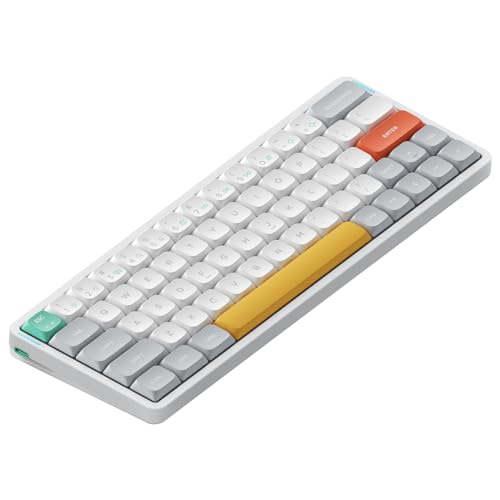
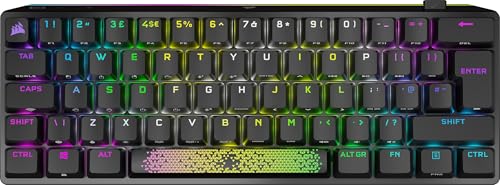
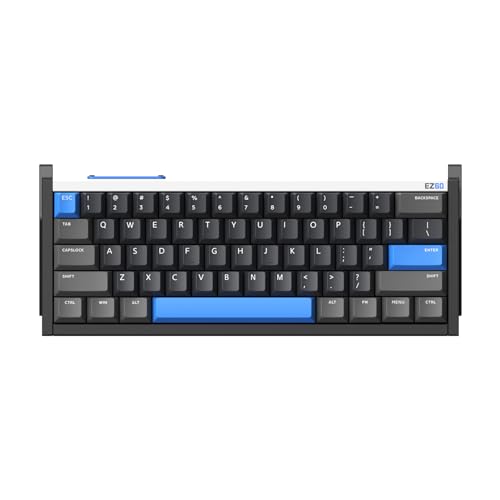
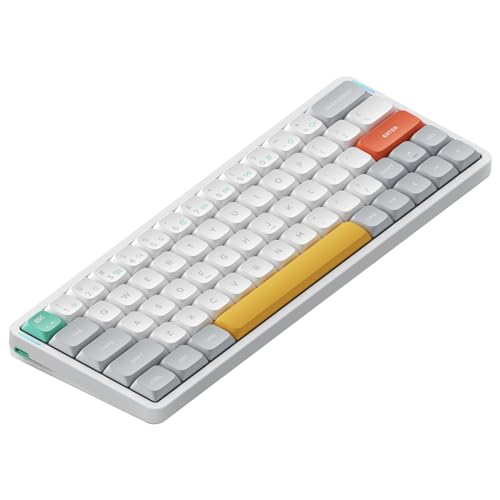
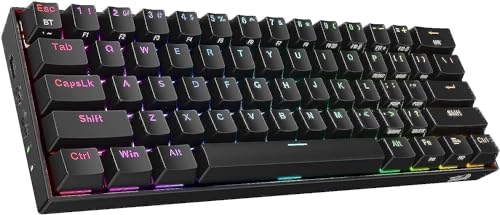
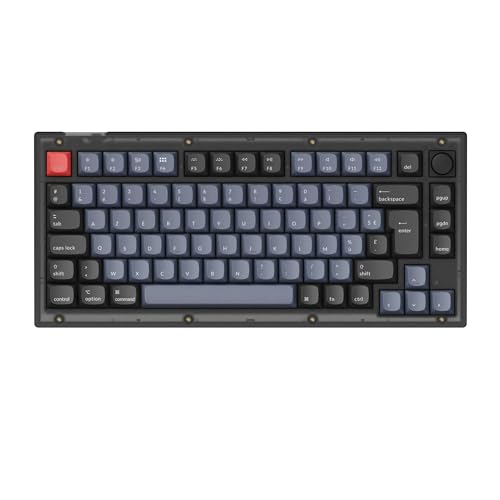
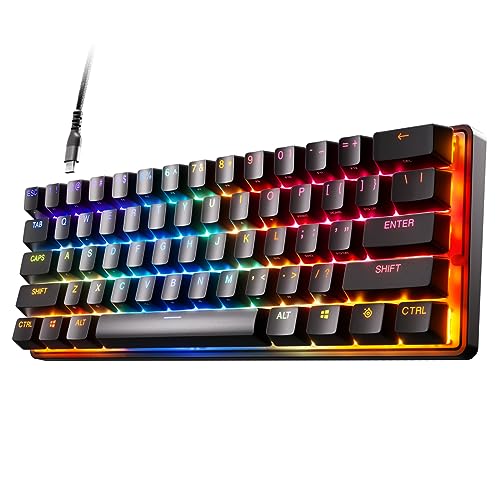
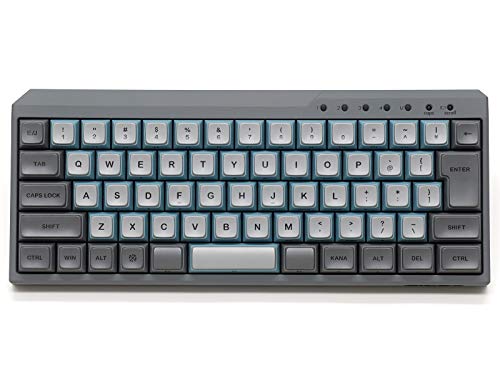
Which brands make the best 60% keyboards?
The best 60% keyboard brands are as follows.
- NuPhy (Average overall score: 7.6)
- Keychron (Average overall score: 6.7)
- Ducky (Average overall score: 6.3)
The chart below ranks 60% keyboard brands by average overall score.
[horizontal-chart-06810997573348440359174141065120652268262655659583]
Which 60% keyboards have the highest user ratings?
The 60% keyboard brands with the highest user ratings are as follows.
- Ducky (Users rating: 8.5 points)
- NuPhy (Users rating: 8.4 points)
- Cooler Master (Users rating: 7.9 points)
This chart compares 60% keyboard brands by average user rating.
[horizontal-chart-13912486447853215643148386191589838715811917396001]
What is a 60% keyboard?
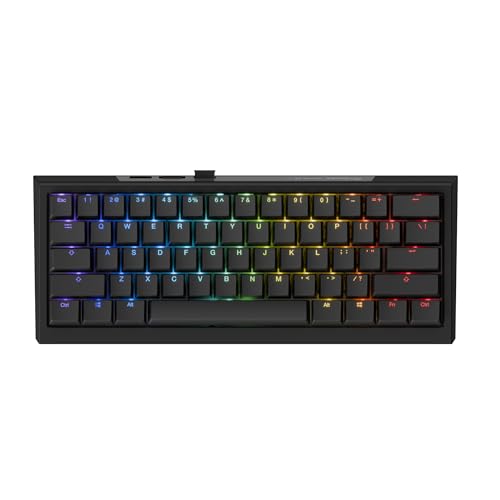
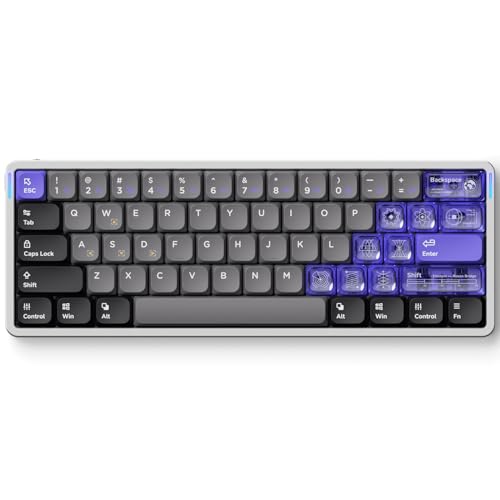
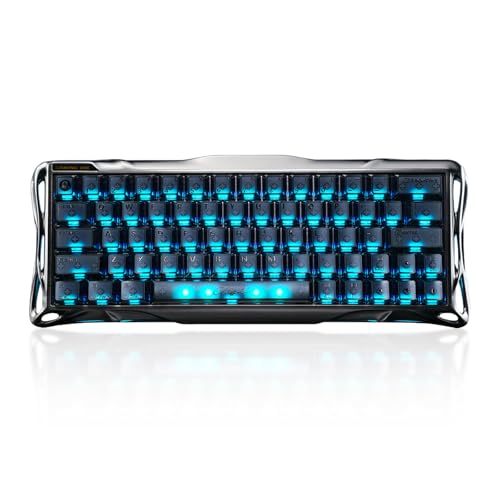
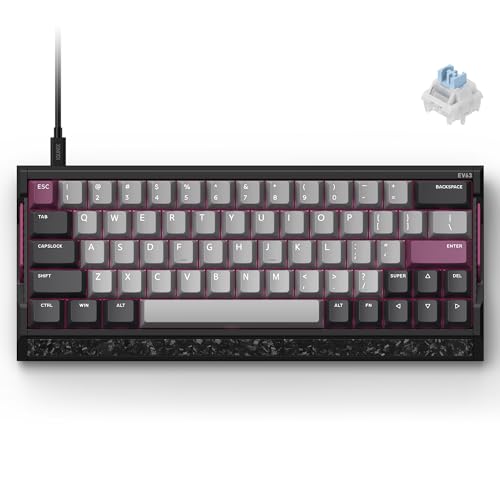
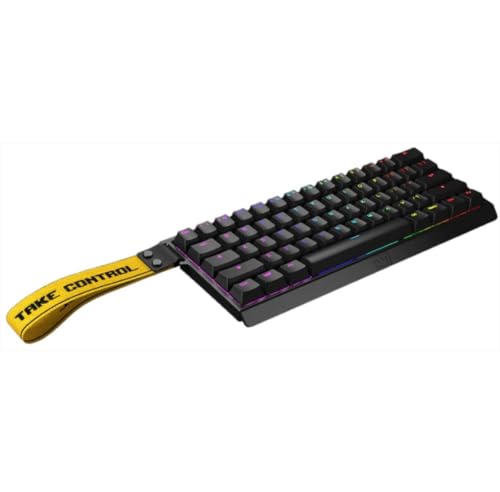
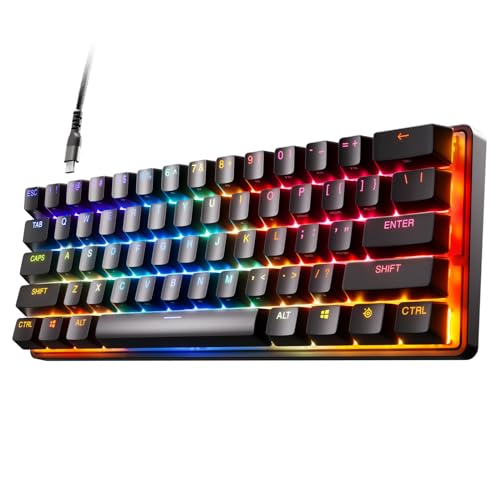
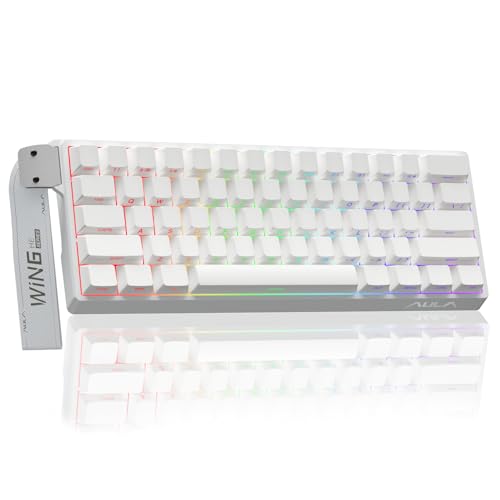
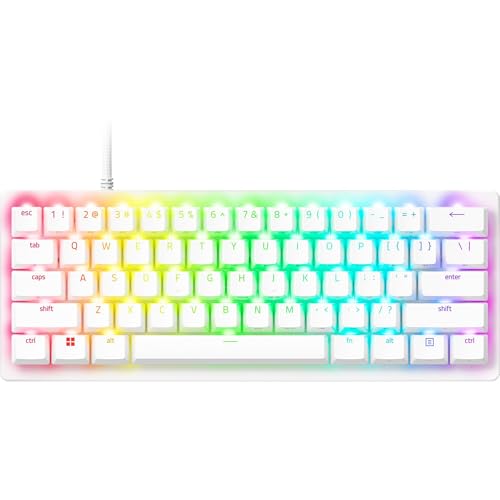
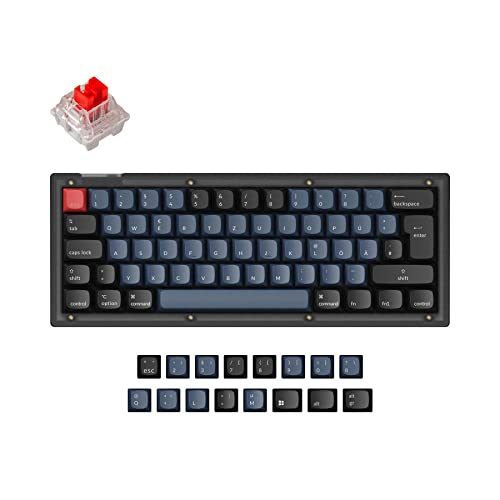
A 60% keyboard is a compact layout that removes the numpad, function row, and most of the dedicated navigation cluster to keep only the core typing block. It is one of the smallest mainstream keyboard formats that still feels practical for many desktop users.
The goal of a 60% board is not only to save space, but also to move the mouse and keyboard closer together. That makes the format especially attractive for tighter desks, portable setups, and gaming layouts where extra mouse room matters.
What changes is not the main letter area, but everything around it. Function keys, arrows, and navigation controls are usually moved onto layers, so a 60% keyboard works best when you are comfortable using shortcuts and secondary key combinations instead of expecting one dedicated key for every function.
Who should consider buying a 60% keyboard?
A 60% keyboard is a strong fit for buyers who want to save desk space, travel with a smaller board, or keep more room free for mouse movement. It suits compact gaming setups, minimalist desks, and users who already rely heavily on shortcuts.
The format also makes sense for people who do not use the numpad or dedicated function row very often. If your daily work depends more on the main typing block than on constant standalone navigation keys, a 60% board can feel cleaner and easier to position than larger layouts.
It is less ideal for buyers who need direct access to function keys, arrows, or navigation controls all day long. A 60% keyboard rewards adaptation, so it works best when you see layers as normal workflow rather than as a compromise you will resent.
What keys are missing on a 60% keyboard?
A 60% keyboard usually removes the dedicated function row, numpad, arrow keys, and most standalone navigation keys such as Insert, Home, End, Page Up, and Page Down. Those functions are typically moved onto a secondary layer that you access through a modifier key.
That means the missing keys are not always truly gone, but they are no longer available as separate physical keys. The real adjustment is learning where the layered versions sit and whether the board's firmware makes those shortcuts easy to customize.
This tradeoff is the core of the 60% format. You gain a much smaller footprint, but you give up instant one-key access to several controls that larger layouts keep visible all the time.


How much do the best 60% keyboards cost?
The best 60% keyboards usually cost about £80-£180, while the more premium enthusiast options can rise to roughly £210-£240. That is the range where compactness starts to combine with better switch quality, stronger firmware, and more refined construction instead of just chasing the lowest possible price.
More affordable 60% boards around £60-£130 already cover a large part of this category and can be excellent value if you mainly want the small layout itself. Prices climb when you move into heavier aluminum-style builds, Hall effect switches, better wireless execution, or more enthusiast-focused tuning.
What should you consider while choosing a 60% keyboard?
You should consider the following factors when choosing a 60% keyboard:
- Layer usability: A 60% board depends heavily on secondary layers for arrows, function keys, and navigation controls. If the default layer logic feels awkward, the compact format quickly becomes more frustrating than helpful.
- Switch type: Most 60% boards are mechanical, but the subset also includes Hall effect and optical designs. Start with the switch feel and response style you want, then decide whether the compact shape is enough on its own or whether you also want premium gaming-style switch behavior.
- Connection type: Wired USB is still the most common option, but wireless and tri-mode models are also well represented in this layout. If you want the board to move between devices, compactness and multi-mode support can be a very good combination.
- Hot-swap and firmware: Hot-swappable sockets are common in this subset, while QMK or VIA support appears on a smaller but still meaningful slice. Those features matter more on 60% boards because layout compromises are easier to fix when you can remap layers and tune the board around your habits.
- Weight and portability: Some 60% models are light and easy to carry, but others are surprisingly heavy enthusiast builds above 1 kg. Do not assume the small layout automatically means the board is travel-friendly.
- Missing-key tolerance: The smaller footprint is only worth it if you can live comfortably without dedicated arrows, function keys, and navigation controls. Be honest about how often you need those keys before you buy the smallest layout.
- Budget: Around £80-£130 is the practical value zone, £130-£180 often brings better refinement, and £210 and above is mainly for premium materials, Hall effect overlap, or enthusiast-oriented execution. Spend more only if the upgrade clearly improves how you will actually use the compact format.