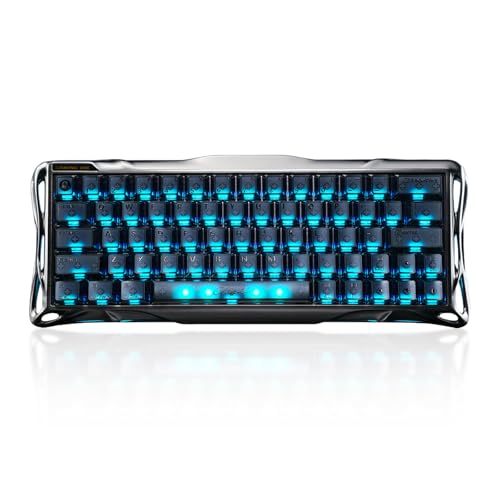
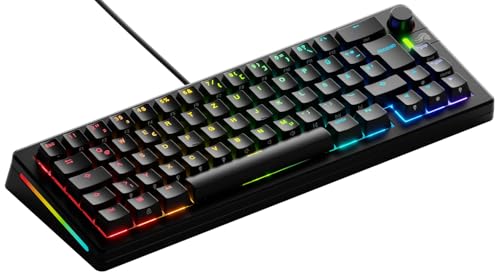
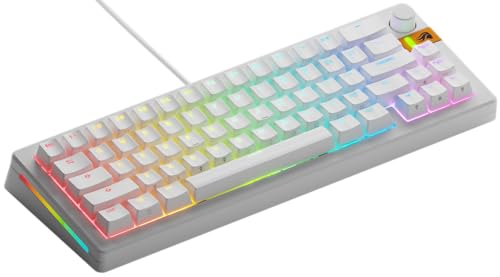
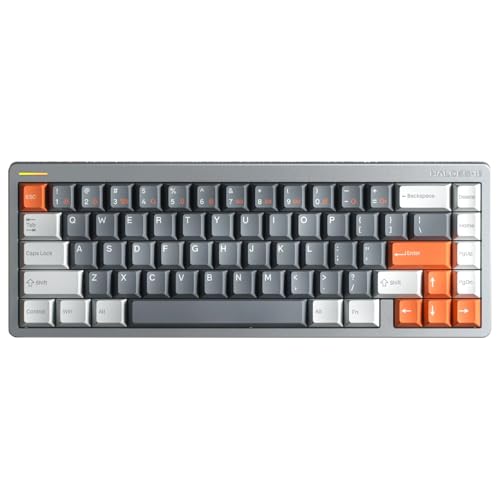
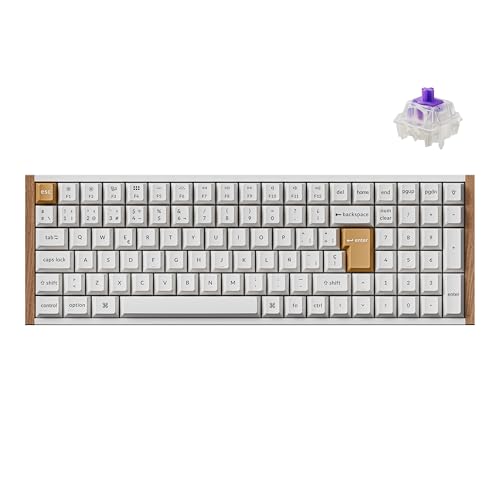
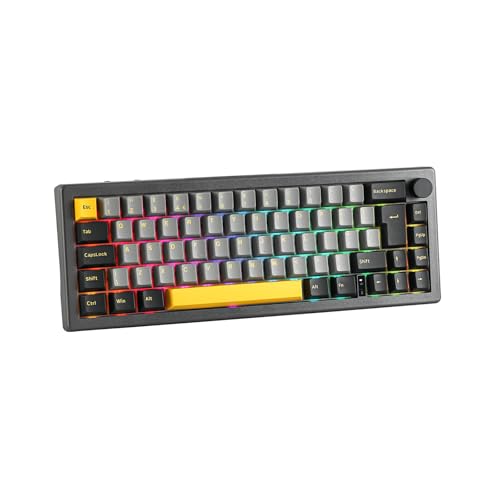
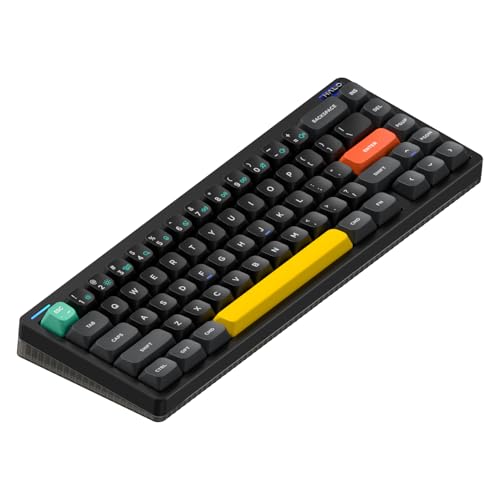
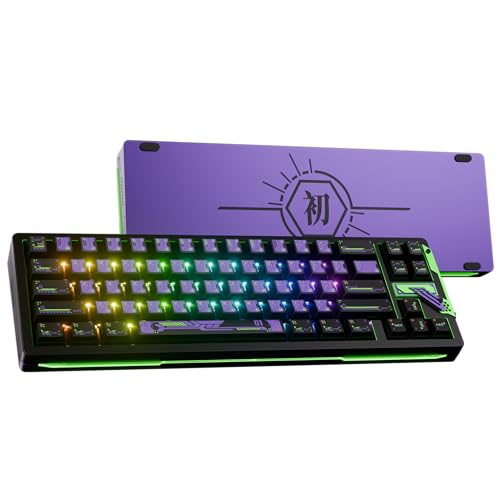
Which brands make the best mini keyboards?
The best mini keyboard brands are as follows.
- Glorious (Average overall score: 7.6)
- NuPhy (Average overall score: 7.4)
- ASUS (Average overall score: 7.2)
The chart below ranks mini keyboard brands by average overall score.
[horizontal-chart-09185677001922054803009391347659619483912893342190]
Which mini keyboards have the highest user ratings?
The mini keyboard brands with the highest user ratings are as follows.
- ASUS (Users rating: 9.3 points)
- Keychron (Users rating: 9.1 points)
- Ducky (Users rating: 8.6 points)
This chart compares mini keyboard brands by average user rating.
[horizontal-chart-10250314097233342700106888366414604146040469141339]
What makes a keyboard mini?
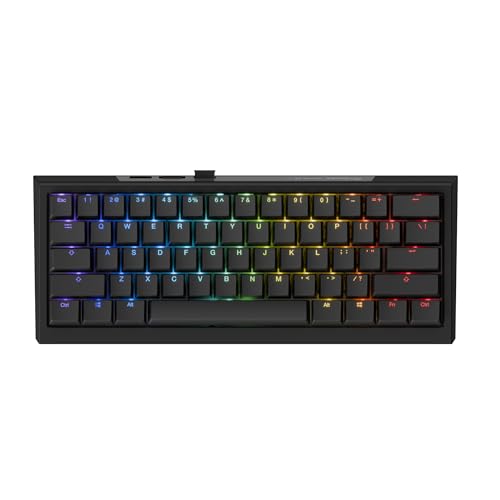
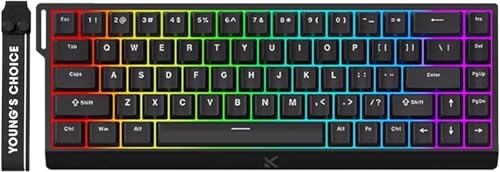
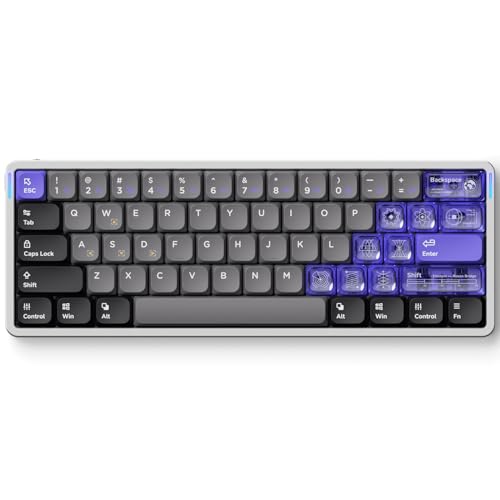
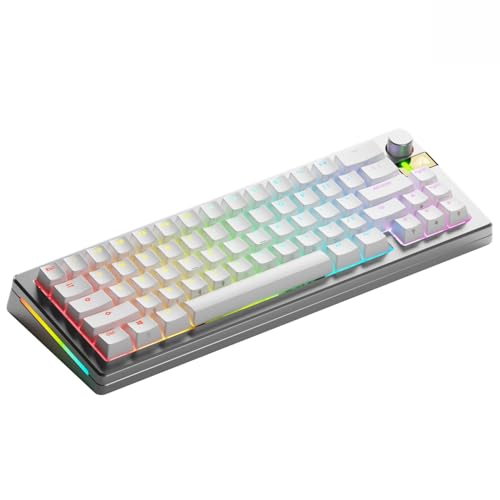
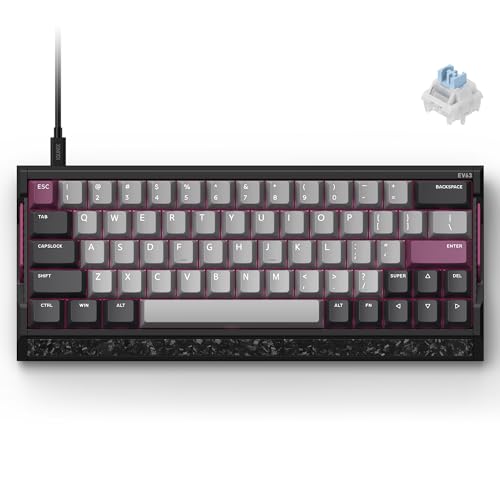
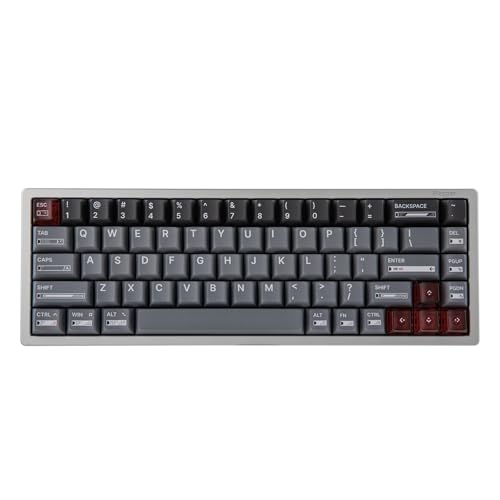
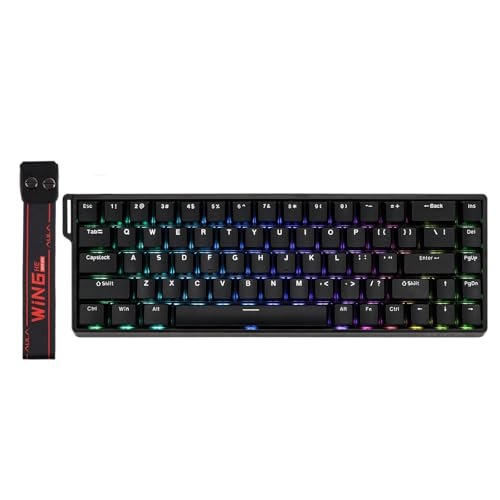
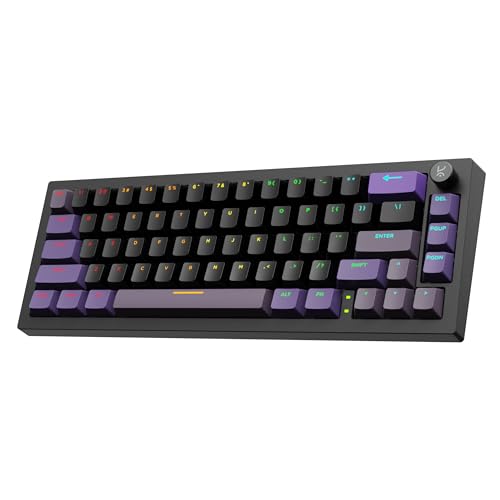
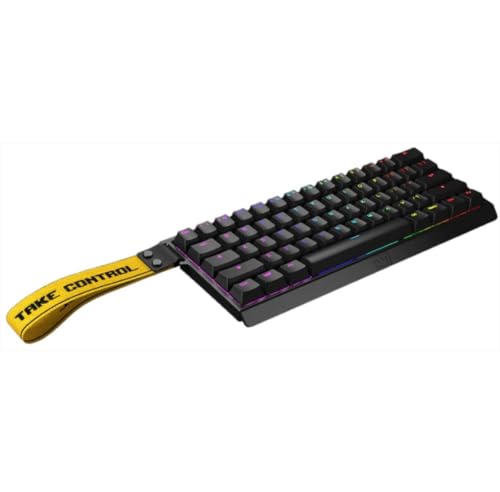
A keyboard is mini when it uses a very small layout with 75 keys or fewer, which usually means a 60% or 65% design in the current mainstream market. The main idea is to keep the core typing area while removing enough surrounding keys to save a substantial amount of desk space.
Mini does not describe one single exact shape. Some mini keyboards remove the function row and most navigation keys, while others keep arrows or a few extra controls in a tighter layout.
What makes the keyboard feel mini is the overall reduction in width and key count, not just a cosmetic label. The format is defined more by compactness and key-tradeoff strategy than by one universal physical template.
Who should consider buying a mini keyboard?
A mini keyboard is a strong fit for buyers who want to save desk space, bring the mouse closer to the typing position, or build a cleaner compact setup. It works especially well for smaller workstations, portable setups, and gaming desks where large keyboard footprints feel unnecessary.
Mini models also make sense for people who already rely on shortcuts and do not mind using layers for less common keys. The format rewards buyers who care more about compactness and positioning than about keeping every control as a separate physical key.
It is less ideal for users who need constant direct access to function keys, navigation clusters, or a numpad. If those controls are central to your daily work, a larger layout will usually feel more natural and less disruptive over time.
What layouts are common on mini keyboards?
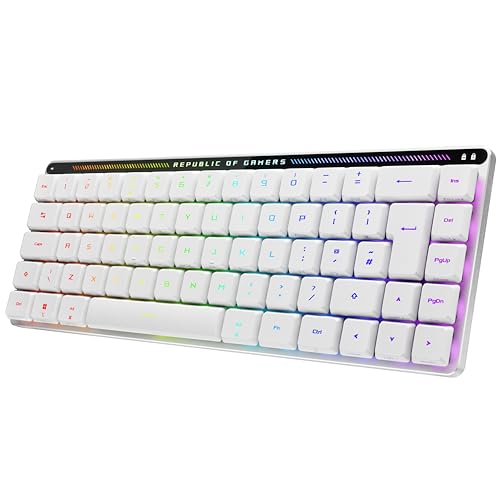
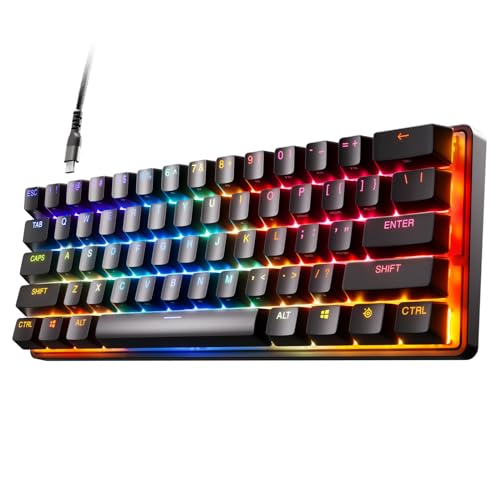
The layouts most common on mini keyboards are 60% and 65%, which together make up nearly the whole mainstream mini-keyboard market. A 60% layout pushes compactness further by removing arrows and more navigation keys, while a 65% layout usually keeps dedicated arrows and a few extra controls in exchange for slightly more width.
That split explains most of the category. Buyers who want the smallest realistic desk footprint usually end up in 60%, while buyers who want a compact board that is a little easier to live with often land on 65%.
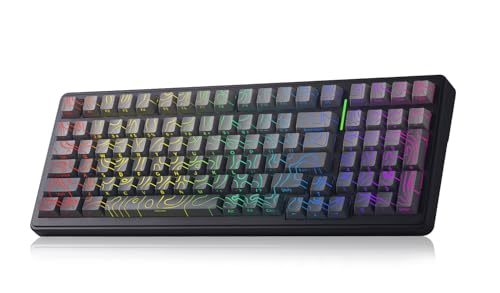
A small tail of other layouts also appears, including rarer 70% or even smaller boards, but those are not the main shape of the market. In practice, mini keyboards are mostly a choice between the stricter 60% approach and the more forgiving 65% one.
How much do the best mini keyboards cost?
The best mini keyboards usually cost about £70-£170, while more premium enthusiast and gaming-focused models often rise to roughly £180-£240. That is the range where the smaller layout starts to combine with better switch hardware, stronger case execution, or faster high-polling gaming features instead of only chasing compactness.
A large part of the category still sits around £60-£130, and many of those boards already make good sense if your main goal is getting a genuinely small layout with solid basics. Prices climb more sharply when you move into heavier enthusiast builds, magnetic or Hall-style switches, or more refined premium execution.
A few flagship mini keyboards push higher than that practical premium band, but they are not the normal answer for most buyers. In most cases, paying more only makes sense when the extra layout polish, switch technology, or build refinement clearly improves how you will actually use the compact board every day.
What should you consider while choosing a mini keyboard?
You should consider the following factors when choosing a mini keyboard:
- Layout tolerance: Mini keyboards save space by removing or compressing keys, so the first question is how much key loss you can tolerate. Decide early whether you are comfortable with a stricter 60% board or whether a 65% layout is the safer balance.
- Layer usability: The smaller the board, the more important the layer logic becomes. If arrows, function keys, or navigation commands feel awkward to reach, the compact format stops being a benefit very quickly.
- Switch technology: Most mini keyboards are mechanical, but the category also includes optical, magnetic, Hall-style, and other faster gaming-oriented designs. Choose the switch behavior you want before comparing smaller cosmetic differences.
- Desk-space goal: Mini boards make the most sense when compactness solves a real problem, such as limited desk room, travel needs, or a wide mouse area for gaming. If you do not benefit from the smaller footprint, the tradeoffs matter more.
- Build weight and feel: Some mini keyboards are light and portable, while others are dense enthusiast builds above 1 kg. Do not assume a small layout automatically means a lightweight keyboard.
- Polling rate and gaming focus: 1000 Hz is the main baseline, while 8000 Hz appears on a meaningful premium-gaming slice. Pay for the faster tier only if the rest of the board is strong enough to justify it.
- Budget: Around £70-£130 is the main value zone, £130-£170 often buys better refinement, and £180 and above is where enthusiast or higher-end gaming overlap becomes more common. Spend into the upper tiers only when the extra layout polish, switch tech, or build quality clearly matters to you.