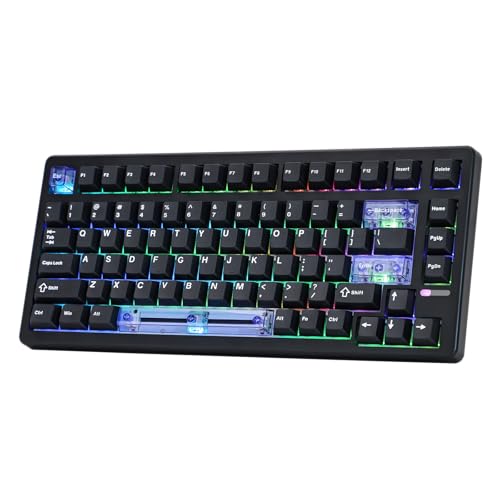
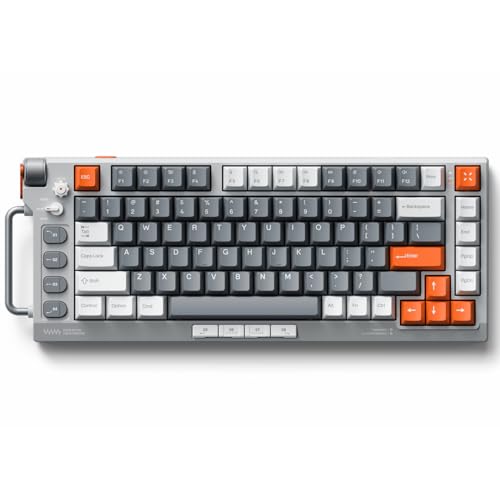
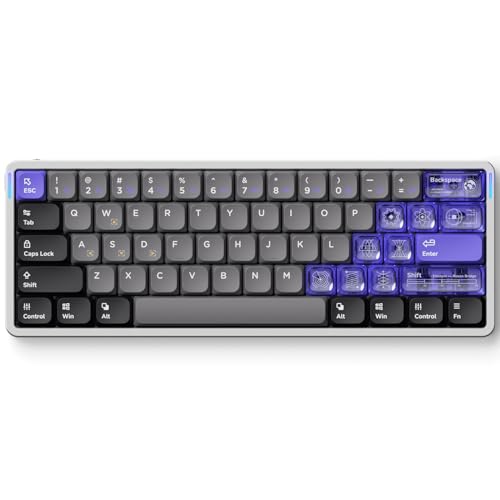
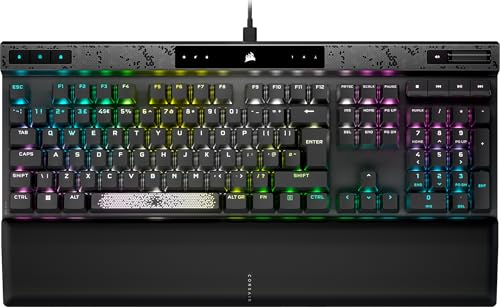
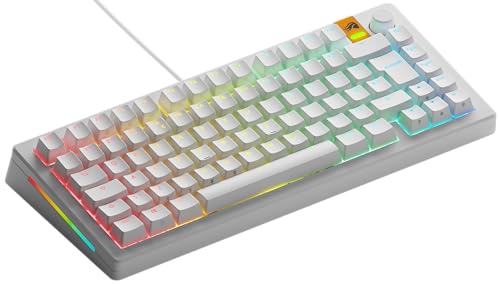
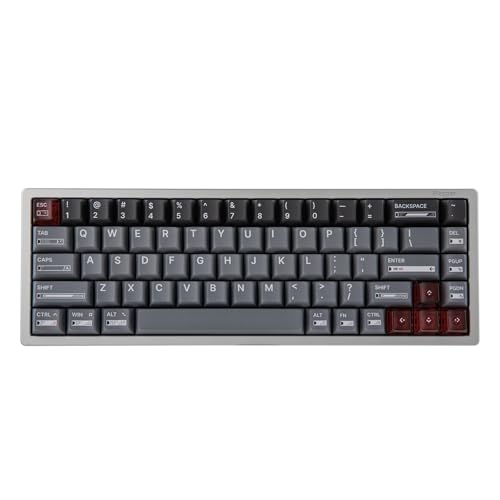
Which brands make the best gaming keyboards?
The best gaming keyboard brands are as follows.
- Keychron (Average overall score: 7.6)
- ASUS (Average overall score: 7.5)
- Glorious (Average overall score: 7.4)
The chart below ranks gaming keyboard brands by average overall score.
[horizontal-chart-10837703630523387042178434201079479816663241872785]
Which gaming keyboards have the highest user ratings?
The gaming keyboard brands with the highest user ratings are as follows.
- HyperX (Users rating: 9.4 points)
- SteelSeries (Users rating: 9.3 points)
- Logitech (Users rating: 9.3 points)
This chart compares gaming keyboard brands by average user rating.
[horizontal-chart-16148451700022502733049294522175053036082678720227]
What makes a keyboard good for gaming?
A keyboard is good for gaming when it reacts quickly, feels consistent under repeated inputs, and gives you a layout that supports your preferred hand position and desk setup. Low-latency input matters, but so do switch control, key stability, and how confidently you can hit the same keys over and over.
For most players, a solid mechanical board with 1000 Hz polling is already enough. The premium edge starts when you add Hall effect switches, rapid trigger, adjustable actuation, analog-style input, or better stabilizer tuning that makes the board feel cleaner and more predictable in fast movement-heavy games.
Size also matters more in gaming than many buyers expect. TKL, 75%, and 65% boards leave more mouse room than full-size layouts, which is one reason they stay so common among competitive players. A gaming keyboard is not just about speed on paper, but about how naturally it fits your movement, reset timing, and comfort across long sessions.
What switch types matter most for gaming?
The switch types that matter most for gaming are mechanical and Hall effect switches, with optical designs covering a smaller but still relevant part of the premium market. Mechanical switches still dominate because they offer the broadest mix of price, feel, and layout choice.
Hall effect switches matter most if you want rapid trigger, adjustable actuation, or more specialized competitive tuning. They are not necessary for every player, but they can make a real difference in games where very short reset distance and repeated directional changes matter.
Optical gaming switches sit between those two worlds by chasing fast signal registration without going fully into Hall effect behavior. The right choice depends less on marketing labels than on whether you want a traditional mechanical feel, a more customizable actuation model, or simply the best value for your budget.
What keyboard sizes are common for gaming?
The most common gaming keyboard sizes are the following:
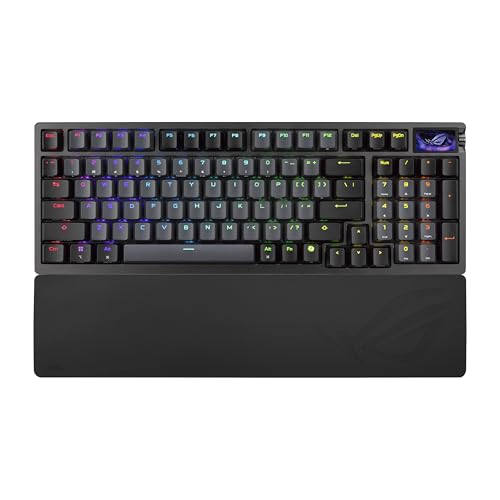
- Full-size: Full-size gaming keyboards are still common because they keep the numpad and the complete key layout, which suits players who also use their keyboard for work or general desktop use.
- TKL: Tenkeyless gaming keyboards are one of the most common formats because they free up more mouse space without removing the function row, arrow keys, or the core layout most players already know.
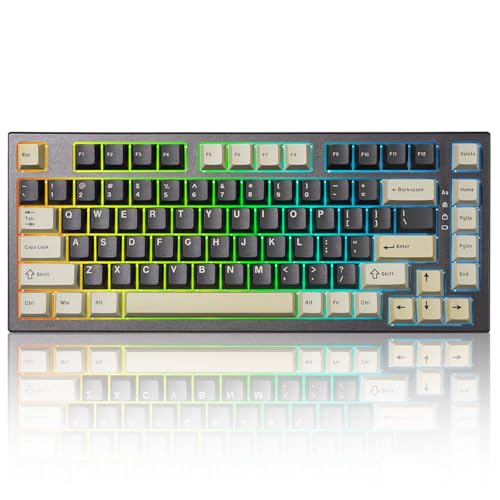
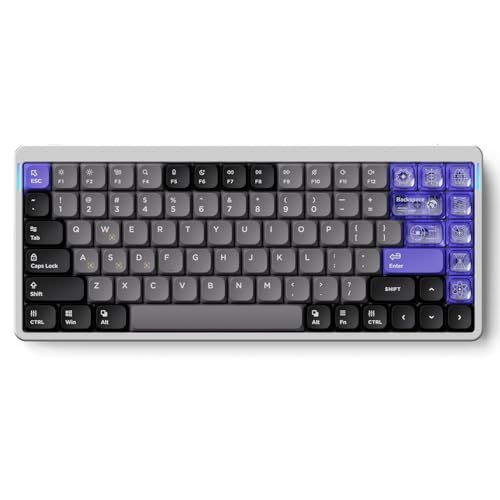
- 75%: 75% gaming keyboards are also common when buyers want something more compact but still want dedicated arrow keys and a layout that feels close to a larger keyboard.
- 60% and 65%: 60% and 65% gaming keyboards are common in more compact or esports-style setups, especially when desk space, portability, and extra mouse room matter more than keeping every dedicated key.
How much do the best gaming keyboards cost?
The best gaming keyboards usually cost about £110-£260, while premium flagships with Hall effect switches, 8000 Hz polling, or luxury cases can rise to roughly £340-£490. That is the range where gaming-specific features start to separate clearly from basic mainstream boards.
More affordable gaming keyboards around £60-£130 can still be excellent if you mainly want a solid mechanical board, 1000 Hz polling, and a sensible layout size. Prices climb when you pay for rapid trigger, adjustable actuation, tri-mode wireless done well, premium materials, or more specialized competitive tuning.
What should you consider while choosing a gaming keyboard?
You should consider the following factors when choosing a gaming keyboard:
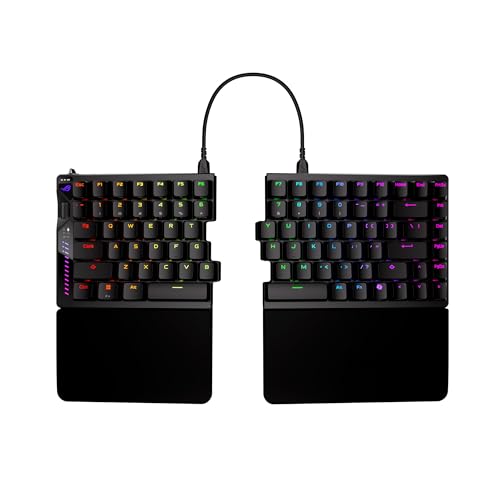
- Layout size: Full-size, TKL, 75%, and 65% are the main gaming shapes, with TKL and 75% offering the most balanced mix of key access and mouse space. If you use low mouse sensitivity, reducing keyboard width can matter more than many raw-spec upgrades.
- Polling rate: A large part of the gaming market still runs at 1000 Hz, and that is already enough for most players. Move higher only if you specifically want the premium esports-style input stack that also brings better switches, firmware tuning, and faster reset behavior.
- Switch type: Mechanical switches still cover most of the category, while Hall effect and optical boards target buyers who want faster actuation control or more competitive-specific tuning. Prioritize switch consistency and feel first, then decide whether advanced trigger behavior is worth the price jump.
- Rapid trigger and adjustable actuation: These features are useful mainly for players who care about repeated strafing, very short reset distance, or per-key actuation tuning. They are a real advantage in some competitive genres, but they are not automatically necessary for every gaming setup.
- Connection type: Wired USB remains the simplest low-latency choice, but many gaming boards now also combine USB, 2.4 GHz, and Bluetooth. If you want wireless gaming, prioritize strong 2.4 GHz behavior first and treat Bluetooth more as a convenience mode.
- Firmware and onboard memory: Onboard memory is common in this category, while QMK or VIA support appears on a smaller but still meaningful slice of better boards. That matters if you want custom layers, macros, or per-game remapping without relying entirely on cloud-tied software.
- Budget: Around £60-£130 is the practical value zone, £130-£220 is where materials and tuning often improve, and £220 and above is mainly for premium cases, Hall effect features, or top-end wireless and firmware support. Spend extra only when the feature really changes how you play.