Which brands make the best 65% keyboards?
The best 65% keyboard brands are as follows.
- Glorious (Average overall score: 7.6)
- NuPhy (Average overall score: 7.2)
- ASUS (Average overall score: 7.2)
The chart below ranks 65% keyboard brands by average overall score.
[horizontal-chart-12830440145442977419078587011462851289712015207060]
Which 65% keyboards have the highest user ratings?
The 65% keyboard brands with the highest user ratings are as follows.
- ASUS (Users rating: 9.3 points)
- Keychron (Users rating: 9.1 points)
- NuPhy (Users rating: 8.4 points)
This chart compares 65% keyboard brands by average user rating.
[horizontal-chart-09820115928181853657141235566552264277732733391772]
What is a 65% keyboard?
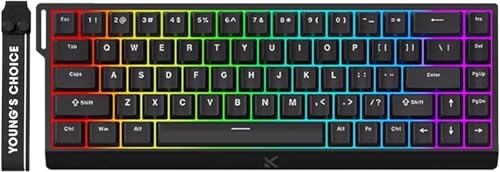
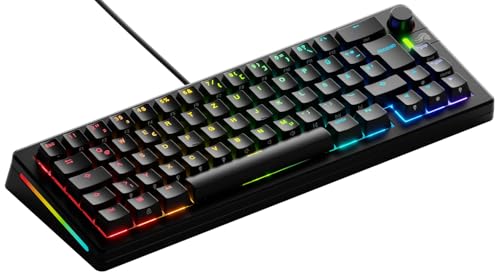
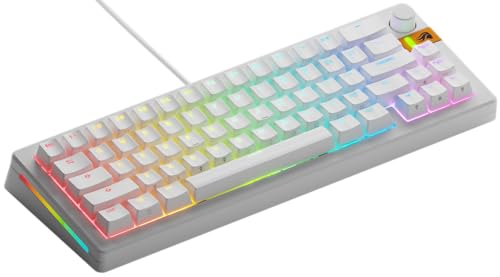
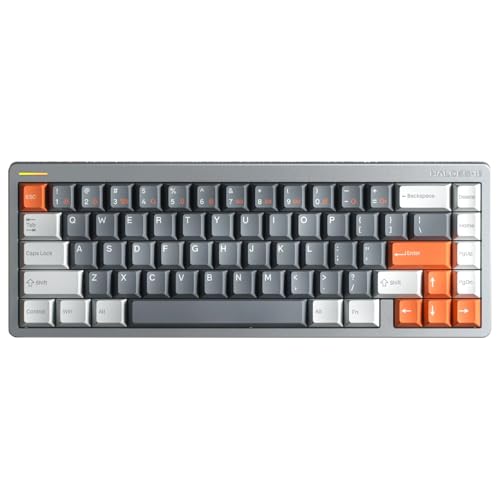
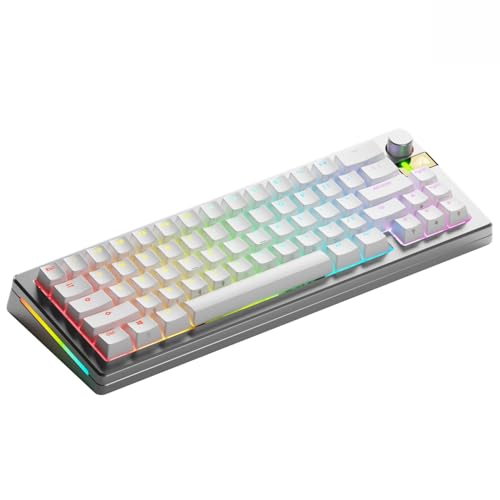
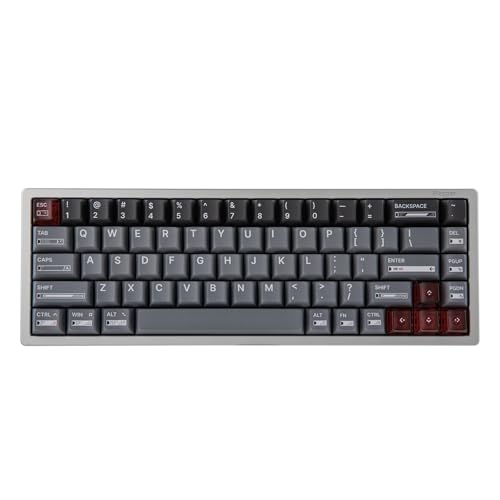
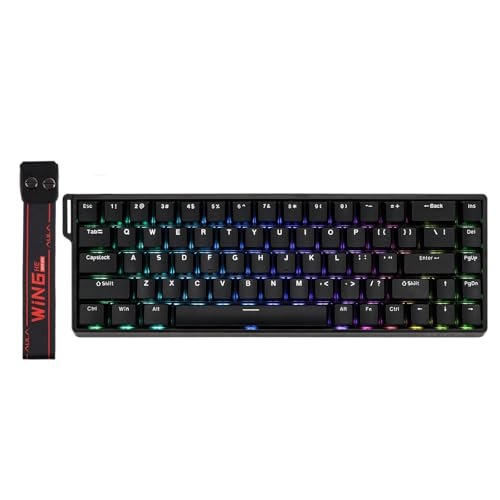
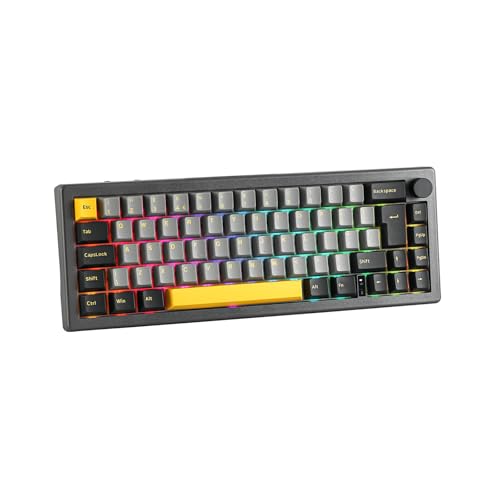
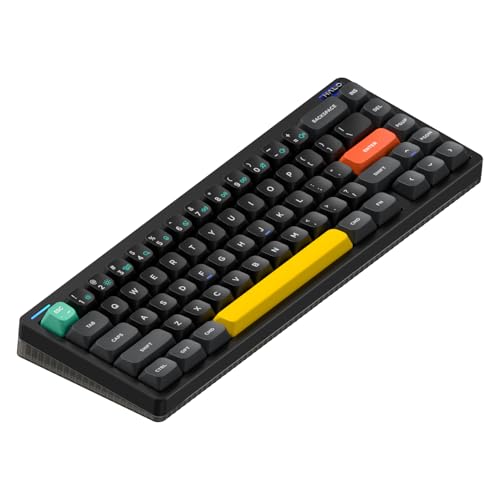
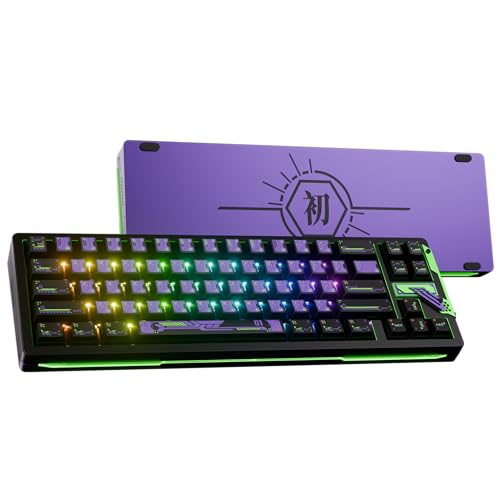
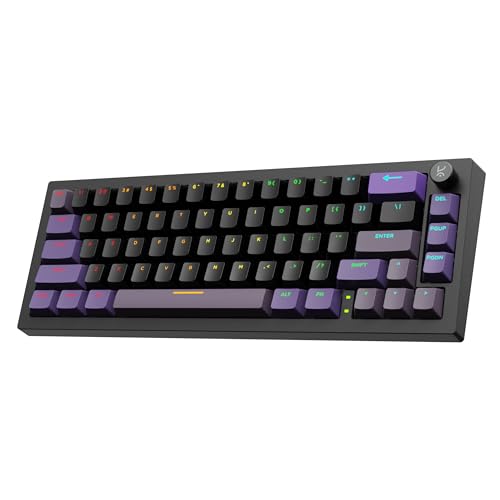
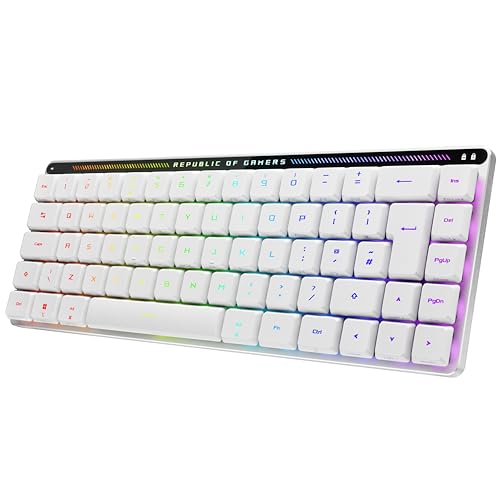
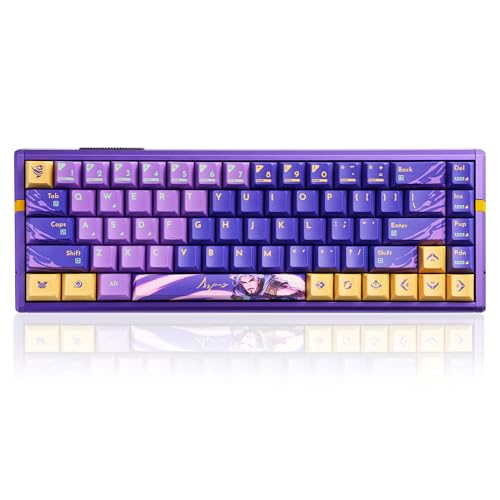
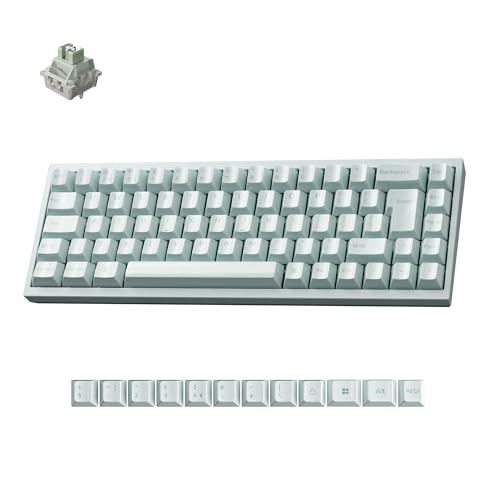
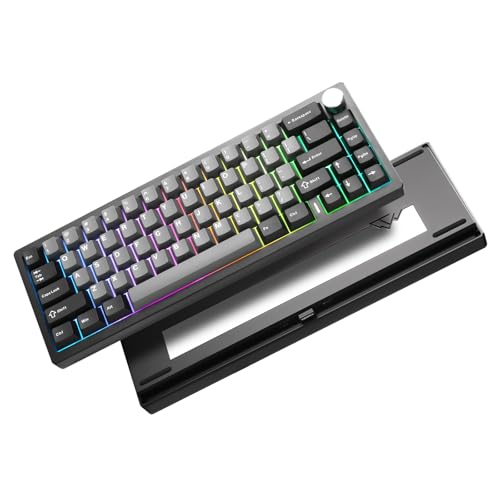
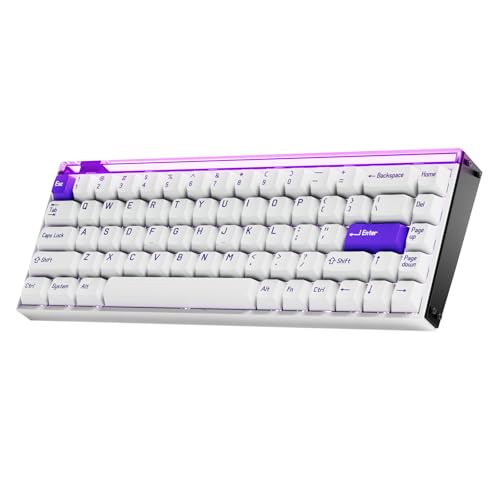
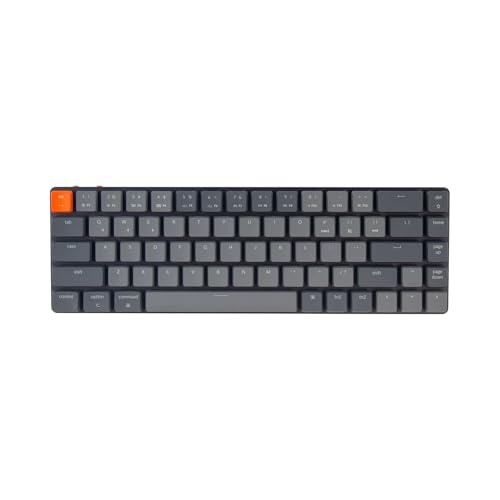
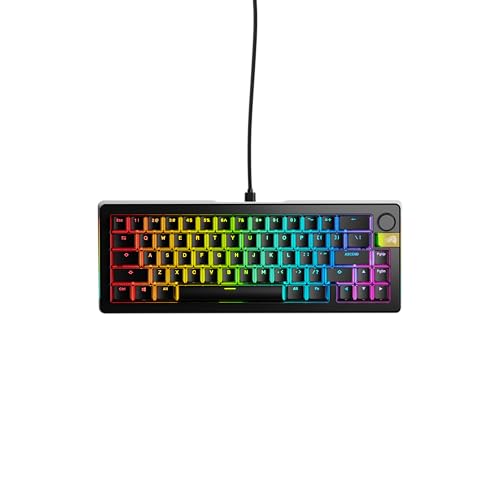
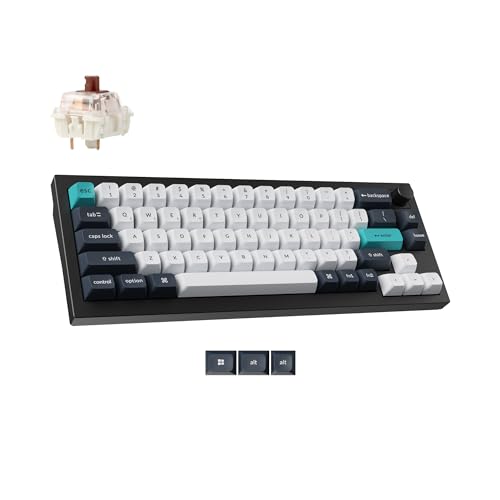
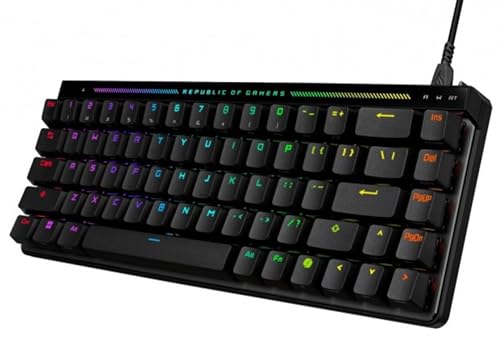
A 65% keyboard is a compact layout that removes the numpad and function row but keeps dedicated arrow keys and a small part of the navigation cluster. It is designed to feel much smaller than a TKL board while staying easier to use than a 60% layout for buyers who do not want to lose arrows.
That balance is why the format has become so popular. A good 65% board saves meaningful desk space, brings the mouse closer to the typing position, and still covers many everyday shortcuts without forcing every navigation task onto layers.
What changes is the amount of dedicated key coverage around the main typing block. The alphanumeric area stays familiar, but function keys and some navigation controls move to layers, while arrows remain directly available for editing, browsing, and general desktop use.
Who should consider buying a 65% keyboard?
A 65% keyboard is a strong fit for buyers who want a genuinely compact board without giving up arrow keys. It works especially well for people who find 60% layouts too restrictive but still want something noticeably smaller than a 75%, TKL, or full-size keyboard.
The format also suits mixed-use buyers who type, browse, code, and play on the same desk. Because arrows stay dedicated, a 65% layout is usually easier to adapt to than a 60% board, yet it still frees up more mouse space than larger layouts.
It is less ideal for users who rely heavily on the function row or on a wide set of standalone navigation keys. If those controls are part of your daily muscle memory, a 75% or TKL keyboard is often the safer choice even if it costs you some compactness.
What keys do 65% keyboards keep?
65% keyboards keep the main alphanumeric block, the full number row, and dedicated arrow keys, which is the defining advantage of the format over 60% boards. Many also keep one or more navigation keys such as Delete, Page Up, Page Down, or Home in a compact right-side column.


That retained arrow cluster is the practical center of the layout. It lets you move through text, menus, and desktop tasks without relying on a secondary layer for one of the most frequently used control groups.
What a 65% board usually gives up is the function row, the numpad, and part of the larger navigation block found on 75% or TKL layouts. Some less-used controls still move to layers, but the format keeps the keys that many compact-layout buyers miss first on 60% boards.
How much do the best 65% keyboards cost?
The best 65% keyboards usually cost about £80-£170, while more premium enthusiast and gaming-focused models often rise to roughly £180-£230. That is the range where the compact layout starts to combine with better switches, cleaner case execution, stronger acoustics, or faster high-polling hardware instead of just chasing low entry price.
A large part of the category still sits around £60-£130, and many of those boards already make good sense if your main goal is getting the 65% layout with solid basics. Prices climb more sharply once you move into heavier builds, magnetic or Hall-style switch systems, or more enthusiast-focused construction.
A few flagship boards push well beyond that practical premium band, but they are not the normal answer for most buyers shopping this format. In most cases, paying more only makes sense when the extra layout polish, switch technology, or case refinement clearly improves how you will use the compact board every day.
What should you consider while choosing a 65% keyboard?
You should consider the following factors when choosing a 65% keyboard:
- Layout efficiency: A 65% board is attractive because it keeps arrow keys while staying very compact. Check whether the arrow block and extra right-side keys feel natural for the shortcuts and editing tasks you use every day.
- Switch technology: Most 65% boards are mechanical, but this layout also covers magnetic, optical, and Hall-style options. Decide first whether you want classic typing feel, fast gaming behavior, or something more specialized.
- Function-row tradeoff: A 65% keyboard is smaller than a 75% board because it removes the function row. If you use F-keys constantly, the extra compactness may not be worth the layer dependence.
- Polling rate and gaming focus: 1000 Hz is still the main baseline, while 8000 Hz appears on a significant premium-gaming slice. Pay for the faster tier only if you specifically want that lower-latency profile and the rest of the board still looks strong.
- Build weight and feel: This layout ranges from lighter compact boards to dense enthusiast models above 1.4 kg. Small size does not automatically mean portability, so check whether you want an easy travel board or a heavier planted typing feel.
- Connection simplicity: Most 65% models here are straightforward wired USB boards, which is often good for latency and price. If you want cleaner cable management or multi-device flexibility, verify wireless support directly instead of assuming it.
- Budget: Around £70-£130 is the main value zone, £130-£170 often buys better refinement, and £180 and above is where enthusiast or higher-end gaming features start to dominate. Spend into the upper tiers only when the extra switch tech, case quality, or layout polish clearly matters to you.