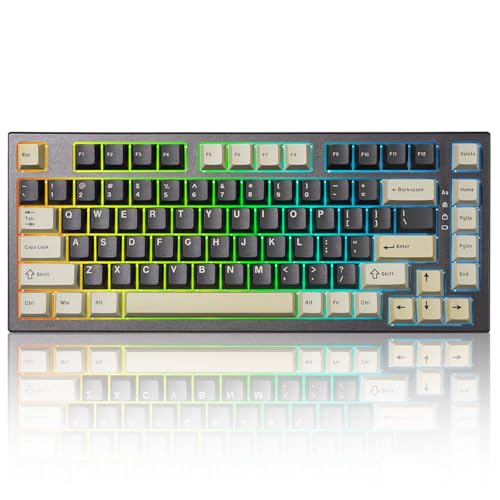
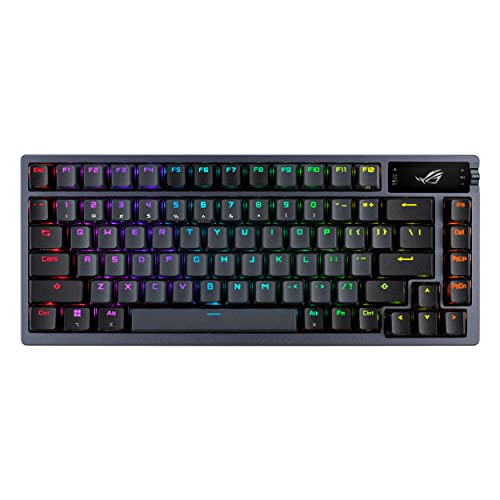
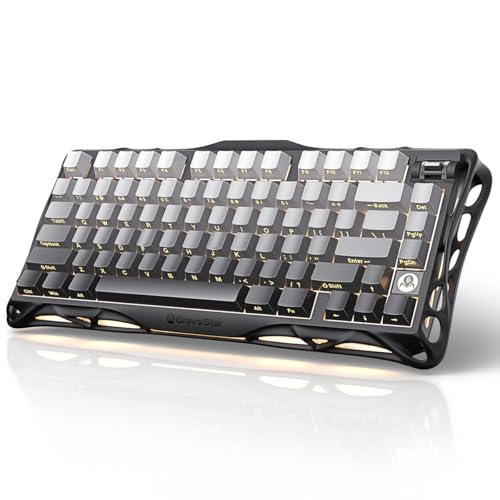
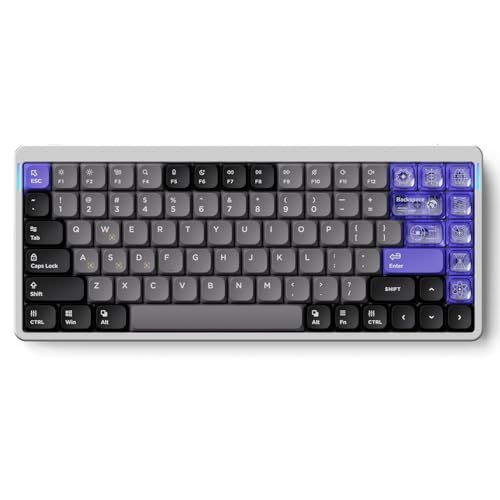
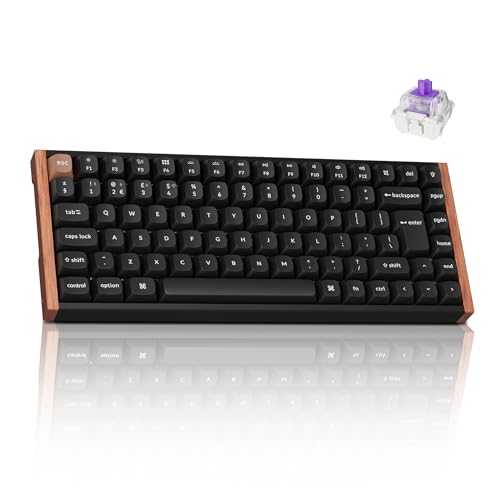
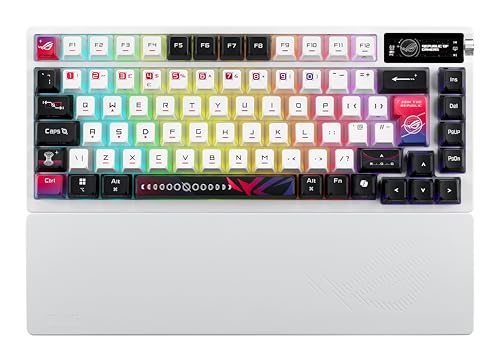
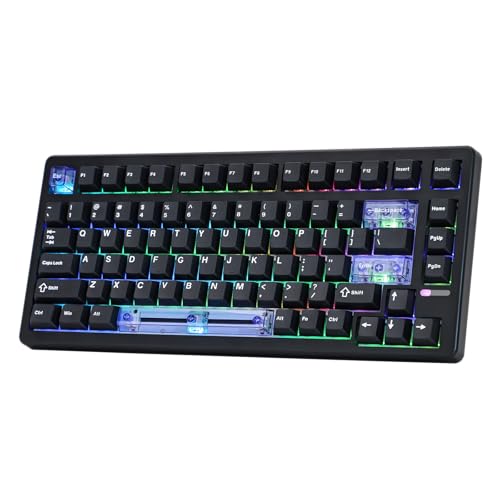
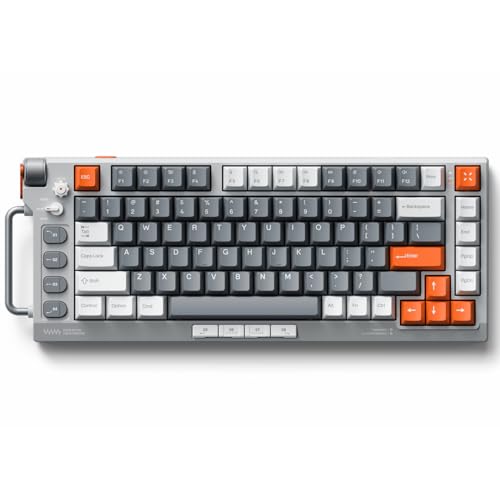
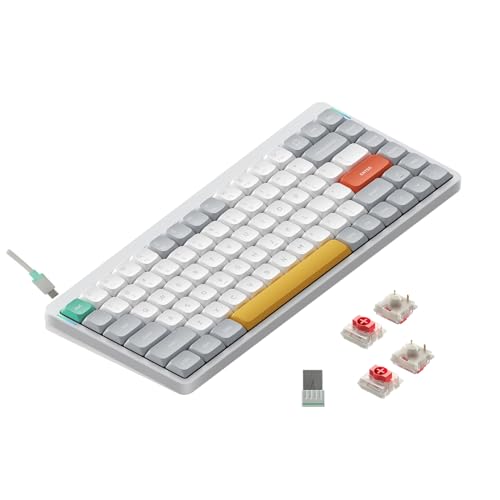
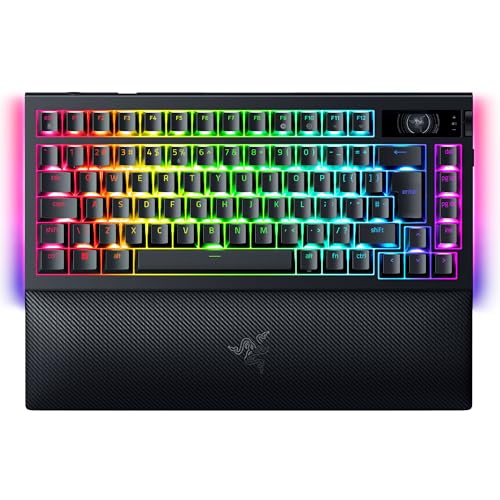
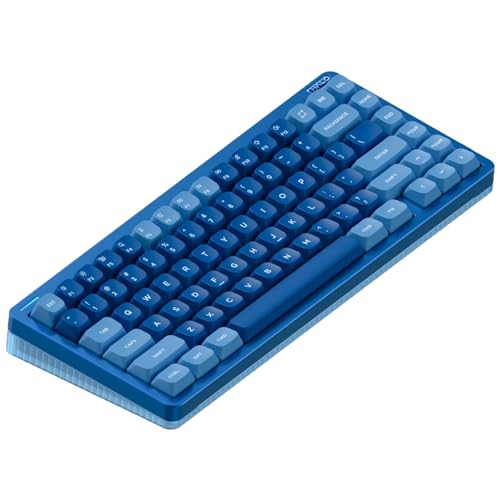
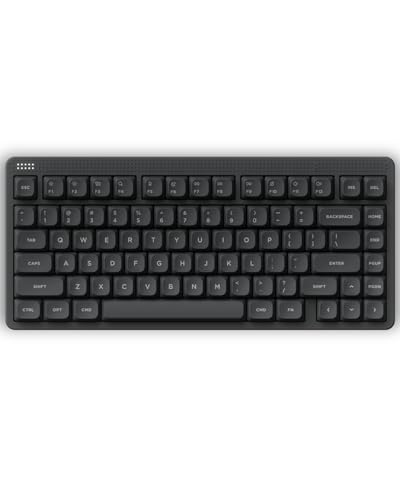
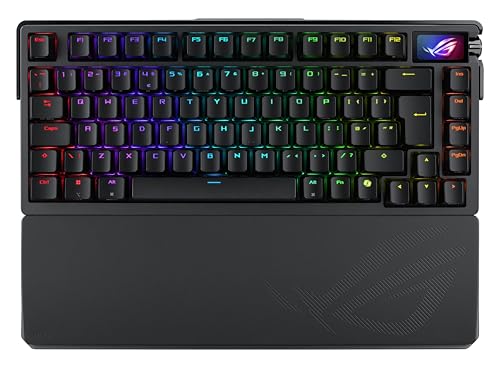
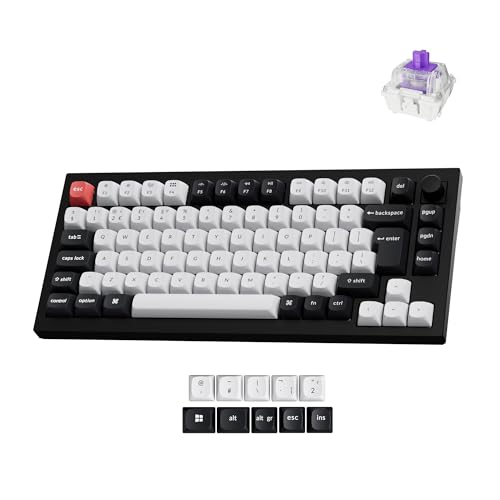
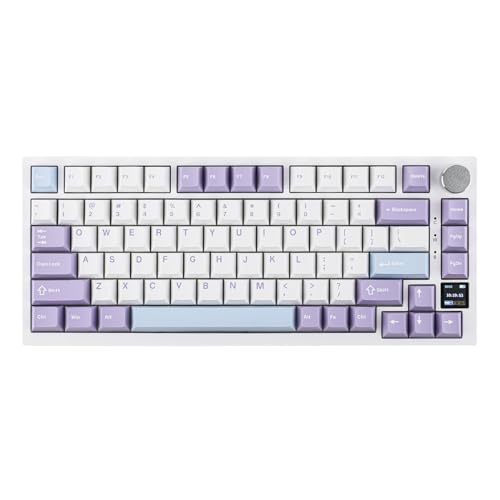
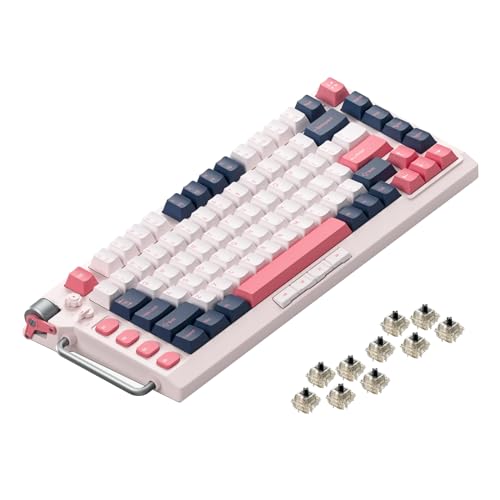
Which brands make the best 75% keyboards?
The best 75% keyboard brands are as follows.
- ASUS (Average overall score: 7.8)
- NuPhy (Average overall score: 7.8)
- Gravastar (Average overall score: 7.7)
The chart below ranks 75% keyboard brands by average overall score.
[horizontal-chart-04348649525635496026079217880366972894050921431698]
Which 75% keyboards have the highest user ratings?
The 75% keyboard brands with the highest user ratings are as follows.
- Gravastar (Users rating: 9.6 points)
- Yunzii (Users rating: 9.4 points)
- ASUS (Users rating: 9.1 points)
This chart compares 75% keyboard brands by average user rating.
[horizontal-chart-14602450042492713157175712983851649698572130757490]
What is a 75% keyboard?
A 75% keyboard is a compact layout that keeps the main typing block, number row, function row, and dedicated arrow keys while removing the numpad and compressing the right-side navigation area. It is designed to feel meaningfully smaller than a TKL board without forcing you into the heavier key-loss tradeoffs of a 60% layout.
That balance is the main reason the format has become so popular. A good 75% board still handles everyday work, shortcuts, and gaming comfortably, but it frees up more desk space and usually brings the mouse closer to the typing position.
What changes is not the core typing experience, but the way the remaining keys are packed together. The layout is denser, the navigation column is trimmed, and some secondary functions may move to layers, yet the board still keeps most of the controls many people want to access directly.
Who should consider buying a 75% keyboard?
A 75% keyboard is a strong fit for buyers who want a compact desk setup without giving up the function row or arrow keys. It works especially well for people who find 60% boards too restrictive but still want something smaller and cleaner than a TKL or full-size keyboard.
The format also suits mixed-use buyers who type, work, and play on the same board. Because it keeps the most commonly missed dedicated keys, a 75% layout is often easier to adapt to for coding, office work, and everyday navigation than more aggressive compact formats.
It is less ideal for users who rely heavily on a numpad or want the widest possible spacing between every key cluster. If spreadsheet work, data entry, or muscle memory from a larger office keyboard matters more than saving desk width, a bigger layout is usually the safer choice.
What keys do 75% keyboards keep?
75% keyboards keep the main alphanumeric block, the full number row, dedicated arrow keys, and a function row, which is exactly why the format feels more complete than a 60% or many 65% layouts. Most also preserve at least part of the navigation cluster, commonly keys such as Delete, Page Up, Page Down, or Home in a compressed right-side column.
That retained function row is one of the biggest practical differences. It gives you direct access to shortcuts, media controls, and app-specific commands without forcing them onto a secondary layer every time. Dedicated arrows matter just as much for editing, browsing, and general desktop use.


What a 75% board usually gives up is the numpad and the wider spacing of a TKL layout. Some less-used navigation functions may still move to layers, but the format keeps most of the keys that buyers tend to miss first on smaller compact boards.
How much do the best 75% keyboards cost?
The best 75% keyboards usually cost about £100-£230, while more premium enthusiast and gaming-focused models often rise to roughly £230-£340. That is the range where compactness starts to overlap with better switch quality, stronger acoustics, heavier cases, or faster high-polling hardware rather than just cheaper entry pricing.
A lot of the category still sits around £70-£160, and many of those boards already make good sense if your main goal is getting the 75% layout itself. Prices climb quickly once you move into Hall-style switch systems, more refined aluminum-heavy builds, or flagship models with unusually ambitious gaming or enthusiast tuning.
A few halo products push far beyond that practical premium band, but they are not the normal answer for most buyers shopping this layout. In most cases, the smarter question is whether the extra money improves the typing feel, key layout execution, or performance features you will actually notice every day.
What should you consider while choosing a 75% keyboard?
You should consider the following factors when choosing a 75% keyboard:
- Layout execution: A 75% board keeps more keys than smaller compact layouts, but the right-side compression still matters a lot. Check whether the arrow block, Delete position, and navigation keys feel natural for the shortcuts and habits you use every day.
- Switch technology: Most 75% boards are mechanical, but this layout also covers Hall, magnetic, optical, and capacitive options. Decide first whether you want classic typing feel, adjustable gaming behavior, or something more specialized.
- Polling rate and gaming focus: 1000 Hz is still common and already enough for most buyers, while 8000 Hz mainly targets premium gaming use. Pay for the faster tier only if you specifically want that lower-latency profile and the rest of the board is strong enough to justify it.
- Size tradeoff: A 75% keyboard is attractive because it keeps the function row and arrows while cutting width. If you still need a numpad, go larger, and if you want the smallest possible desk footprint, a 60% or 65% board may suit you better.
- Build weight and feel: This layout ranges from slim boards under 500 g to heavy enthusiast models above 1.5 kg. Small size does not automatically mean light weight, so check whether you want portability or a denser, more planted typing feel.
- Wired versus flexible use: Many 75% boards are still aimed at straightforward low-latency desktop use, while some premium models add better wireless or multi-device appeal. Match the board to whether it will stay at one desk or move between devices.
- Budget: Around £90-£160 is the main value zone, £160-£230 often buys better refinement, and £230 and above is where more specialized gaming or enthusiast features start to dominate. Spend into the upper tiers only when the extra layout polish, switch tech, or case quality clearly matters to you.