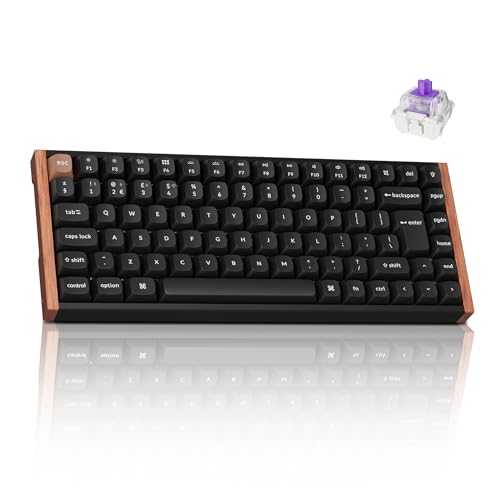
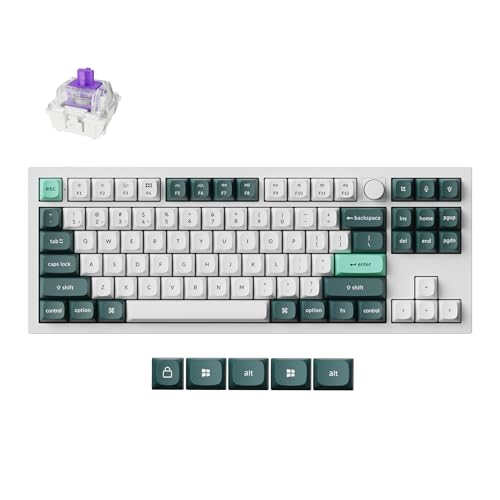
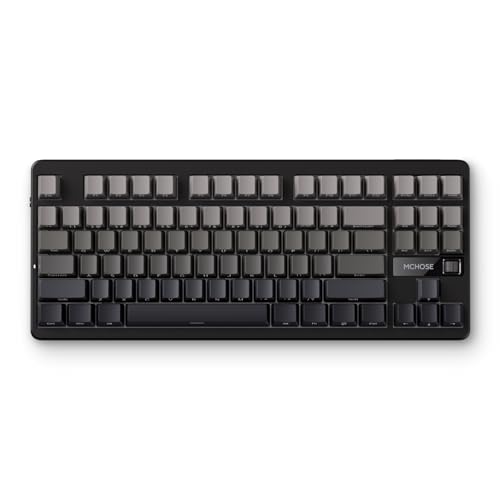
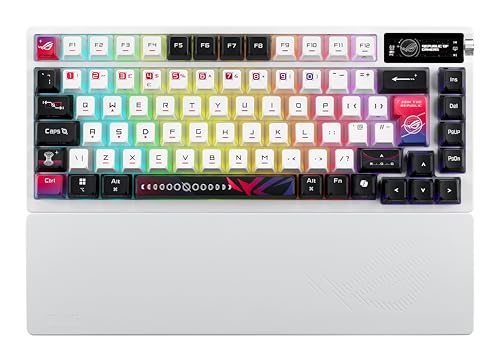
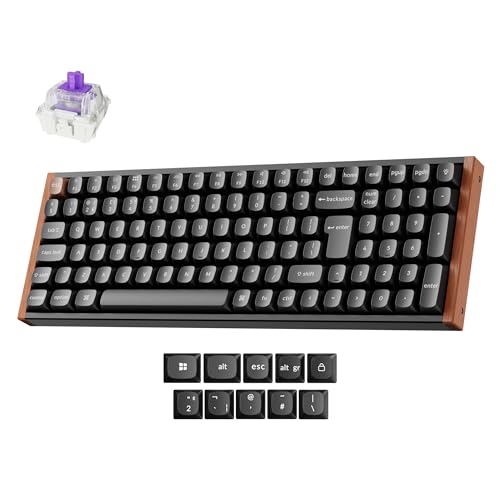
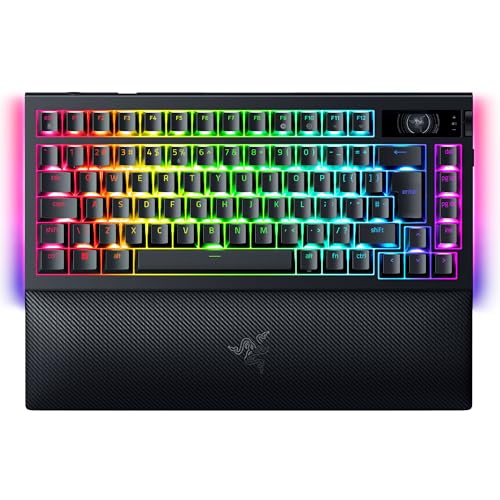
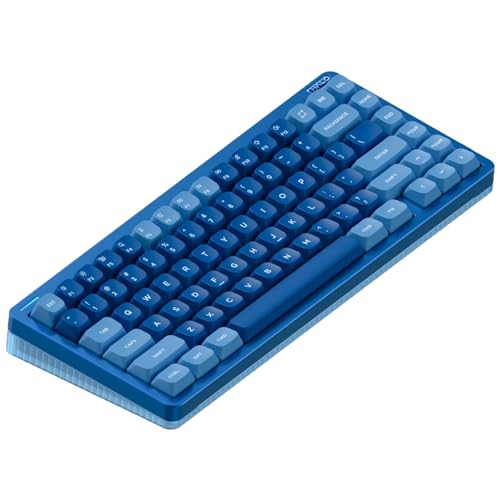
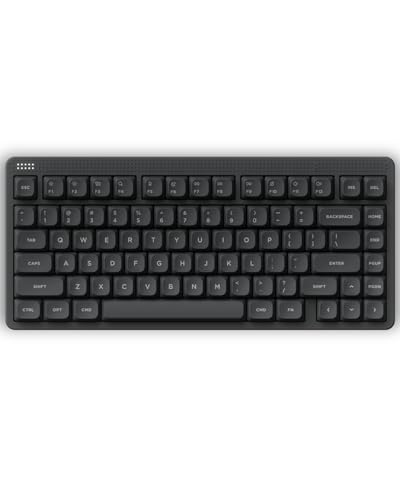
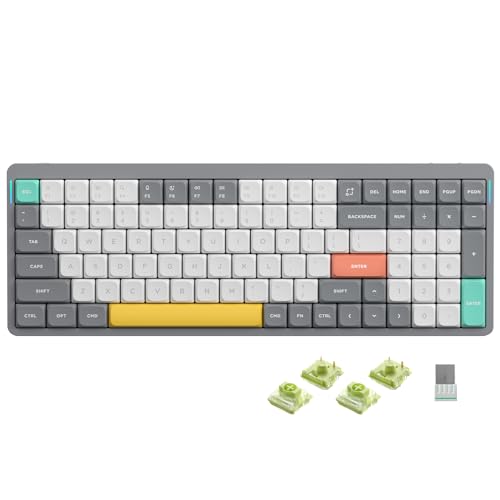
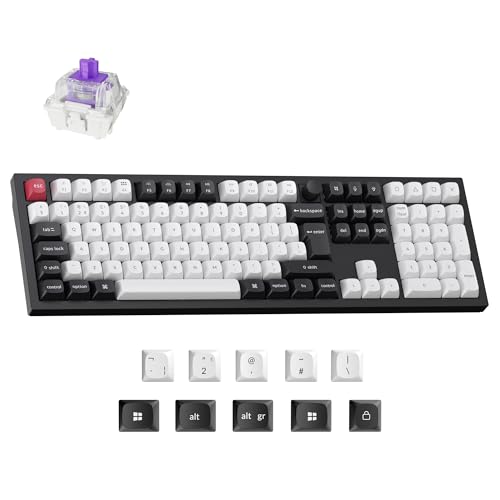
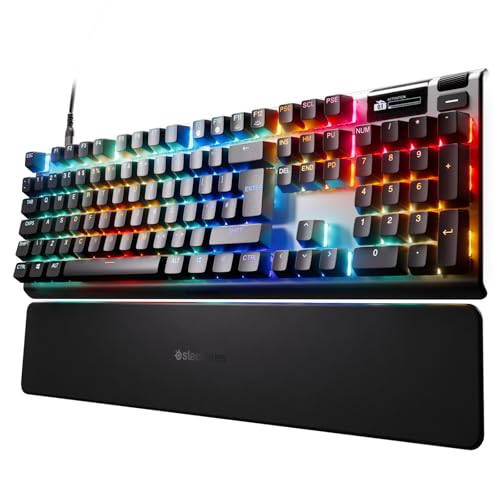
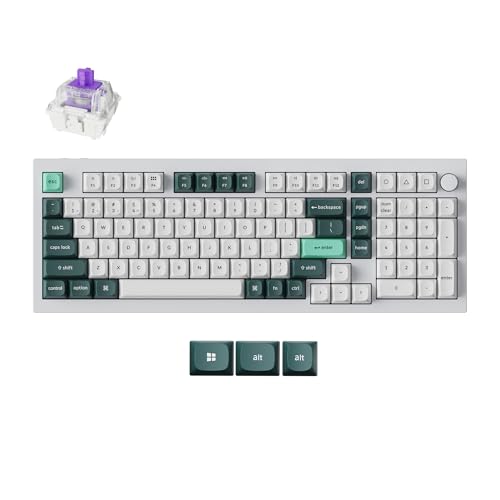
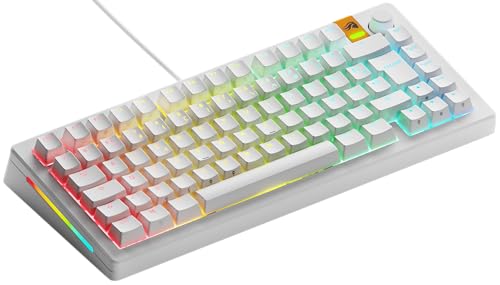
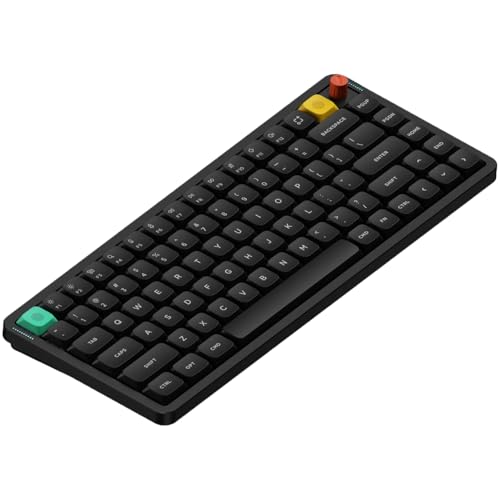
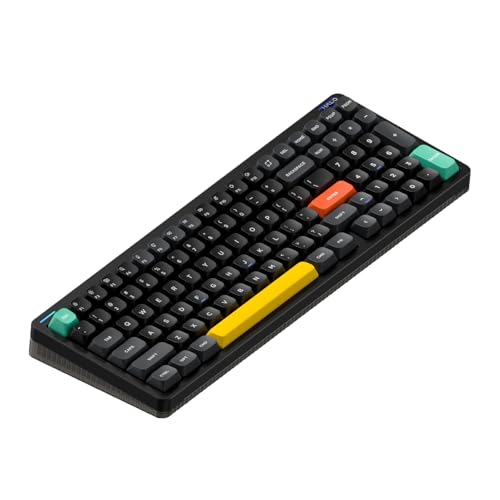
Which brands make the best wireless keyboards?
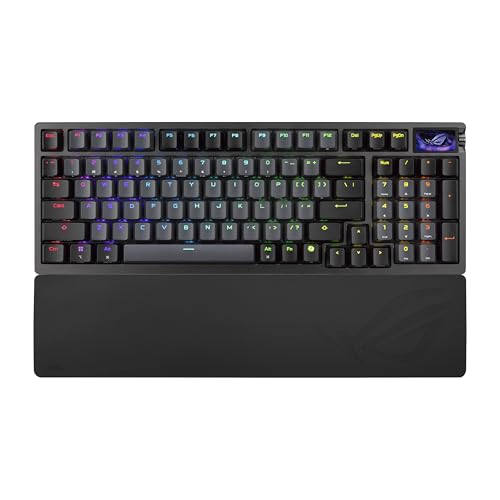
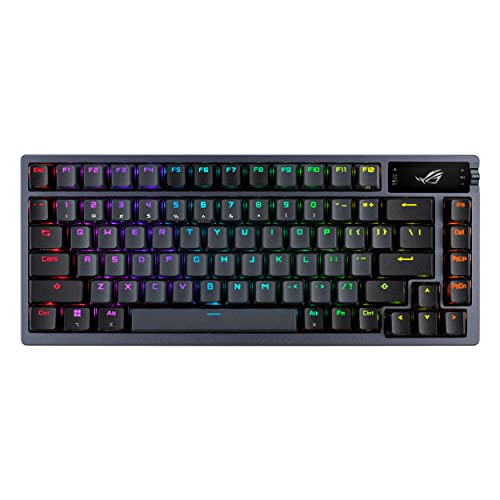
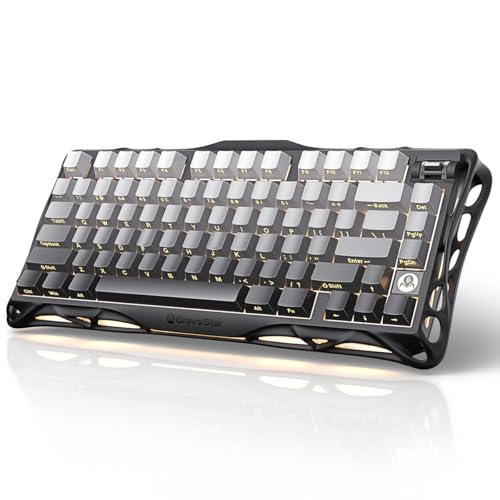
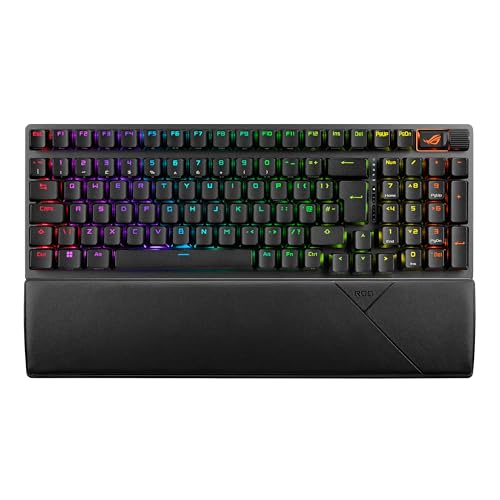
The best wireless keyboard brands are as follows.
- Razer (Average overall score: 7.7)
- Gravastar (Average overall score: 7.6)
- ASUS (Average overall score: 7.6)
The chart below ranks wireless keyboard brands by average overall score.
[horizontal-chart-12152402593483693045158220004436962233610916390649]
Which wireless keyboards have the highest user ratings?
The wireless keyboard brands with the highest user ratings are as follows.
- Gravastar (Users rating: 9.6 points)
- Yunzii (Users rating: 9.4 points)
- ASUS (Users rating: 9.2 points)
This chart compares wireless keyboard brands by average user rating.
[horizontal-chart-03639961862118757092068284192616641904740216709866]
What makes a keyboard wireless or Bluetooth?
A keyboard is wireless or Bluetooth when it can send input without staying permanently connected through a cable. In practice, that usually means the board includes Bluetooth, a 2.4 GHz receiver mode, or both, plus a battery that lets it operate away from the USB cable.
Bluetooth is the part that makes broader device compatibility possible. It is especially useful for switching between laptops, tablets, and desktops without carrying a dedicated dongle for every setup.
Wireless support does not mean the keyboard can never use a cable. Many better models are actually multi-mode boards that can charge or run over USB when needed, while still offering Bluetooth or other cable-free modes for everyday use.
What wireless connections are common on keyboards?
The wireless connections most common on keyboards are Bluetooth and multi-mode wireless systems that combine Bluetooth with USB charging or another low-latency wireless path. In practice, the market is no longer split between simple office Bluetooth boards and fully wired gaming boards only.
Bluetooth 5.0 and 5.1 are especially common in the current wireless-capable keyboard market, with Bluetooth 5.2 also appearing on a meaningful premium slice. Those versions matter mainly for device compatibility, pairing stability, and general modernity rather than for dramatic typing-speed differences on their own.
What matters more in daily use is how the connection options are implemented. A good wireless keyboard should pair reliably, switch devices without friction, and still offer a clean fallback path through USB when the battery runs low or when you want a fixed desk setup.
How long does the battery last on wireless keyboards?
Wireless keyboard battery life varies widely, from short heavy-use spans around 15-40 hours in some RGB-heavy or performance-focused boards to much longer endurance on models tuned for lighter use. The category covers everything from compact gaming boards that need frequent charging to office-oriented models designed to last far longer between charges.
That spread is hard to compare directly because battery claims are not standardized. Some brands quote figures with lighting reduced or disabled, while others highlight more demanding use cases, so a bigger official number does not automatically mean a better real-world wireless experience.
Wireless keyboards usually make the most sense when battery behavior matches how you actually use them. Buyers who want a clean desk and occasional charging can tolerate shorter runtime, while multi-device work setups benefit more from predictable endurance and convenient charging than from chasing the highest quoted claim.
How much do the best wireless keyboards cost?
The best wireless keyboards usually cost about £90-£210, while more premium enthusiast and gaming-focused models often rise to roughly £240-£340. That is the range where wireless support starts to combine with stronger mechanical execution, better layout options, and more refined build quality instead of just adding Bluetooth to a basic board.
A meaningful part of the category still sits around £60-£160, and many of those keyboards already make sense if your main goal is cable-free convenience with solid fundamentals. Prices climb when you move into heavier cases, faster 8000 Hz hardware, premium gaming positioning, or more enthusiast-oriented construction.
A few flagship wireless keyboards push far beyond that practical premium band, but they are not the normal answer for most buyers. In most cases, paying more is only justified when the upgrade clearly improves the typing feel, connection flexibility, or battery-driven daily convenience you will actually notice.
What should you consider while choosing a wireless keyboard?
You should consider the following factors when choosing a wireless keyboard:
- Connection flexibility: Wireless keyboards are most convincing when the cable-free mode fits your real device mix. Check whether you need simple Bluetooth pairing, easier multi-device switching, or a board that can also fall back to USB without hassle.
- Battery behavior: Runtime claims vary a lot and are not always measured the same way. Focus on whether the keyboard's charging frequency, battery size expectations, and charging convenience suit how often you actually want to plug it in.
- Layout choice: Wireless support now appears across full-size, TKL, 75%, 65%, 60%, and 96% layouts. Start with the keys you need every day instead of treating wireless as the only decision that matters.
- Switch technology: Most wireless keyboards in this category are mechanical, but premium models also reach optical, magnetic, and Hall-style territory. Decide first whether you want office comfort, enthusiast feel, or faster gaming-style response.
- Polling rate and gaming use: 1000 Hz is still the main baseline, while 8000 Hz appears on a smaller premium slice. If gaming latency matters, make sure the wireless board is strong enough overall instead of paying for one headline speed spec alone.
- Weight and portability: Some wireless keyboards are genuinely travel-friendly, but others are heavy desk-focused boards with batteries added. Do not assume cable-free automatically means lightweight.
- Budget: Around £90-£160 is the main value zone, £160-£210 often buys better refinement, and £240 and above is where premium gaming or enthusiast features start to dominate. Spend into the upper tiers only when the better build quality, faster hardware, or cleaner multi-device behavior clearly matters to you.