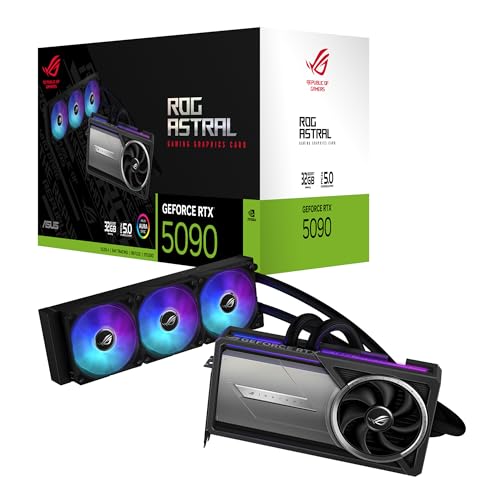
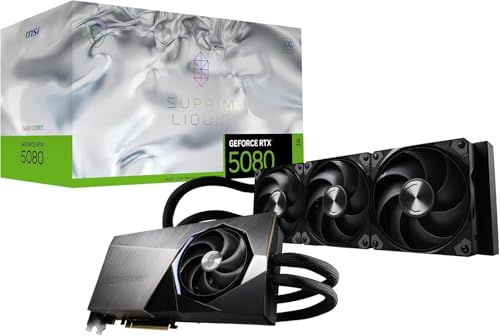
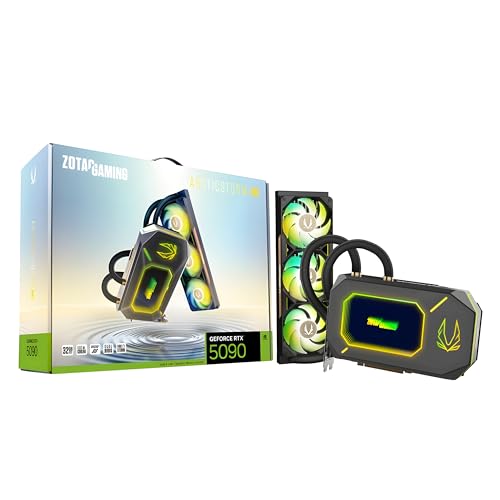
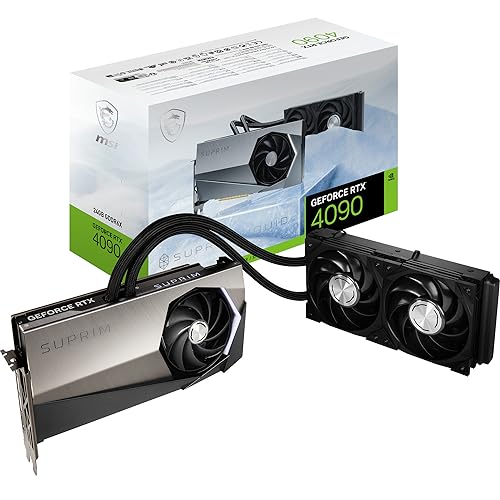
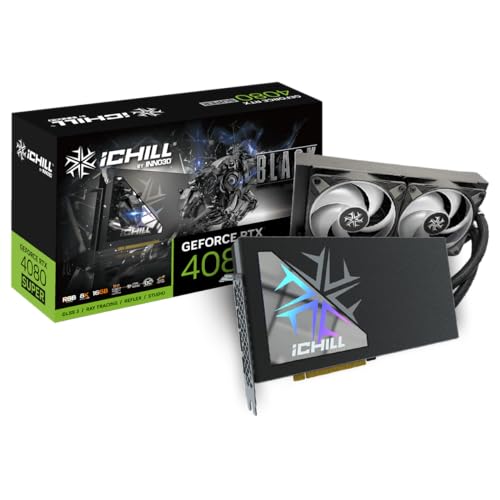
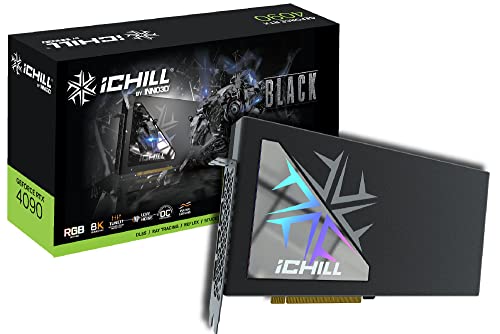
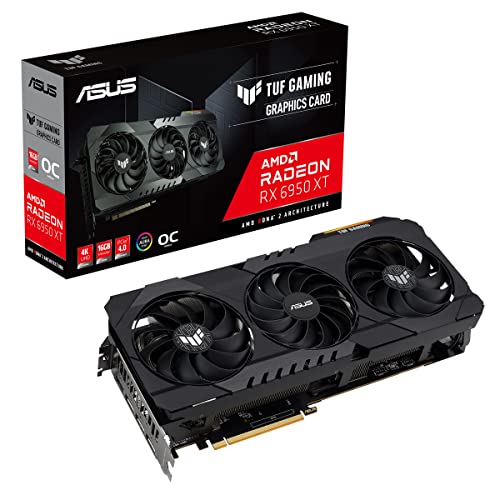
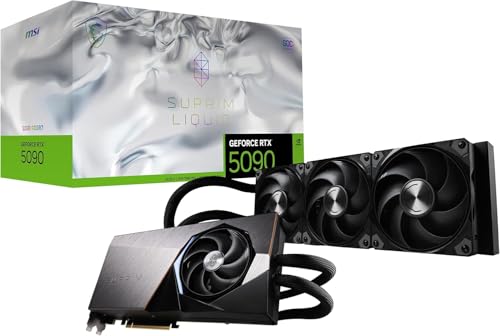
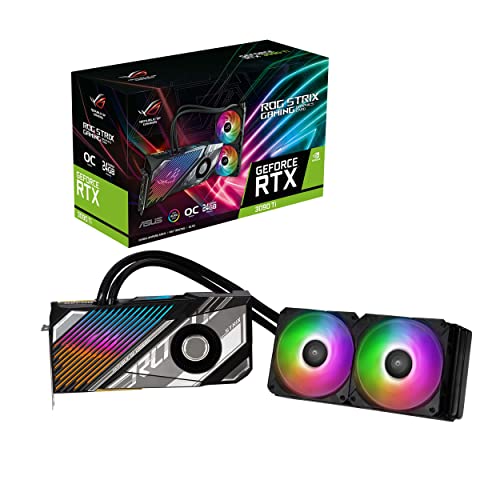
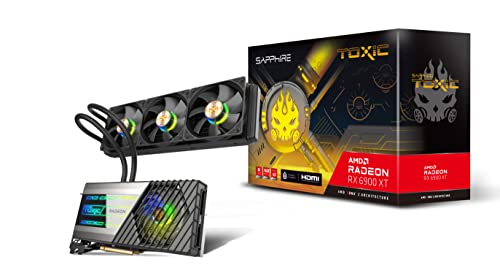
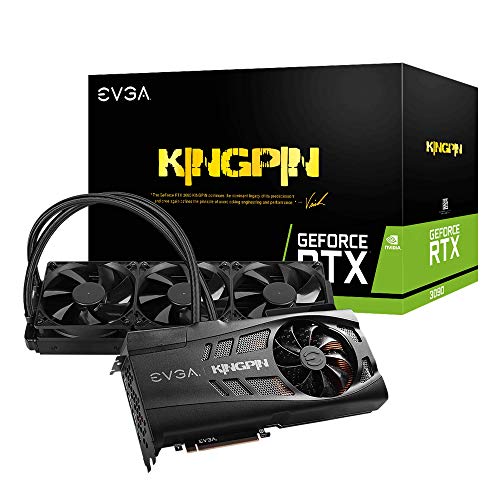
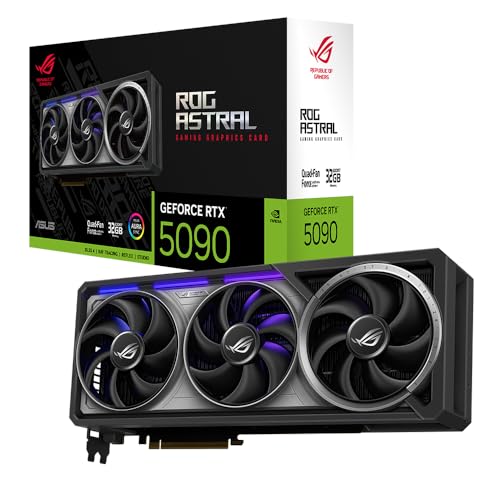
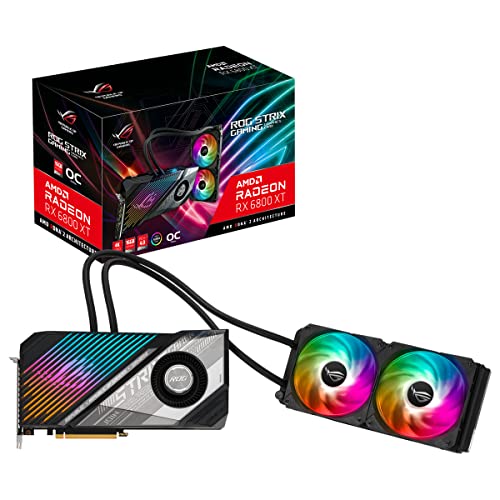
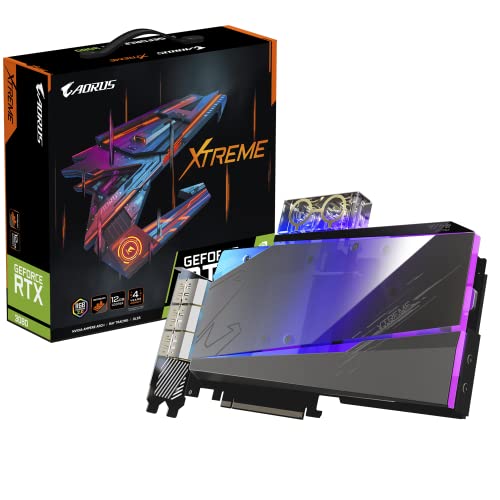
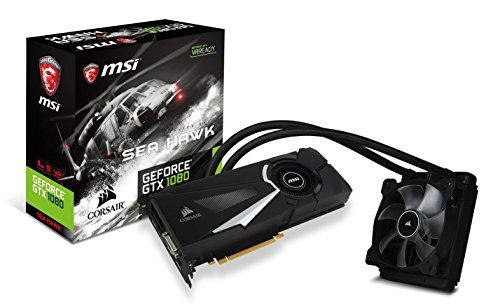
Which brands make the best water-cooled graphics cards?
The water-cooled graphics-card brands with the best average overall scores are as follows.
- INNO3D (Average overall score: 8.4)
- MSI (Average overall score: 8.4)
- AMD (Average overall score: 7.8)
The chart below compares how the main water-cooled graphics card brands perform on average by overall score.
[horizontal-chart-02196719523907543598000631320367014433241577071776]
What does water cooling do on a graphics card?
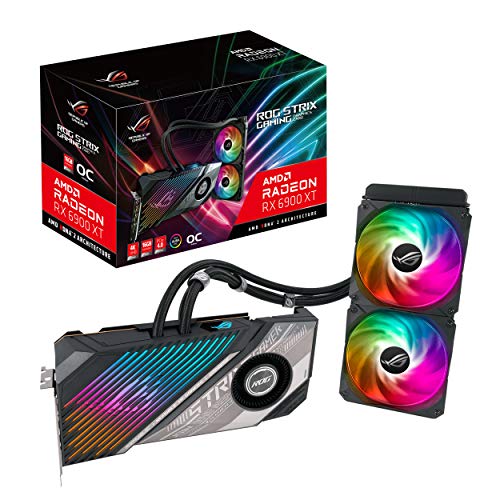
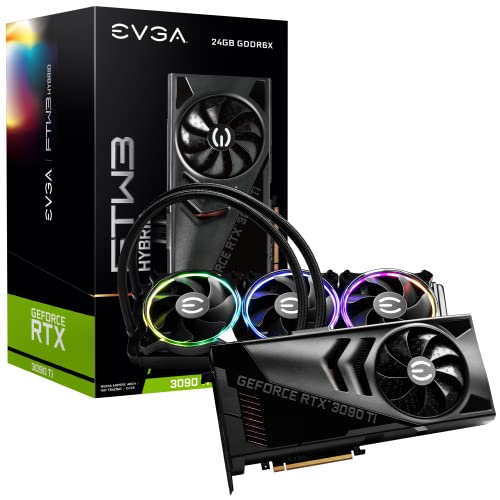
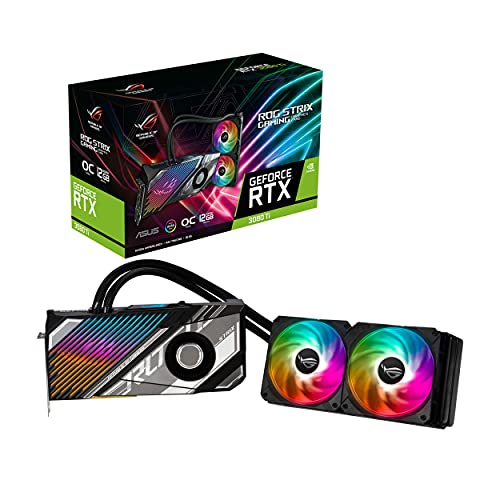
Water cooling on a graphics card moves heat away from the GPU through a liquid-assisted loop or hybrid assembly instead of relying only on a conventional air cooler. In practical terms, that can improve how quickly heat leaves the core, especially during sustained heavy loads where a very large radiator or liquid block has more thermal headroom than a normal heatsink-and-fan setup.
Water cooling does not automatically make every graphics card better, but it is usually aimed at higher-end models where extra thermal control is worth the added complexity. On graphics cards, this often appears as hybrid designs that still use some onboard fan cooling while shifting the main GPU heat into a radiator-based system.
How do water-cooled graphics cards differ from air-cooled models?
Water-cooled graphics cards differ from air-cooled models mainly by moving much of the GPU heat into a liquid-assisted cooling path instead of keeping all of it inside a traditional heatsink and fan assembly. That design change usually makes the most sense on very powerful GPUs, where sustained thermal load, boost behavior, and case heat buildup are harder to control with air alone.
Air-cooled models are simpler, easier to install, and usually cheaper, while water-cooled cards ask more from the case, radiator mounting space, and overall build planning. In return, the better water-cooled designs can hold lower core temperatures and more stable heavy-load behavior, but they also introduce more hardware complexity and fewer compatible build environments.
What cooling and noise advantages does water cooling offer?
The main cooling and noise advantages of water cooling are lower sustained GPU temperatures, better heat distribution away from the card itself, and the chance of lower perceived fan noise under heavy load. That matters most in very powerful cards, where an oversized radiator or hybrid loop can keep thermals more stable than a compact onboard air cooler alone.
Noise benefits are not automatic, because radiator fans, pump behavior, and tuning quality still matter. A good water-cooled design can sound smoother and stay cooler during long gaming or rendering sessions, but a poor implementation can still be loud, bulky, or harder to manage than a strong air-cooled alternative.
How much do the best water-cooled graphics cards cost?
The best water-cooled graphics cards usually cost about £900-£2,200. This is one of the most top-heavy corners of the graphics-card market, because liquid cooling is rarely paired with ordinary value GPUs. A few cheaper cards do exist, but most serious water-cooled models sit much closer to the premium end.
Below roughly £600, water-cooled cards are unusual and often older or niche models. Around £900-£1,700, you start to see many of the more serious liquid-cooled gaming cards. Around £1,700-£2,200, the market shifts further toward halo models, aggressive factory overclocks, and heavier premium board designs. Above that, you are mostly paying for extreme flagship hardware rather than cooling alone.
This chart visualizes water-cooled graphics card prices.
[vertical-chart-17406769104356463232082655493369172309531182513292]
What case and radiator space do water-cooled graphics cards need?
Water-cooled graphics cards need more case-planning than air-cooled models because the radiator and tubing have to fit somewhere in addition to the card itself. That usually means checking for compatible front, top, or side mounting points, enough clearance around fans and memory, and enough overall case volume to route the cooler without crowding the rest of the build.
Radiator space matters just as much as GPU length. Even if the card itself fits easily, a hybrid or liquid model can still be a bad match for a case that lacks the right radiator support, weak airflow paths, or room around the CPU cooler and motherboard top edge.
What should you consider while choosing a water-cooled graphics card?
You should consider the following factors while choosing a water-cooled graphics card:
- Cooler type: Check whether the card uses an integrated AIO, a hybrid air-and-liquid design, or a custom-loop water block. Those are very different ownership experiences, and the choice affects installation complexity, maintenance, and long-term risk immediately.
- Case and radiator compatibility: A water-cooled GPU is never just about the card itself. You need radiator space, hose clearance, airflow planning, pump placement awareness, and enough room around the motherboard and front panel area to mount everything cleanly.
- Why liquid cooling is needed: Water cooling makes the most sense for very high-power halo GPUs, quieter enthusiast builds, or showcase systems where thermals and aesthetics both matter. It is much less compelling if the card is only mid-range and could be cooled perfectly well by a good air cooler.
- Noise and thermal tradeoff: Liquid cooling can reduce core temperature and sometimes noise, but it does not guarantee a quieter system. Pump noise, radiator fan tuning, and case airflow all matter, so the full cooling design is more important than the liquid label alone.
- Reliability and support: AIO and custom-loop GPUs carry more installation and long-term complexity than standard air-cooled cards. Warranty support, leak confidence, replacement availability, and how comfortable you are troubleshooting cooling hardware should all be part of the buying decision.
- Price discipline: Water-cooled cards usually sit well above equivalent air-cooled models. Pay that premium only if lower temperature, quieter sustained load, or the specific build style is genuinely part of your goal rather than just a nice-looking extra.