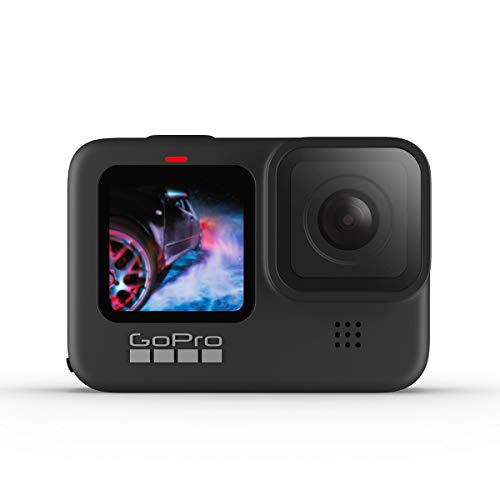
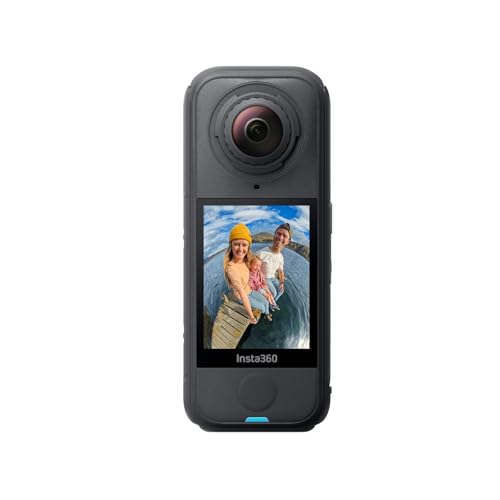
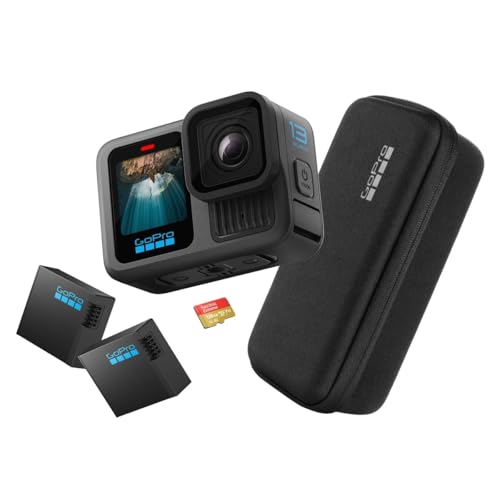
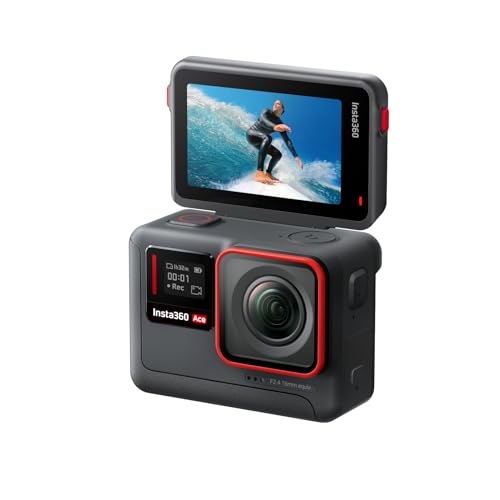
Which brands make the best 4K action cameras?
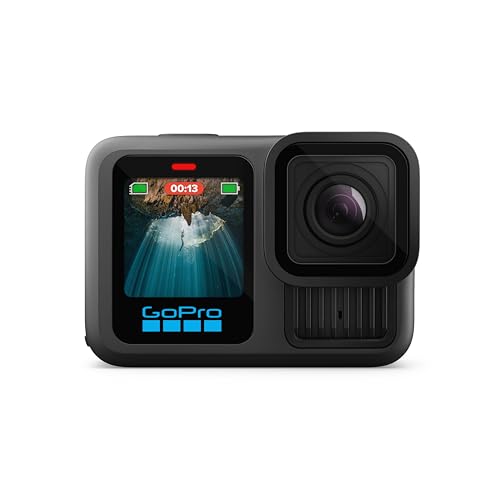
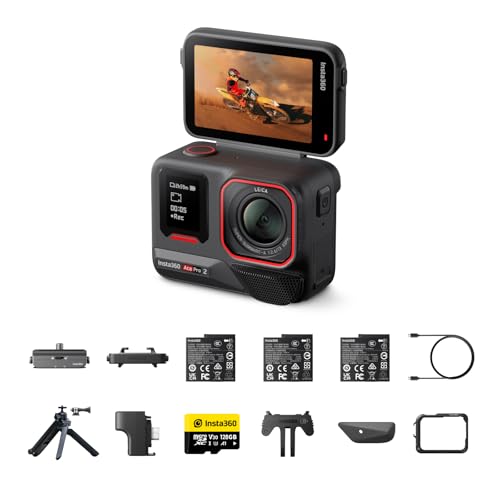
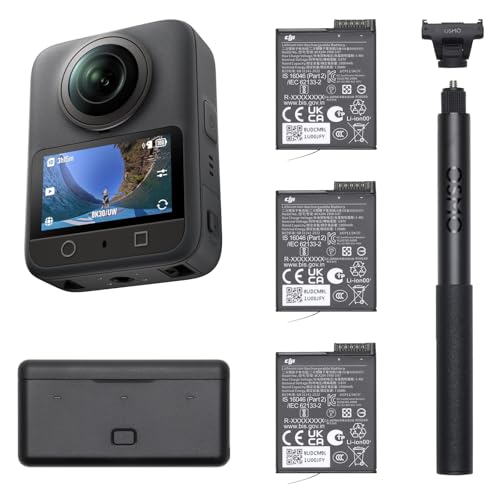
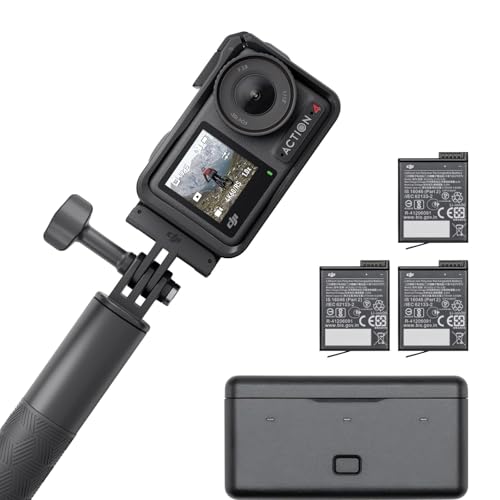
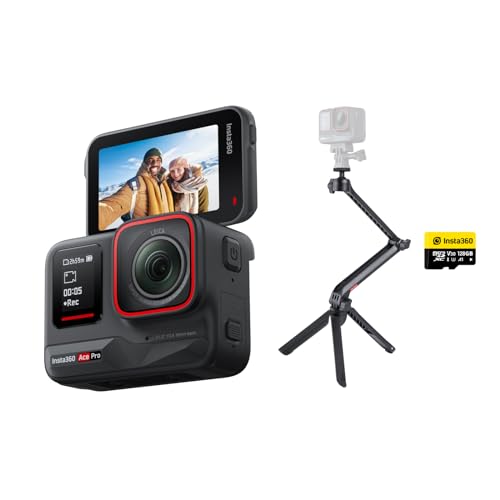
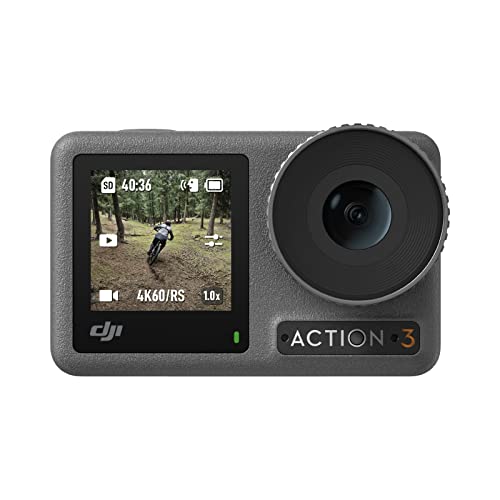
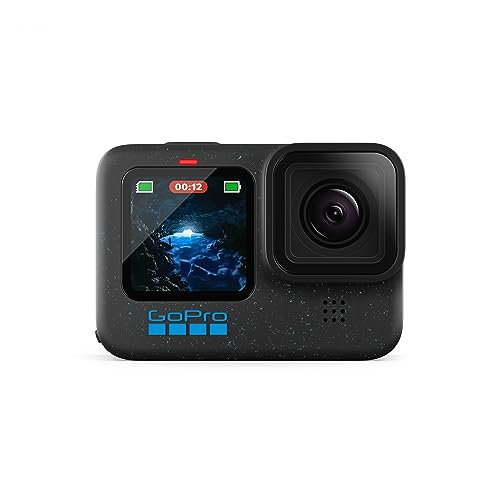
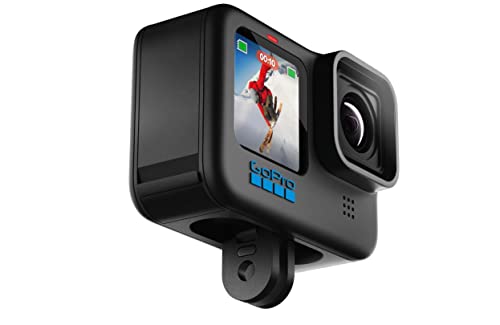
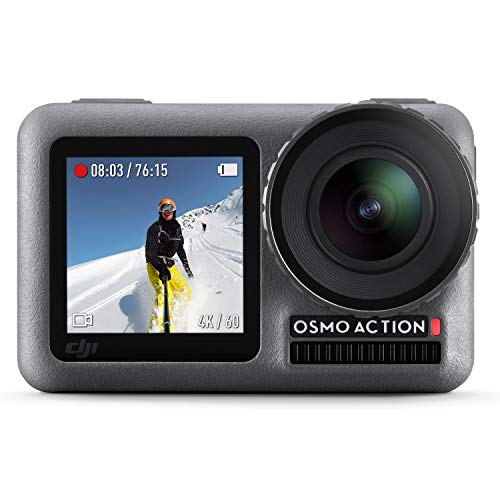
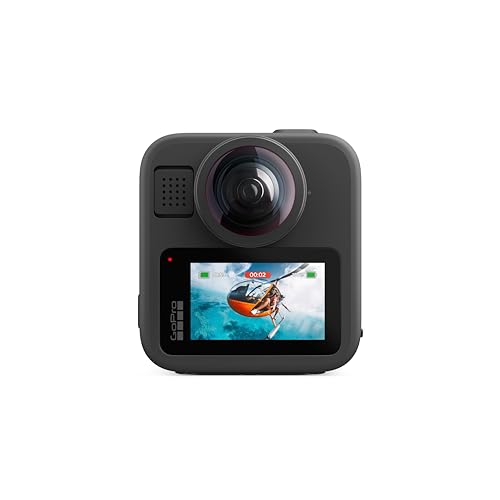
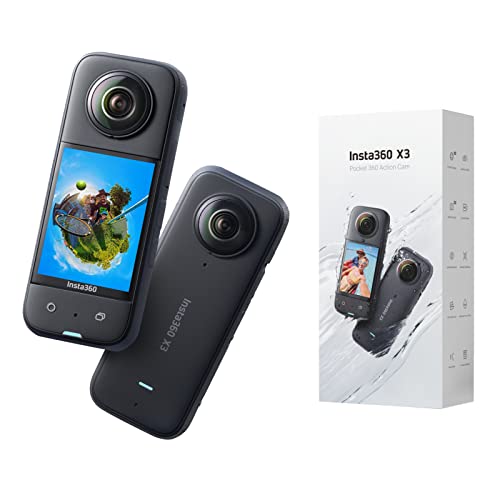
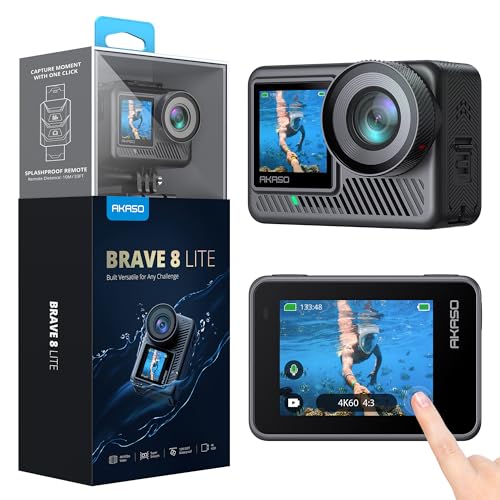
The best 4K action camera brands are as follows:
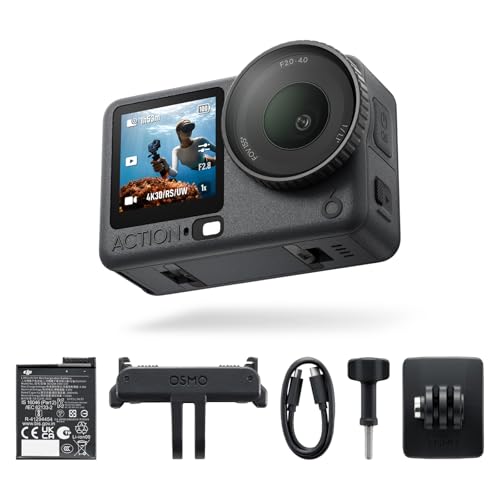
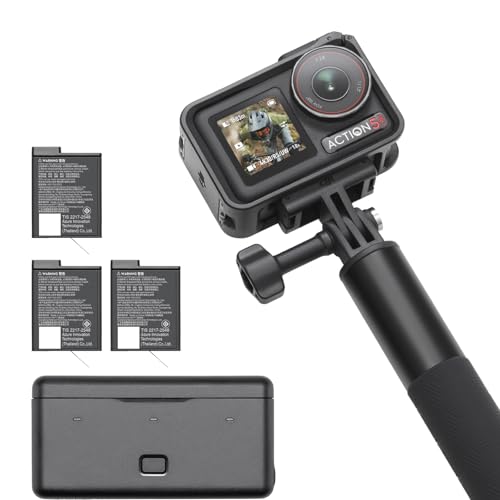
- DJI (Average overall score: 8.1)
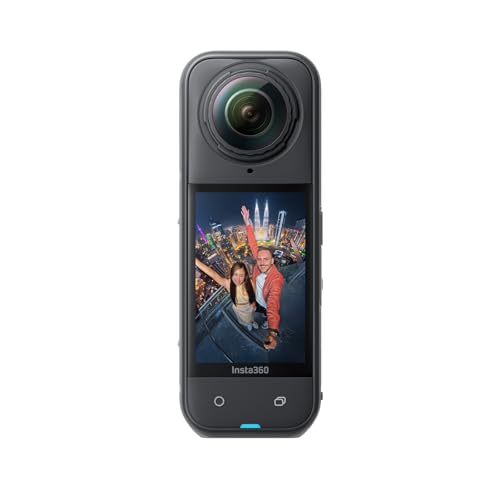
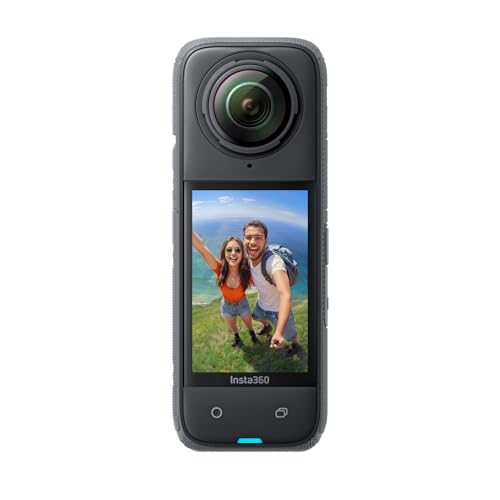
- Insta360 (Average overall score: 8)
- GoPro (Average overall score: 7.7)
- AKASO (Average overall score: 6.9)
The chart below compares 4K action camera brands by average overall score.
[horizontal-chart-03342250969960310817183291791387119951152012035324]
What is a 4K action camera?
A 4K action camera records video at about 3840 x 2160 pixels, which is four times the pixel count of Full HD 1080p. Most action cameras use the UHD version of 4K, although some models also advertise wider cinema-style formats.
The extra resolution gives you more visible detail and more room to crop or stabilize footage during editing. It only pays off when the lens, sensor, bitrate, and image processing are strong enough to preserve that detail in motion.
How do 4K action cameras differ from Full HD models?
A 4K action camera records four times as many pixels per frame as a Full HD model, so it can preserve finer detail and tolerate more cropping before the image looks soft.
That advantage comes with larger files, higher processor load, more heat, and faster battery drain. Full HD can therefore remain the better mode for very long recordings, quick sharing, or high frame rates on less powerful cameras.
For fast-moving footage, a clean and stabilized 1080p clip can still look better than weak 4K. Resolution should be judged together with frame rate, bitrate, stabilization, and low-light performance.
What frame rates do 4K action cameras support?
Most 4K action cameras offer 30 fps for everyday recording and 60 fps for smoother motion or moderate slow-down during editing.
Some higher-performance models also provide 100 or 120 fps at 4K, which is useful for skiing, cycling, motorsports, and other fast action. A 24 fps option can be helpful when you prefer a more cinematic cadence.
Higher frame rates increase bitrate, storage use, heat, and battery demand. Before buying, check whether stabilization, field of view, and recording-time limits change in the exact 4K frame-rate mode you plan to use.
How much storage do 4K action cameras need?
Storage use depends mainly on bitrate, not resolution alone. At 60 Mbps, one hour of footage uses about 27 GB; at 100 Mbps it uses about 45 GB; at 120 Mbps it uses about 54 GB; and at 200 Mbps it can approach 90 GB per hour.

For the common 60-120 Mbps range, a 128 GB card holds roughly two to four hours after allowing for formatting overhead and other files. A 256 GB card is more comfortable for travel days, long rides, or repeated high-frame-rate recording.
Use a card approved by the camera maker and rated for sustained video writing. U3 or V30 is a common baseline, but the exact requirement depends on the highest bitrate mode rather than the 4K label by itself.
How much do 4K action cameras cost?
Entry-level 4K action cameras can cost less than £90, while stronger mainstream models commonly sit around £200-£300. Premium and specialist cameras can exceed £430.
Lower-priced models may provide basic 4K recording, but stabilization, audio, app quality, and dependable high-frame-rate performance are often more limited.
Moving into the mainstream price range usually brings better stabilization, more reliable 4K/60 recording, stronger waterproofing, improved displays, and a broader accessory ecosystem.
Premium models justify their price through features such as higher 4K frame rates, more advanced sensors, better heat control, stronger software, or specialist shooting modes. The best value depends on which of those improvements you will actually use.
What should you check before buying a 4K action camera?
When comparing 4K action cameras, check the following technical points.
- Recording modes: Verify the exact UHD 4K modes available, including 3840 × 2160 at 30, 60, 100, or 120 fps. Check whether higher frame rates reduce resolution, field of view, bit depth, recording time, or access to other features.
- Stabilization and horizon control: Confirm that electronic stabilization and horizon leveling work at the resolution and frame rate you intend to use. Stronger stabilization modes can apply a heavy crop, narrow the field of view, or be unavailable at 4K/120 fps, HDR, or 10-bit settings.
- Sensor, lens, and low-light behavior: Compare sensor format, aperture, field of view, minimum focusing distance, distortion correction, and available shutter-speed controls. A larger sensor or wider aperture can help in low light, but aggressive noise reduction and slow shutter speeds may still smear detail during movement.
- Bitrate, codec, and color depth: Check the maximum video bitrate, H.264 or H.265 support, 8-bit versus 10-bit recording, chroma subsampling, and the availability of flat, log, or HDR profiles. Higher bit depth gives more grading latitude, while higher bitrates reduce compression damage but require faster cards and more storage.
- Thermal and recording limits: Look for continuous-recording tests at the exact 4K mode you need, especially at 4K/60 or above. Check overheating behavior, automatic shutdown temperature, restart time, chapter or file-length limits, and whether external power improves or worsens heat buildup.
- Battery and external power: Compare runtime with stabilization, screens, wireless connections, and GPS enabled rather than relying on a low-power headline figure. Check whether batteries are removable, whether USB-C power works while recording, and how runtime changes in cold weather.
- Memory-card requirements: Verify the maximum supported microSD capacity and the required speed class for the highest-bitrate mode. Use cards from the approved list and check whether U3, V30, or V60 performance is required, because a card that is too slow can stop recordings or corrupt files.
- Waterproofing, construction, and mounting: Distinguish the native waterproof depth from the deeper rating available only with a housing. Inspect port-door seals, replaceable lens protection, operating-temperature limits, mounting fingers or threads, quick-release compatibility, and whether the mount remains stable under vibration.
- Audio options: Check microphone placement, wind-noise reduction, stereo or multi-channel recording, and support for external microphones through USB-C, an adapter, or Bluetooth. Confirm whether external audio disables waterproofing, occupies the charging port, or introduces codec and latency limitations.
- Controls, connectivity, and software: Evaluate screen visibility, touch response with wet hands or gloves, physical-button control, voice commands, Wi-Fi transfer speed, Bluetooth remote support, GPS or telemetry recording, and timecode options. Also check app reliability, desktop-editing support, firmware-update history, and whether proprietary software is required to unlock key modes.