Which brands make the best action cameras for low light?
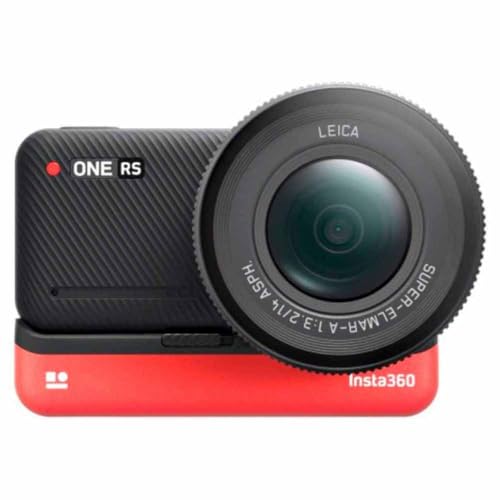
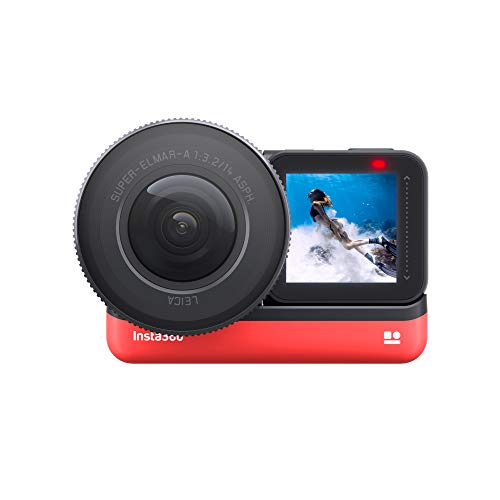
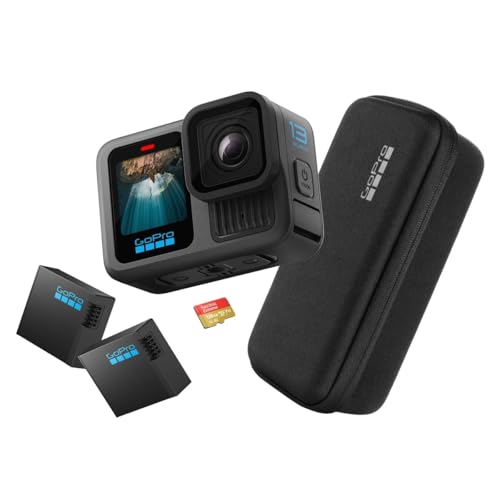
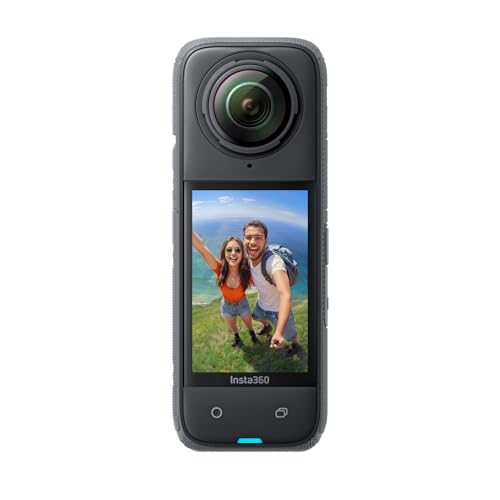
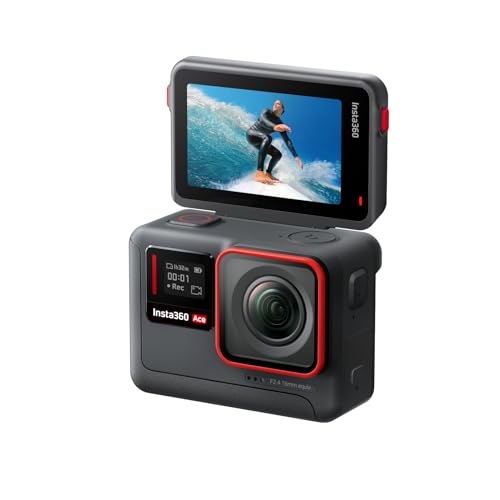
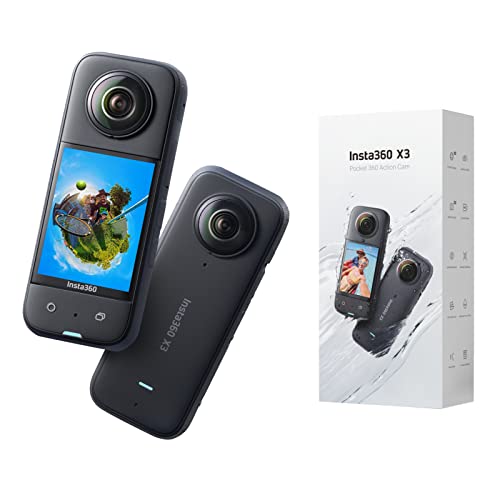
The best action camera brands for low light are as follows:
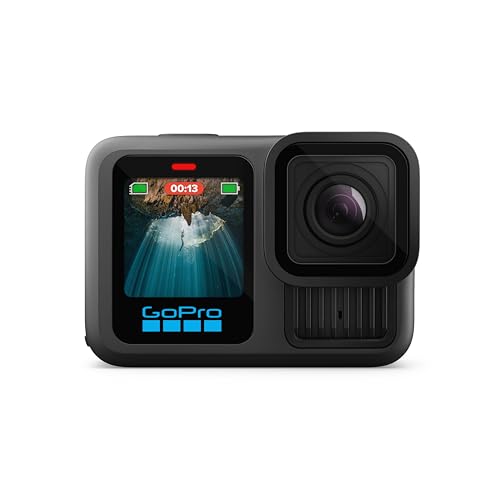
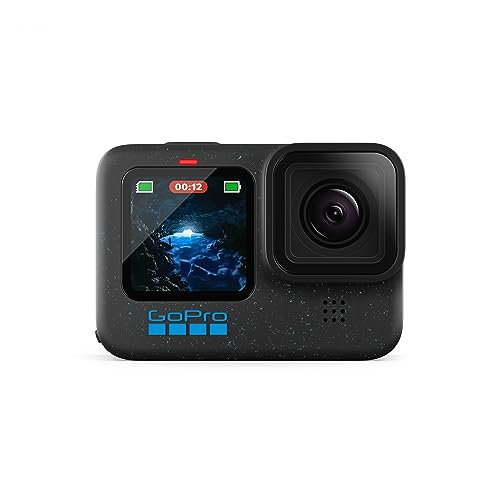
- GoPro (Average overall score: 8.2)
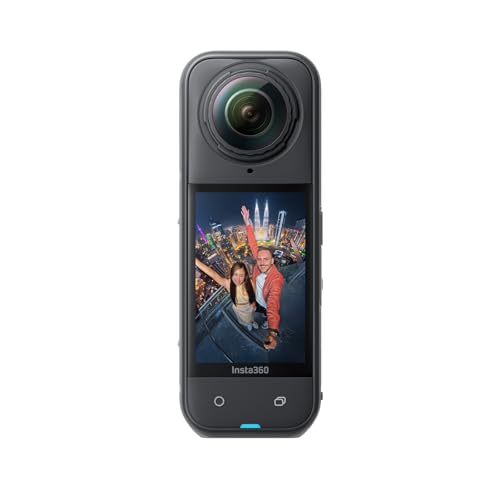
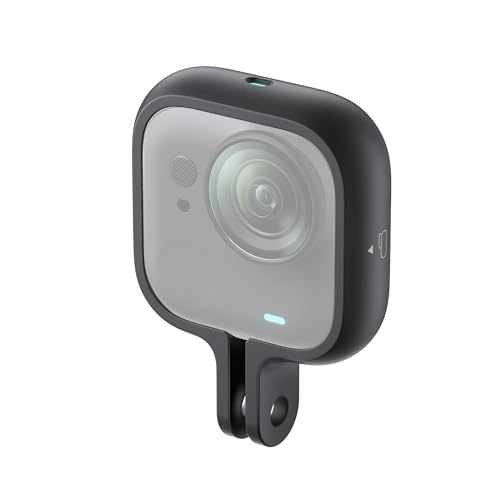
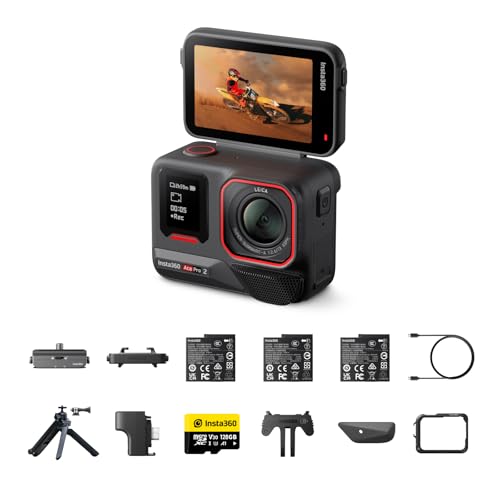
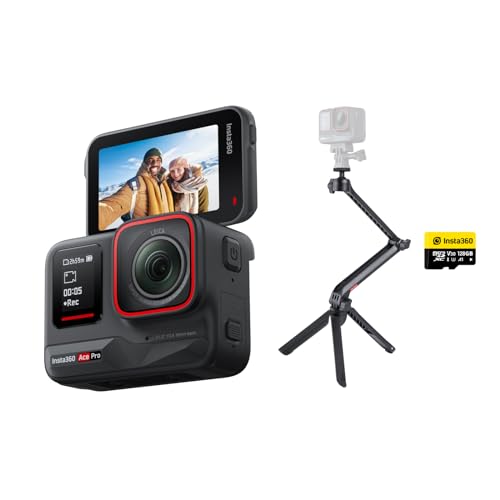
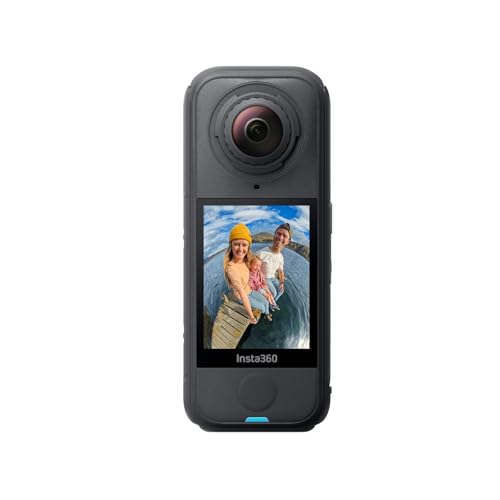
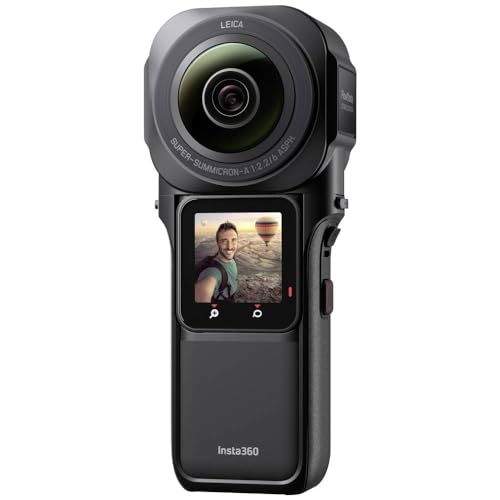
- Insta360 (Average overall score: 8)
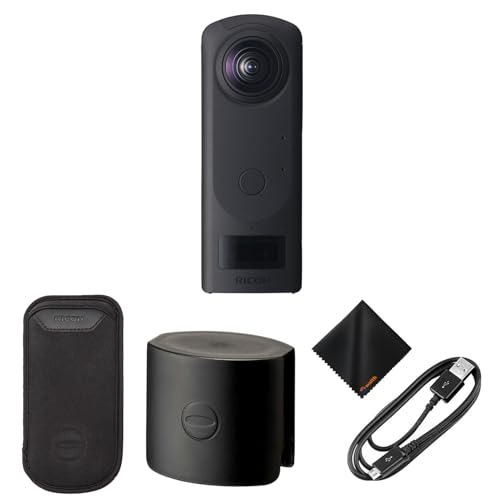
- Ricoh (Average overall score: 5.9)
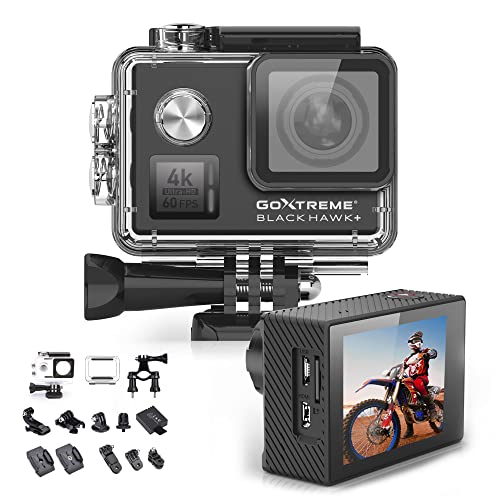
- GoXtreme (Average overall score: 5.6)
The chart below compares low-light action camera brands by average overall score.
[horizontal-chart-08831579869922423842170182202448817941440087032410]
What makes an action camera good in low light?
A relatively large sensor, bright lens, fast readout, controlled ISO processing, and a high enough bitrate make an action camera good in low light. The camera must gather enough light while keeping shutter speed fast enough for movement, because a bright but blurred frame is not useful for action footage.
HDR and 10-bit modes can preserve signs, streetlights, sunsets, and shadow detail, but they do not replace sensor area or good exposure control. Electronic stabilization also needs sharp source frames and spare sensor area, so its strongest setting may crop the image, raise noise, or warp edges when shutter speed becomes too slow. Look for real moving samples at the exact 4K mode you plan to use, plus controls for maximum ISO, exposure compensation, shutter limits, noise reduction, and color profile.
How important are sensor size and lens aperture in low light?
Sensor size and lens aperture are very important in low light because together they determine how much light reaches each frame, but neither specification guarantees clean action footage by itself.
A larger sensor usually provides more light-sensitive area, better highlight retention, and less aggressive noise reduction at the same output size. Sensor labels must be compared carefully: a 1-inch or 1/1.3-inch sensor is generally larger than a 1/2.3-inch sensor, but the camera may use only part of that area in cropped stabilization or high-frame-rate modes.
A lower f-number such as f/1.8 or f/2.0 admits more light than f/2.8 or f/4.0 when focal length and transmission are comparable. The benefit can be reduced by soft optics, fixed-focus errors, flare, or a field of view that is too wide for the intended composition.
Readout speed, pixel binning, shutter control, bitrate, codec, and noise processing determine how effectively the camera uses the captured light. A smaller sensor with a sharp lens and restrained processing can therefore preserve moving detail better than a larger sensor that relies on slow shutters and heavy smoothing.
How good is video quality on action cameras in low light?
Video quality on the best low-light action cameras is good enough for night streets, indoor events, dusk rides, and camp scenes, but it still loses detail and motion clarity compared with daylight recording.

Static subjects can look surprisingly clean because the camera can use a longer exposure and stronger multi-frame processing. Moving subjects reveal the limits much faster.

Native 4K with a useful bitrate preserves more texture than enlarged 1080p, yet resolution is only one part of the result. Fine detail disappears when noise reduction smears surfaces or compression breaks shadows into blocks.
Frame rate also changes the exposure budget. At 60 fps each frame has less time to gather light than at 30 or 24 fps, so the camera may raise ISO or darken the image; if it instead uses a shutter that is too slow, motion becomes blurred and stabilization cannot restore it.
HDR and 10-bit color can retain bright signs and shadow gradations, especially when edited carefully, but some HDR modes introduce ghosting or restrict stabilization and frame rate. The most dependable quality comes from a balanced 4K/30 or 4K/60 mode with fast readout, controlled shutter speed, moderate noise reduction, and enough bitrate for moving shadows.
Stabilization can smooth low-light action camera footage, but it also increases crop, noise, blur, and edge warping when the camera lacks enough light or uses a shutter that is too slow. Electronic stabilization aligns successive frames; it cannot recover a moving subject that was already blurred during exposure.
The strongest stabilization mode may use a smaller sensor area, narrow the field of view, and raise ISO to maintain shutter speed. Conversely, allowing a slower shutter can make motion trails look smooth while destroying fine detail. Check whether stabilization works with HDR, 10-bit color, and the intended 4K frame rate, and prefer a rigid mount plus moderate stabilization over an unstable mount combined with maximum digital correction.
How much do action cameras for low light cost?
Action cameras with useful low-light performance commonly cost about £150-£560, with strong mainstream choices around £300-£400.
Below roughly £170, older premium models and basic HDR cameras can work for static evening clips, but small sensors, low bitrates, limited exposure controls, and weak 4K stabilization often reduce moving detail.
The £300-£400 range is usually the practical sweet spot. Cameras here are more likely to combine larger sensors, faster readout, improved HDR or 10-bit modes, better noise processing, replaceable batteries, and stabilization that remains usable at 4K/60.
Above about £520-£560, the extra cost mainly buys 1-inch-class sensors, modular lenses, high-resolution 360-degree capture, or professional color and workflow features. Those capabilities help only if the additional size, storage demand, and editing work fit your use; a stable mid-range camera with good shutter control can outperform a more expensive model used in the wrong mode.
What should you check before buying an action camera for low light?
The main points to check before buying an action camera for low light are as follows:
- Sensor size and active area: Compare the physical sensor format and confirm how much of it is used in the exact video mode you need. Stabilization, horizon leveling, high frame rates, and aspect-ratio changes can crop a large sensor, reducing its low-light advantage and narrowing the field of view.
- Lens aperture and optical quality: A lower f-number such as f/1.8 or f/2.0 generally admits more light than f/2.8, but also inspect edge sharpness, flare, ghosting, distortion correction, and minimum focus distance. A bright lens that blooms around streetlights or focuses poorly cannot deliver clean night detail.
- Resolution, frame rate, and bitrate: Verify native 4K modes, maximum bitrate, and whether 24, 25, 30, 50, or 60 fps is available with the desired field of view. Higher frame rates shorten exposure time and often require more ISO, while low bitrates smear moving shadows even if the resolution is high.
- Shutter and ISO controls: Check whether minimum shutter speed, maximum ISO, exposure compensation, metering, and anti-flicker frequency can be controlled. A slow automatic shutter brightens the image but blurs motion, while unlimited ISO can produce noise that heavy processing turns into waxy texture.
- HDR, 10-bit color, and profiles: Confirm whether HDR or 10-bit recording works at the resolution and frame rate you need and whether it restricts stabilization. HDR can preserve lights and shadows, but poor multi-exposure processing may ghost moving subjects; flat or log profiles also require compatible editing and correct exposure.
- Stabilization in low light: Review the crop and supported modes for electronic stabilization and horizon leveling. Strong correction uses spare sensor area and can amplify edge warping, while a slow shutter leaves blurred source frames that no stabilization algorithm can repair.


- Noise reduction and real motion samples: Inspect original files from walking, cycling, traffic, or indoor movement rather than static promotional scenes. Look for smeared faces, disappearing texture, color blotches, pulsing exposure, and sharpening halos, and check whether noise-reduction strength can be adjusted.
- Heat, battery, and external power: Compare runtime and overheating behavior in the exact 4K HDR or high-bitrate mode, with stabilization and screens active. Verify removable batteries or USB-C recording, but remember that continuous external power can raise internal temperature and an open port can compromise weather sealing.
- Codec and memory-card requirements: Check H.264 or H.265 support, 8-bit versus 10-bit files, maximum microSD capacity, and the approved U3, V30, or faster card requirement. High-bitrate low-light footage fills cards quickly, and an underspecified card can interrupt or corrupt long recordings.
- Controls, monitoring, and accessories: Evaluate screen visibility, manual-setting access, remote control, voice operation, lens-protector availability, and compatibility with rigid low-vibration mounts. Low-light settings often need adjustment at the scene, so buried menus or phone-dependent controls can cause missed footage.