Which brands make the best action cameras for long videos?
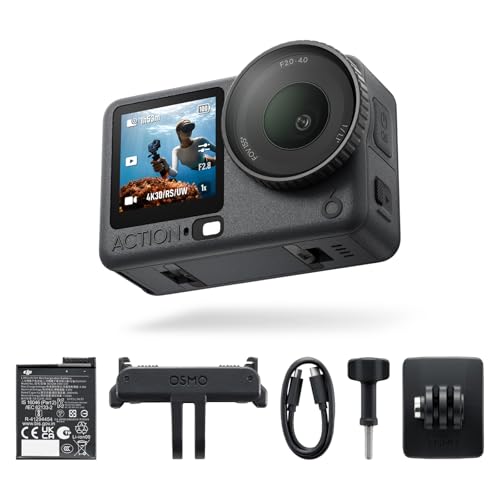
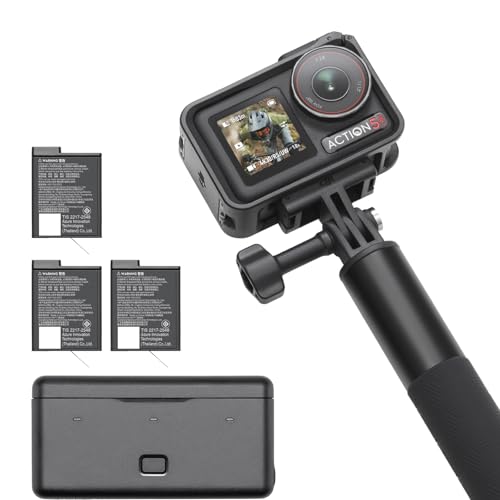
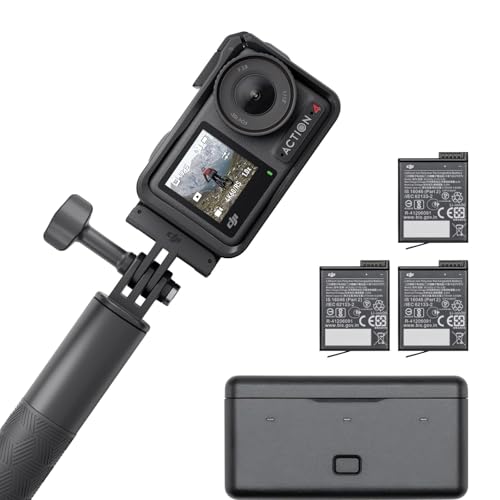
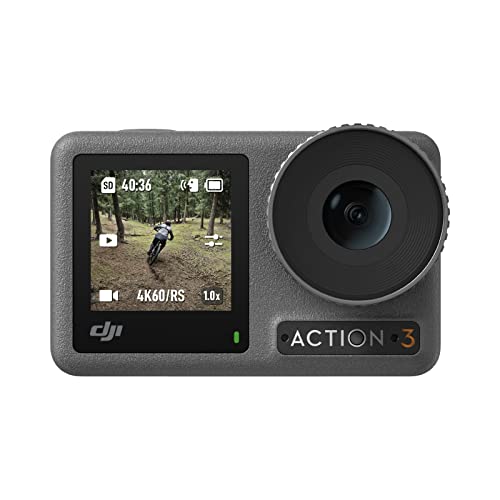
The best action camera brands for long videos are as follows:
- DJI (Average overall score: 8.1)
- Sony (Average overall score: 6.2)
- SJCAM (Average overall score: 6.1)
- GoPro (Average overall score: 6)
The chart below compares long-video action camera brands by average overall score.
[horizontal-chart-05043840983034630145109746947876645145020766648554]
What makes an action camera suitable for long recordings?
At least 120 minutes of rated battery life, stable heat management, recording over USB-C, high-capacity storage, and reliable file recovery make an action camera suitable for long recordings. The exact runtime must be checked in the intended mode because 4K/60, stabilization, bright screens, GPS, and wireless connections consume much more power than a low-resolution laboratory test.
A suitable camera should also record without an unexpectedly short thermal limit, split large recordings into playable files, save the current segment before shutdown, and resume predictably after a battery or external-power interruption. Removable batteries allow fast swaps, while external power is useful for static sessions if the port can remain protected and the extra charging heat does not shorten recording time. Support for 256 GB or 512 GB cards, approved card models, loop recording, and accessible controls completes a dependable long-video setup.
How long does battery life last on action cameras for long videos?
Battery life on action cameras for long videos should last at least 120 minutes per charge, while stronger models can provide roughly 150–240 minutes and specialist low-power cameras can run substantially longer.
Those figures depend on the recording mode. Stabilized 4K/60 usually consumes more power than 4K/30 or 1080p, and front screens, GPS, voice control, Wi-Fi, Bluetooth, and high display brightness reduce runtime further.
Cold weather lowers usable battery capacity, while direct sun and charging during recording add heat. A removable battery system is useful even when the camera supports USB-C power because a depleted or overheated cell can be exchanged without ending the session.
Compare continuous tests at the exact resolution, frame rate, stabilization setting, and temperature you expect to use. Also check whether the camera records while charging, whether it can operate without an internal battery, and whether external power triggers a restart or loses the current file when the cable is disconnected.
How do overheating and recording limits affect long videos?
Overheating and recording limits can stop a long video before the battery or memory card is full, especially at 4K/60, high bitrates, HDR, or maximum stabilization.
Heat builds faster in direct sun, a sealed waterproof housing, still air, and continuous USB charging. Moving airflow can help on a bicycle or vehicle, but it does not guarantee stable operation when ambient temperature is high.
Some cameras use a fixed time limit; others stop only when an internal temperature threshold is reached. File segmentation into 4 GB or timed chapters is different from a recording limit because the camera continues writing a new file without a gap.
Check whether thermal protection lowers frame rate, disables a screen, stops charging, or shuts the camera down completely. Restart time matters too: a camera that needs a long cooling period may miss the rest of an event.
For longer sessions, reduce unnecessary heat by choosing 4K/30 instead of 4K/60 when motion allows it, switching off unused displays and radios, keeping the camera out of direct sun, and using an external power source only if testing shows it does not worsen temperature. Continuous tests in the intended mode are more useful than a maximum-duration specification measured at 1080p.
How much storage do action cameras for long videos need?
Action cameras for long videos need about 27 GB per hour at 60 Mbps, 45 GB at 100 Mbps, 54 GB at 120 Mbps, and up to 90 GB at 200 Mbps. A 128 GB card therefore holds roughly two to four hours of common 4K footage after formatting overhead, while 256 GB is more comfortable for four to eight hours and 512 GB suits all-day recording.
Bitrate, not resolution alone, determines storage demand. High-frame-rate, HDR, 10-bit, or 360-degree modes often use more data than ordinary 4K/30, and loop recording needs enough free space before old segments can be overwritten safely. Verify the maximum supported capacity, file system, approved card list, and required U3, V30, or faster rating; a large but slow or counterfeit card can stop recording or corrupt the final segment.
How much do action cameras for long videos cost?
Action cameras suitable for long videos commonly cost about £100-£520, with strong mainstream models around £220-£390.
Below roughly £130, long runtime is often achieved by older hardware, lower resolutions, large low-power designs, or basic stabilization. These cameras can work well for simple continuous recording, but 4K frame rates, heat control, app support, and replacement-battery availability require careful checking.
The £220-£390 range usually adds dependable stabilized 4K, removable batteries, recording over USB-C, better thermal management, brighter displays, and support for larger cards. This is generally the best balance for travel days, long rides, events, and interviews.
Above about £400-£500, the extra cost tends to buy larger sensors, high-resolution 360-degree capture, specialist tracking systems, or more advanced color and synchronization features. Budget separately for a 256 GB or 512 GB approved memory card, spare batteries, and a safe power system; those accessories can add £60-£170 to a long-recording setup.
What should you check before buying an action camera for long videos?
The main points to check before buying an action camera for long videos are as follows:
- Continuous runtime in the exact mode: Look for uninterrupted tests at the resolution, frame rate, stabilization level, and ambient temperature you plan to use. A two-hour headline figure measured at 1080p with screens and radios off does not prove two hours of stabilized 4K/60 recording.
- Thermal shutdown and restart behavior: Check time to overheating, warning behavior, cooling time, and whether the camera can restart automatically. Direct sun, still air, waterproof housings, high bitrates, and charging during recording increase heat, so tests should resemble the intended mounting position.
- Battery design and replacement: Verify practical runtime per battery, whether cells are removable, how quickly they charge, and whether genuine replacements remain available. A sealed battery may be convenient but ends the session when depleted or overheated, whereas removable packs allow immediate recovery.
- External power while recording: Confirm USB-C recording, power-bank compatibility, operation without an internal battery, and behavior when power is disconnected. Check whether the camera saves the active file, restarts, or changes modes, and remember that an open port may cancel waterproofing unless a sealed pass-through door is available.
- Storage capacity and sustained card speed: Calculate capacity from bitrate and verify the maximum supported microSD size. Use approved U3, V30, or faster cards where required; a 256 GB or 512 GB card is useful only if the camera supports it and the card can sustain the highest write rate without errors.
- File segmentation and recovery: Determine whether long recordings are split by file size or time, whether gaps occur between chapters, and how the camera handles a full card or sudden power loss. Reliable recovery of the final segment matters more than a single enormous file that becomes unusable after interruption.
- Recording modes and stabilization limits: Check whether stabilized 4K/30 or 4K/60 can run continuously and whether HDR, 10-bit color, GPS, horizon leveling, or the front screen imposes shorter thermal limits. Select the lowest-demand mode that still provides the motion quality and editing flexibility you need.

- Loop recording and overwrite rules: Verify segment length, protected-file behavior, overwrite order, and whether loop recording works at the desired resolution. Dash-style or security use needs predictable recycling of old files without overwriting manually protected clips or stopping when a reserved partition becomes full.

- Weather sealing and mounting: Distinguish native waterproofing from protection that requires a housing and check whether cooling or external power changes the seal. The mount should leave card and battery access practical, allow airflow where possible, and remain stable for hours without loosening or transmitting vibration.
- Controls, monitoring, and workflow: Evaluate remote start and stop, status lights, audible or vibration feedback, app stability, timecode or clock drift, microphone options, and batch file transfer. Long sessions are difficult to repeat, so clear recording confirmation and an efficient method for checking, synchronizing, and backing up many files are essential.