
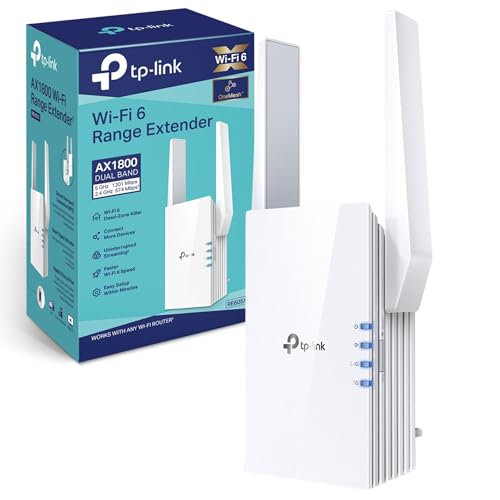
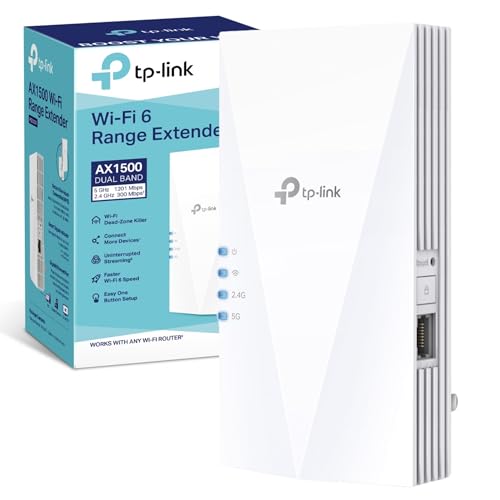
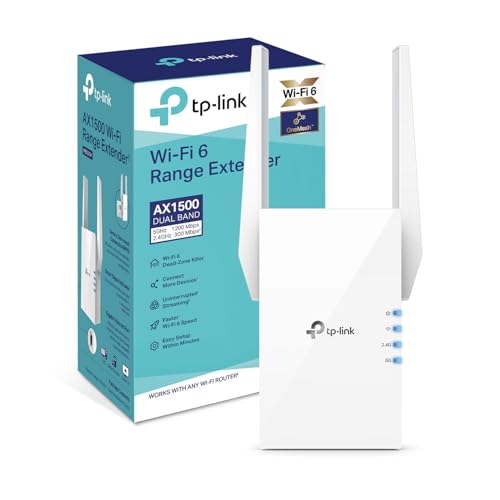
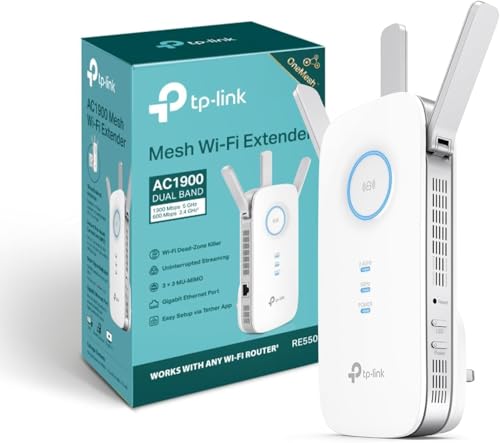
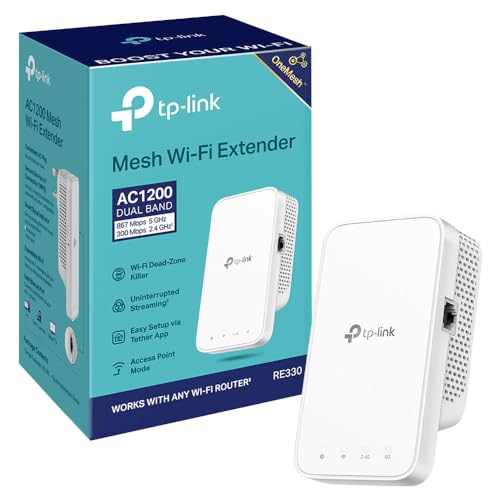
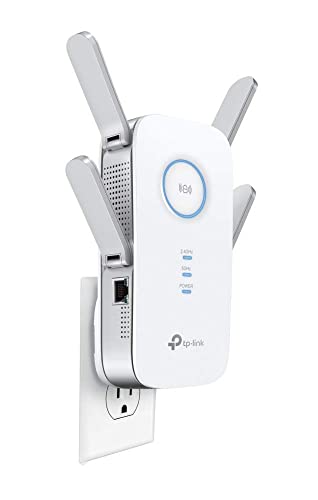
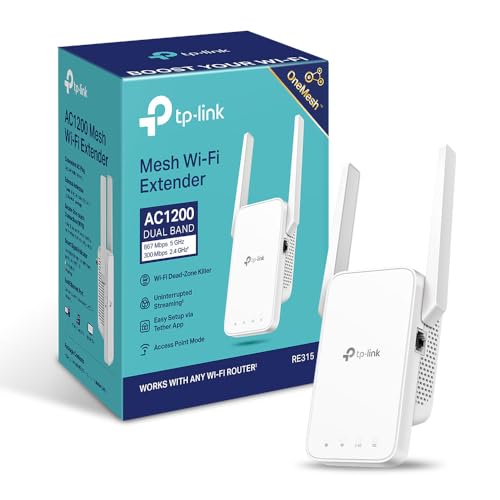
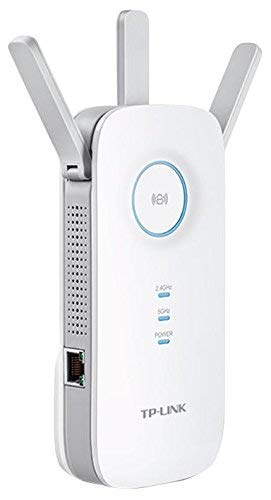
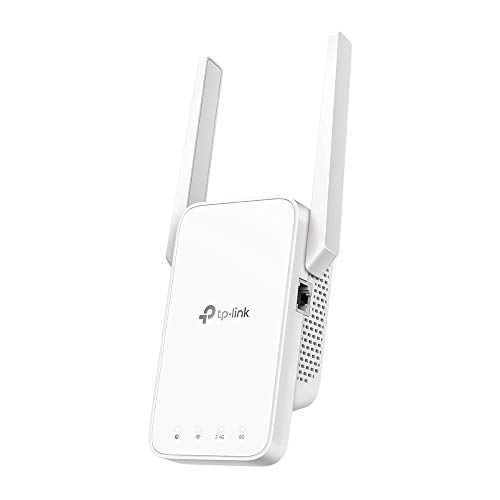
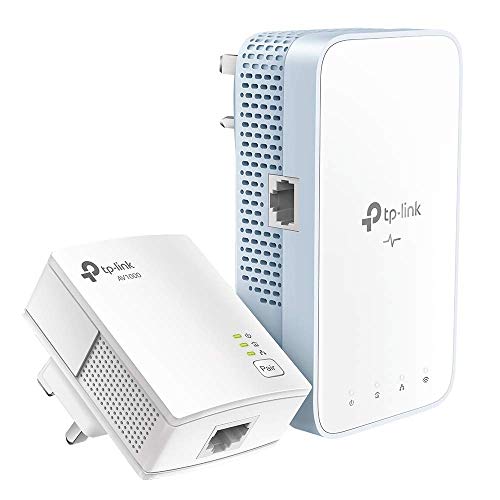
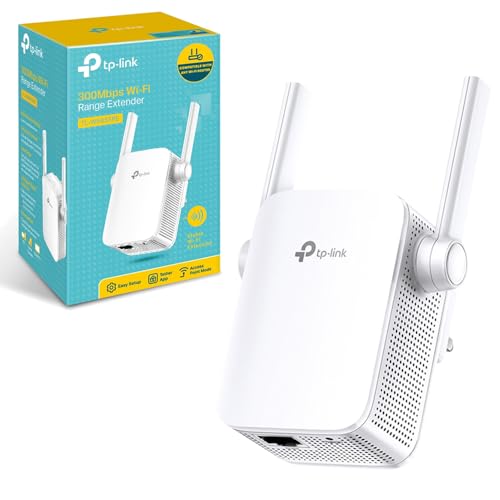
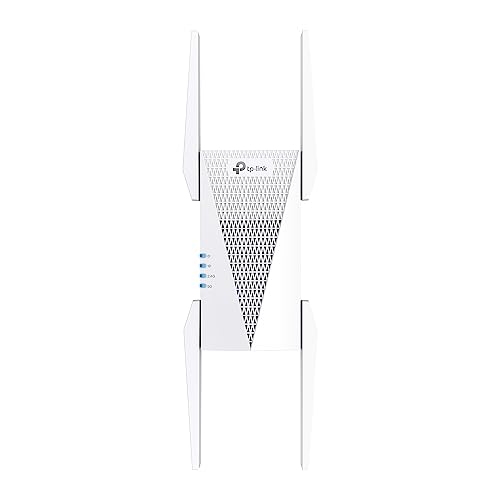
Are TP-Link Wi-Fi extenders good?
TP-Link Wi-Fi extenders have an average overall score of 7.6, ranking #4 among all Wi-Fi extender brands, and a user rating of 8.8, placing them at #2 based on user reviews.
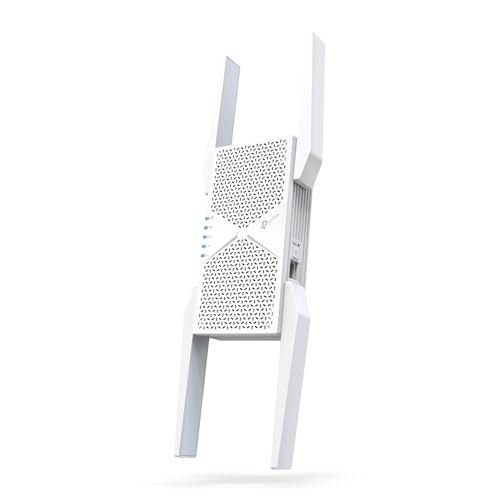
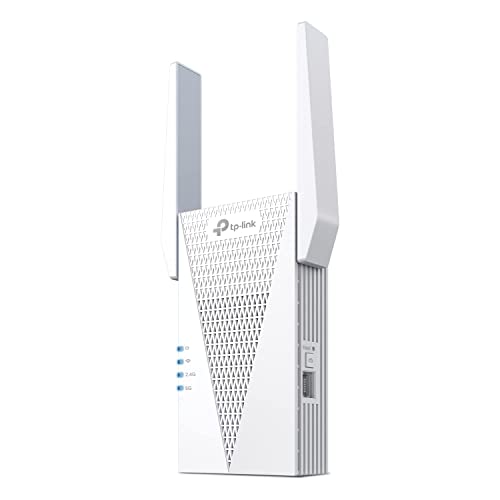
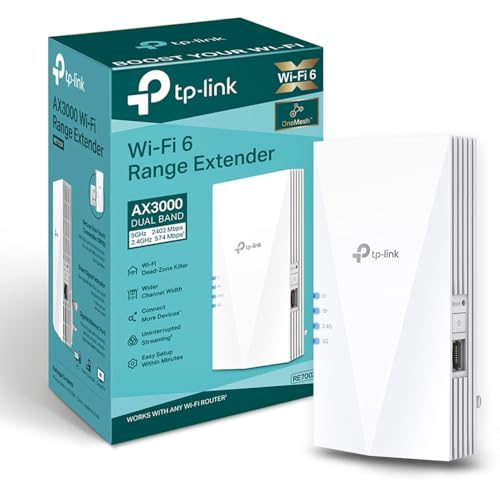
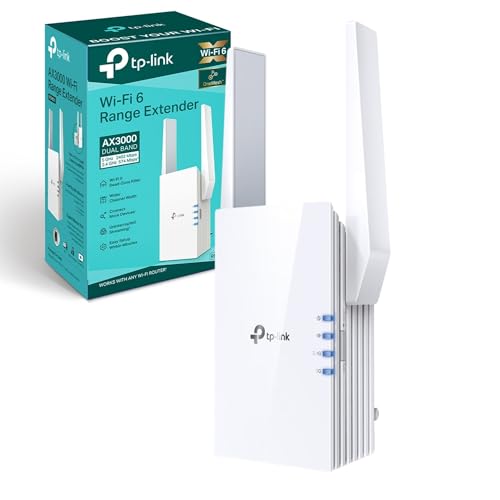
TP-Link Wi-Fi extenders are a strong choice if you want broad model choice, aggressive pricing, and an easy path into mesh-friendly home networking. The range covers everything from very cheap plug-in extenders up to faster Wi-Fi 6, Wi-Fi 6E, and Wi-Fi 7 models, so it is one of the easier brands to shop across several price levels.
The brand's biggest advantage is practical value. TP-Link often offers dual-band hardware, Gigabit Ethernet, Wi-Fi 6, and OneMesh support at lower prices than more premium rivals, which makes the better models especially appealing for ordinary homes that want stronger coverage without overspending.
The main downside is that the lineup is uneven. The cheapest TP-Link models can become limiting quickly on faster broadband or in busier homes, so the brand makes most sense when you choose carefully rather than assuming every TP-Link extender performs at the same level.
(Note: A total of 9 brands were evaluated in the comparison in the first paragraph. Only those with at least 4 Wi-Fi extenders in our database were included.)
The best TP-Link Wi-Fi extenders are as follows:
- TP-Link RE715X (Overall score: 8.75)
- TP-Link RE655BE (Overall score: 8.69)
- TP-Link RE705X (Overall score: 8.46)
The chart below ranks Wi-Fi extender brands based on their overall scores.
[horizontal-chart-10142674921665018098172531868163716079840930872242]
What are the main advantages of TP-Link Wi-Fi extenders?
The main advantages of TP-Link Wi-Fi extenders are as follows:
- Wide model range: TP-Link covers everything from basic low-cost plug-in extenders up to stronger AC1200, AX1500, and AX3000-class models. That makes it easier to match the extender to a small flat, a family house, or a faster fibre line without changing brands.
- Strong value for money: TP-Link often gives buyers more speed and features per euro than many rival brands. Dual-band support, Gigabit Ethernet, or Wi-Fi 6 often appear at lower prices than they do in more premium ranges.
- OneMesh ecosystem fit: TP-Link has a real advantage if you already use a TP-Link router, because matching products can give you one network name and cleaner roaming through OneMesh.
- Good spread of form factors: The lineup includes compact plug-in models as well as larger units with stronger antennas and more flexible placement options. That helps buyers choose between low-visibility convenience and better real-world signal reach.
- Useful Ethernet support: Many TP-Link extenders can also feed a TV, console, desktop, or small switch through Ethernet. That makes them more practical than the simplest Wi-Fi-only repeaters.
- Easy setup for mainstream users: TP-Link is usually one of the easier brands for app-guided home setup, which matters for buyers who want a quick fix instead of manual network tuning.
What are the main disadvantages of TP-Link Wi-Fi extenders?
The main disadvantages of TP-Link Wi-Fi extenders are as follows:
- Big quality spread across the range: TP-Link sells a lot of models, and performance varies a lot from one to another. The cheaper N300, AC750, or entry AC-class units can become limiting quickly on faster broadband or in busier homes.
- OneMesh benefit depends on router match: OneMesh is useful, but it matters much less if your main router is not part of the TP-Link ecosystem.
- Cheap models can bottleneck fast internet: Some lower-end units still rely on modest Wi-Fi classes or Fast Ethernet, which can cap real throughput well below what a faster router or fibre line can deliver.
- Mainstream rather than enthusiast software: TP-Link is easy to use, but the app and management layer are usually aimed at straightforward home setup rather than deeper tuning or diagnostics.
- Placement still matters a lot: Like most extenders, TP-Link models still depend heavily on the quality of the link back to the router. A cheaper plug-in model can lose speed very quickly if it is placed too close to the weak zone.
- Some homes outgrow the repeater approach: Even the better TP-Link extenders are still extenders first, not full mesh systems. In larger homes or more demanding networks, proper mesh hardware or wired access points can still be the better answer.

Who makes TP-Link Wi-Fi extenders?
TP-Link Wi-Fi extenders are made by TP-Link, a networking hardware brand best known for home routers, mesh systems, switches, and Wi-Fi extenders.
That matters because TP-Link is not treating extenders as a side category. The brand's mainstream identity is already centered on practical home networking, which is why the extender lineup usually focuses on useful speed classes, straightforward setup, and strong value rather than niche features.
In simple terms, TP-Link is strongest when buyers want affordable coverage expansion from a company that already knows the router-and-extender side of the market well.
What are the main TP-Link Wi-Fi extender series?
The main TP-Link Wi-Fi extender series are as follows:
- RE series: This is the core TP-Link extender family and the place where most buyers should start. It covers a broad spread from cheaper dual-band models up to stronger AC and AX units.
- TL-WA and older N-series models: These are the simpler and cheaper legacy-style TP-Link extenders, aimed at very basic coverage fixes rather than faster modern networking.
- AX and newer premium RE generations: Wi-Fi 6, Wi-Fi 6E, and Wi-Fi 7 TP-Link extenders sit at the stronger end of the lineup and make more sense for faster fibre, busier homes, and buyers who want more future-proof hardware.
- OneMesh-friendly models: A meaningful part of the TP-Link range is built to work well with the brand's router ecosystem, which matters if you want cleaner roaming rather than only a one-room dead-spot fix.
How much do TP-Link Wi-Fi extenders cost?
TP-Link Wi-Fi extenders usually cost between £20 and £155, with many models sitting around £30 to £115.
The cheaper part of the range is mostly for light use and simple dead-zone fixes, often with basic AC750 or entry AC1200 hardware. In the middle, you start getting better AC and Wi-Fi 6 models without losing the brand's value advantage, which is where mesh support, cleaner apps, and stronger Ethernet options become more common. The most expensive models mainly make sense if you specifically want the faster AX-class or Wi-Fi 7 step-up options.
The following chart shows TP-Link Wi-Fi extender prices.
[vertical-chart-01042166766139857540116967337186380819341480573757]
How do TP-Link Wi-Fi extenders compare with Netgear models?
TP-Link Wi-Fi extenders usually beat Netgear on price and value, while Netgear is often stronger in the more premium upper tier.
TP-Link is usually easier to justify if you want more choices below roughly £55-£115, easier access to OneMesh-friendly home setups, and better feature-per-euro value across the low and middle of the market.
Netgear usually makes a stronger case if you want a more premium-feeling upgrade path, especially in faster Wi-Fi 6 classes where buyers care more about preserving throughput and supporting heavier household traffic. In simple terms, TP-Link tends to win on budget and mainstream value, while Netgear is easier to justify when the network is larger, busier, and less price-sensitive.
What should you consider while choosing the best TP-Link Wi-Fi extender?
The most important things to consider while choosing the best TP-Link Wi-Fi extender are as follows:
- Wi-Fi class: TP-Link covers everything from basic N300 or AC750 extenders to mainstream AC1200 or AX1500 units and faster AX3000-class models. If your internet speed is above roughly 100-200 Mbps, or several people stream and work at the same time, the cheapest entry models can become the bottleneck very quickly.
- OneMesh compatibility: Check whether your router and extender both support TP-Link OneMesh. That often matters more than a small speed difference if you want one network name and smoother roaming from room to room.
- Band setup and backhaul behavior: Single-band extenders are only suitable for very light browsing or smart-home traffic. Dual-band is the practical minimum, and stronger Wi-Fi 6 models usually hold up better in a busy house than older AC750-class plug-ins.
- Ethernet port speed: Some TP-Link extenders only provide Fast Ethernet, which can cap a wired TV, console, desktop, or switch at around 100 Mbps. If you plan to plug in a stable wired device, Gigabit Ethernet is the safer target.
- Physical design and placement: Small wall-plug extenders are easy to install, but they usually have smaller antennas and less placement flexibility than larger desktop models. In thicker-wall or multi-floor homes, placement options become a serious buying factor.
- Setup and control quality: App support, firmware age, and troubleshooting tools still vary by generation. Newer TP-Link models usually give you cleaner app control, better security upkeep, and fewer headaches if you need to diagnose weak links or change settings later.






