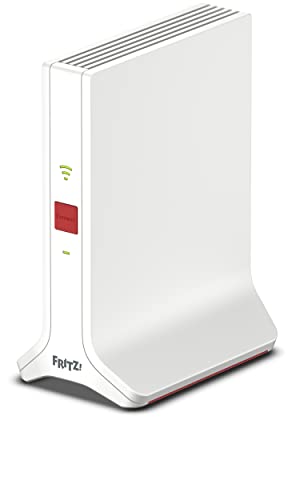
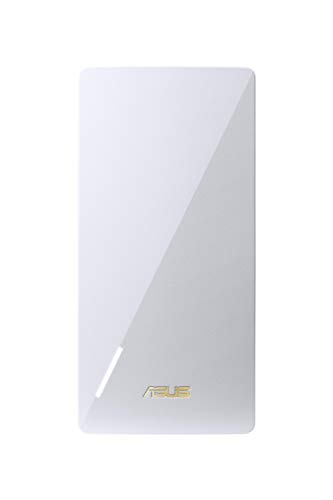
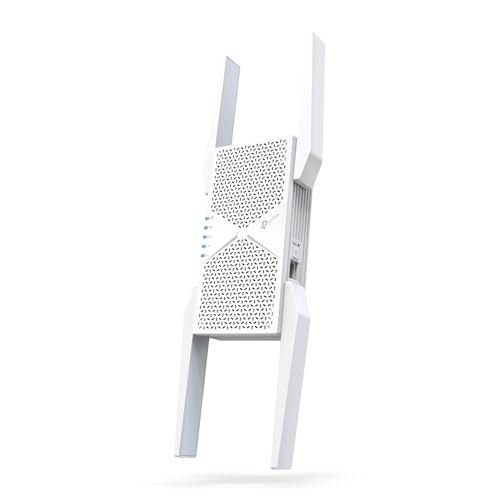
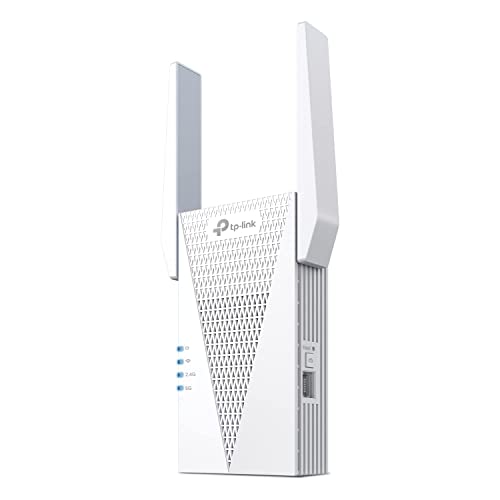
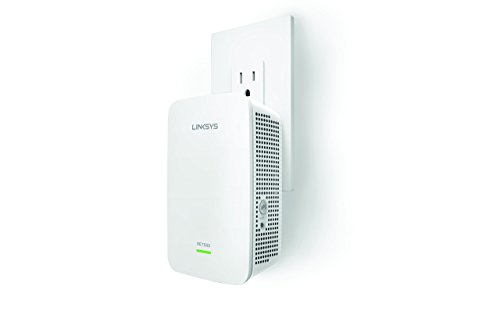
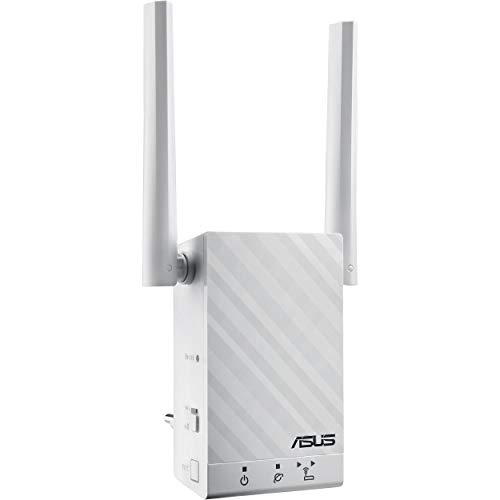
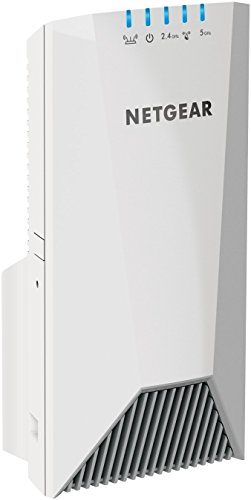
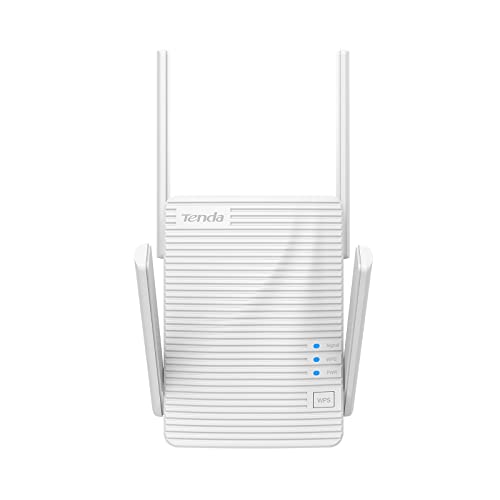
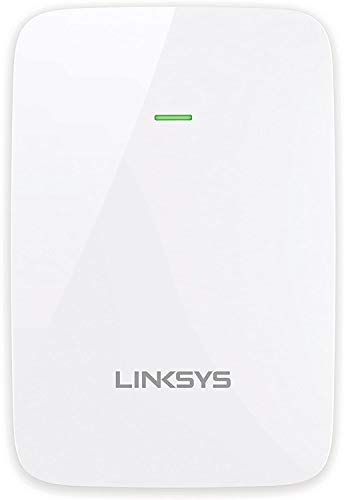
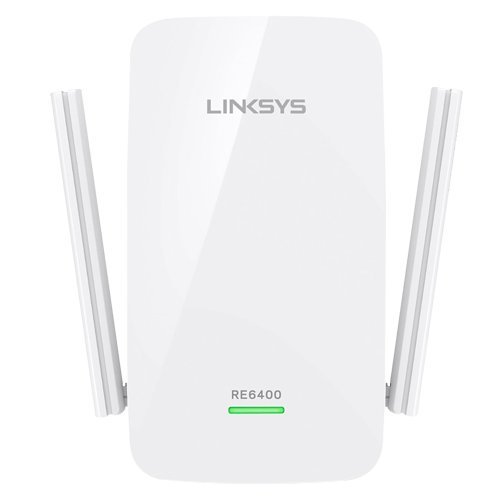
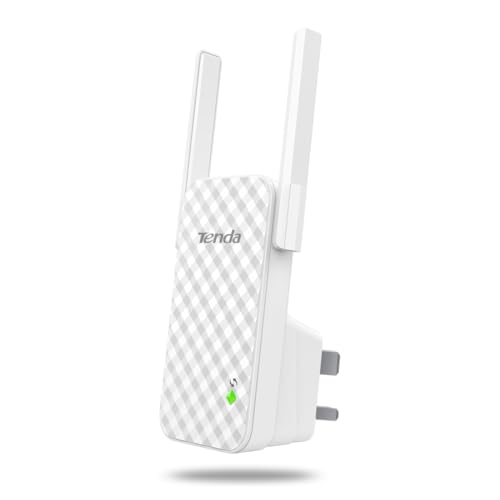
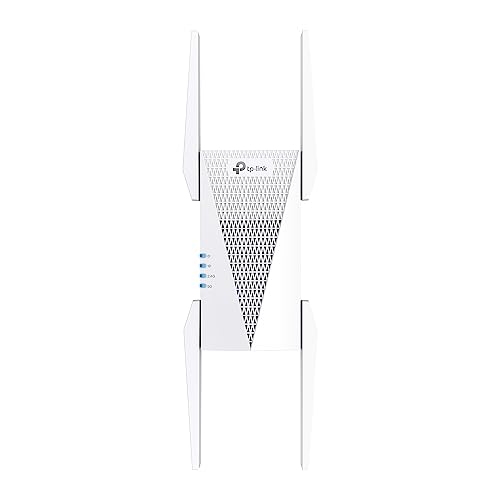
Which brands make the best long-range Wi-Fi extenders?
The best long-range Wi-Fi extender brands are as follows:
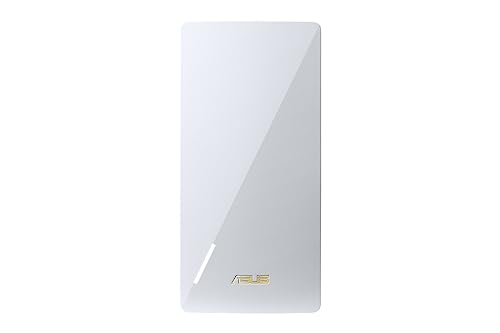
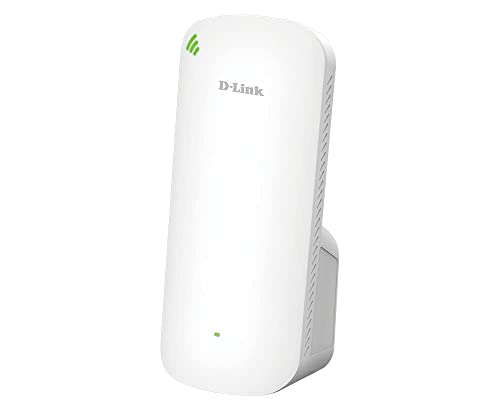
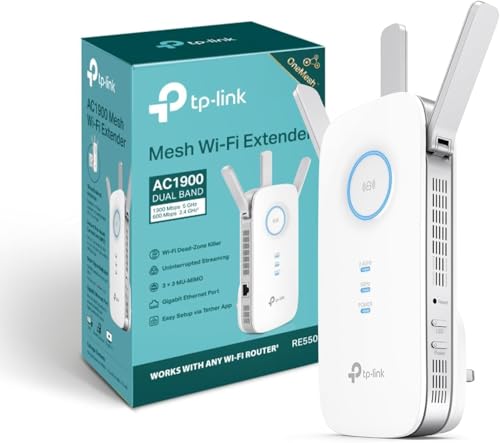
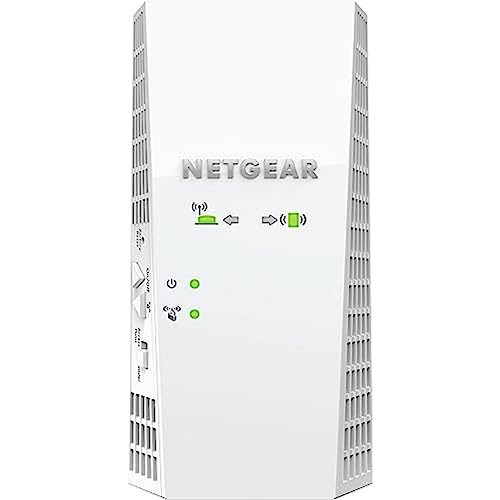
- TP-Link (Average overall score: 8.8)
- ASUS (Average overall score: 8.1)
- Netgear (Average overall score: 7.5)
The chart below ranks long-range Wi-Fi extender brands by average overall score.
[horizontal-chart-00464643247965336413048045789545150626190887785332]
What makes a Wi-Fi extender suitable for long range?
The features that make a Wi-Fi extender suitable for long range are as follows:
- Strong backhaul quality: Long range only helps if the extender can still keep a healthy link back to the main router. A model that reaches farther but loses the upstream signal too easily will not feel like a true long-range upgrade.
- Better radio and antenna design: Stronger antennas, cleaner 5 GHz handling, and better radio hardware usually matter more than a flashy box-speed number. Long-range extenders have to preserve usable signal, not just advertise it.
- Sensible dual-band or tri-band hardware: A long-range extender still needs enough wireless capacity to serve distant devices without falling apart under normal household traffic. Better Wi-Fi 5 and Wi-Fi 6 models are usually easier to trust than very basic entry-level repeaters.
- Good placement flexibility: Desktop units, external antennas, and better positioning options help when the ideal signal spot is awkward. Long-range hardware is only useful if you can place it where the router link is still strong enough.
- Practical wired support: Ethernet ports, access-point mode, or Ethernet backhaul support help when the weak area is difficult enough that wireless-only repeating starts to struggle.
How much coverage can long-range Wi-Fi extenders add in real use?
Long-range Wi-Fi extenders can often add coverage to 2-4 extra rooms, a larger upstairs area, or the far end of a medium-to-large home when they are placed well.
That does not mean the whole added area will get top speed. The useful gain is usually that a room which was unreliable before becomes stable enough for browsing, streaming, calls, or lighter work instead of dropping in and out.
The real result still depends heavily on wall density, floor separation, interference, and how clean the extender's link back to the router is. Long-range models help most when they are placed between the router and the dead zone, not pushed all the way into the weakest spot.
How well do long-range Wi-Fi extenders work through walls?
Long-range Wi-Fi extenders can usually work through one or two normal interior walls reasonably well, but several dense walls can still cut speed and stability hard.
The main advantage is not that the signal passes cleanly through every obstacle, but that a stronger extender stays usable where a weaker one would already fall apart. That is why placement still matters so much: the extender needs one side facing a strong upstream signal before it can help the harder side of the house.
If your main problem is several heavy brick or concrete barriers in a row, a wired access point or Ethernet-backhaul setup can still be a better answer than a pure repeater. Long-range extenders help most when the challenge is difficult distance mixed with moderate obstacles, not extreme structural blockage.
How much do long-range Wi-Fi extenders cost?
Long-range Wi-Fi extenders usually cost between £60 and £165, and many better models sit around £80 to £145.
Cheaper models can still help in a far room, but they are less likely to hold up once walls, floors, and interference get in the way. Spend more, and you usually move into stronger radios, better antenna design, and faster classes such as AC1900, AX1800, or AX3000. That extra money is mainly about keeping the distant room genuinely usable, not just about getting a bigger coverage number on the packaging.
The following chart shows long-range Wi-Fi extender prices.
[vertical-chart-05656455412793851022096556345464017144521605608216]
How fast are long-range Wi-Fi extenders in real use?
Long-range Wi-Fi extenders often deliver about 50-250 Mbps in the harder parts of a home, with the better ones doing more when the link back to the router stays clean. The real goal here is not peak close-range speed, but keeping the far room genuinely usable.
That is enough for normal browsing, streaming, calls, and work tasks, but the stronger models are the ones that lose less speed through distance and walls. In practice, better radios and cleaner backhaul usually matter more than a dramatic coverage claim on the box.
The following chart compares long-range Wi-Fi extender speed classes.
[vertical-chart-12709397184377459193170370574753236988010333500482]
What compatibility should you check on a long-range Wi-Fi extender?
The compatibility checks that matter most on a long-range Wi-Fi extender are as follows:
- Router and mesh fit: Check whether the extender works as a generic repeater or expects a specific ecosystem such as EasyMesh, OneMesh, Fritz Mesh, or AiMesh. Long-range coverage is more useful when the extender fits cleanly into the network you already have.
- Ethernet and backhaul options: Check LAN port speed, port count, and whether the extender supports Ethernet backhaul or access-point mode. For difficult coverage areas, wired flexibility can matter more than another small wireless upgrade.
- Wi-Fi bands and standards: Make sure the extender matches the bands and standards your router and clients can actually use. Dual-band is the normal baseline, while tri-band or newer standards only help if the rest of the network can benefit from them.
- Physical design and placement needs: Plug-in units, desktop units, and external-antenna designs behave differently in real homes. Long-range shopping is partly about specs, but also about whether the device can be positioned where it will actually work well.
- Security and management tools: WPA3, app controls, and setup options matter only if they fit your existing network and are easy to manage. Better long-range hardware is less useful if the software side is awkward or too limited.
- Power and room constraints: Check socket orientation, heat, size, and whether the extender blocks nearby outlets or needs shelf space. Practical placement often decides more than one extra line on the specification sheet.