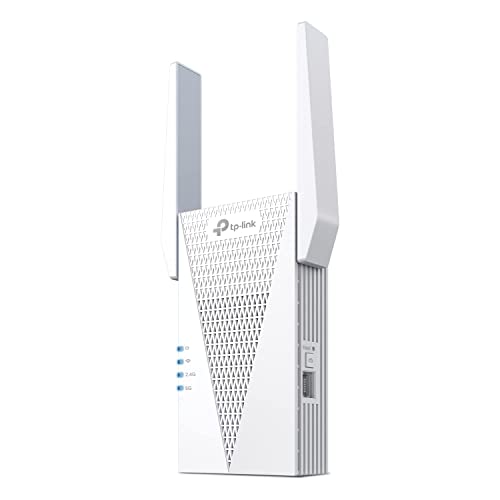
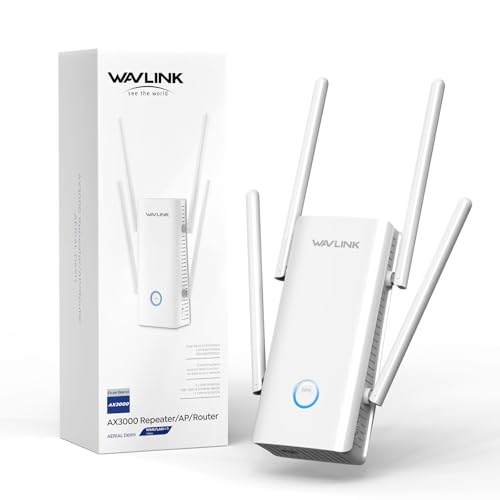
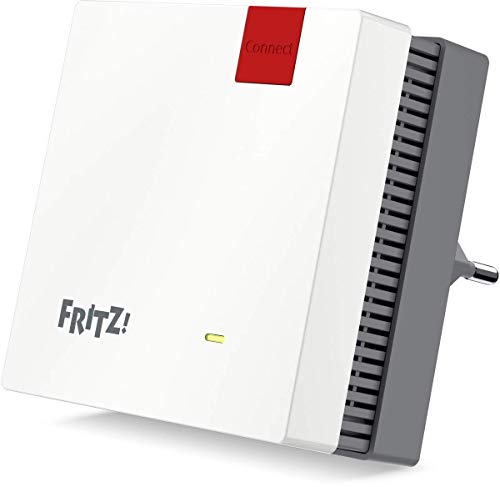
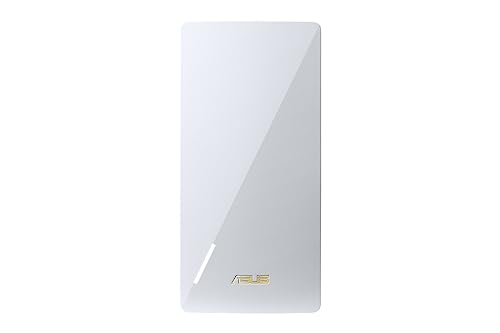
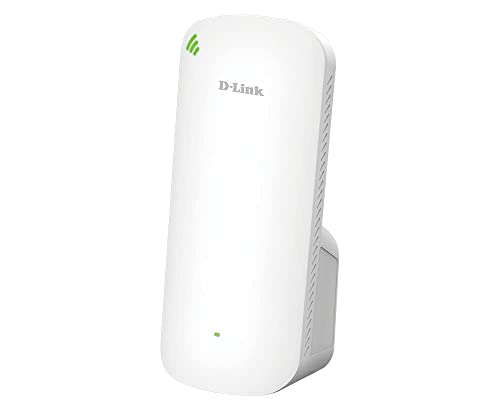
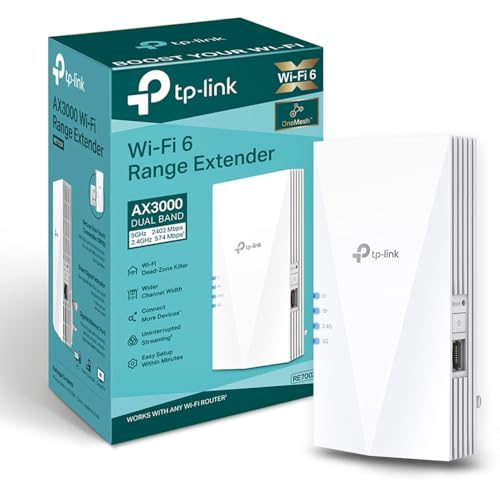
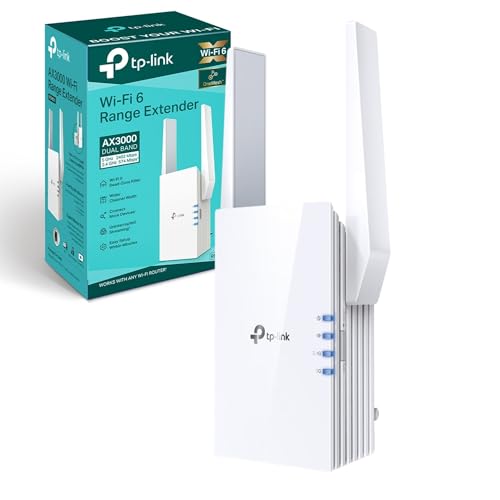
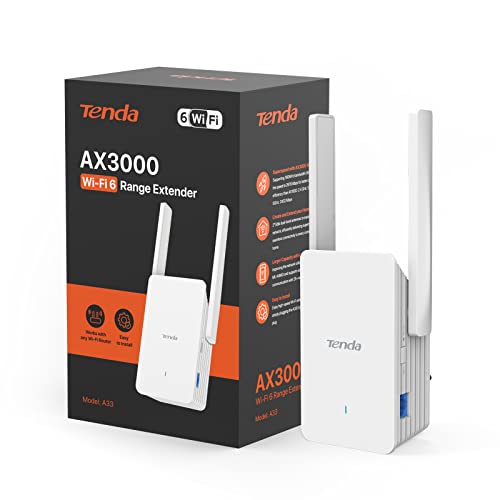
Which brands make the best Wi-Fi extenders with Ethernet port?
The best Wi-Fi extender brands with Ethernet port are as follows:
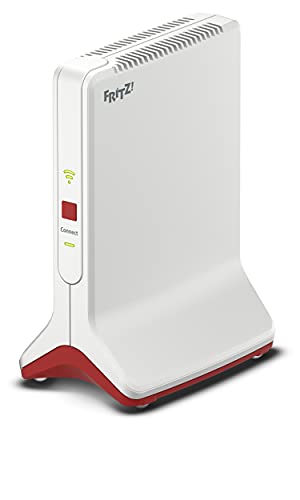
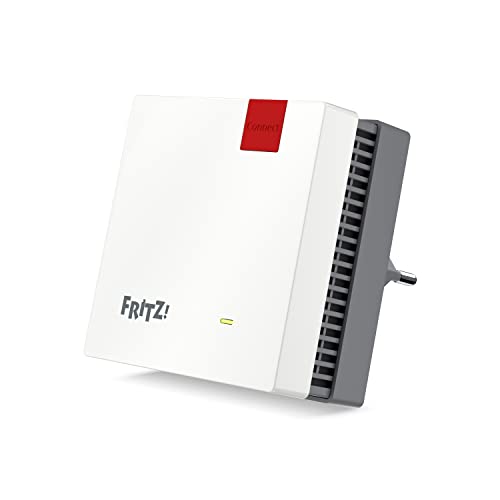
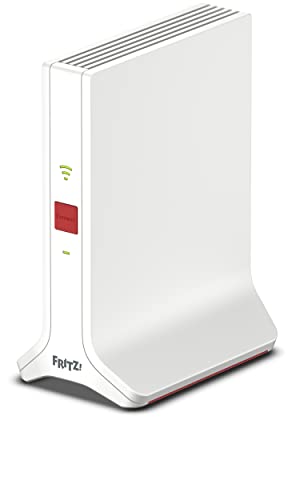
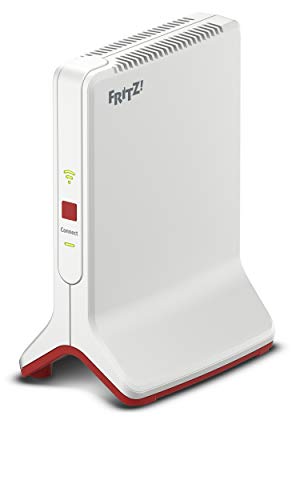
- AVM (Average overall score: 9)
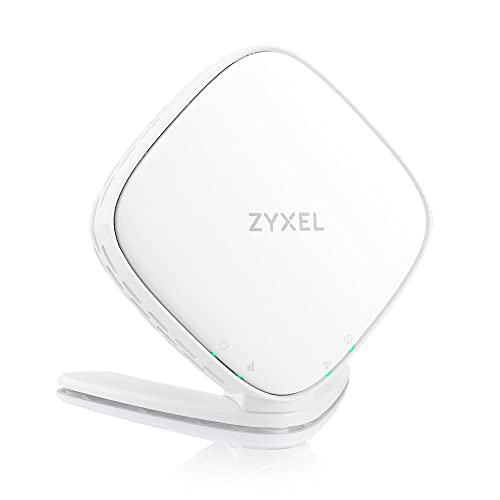
- Zyxel (Average overall score: 8.9)
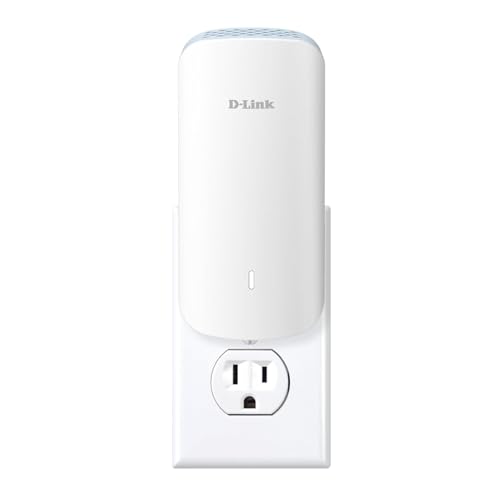
- D-Link (Average overall score: 8.2)
The chart below ranks Wi-Fi extender brands with Ethernet port by average overall score.
[horizontal-chart-17033000740443803850176662369867085342801241795327]
What is a Wi-Fi extender with Ethernet port useful for?
A Wi-Fi extender with Ethernet port is mainly useful when you want to connect a wired device in a room where the router signal is weak. The most common examples are a console, TV, desktop PC, streaming box, printer, or camera that would work better over cable than over another short wireless hop.
It becomes even more useful when the extender also supports access-point mode or Ethernet backhaul. In that case, the port is not only feeding one device, but helping create a more stable room-to-room network setup overall.
How many Ethernet ports do Wi-Fi extenders usually offer?
Most Wi-Fi extenders offer 1 Ethernet port, and that is still the normal answer across this category. For most buyers, one port is enough, because the usual job is simply to connect one console, TV, desktop, or streaming box in the weak-coverage room.
Two-port models do exist, but they are much less common, and four-port units are step-up products rather than the baseline. Extra ports only start to matter when the extender needs to serve several wired devices or behave more like a small network hub than a simple repeater.
Does Ethernet improve speed and stability on a Wi-Fi extender?
Yes, Ethernet usually improves stability and can improve real-world speed consistency on a Wi-Fi extender.
The biggest benefit is often not a huge jump in headline throughput, but a cleaner and more predictable final step of the connection. A console, TV, or PC connected by cable is less exposed to small wireless fluctuations, local interference, or weak client radios, which often makes streaming, gaming, and video calls feel steadier.
Ethernet helps even more when the extender can also use wired backhaul or access-point mode. In that case, the wired link improves not only the last device hop but the whole room connection path.
How much do Wi-Fi extenders with Ethernet port cost?
Wi-Fi extenders with Ethernet port usually cost between £30 and £130, with many models around £35 to £105.
A wired port is common enough that you do not need a premium model just to get one. At the lower end, the Ethernet port is often paired with slower wireless hardware and is best for a TV, printer, or light-use desktop. Spend more, and you are more likely to get faster AC or Wi-Fi 6 hardware, a cleaner uplink, and sometimes extra LAN ports. For many buyers, the middle of the range is already enough to make that wired connection genuinely useful.
The following chart shows Wi-Fi extender prices with Ethernet port.
[vertical-chart-02621196389143058038166234103580845942183932213762]
How fast are Wi-Fi extenders with Ethernet port in real use?
Wi-Fi extenders with Ethernet port often deliver about 50-300 Mbps in real use, and the better ones can do more when placement is good. The wired port does not magically raise the wireless ceiling, but it often gives a steadier final connection to a console, TV, or desktop than Wi-Fi-to-Wi-Fi linking would.
That is why these models can feel faster in practice even when the printed speed class is not extreme. The real limit is still the uplink to the router, so the better units are the ones that combine a stable backhaul with a useful wired handoff.
The following chart compares Wi-Fi extender speed classes with Ethernet port.
[vertical-chart-09538733789696185114161079890623610092563351440691]
What compatibility should you check on a Wi-Fi extender with Ethernet port?
The compatibility checks that matter most on a Wi-Fi extender with Ethernet port are as follows:
- Router ecosystem: Check whether the extender is a simple universal repeater or whether it works best inside a system such as OneMesh, EasyMesh, Fritz Mesh, or AiMesh.

- Port speed: A LAN port is only truly useful if it is fast enough for the device you want to plug in. Gigabit Ethernet is the safer baseline for a console, TV, desktop, or small switch.

- Port count: One port is enough for many homes, but not for every setup. If the extender needs to feed several wired devices, check whether you really need two ports, four ports, or an external switch.
- Backhaul mode: Confirm whether the model supports Ethernet backhaul or access-point mode, not only wireless repeating.
- Wi-Fi standard: Make sure the extender's Wi-Fi generation and band support match what your router and clients can actually use.
- Physical design: Plug-in extenders, desktop units, and PoE-style products behave differently in real homes, so placement still matters as much as compatibility on paper.