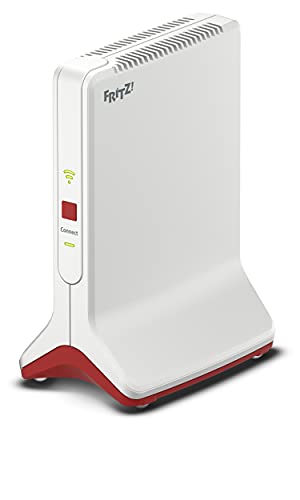

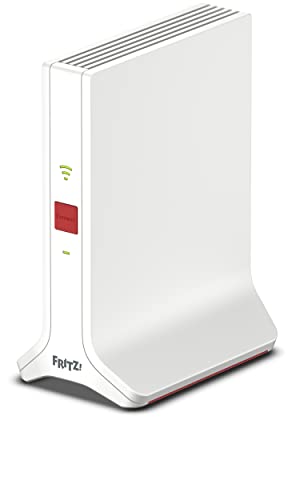
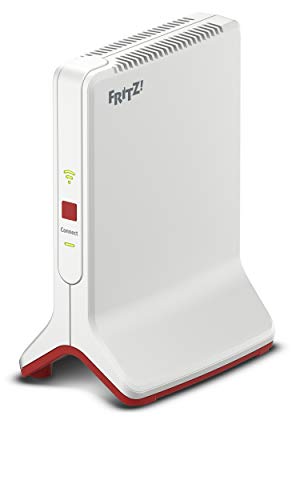
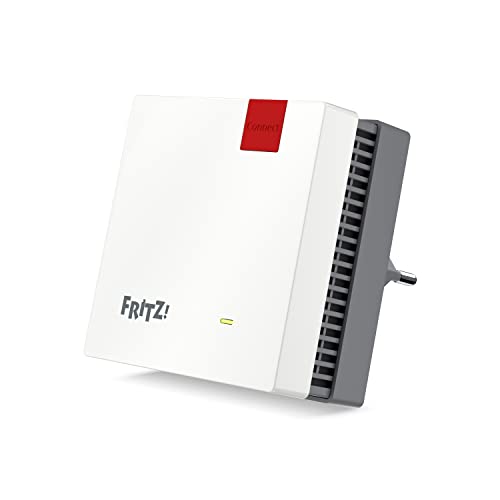
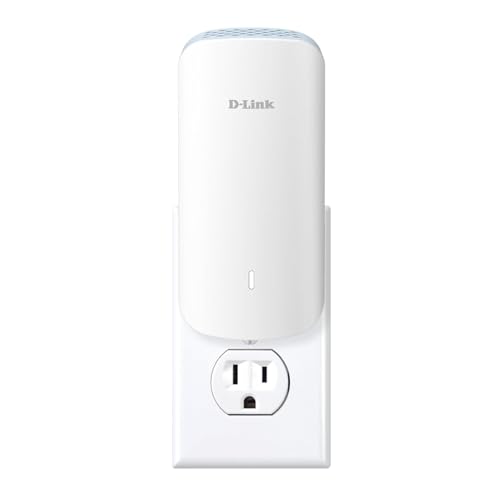
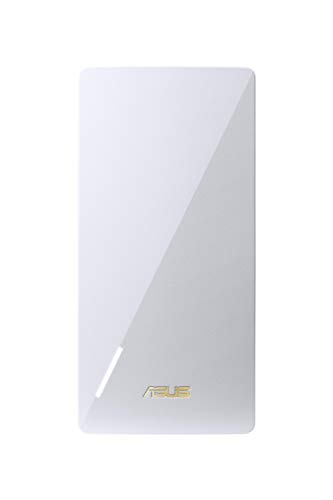
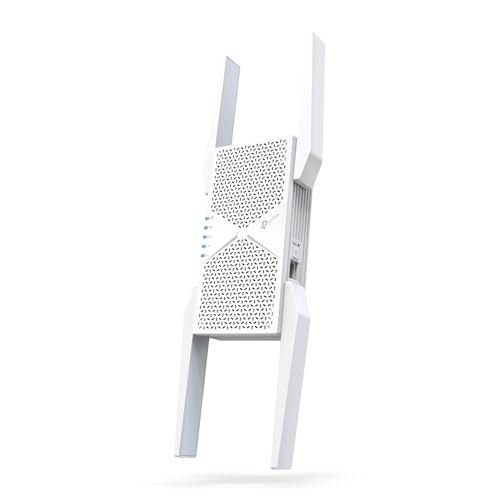
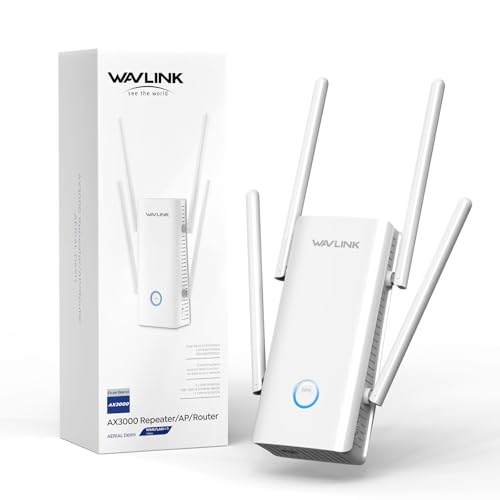
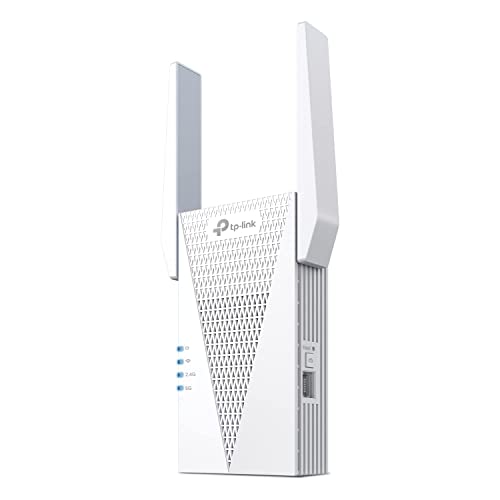
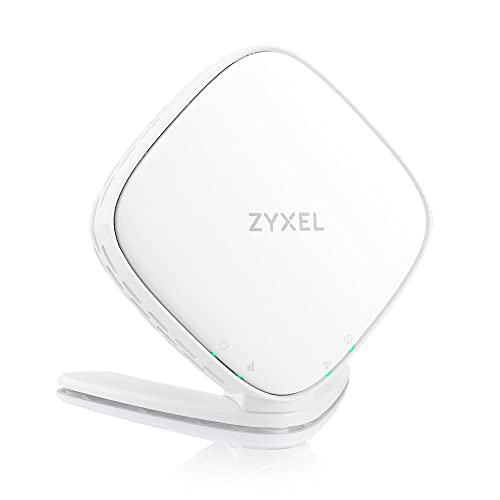
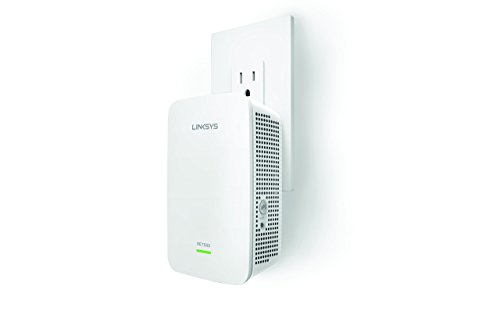
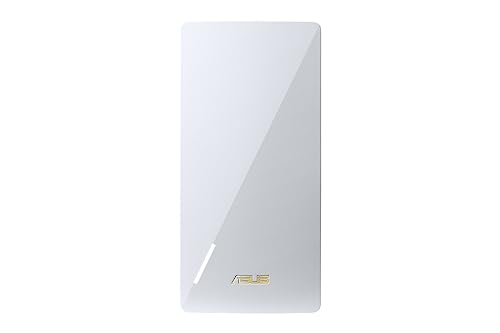
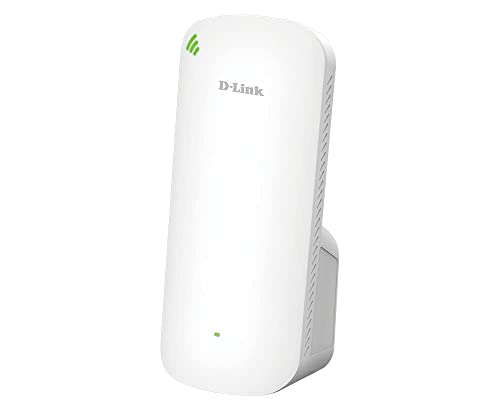
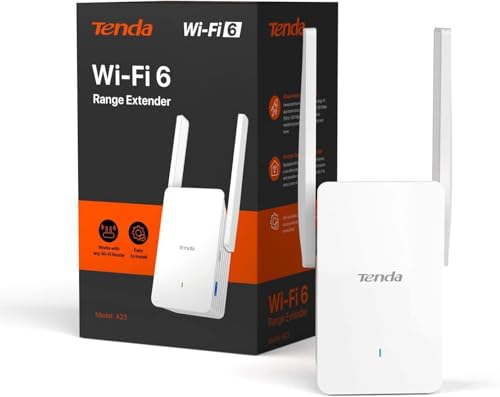
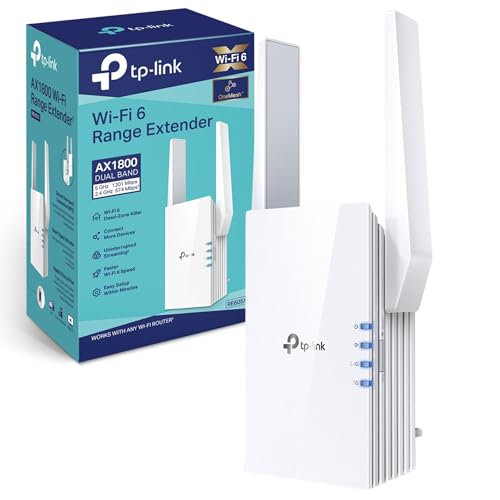
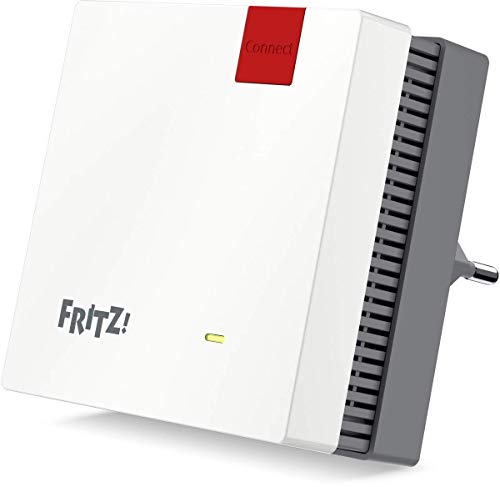
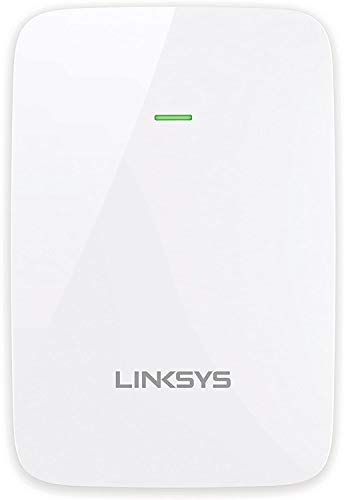
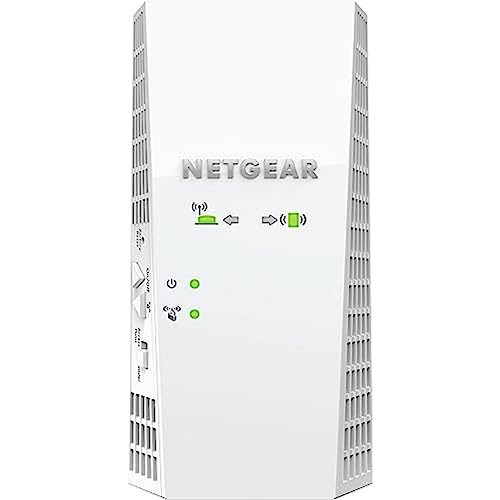
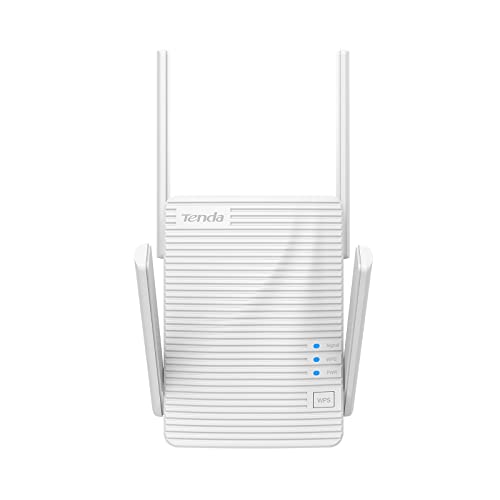
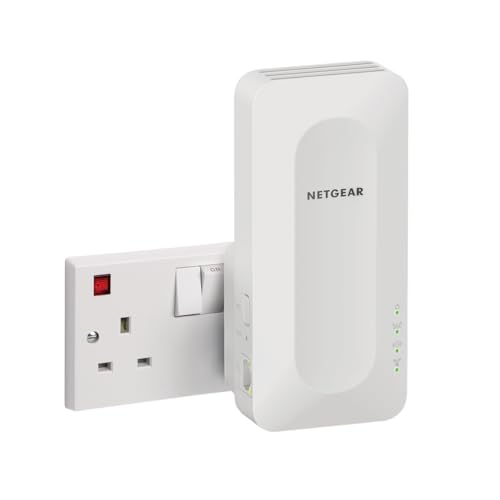
What makes a Wi-Fi extender suitable for gaming?
The features that make a Wi-Fi extender suitable for gaming are as follows:
- Stable backhaul: Gaming benefits more from a clean, steady connection back to the main router than from a huge box-speed number. A strong 5 GHz uplink, tri-band design, or wired backhaul usually matters more than a flashy maximum Wi-Fi class on its own.
- Useful QoS support: QoS tools help when other people in the home are streaming, downloading, or backing up files at the same time. Good QoS cannot fix a weak signal, but it can stop gaming traffic from being crowded out under load.
- Ethernet for the gaming device: A LAN port lets you connect a console, PC, or dock directly to the extender. That usually gives you a more predictable gaming link than hopping over Wi-Fi twice.
- Strong dual-band or tri-band radio hardware: Gaming extenders should have enough 5 GHz capacity to keep latency low while still handling normal household traffic.
- Sensible placement flexibility: A gaming extender still has to be easy to place where the upstream signal is strong. If it only works well in the exact room where coverage is already good, it will not help much in real gaming setups.
What should be the maximum latency on a Wi-Fi extender for gaming?
For gaming, a Wi-Fi extender should ideally keep the total connection in a low-latency range rather than adding a big extra delay of its own. In practical terms, once the connection is regularly drifting much beyond about 40-60 ms or showing obvious jitter spikes, the extender starts to feel less convincing for faster multiplayer games even if downloads still look fine.
The safer target is not a single magic number, but a stable result with as little extra delay as possible. A well-placed gaming-friendly extender with a strong 5 GHz backhaul or Ethernet support can stay close enough to the main router to feel fine for most play, while a badly placed one can feel worse because of jitter and packet retries long before the headline ping number looks disastrous.
Do you need Ethernet on a Wi-Fi extender for gaming?
No, you do not strictly need Ethernet on a Wi-Fi extender for gaming, but it is usually the safer choice if you want the most consistent results.
Plugging a console or PC into the extender removes one wireless hop from the final part of the connection, which usually reduces instability even if the uplink back to the router is still wireless. Ethernet matters even more when the extender can also use wired backhaul.
If you are only gaming casually and the extender sits very close to both the router and the device, Wi-Fi-only use can still be fine. But when you care about predictable ping and fewer random spikes, a model with a good Ethernet port is usually the better buy.

How much do Wi-Fi extenders for gaming cost?
Wi-Fi extenders for gaming usually cost between £60 and £165, with many models landing around £80 to £145.
Cheaper models can still work for casual play, but they are more likely to feel uneven when the network is busy, especially if the backhaul is weak or the Ethernet support is basic. Spend more, and you usually get stronger Wi-Fi 6 hardware, cleaner 5 GHz performance, better wired support, and steadier latency under load. That matters more for gaming than a flashy box-speed claim on its own.
The following chart shows Wi-Fi extender prices for gaming.
[vertical-chart-15076812275293608355111308637791941358720845983613]
How fast are Wi-Fi extenders for gaming in real use?
Gaming-friendly Wi-Fi extenders are usually built around AX1775 to AX3000-class hardware, and a good setup can hold enough real throughput for online play, downloads, voice chat, and streaming at the same time. In practice, the real requirement for gaming is usually stability rather than chasing the largest number on the box.
Even 50-150 Mbps is already enough for actual game traffic if latency and packet stability stay under control, while the extra headroom helps with downloads and other devices on the network. That is why a well-placed mid-range gaming extender often feels better than a faster-looking model installed in the wrong spot.
The following chart compares Wi-Fi extender speed classes for gaming.
[vertical-chart-15325052194497499250033254749205316068241067755987]
What compatibility should you check on a Wi-Fi extender for gaming?
The compatibility checks that matter most on a Wi-Fi extender for gaming are as follows:
- Router and mesh ecosystem fit: Check whether the extender is meant to work as a generic repeater or as part of a specific mesh family such as EasyMesh, OneMesh, Fritz Mesh, or AiMesh.
- Ethernet port speed and count: A single gigabit port is enough for many consoles and PCs, but extra ports or faster 2.5 GbE support can matter if the extender will also feed another device, switch, or wired room setup.
- Backhaul options: Confirm whether the model supports wireless backhaul only, Ethernet backhaul, or access-point mode. For gaming, flexible backhaul support usually matters more than small differences in advertised top speed.
- Wi-Fi band and standard support: Make sure the extender matches the bands and standards your router and clients can actually use. Dual-band is the normal baseline, while tri-band or 6 GHz support only helps if the rest of the network can take advantage of it.
- Security and management features: WPA3, app controls, and QoS settings are only useful if they integrate cleanly with the network you already run.
- Physical placement needs: Check plug-in versus desktop design, antenna layout, and power requirements before you buy. The best gaming extender on paper can still be the wrong choice if its shape or power setup forces you into a weak placement point.






