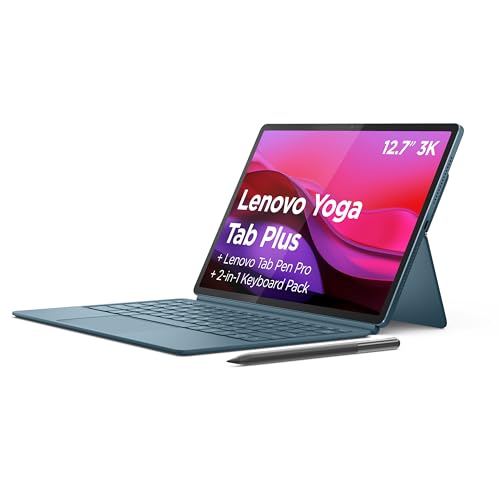
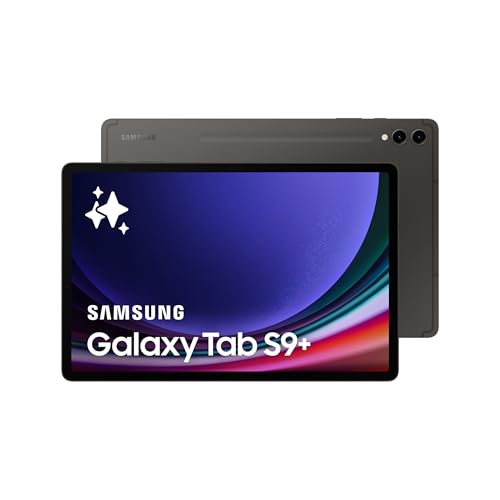
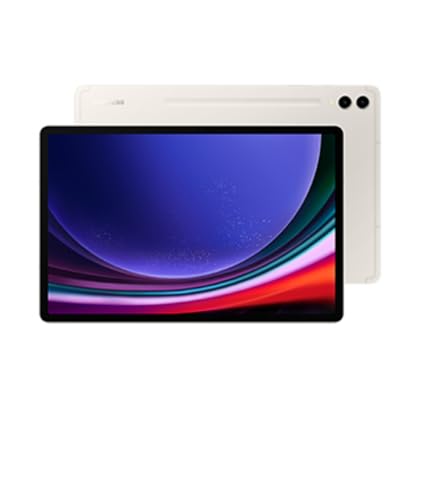
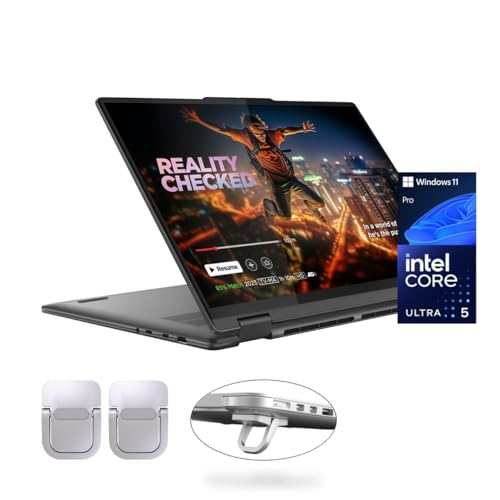
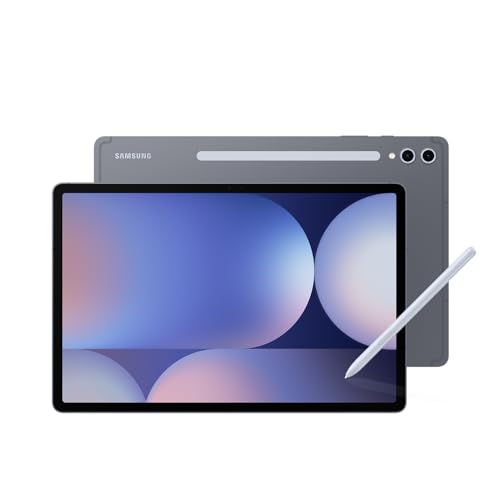
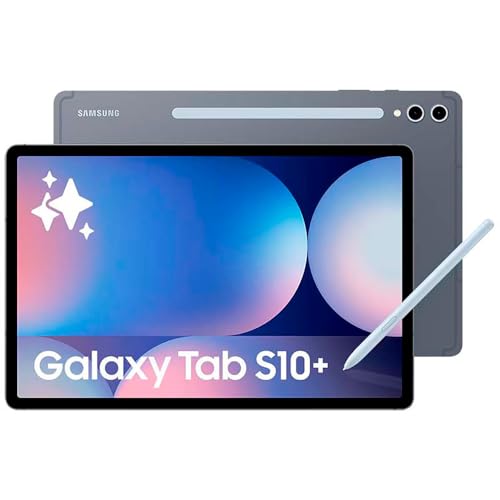
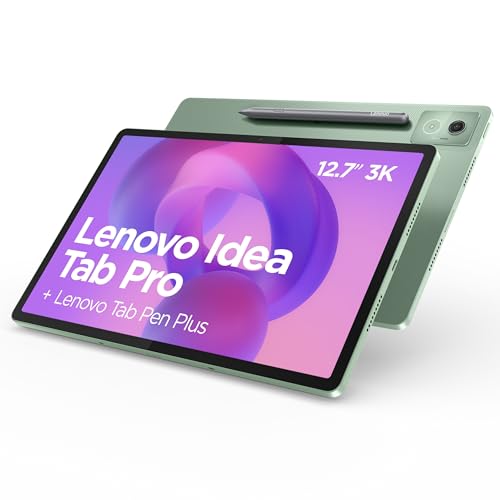
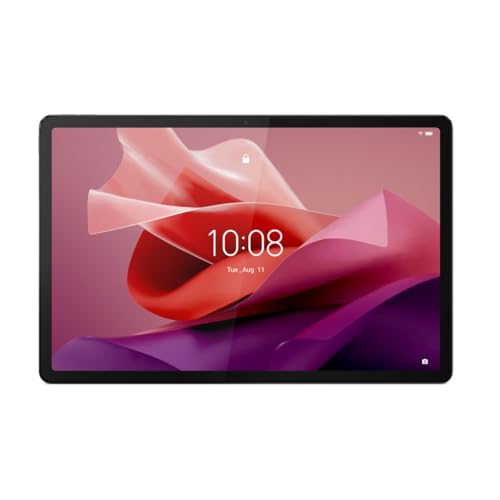
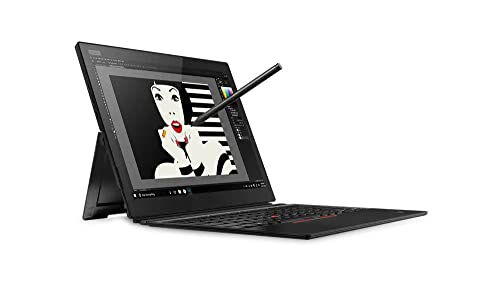
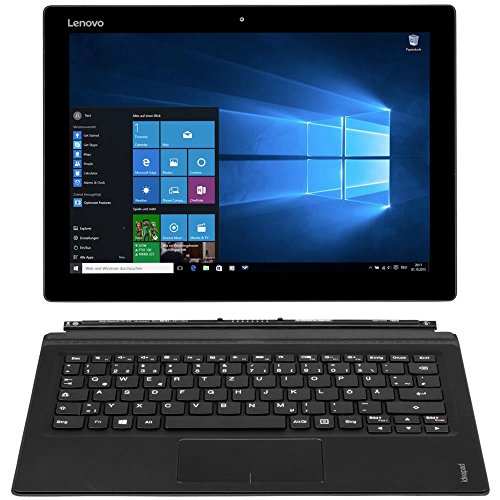
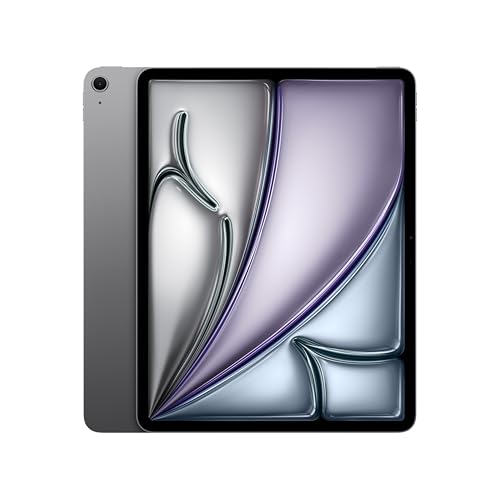
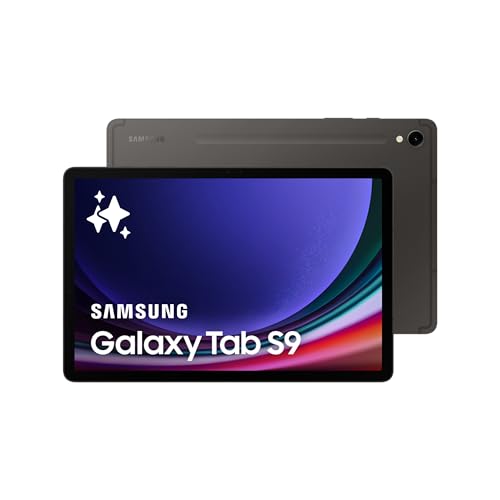
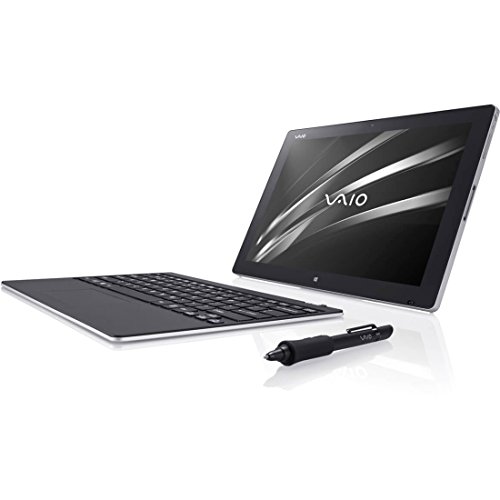
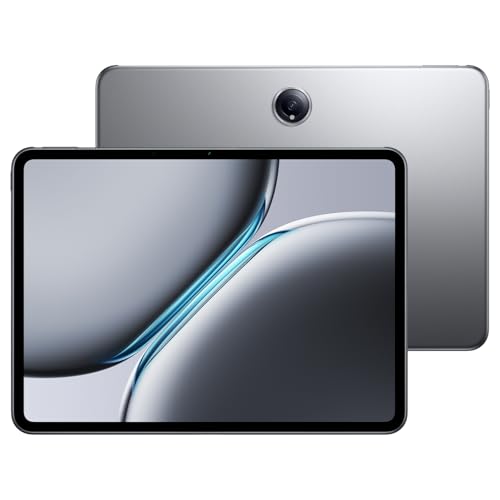
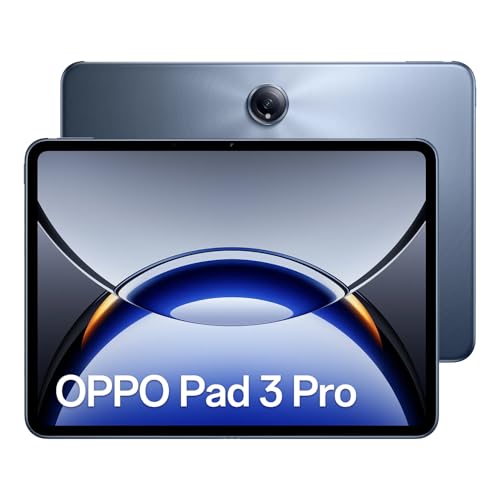
Why use a tablet for work instead of a laptop?
The main advantages of using a tablet for work instead of a laptop are as follows:
- Portability: Tablets are lighter and thinner than laptops, so they are easier to carry in a bag and more comfortable to hold in hand during work on the go.
- Battery life: Many tablets last longer than laptops on a single charge, so they support longer use during travel or meetings without frequent recharging.
- Touchscreen use: A tablet supports direct input with fingers or a stylus, so it is better for drawing, signing documents, or quick notes compared to a laptop’s keyboard and touchpad.
- Versatility: A tablet can function as both a productivity device and a media tool, since you can connect a keyboard for work tasks and switch to handheld use for reading or presentations.
- Instant start: Tablets turn on faster than most laptops, so you can access files and apps immediately without waiting for a full system boot.
- Price range: Many work tablets cost less than laptops with similar functions, so they can be a more affordable option for basic productivity needs.
Which brands make the best tablets for work?
The best tablet brands for work are as follows.
- Samsung (Overall score: 9 points)
- Xiaomi (Overall score: 8.9 points)
- Vivo (Overall score: 8.8 points)
Tablet brands for work are ranked by overall score in the following chart.
[horizontal-chart-00731591468899470047150691298904836090483305039019]
How much do tablets for work cost?
Tablets for work cost between £220 and £1,100 depending on the brand, screen size, performance, and storage.
Entry-level models in the £220-£340 range cover basic office tasks like emails, documents, and video calls, but they use less powerful processors and smaller storage capacities. Mid-range tablets between £340 and £600 give you faster CPUs, more RAM, and sharper displays, so they handle multitasking and professional apps more smoothly.
High-end work tablets cost from £600 up to £1,100 and include advanced features such as OLED screens, pen input, and larger storage. These models match the performance of lightweight laptops, so they suit professionals who run creative software or need a reliable device for constant travel.
Accessories like keyboards or pens usually add £90-£260 to the total price, so the final cost depends on whether you need the tablet alone or a complete work setup.
The chart below illustrates how prices are distributed across tablets for work.
[vertical-chart-05281545657982406805083911585104519883960648383766]
What display size is best for work tablets?
The best display size for work tablets is between 11 and 13 inches, as this range balances portability with enough screen space for productivity tasks. A smaller 10-inch screen can feel cramped for multitasking or using split-screen apps, while screens larger than 13 inches reduce mobility and come closer to laptop dimensions.
- Tablets with 11 to 12 inches work well for tasks such as writing, browsing, and managing documents, because they provide enough space for comfortable text input and clear readability.
- A 13-inch tablet suits users who edit spreadsheets, review presentations, or use design apps, as the extra space supports precision and better multitasking.
- Screens larger than 13 inches usually serve as laptop replacements, while compact 8-inch models are more suitable for reading and light use rather than serious work.
Which processor is best for a work tablet?
The best processor for a work tablet is one that can handle multitasking and productivity software without slowdown.
High-end tablets often use Apple M-series chips or Qualcomm Snapdragon 8-series processors, which deliver desktop-level performance in a portable form. These processors handle tasks like video calls, office work, graphic editing, and multiple apps at once with speed and stability.
Mid-range tablets usually rely on Qualcomm Snapdragon 7-series, MediaTek Dimensity, or Apple A-series chips. These processors balance performance and efficiency, so they are suited for business use that focuses on documents, spreadsheets, presentations, and light creative work.
How much RAM and storage do work tablets need?
Work tablets need at least 8 GB of RAM and 128 GB of storage for smooth performance in daily use.
With 8 GB of RAM, you can run office applications, switch between apps, and handle multitasking without slowdowns. Storage starts at 128 GB for basic needs, but larger capacities like 256 GB or 512 GB fit better if you work with heavy files or store large amounts of documents and media.
Some tablets aimed at professionals come with 16 GB of RAM and 1 TB of storage, which suits designers, engineers, or anyone who edits high-resolution images and videos. Cloud storage can extend local memory, but having enough built-in storage keeps the device fast and usable offline.
How long should the battery last on a work tablet?
The battery on a work tablet should last between 8 and 12 hours on a single charge. This range covers a full working day without frequent recharging, which is necessary if you rely on the device for office tasks, meetings, or travel.
Some premium tablets reach up to 14 hours depending on usage and screen brightness, while budget models often stay closer to 7–8 hours.