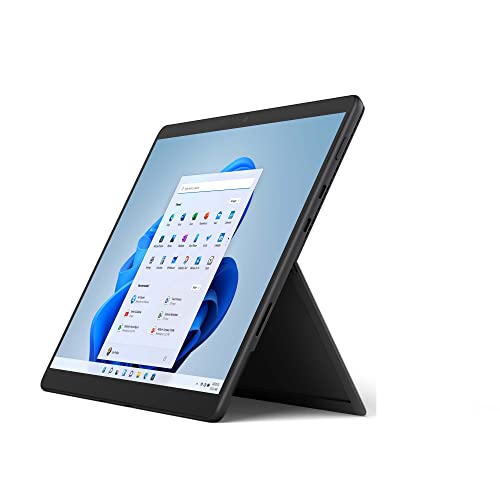
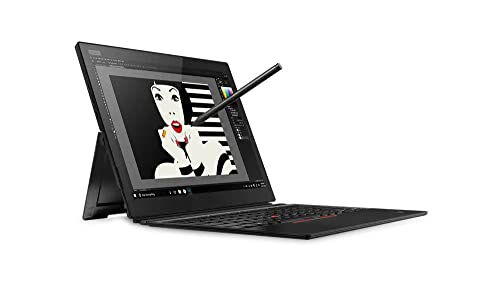
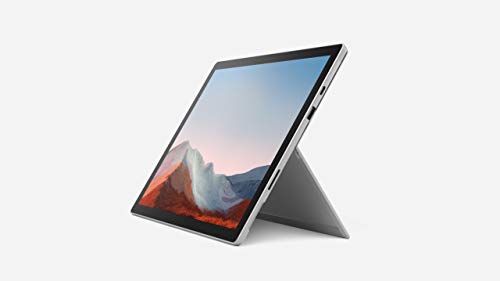
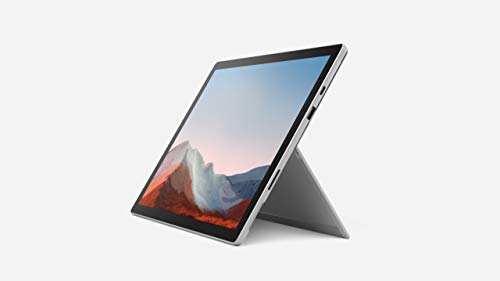
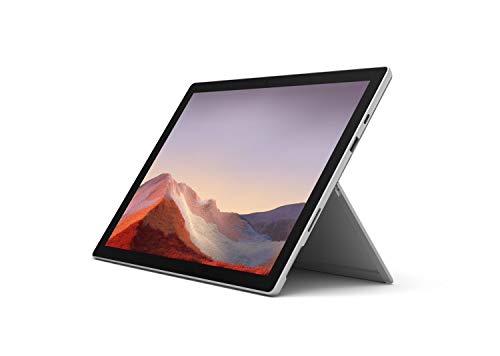
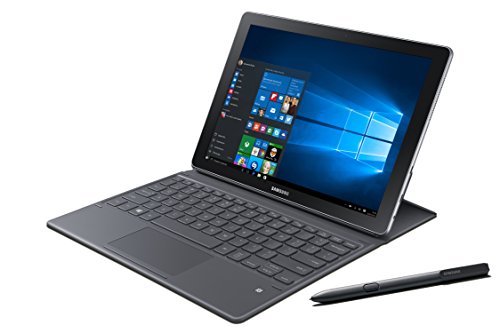
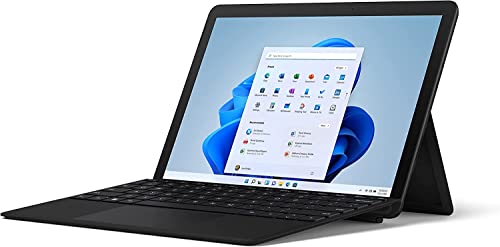
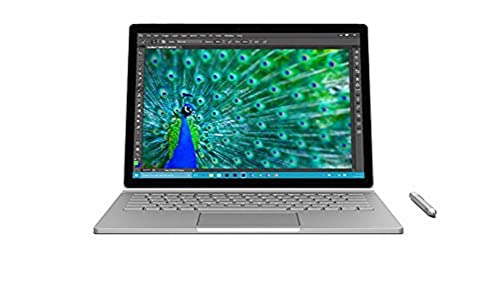
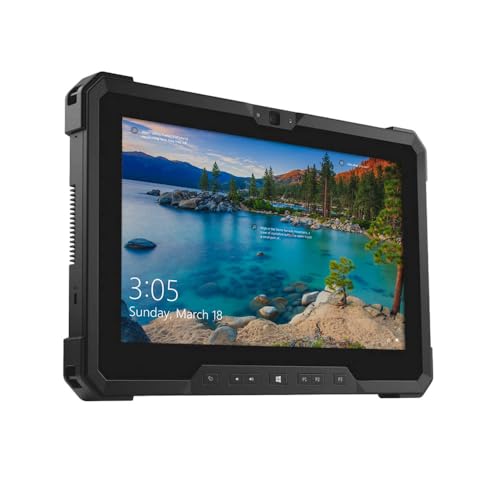
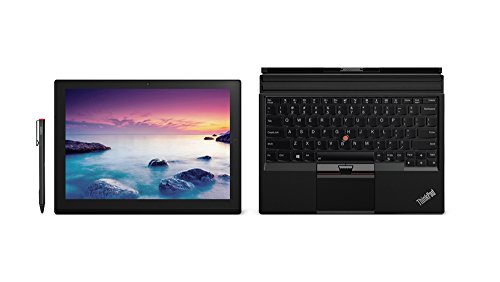
What exactly is a Windows tablet?
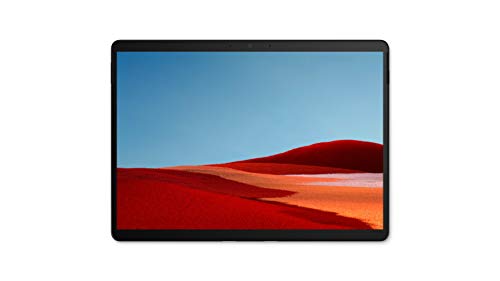
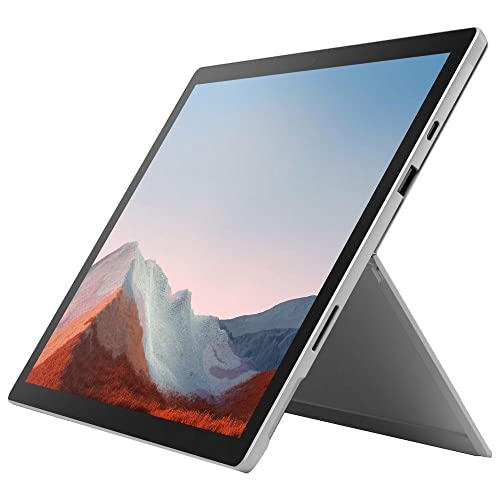
A Windows tablet is a tablet computer that runs on the Microsoft Windows operating system. It works like a standard tablet with a touchscreen interface but also functions as a compact PC since it supports desktop applications. This makes it different from Android or iPad tablets because you can use the same programs you run on a Windows laptop or desktop.
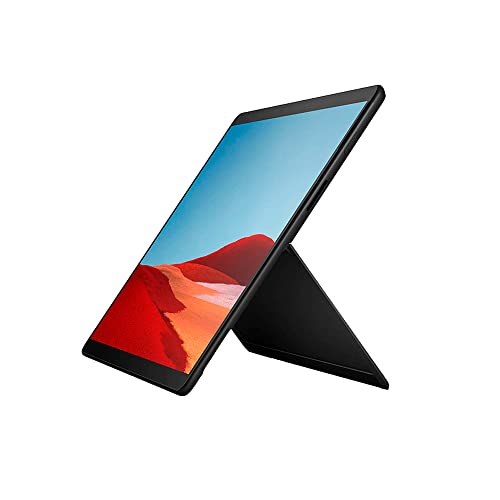
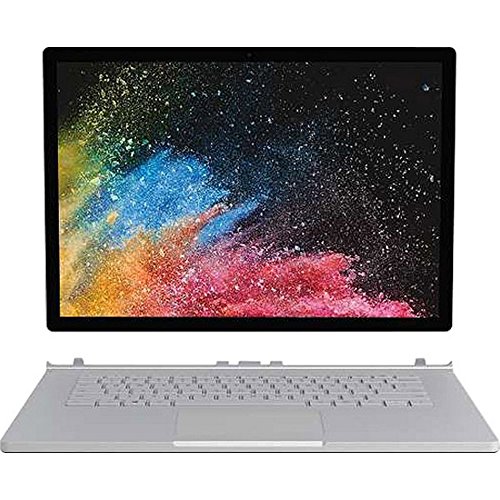
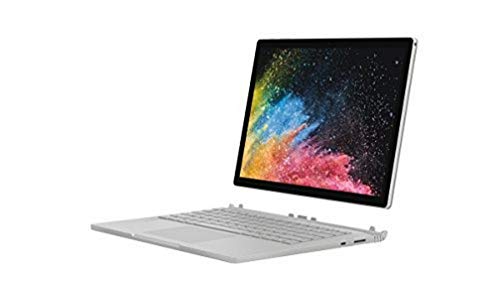
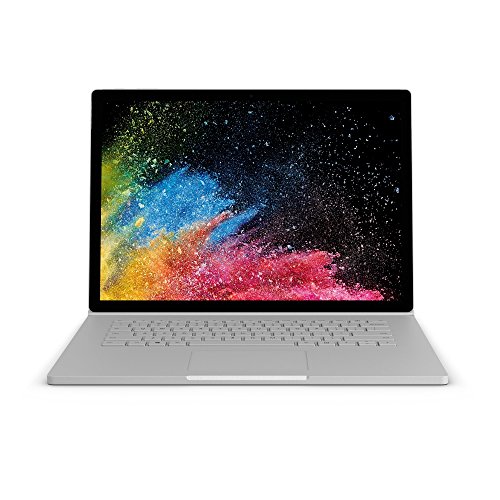
Windows tablets usually come in two types: pure tablets and 2-in-1 convertibles. Pure tablets have only the touchscreen, while 2-in-1 models include detachable or foldable keyboards so you can switch between tablet and laptop use. Most devices use Intel or AMD processors and can run full versions of software like Microsoft Office or Adobe applications.
These tablets often support accessories such as digital pens, keyboards, and docking stations, which expand their use for work or study. They also come with features like USB ports, expandable storage, and support for external displays.
This combination of tablet convenience and PC capabilities makes Windows tablets suitable for users who want portability and full desktop performance in one device.
The following chart shows how tablets are split across the main operating systems.
[pie-chart-02171182586425231473146847727268754966940960751012]
Can Windows tablets run traditional desktop apps?
Yes, Windows tablets can run traditional desktop apps if they use the full version of Windows (such as Windows 10 or Windows 11).
These devices function in the same way as a laptop or desktop PC, so you can install and use programs like Microsoft Office, Photoshop, or any other standard Windows software. This is different from tablets that use Windows RT or other limited versions of the system, as those only run apps from the Microsoft Store.
The experience with desktop apps on a Windows tablet depends on the hardware and screen size. A device with an Intel or AMD processor handles desktop programs in the same way as a standard computer, while models with lower power chips may struggle with heavier applications.
Which brands make the best Windows tablets?
The best Windows tablet brands are as follows.
- Microsoft (Overall score: 7.3 points)
- Panasonic (Overall score: 6.4 points)
- Lenovo (Overall score: 6.3 points)
The chart below ranks Windows tablet brands based on their overall scores.
[horizontal-chart-17981578879588998149070678186945496141560282972345]
How much do Windows tablets cost?
Windows tablets cost between £170 and £1,300 depending on hardware, display quality, and included accessories.
Entry-level models with basic processors and small storage start around 200–£260, which suits web browsing, media use, and light office work. Mid-range devices usually cost 500–£700 and include faster CPUs, larger SSD storage, and better displays, so they run standard Windows applications more smoothly.
High-end Windows tablets, such as those with Intel Core i5 or i7 processors, high-resolution screens, and detachable keyboards, can cost from £850 to £1,300. These models function like full laptops while keeping the tablet form factor.
The chart below illustrates how prices are distributed across Windows tablets.
[vertical-chart-09476732765566691327167560299533294417070985167278]
What to consider while choosing the best Windows tablet?
When choosing the best Windows tablet for you, you should evaluate the following factors:
- Processor power: Modern Windows tablets require at least Intel Core i3 or i5 processors for smooth operation. These processors handle multitasking, heavy applications, and media files effectively. ARM-based processors work for basic tasks but lack compatibility with some Windows software.
- RAM capacity: RAM directly affects system responsiveness and multitasking capabilities. 8GB RAM represents the sweet spot for most users while 16GB handles demanding applications and professional workflows. 4GB RAM limits performance with multiple applications open simultaneously.
- Display quality: Screen resolution and size impact visual clarity and workspace productivity. Look for at least 1920x1280 resolution with 10-point multi-touch support. OLED displays deliver better colors and contrast while PixelSense technology enhances pen input accuracy.
- Battery performance: Battery life affects portable productivity throughout the day. Premium tablets achieve 9+ hours of video playback while budget models typically provide 6-7 hours. Fast charging capabilities reduce downtime between usage sessions.
- Storage: SSD storage affects boot times, application loading, and file transfer speeds. 256GB provides adequate space for most users while 512GB or 1TB suits professional workflows. microSD card readers expand storage capacity without internal upgrades.
- Connectivity features: Modern tablets need USB-C ports for fast charging and data transfer, plus Wi-Fi 6 for stable internet connections. Bluetooth 5.0 connects peripherals while optional LTE/5G maintains connectivity without Wi-Fi access.
- Build construction: Magnesium construction provides durability while maintaining lightweight portability. Metal finishes resist wear better than plastic alternatives. 2-in-1 designs with detachable keyboards transform tablets into laptop replacements for versatile usage scenarios.