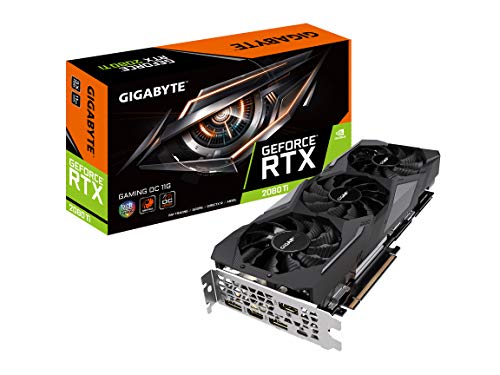
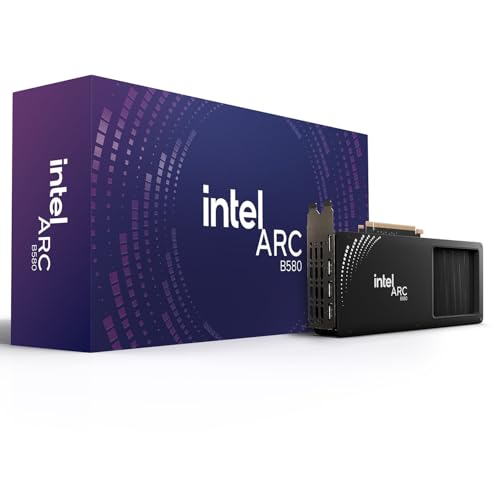
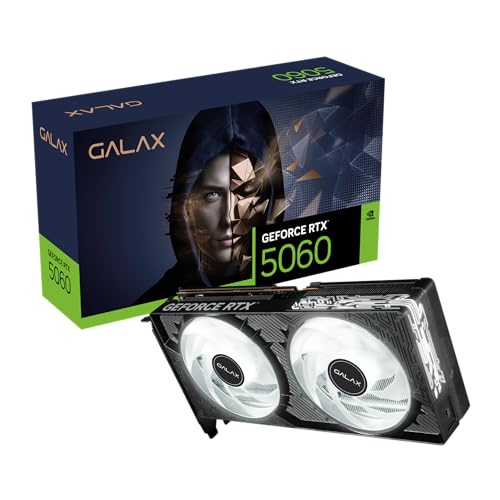
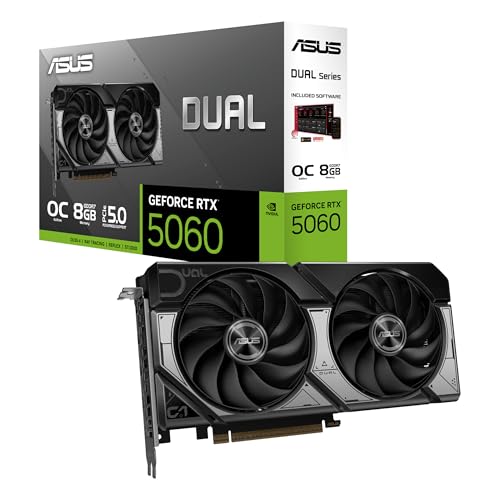
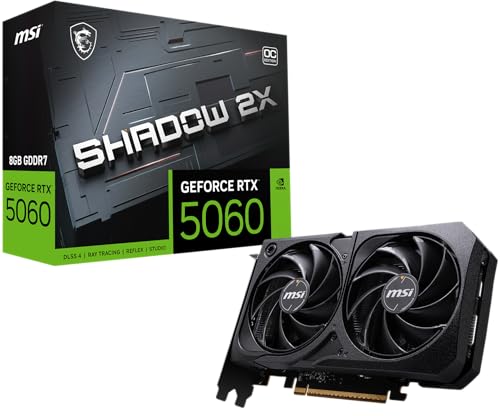
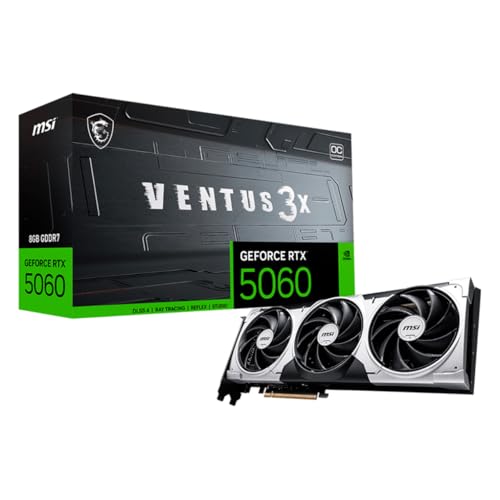
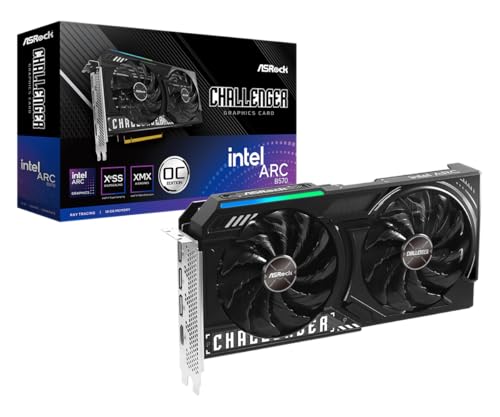
Which brands make the best budget graphics cards?
The budget graphics-card brands with the best average overall scores are as follows.
- GIGABYTE (Average overall score: 6.2)
- AX (Average overall score: 6)
- Yeston (Average overall score: 6)
The chart below ranks budget graphics-card brands by average overall score.
[horizontal-chart-08704394361291001766014028581669500991720084185068]
Are budget graphics cards worth buying?
Budget graphics cards are worth buying when you need practical gaming performance at the lowest sensible cost and you choose one with realistic expectations about settings, frame rates, and features. They are often the easiest way to make an older PC gaming-capable without turning the upgrade into a full rebuild, and many of the better options can still handle 1080p gaming well enough for esports titles, older AAA games, or lighter modern releases.
However, budget cards only make sense when the buyer stays disciplined about trade-offs. This tier gives up performance headroom, ray-tracing comfort, cooler quality, and longer-term margin much faster than mid-range GPUs do, so the smartest budget choice is usually the card that fits the exact games, settings, and system limits you already have rather than the cheapest card with a gaming label.
What compromises are common on budget graphics cards?
The most common compromises on budget graphics cards are the following.
- Lower raw performance: Budget cards usually reach their limits faster once heavier games or higher settings are involved.
- Reduced VRAM margin: Many cards here sit at 6 GB or 8 GB, which is workable but less future-proof than larger memory pools.
- Weaker ray tracing or no ray tracing: The slice includes both older cards without it and newer cards where it exists but is not especially comfortable.
- Smaller or simpler coolers: Budget models are more likely to prioritize cost control over acoustic refinement.
- Shorter long-term headroom: A card that feels acceptable today may age faster once game requirements rise.
- Narrower feature comfort: Frame generation, advanced media blocks, or stronger creator performance are less consistent at this tier.
What gaming level can budget graphics cards handle?
Budget graphics cards can usually handle entry-level to solid mainstream gaming rather than premium high-refresh or 4K-class workloads. In practice, that usually means straightforward 1080p gaming, lighter esports loads, and some selective 1440p use on the stronger end of the budget tier.
The lower part of this market is best for older games, lighter AAA settings, and value-focused 60 fps play. Stronger budget cards can stretch further into high-settings 1080p, smoother esports results, or more comfortable longevity, but they are still not the place to expect premium all-round performance.
That makes the budget tier useful when the goal is practical gaming value rather than maximum headroom. It sits well above office-only hardware, yet it still trades away the comfort margin that mid-range and high-end cards bring.
Are older high-end cards better than new budget models?
Older high-end cards can be better than new budget models when raw performance matters most and you are comfortable with the risks of older hardware. A used former flagship can still outperform a newer low-cost card, but that does not automatically make it the smarter buy.
New budget cards often give you better efficiency, warranty support, newer media features, and fewer concerns about wear or past mining use. Older high-end cards are more appealing when you care mostly about frames per euro and can accept higher power draw, more heat, or shorter remaining lifespan.
The main decision is not simply old versus new. It is whether you value predictable ownership and modern efficiency more than raw bargain performance.
How do budget graphics cards compare with mid-range models?
Budget graphics cards compare with mid-range models mainly by giving up performance headroom, feature comfort, and future margin in exchange for a much lower entry price. The strongest budget cards can begin to overlap with cheaper mid-range options, but the class is still built around value-first 1080p gaming rather than broader ambition.
Mid-range models are more likely to give you smoother 1440p gaming, more comfortable ray tracing, larger VRAM pools, and better long-term breathing room. Budget cards are more attractive when your target is straightforward 1080p value or a low-cost upgrade rather than broader gaming ambition.
The difference is not only about benchmark speed. It is also about how many compromises you are still willing to accept after the card is installed, especially in noise, features, and longer-term settings comfort.
What should you consider while choosing a budget graphics card?
You should focus on the following technical factors when choosing a budget graphics card:
- Target games and frame-rate goal: Start with whether the card is meant for lighter esports play, older AAA games, or newer 1080p releases, because a cheap GPU that is fine for 60 fps value gaming may still fall short if you expect high-refresh results.
- VRAM floor: For actual gaming, 6 GB is the lower practical edge and 8 GB is usually the safer choice. Once heavier textures and newer engines enter the picture, smaller memory pools age much faster.
- GPU architecture and feature support: Older cheap cards can still have useful raw speed, but they may miss AV1, modern media blocks, stronger upscaling support, or workable ray tracing. Check the feature set, not only the price.
- Power draw and connector needs: One advantage of some budget GPUs is that they can run in modest systems with weaker PSUs, no extra PCIe power, or tighter airflow. Make sure the card's real power demands match the system instead of forcing extra upgrade costs.
- Cooler design and physical fit: Smaller budget cards can be a great match for compact desktops, but some stronger cheap options are still long, hot, or noisy enough to create case-fit and thermal problems.
- Driver age and platform longevity: A budget card is easier to justify when it still has solid driver support and enough technical margin to stay usable for a few more years rather than feeling obsolete immediately.