Which brands make the best Android projectors?
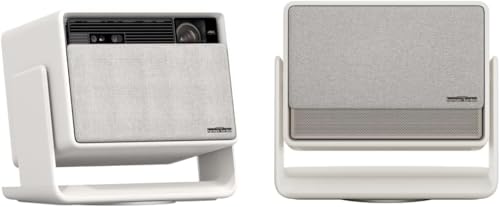
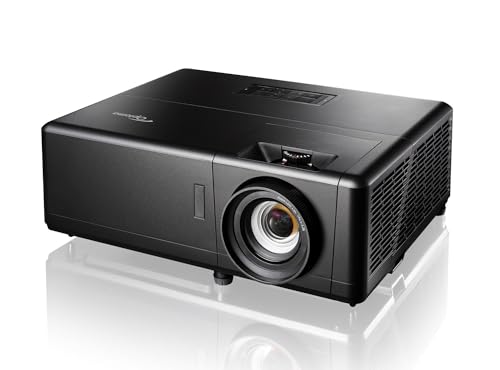
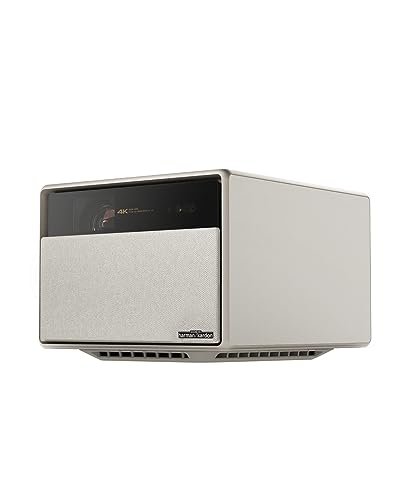
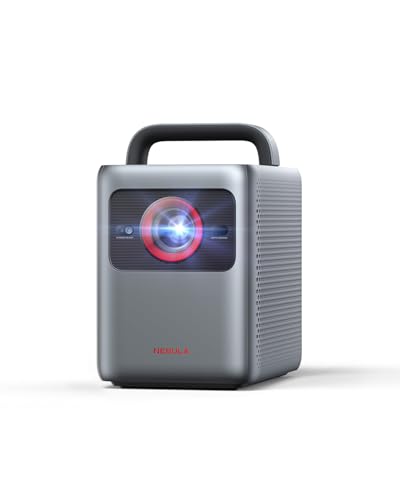
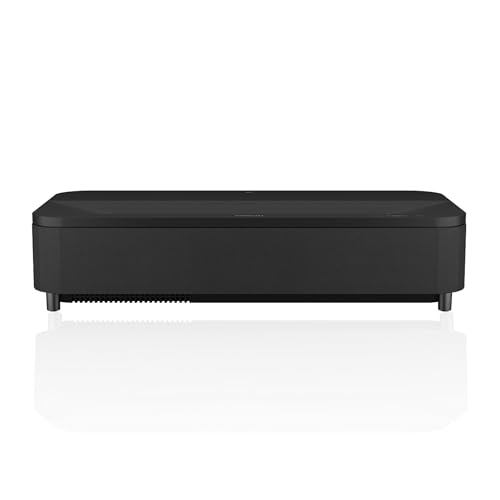
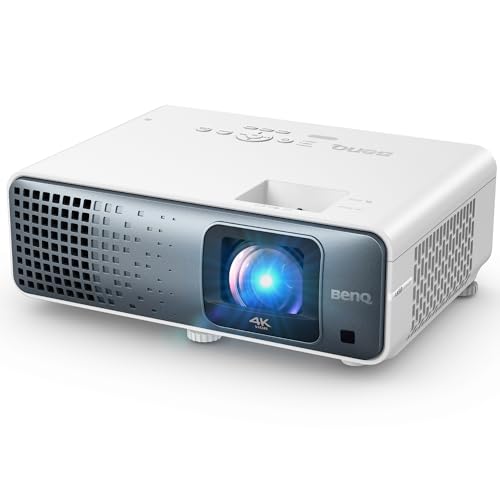
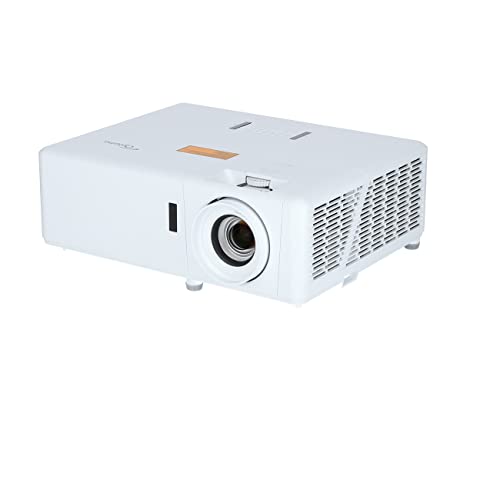
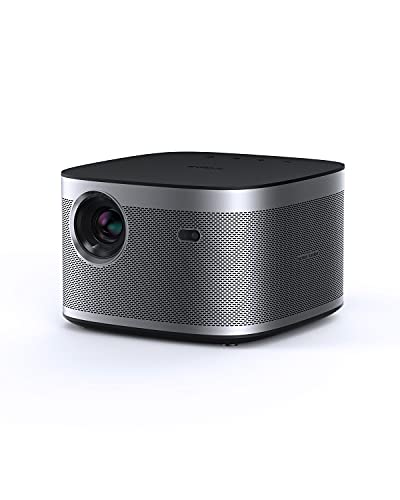
The best Android projector brands are as follows.
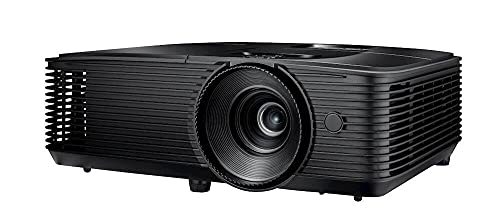
- Optoma (Average overall score: 7.5)
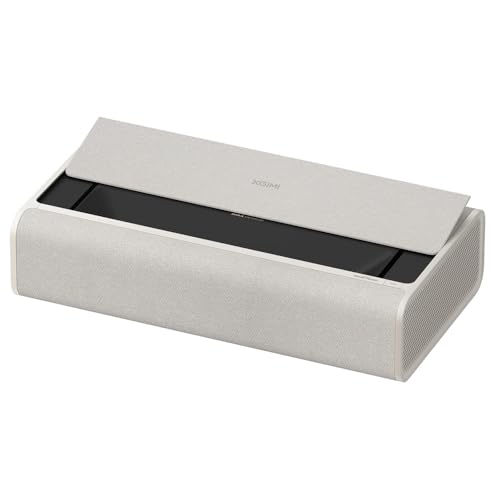
- XGIMI (Average overall score: 7.5)
- BenQ (Average overall score: 7.3)
The chart below compares Android projector brands by average overall score.
[horizontal-chart-10227206931496920769065017612938060686942879709513]
What does Android do on a projector?
Android on a projector gives you a built-in smart platform, so you can run streaming apps, connect to Wi-Fi, cast content, and control more of the experience without relying on an external stick or box. In the best versions, it makes the projector feel closer to an all-in-one TV replacement.
The quality of that experience varies a lot, though. Better Android projectors feel smooth and well integrated, while cheaper ones may technically offer Android but still feel slow, awkward, or limited on app support.
Which apps can an Android projector run?
An Android projector can usually run the following apps:
- Major streaming apps: Better models often support services such as YouTube, Prime Video, and sometimes Netflix or Disney+, especially when they use licensed Android TV or Google TV software.
- Media apps: Plex, Kodi, VLC, and similar apps are common on Android-based projectors and are useful for local files or home media libraries.
- Casting and mirroring tools: Chromecast-style support, screen mirroring, or companion apps are often part of the package even when the projector app store is limited.
- Browser and utility apps: Basic browsing, file managers, and settings apps are usually available, but the experience is better suited to remote control than to serious multitasking.
- App caveat: Always check whether the projector uses properly licensed Android TV or Google TV, because that often decides whether the big-name streaming apps work smoothly.
How smooth is an Android projector interface?
An Android projector interface can feel smooth when the projector uses licensed Android TV or Google TV, has a decent processor, and enough memory to keep menus and apps moving properly. On stronger models, opening apps, switching inputs, casting, and browsing settings feels fairly close to using a dedicated streaming stick.
Cheaper Android projectors are often less polished. Menus can lag, app launches can be slow, and some models technically run Android without delivering the clean app support or responsiveness people expect, so the real test is the quality of the implementation rather than the Android label alone.
What connections do Android projectors support?
Android projectors usually support the following connections:
- HDMI: Even with a built-in smart system, HDMI still matters for consoles, laptops, Blu-ray players, or a better external streamer.
- USB: USB ports are useful for local media playback, accessories, or powering a streaming stick if you decide the internal software is not enough.
- Wi-Fi and Bluetooth: These are essential here because streaming, app downloads, casting, and wireless audio all depend on them.
- Audio output: A 3.5 mm jack, optical output, or HDMI ARC support helps if you want stronger sound than the built-in speakers can provide.
How much do Android projectors cost?
Android projectors usually begin around £220 with cheaper portable models dominating the lower end. At that level, the biggest risk is often not picture quality alone but slow menus, weak Wi-Fi, and app support that feels unfinished or poorly certified.
\n
A lot of the better buys sit around £430 to £690. This is where native 1080p, licensed Android TV or Google TV, autofocus, and more useful speakers become much more common, so the projector feels easier to live with day to day.
\n
Above roughly £770 you are mostly paying for a more polished all-in-one product. The extra money tends to bring higher brightness, quieter fans, smoother software, and a setup that works more like a casual TV replacement than a cheap smart gadget.