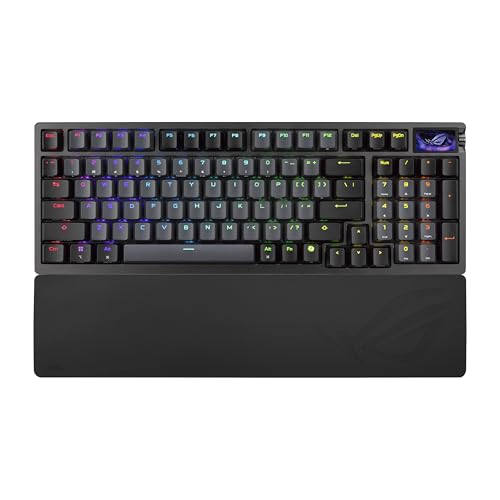
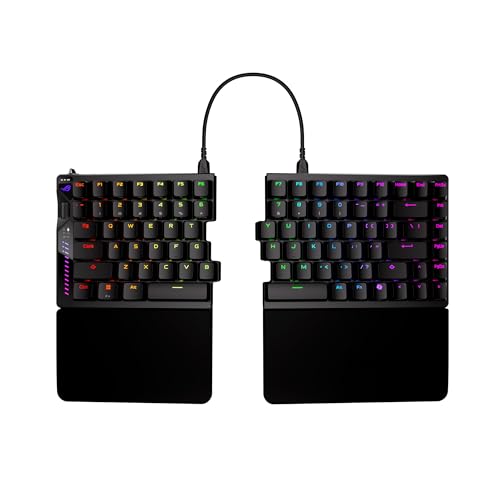
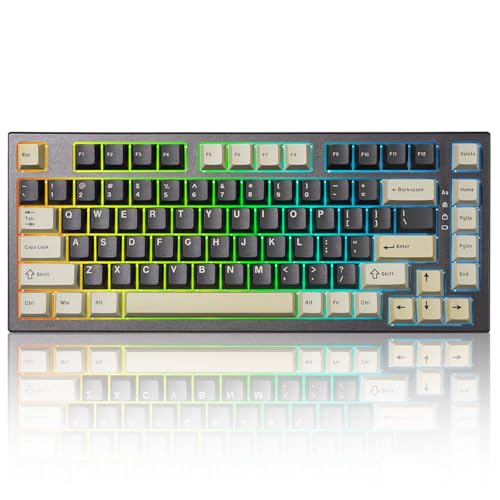
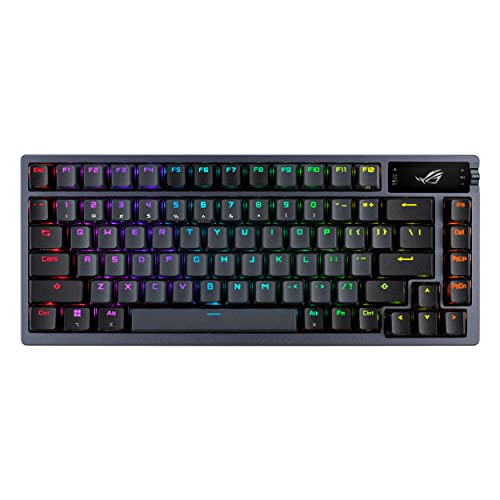
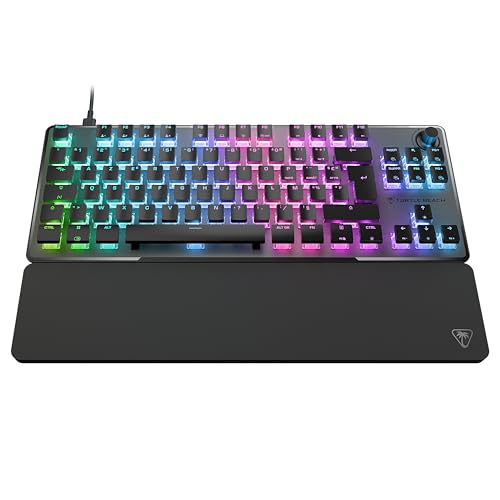
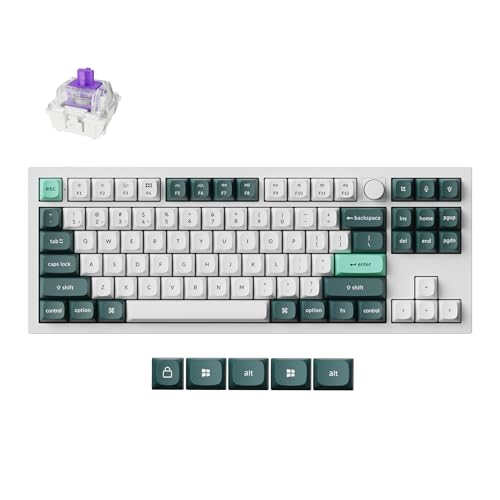
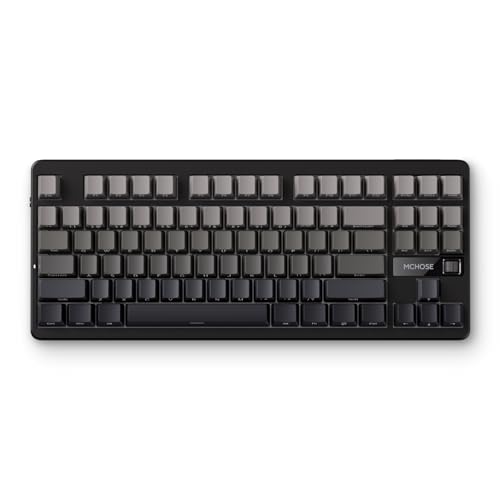
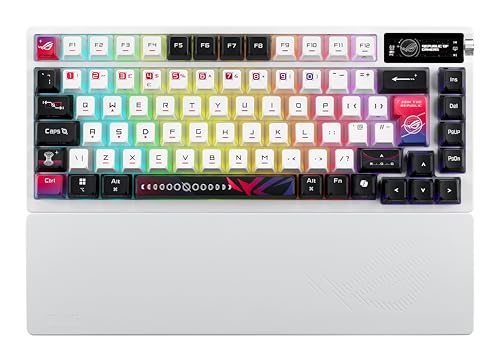
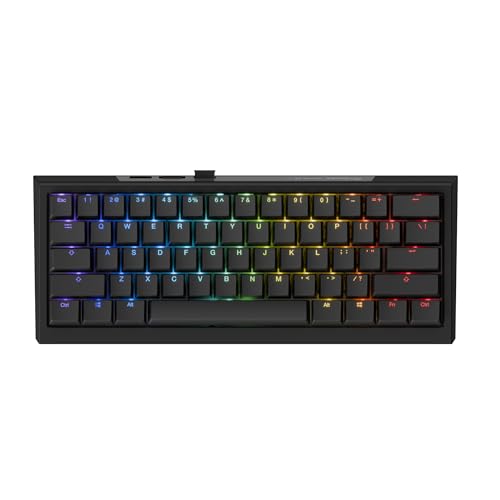
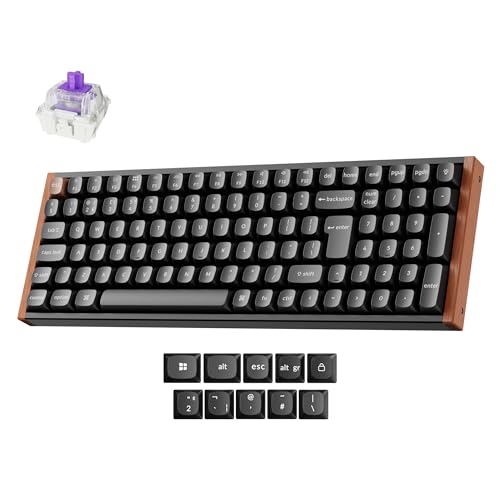
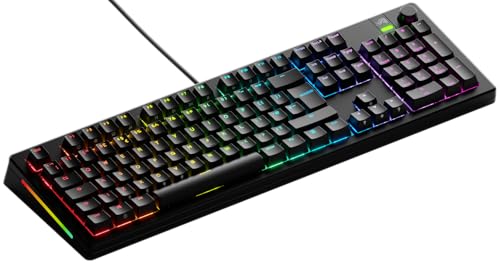
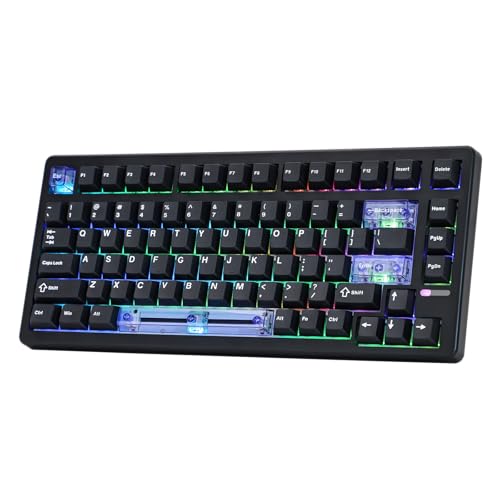
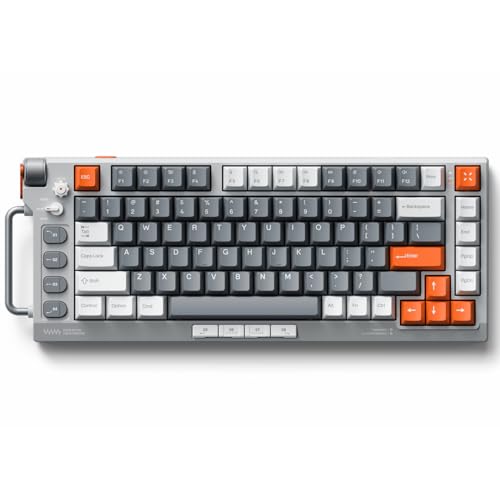
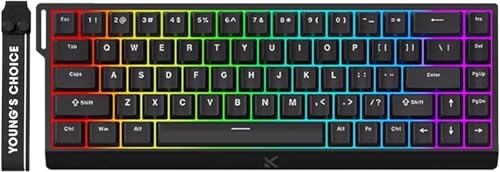
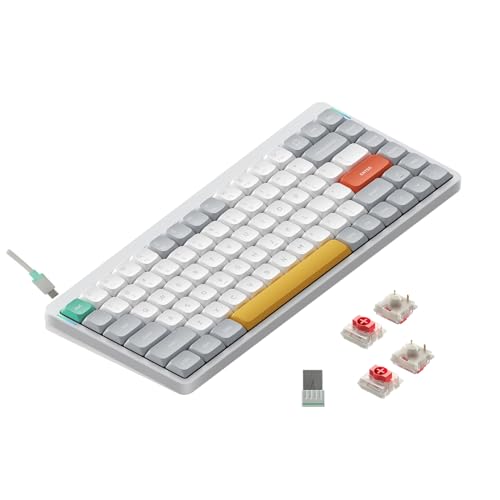
Which brands make the best RGB keyboards?
The best RGB keyboard brands are as follows.
- Mchose (Average overall score: 7.8)
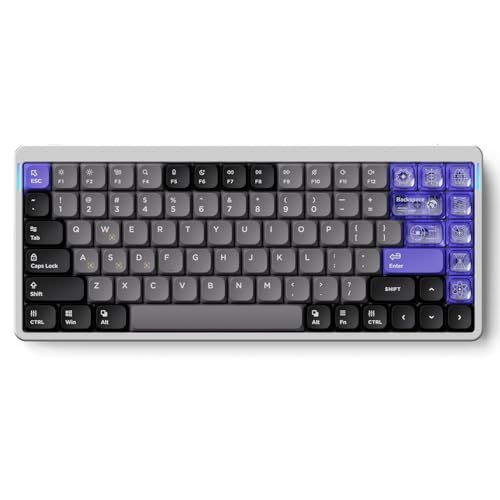
- NuPhy (Average overall score: 7.8)
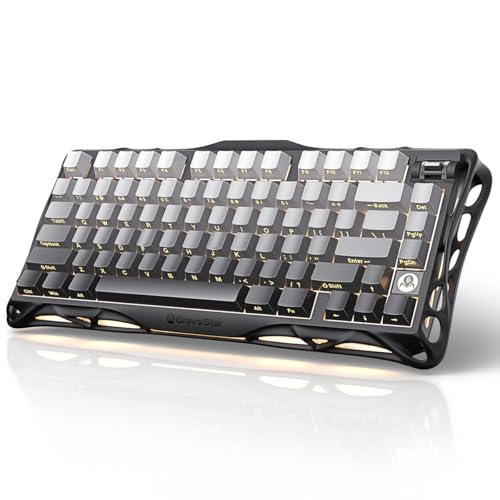
- Gravastar (Average overall score: 7.8)
The chart below ranks RGB keyboard brands by average overall score.
[horizontal-chart-01909546065311553846034773338312855375150393084951]
Which RGB keyboards have the highest user ratings?
The RGB keyboard brands with the highest user ratings are as follows.
- Gravastar (Users rating: 9.5 points)
- HyperX (Users rating: 9.4 points)
- Yunzii (Users rating: 9.4 points)
This chart compares RGB keyboard brands by average user rating.
[horizontal-chart-10974422578249340344117524868767462494944062608600]
What makes a keyboard backlit or RGB?
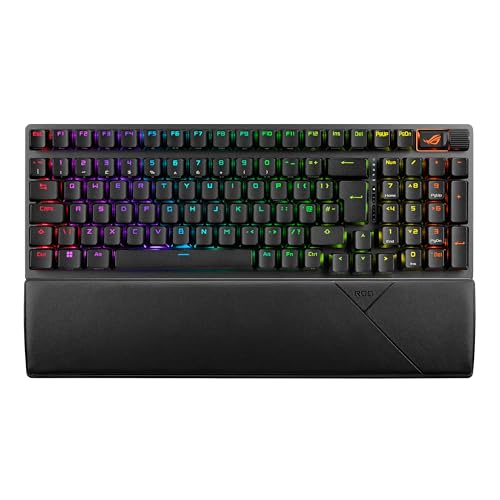
A keyboard is backlit when its keys are illuminated for easier visibility in darker rooms, while an RGB keyboard goes further by allowing multiple colors instead of one fixed backlight tone. In practical buying terms, RGB means the lighting is part of both visibility and customization.
That distinction matters because not every buyer needs deep lighting effects. Some people only want clear key legends at night, while others want per-key color control, desk-theme matching, or gaming profiles. A good RGB keyboard should still be a good keyboard when the lights are turned down or even turned off.
What lighting options are common on RGB keyboards?
The most common lighting options on RGB keyboards are adjustable brightness, preset effects, and the ability to change colors through software or onboard shortcuts. On stronger models, you also start seeing per-key RGB instead of simpler zone-based lighting.
What separates basic from better RGB implementation is usually control depth and usability. Some boards offer only a limited set of effects, while others let you manage brightness, individual keys, saved profiles, idle behavior, and app-specific presets. It is also useful when the legends stay readable and the keyboard remains easy to use without constantly depending on software.
Who should consider buying an RGB keyboard?
An RGB keyboard makes sense for buyers who want better low-light visibility, enjoy customizing the look of their desk, or want a board that can shift between work and play moods. It is also a natural fit for gaming setups, streaming desks, and users who like matching lighting across multiple peripherals.
At the same time, RGB is not automatically necessary. If you strongly prefer a minimal setup, rarely type in dim rooms, and do not care about lighting effects, a plain non-lit or single-color backlit keyboard may be the simpler choice. The point is to buy RGB when the lighting adds real usefulness or enjoyment, not just because it is there.
How much do the best RGB keyboards cost?
Many of the best RGB keyboards cost about 90-240 EUR, which is where lighting quality starts to overlap with better switches, stronger construction, and more polished tuning or gaming performance. That range covers a large part of the most convincing all-round options in this market.
You can still find worthwhile RGB keyboards below that, especially around 60-180 EUR, if your main goal is getting good lighting and decent overall value. Premium enthusiast and high-speed gaming models can climb toward roughly 250-390 EUR and sometimes higher, but those prices only make sense when the keyboard is also better in feel, build, features, or latency rather than simply brighter.
What should you consider while choosing an RGB keyboard?
You should consider the following factors while choosing an RGB keyboard:
- Lighting implementation: Check whether you are getting single-zone, multi-zone, or per-key RGB, and whether the brightness and colors remain useful instead of looking uneven or washed out.
- Legend visibility: Good lighting is not only about effects. Make sure the key legends are actually readable in the conditions where you plan to use the keyboard.
- Control method: Some boards rely heavily on desktop software, while others offer better onboard shortcuts and saved profiles. Decide how much software dependence you are comfortable with.
- Layout and size: RGB keyboards span full-size, TKL, 75%, 65%, 60%, and other compact formats, so choose the layout that fits your typing, gaming, and desk-space priorities first.
- Switch type and feel: Most RGB boards are mechanical, but the category also includes optical, magnetic, Hall-effect, and other gaming-focused switch systems. Pick the feel and behavior you want before focusing on lighting effects.
- Wired or wireless behavior: If you are considering a wireless RGB board, check how the lighting affects battery life and whether the keyboard still performs the way you want over Bluetooth or 2.4 GHz.
- Value for money: The strongest RGB keyboards are the ones where lighting is part of a good overall package. Avoid paying extra for flashy effects if the build, acoustics, typing feel, or latency do not support the price.