
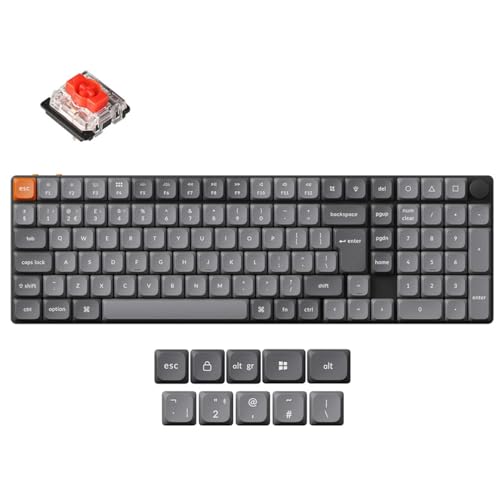
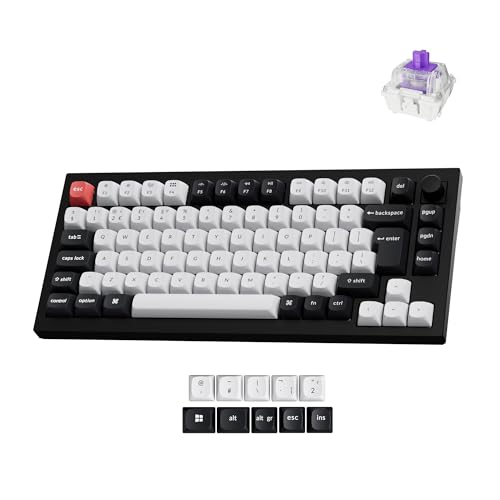
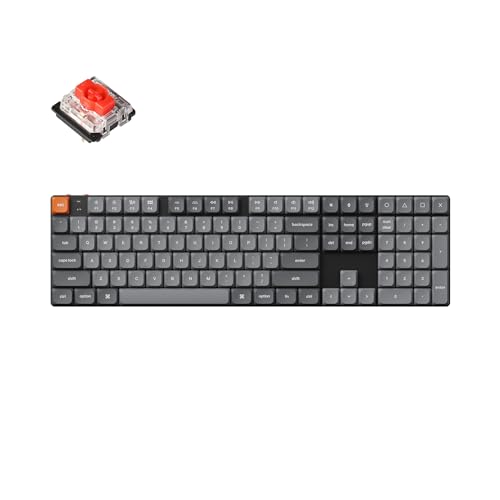
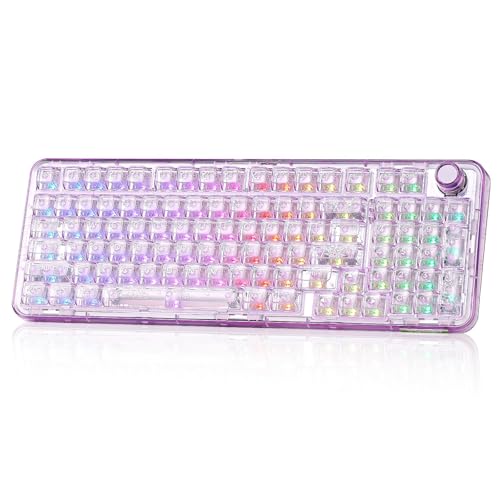
Which brands make the best keyboards for programming?
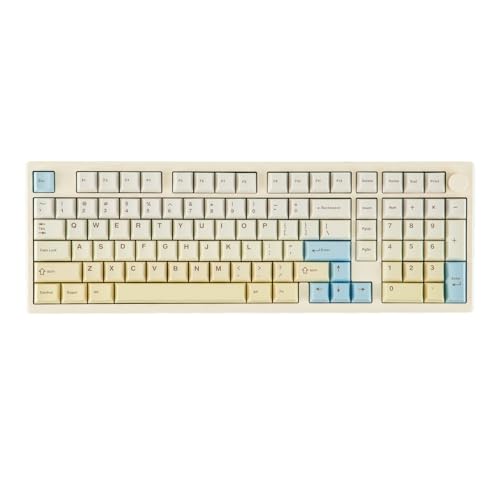
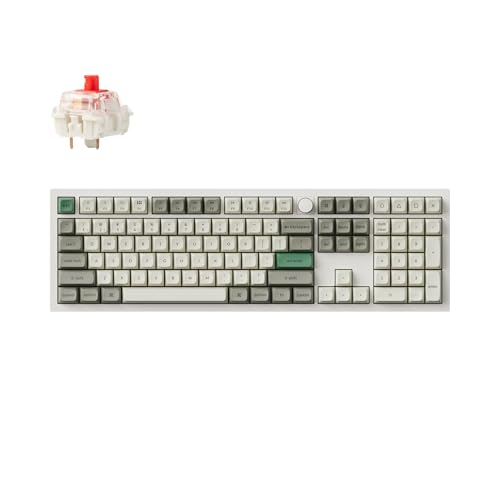
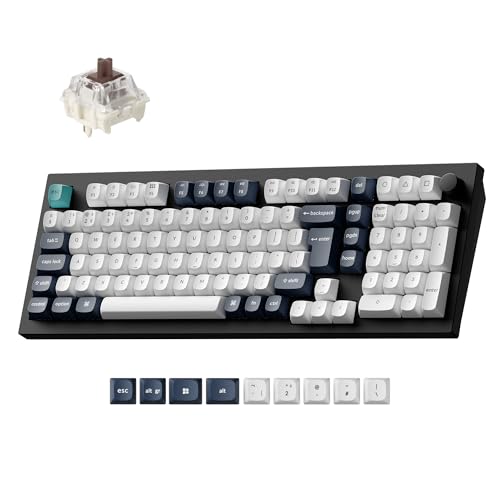
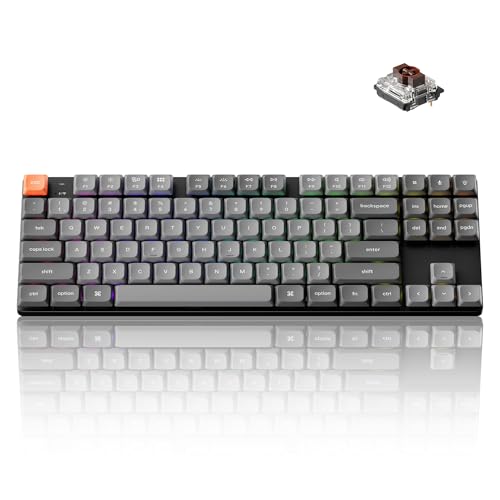
The best keyboard brands for programming are as follows.
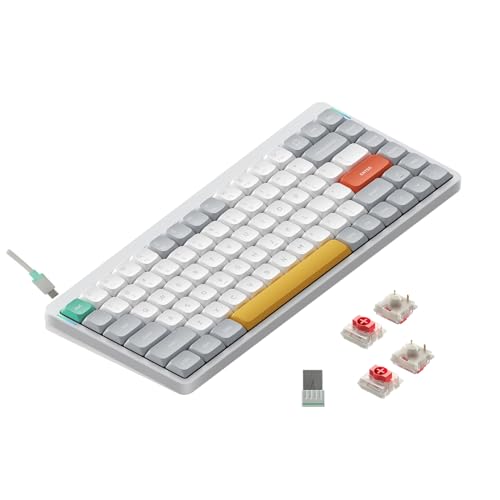
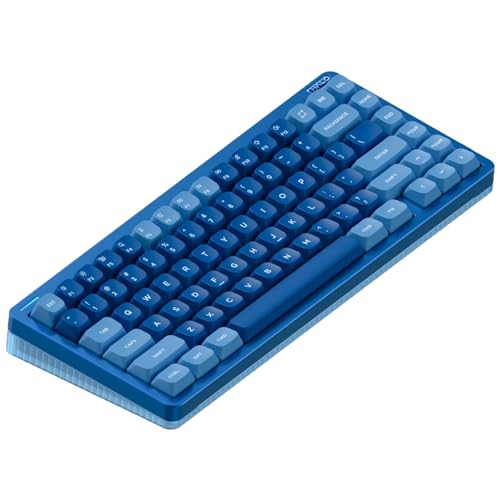
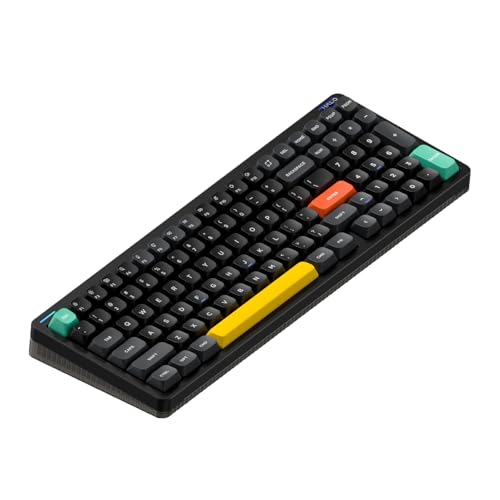
- NuPhy (Average overall score: 7.8)
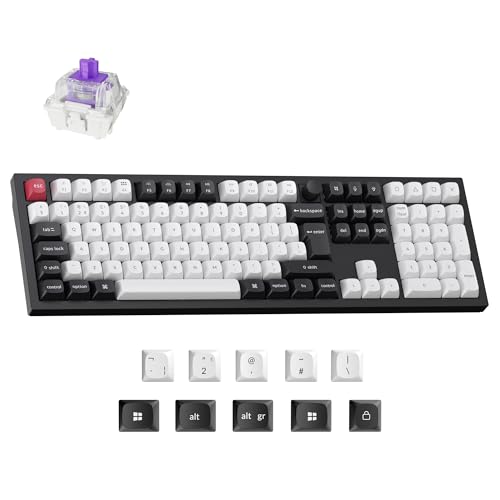
- Keychron (Average overall score: 7.6)
- ASUS (Average overall score: 7.5)
The chart below ranks keyboard brands by average overall score for programming-oriented shopping.
[horizontal-chart-18036325987969256302069471793857151141542224589446]
Which keyboards for programming have the highest user ratings?
The keyboard brands with the highest user ratings for programming are as follows.
- HyperX (Users rating: 9.4 points)
- Yunzii (Users rating: 9.4 points)
- SteelSeries (Users rating: 9.3 points)
This chart compares keyboard brands by average user rating for programming-oriented buyers.
[horizontal-chart-12044488816505048180022025444612533741270256204398]


What makes a keyboard suitable for programming?
A keyboard is suitable for programming when it supports long, precise sessions without becoming tiring and when its layout and features make shortcuts, symbol entry, and repeated navigation easy to manage. In practical terms, that usually means stable key feel, a layout that matches your coding habits, and helpful workflow features such as programmability, Mac support, or multi-device pairing.
Programming quality is not only about raw typing speed. Good coding keyboards reduce friction when you move between editors, terminals, browser tabs, and system shortcuts, and they stay comfortable enough that the keyboard disappears into the workflow instead of constantly demanding attention.
What layouts and key spacing work best for programming?
The best layouts and key spacing for programming are usually TKL, 75%, and full-size keyboards with standard spacing. They keep common shortcuts, brackets, arrows, and modifier combinations comfortable while preserving a familiar structure for long coding sessions.
TKL and 75% layouts are often the strongest all-round choices because they save desk space without forcing a major adjustment in key reach. Full-size still works well for programmers who want a numpad or more separation between key clusters, but very compact layouts can slow you down if they push too many navigation and function keys onto layers.
How much do the best keyboards for programming cost?
The best keyboards for programming usually cost about £80-£190, while more premium programmable, wireless, or enthusiast-style models can rise toward roughly £220-£300. That is the range where programming-friendly features most often start to overlap with better switches, stronger build quality, cleaner acoustics, and more flexible firmware or multi-device support.
Cheaper options can still be usable, especially around £45-£110, but the more convincing long-session programming boards usually sit higher because their value comes from consistency, layout quality, and workflow flexibility rather than from basic feature-box marketing. Paying more only makes sense when the board is genuinely easier to live with every day.
What keyboard features help most with programming?
The keyboard features that help most with programming are programmability, layout efficiency, operating-system compatibility, and long-session comfort. QMK and VIA support are especially valuable for programmers who want custom layers, remapped shortcuts, or a more tailored workflow without depending entirely on fixed factory behavior.
Mac compatibility and multi-device pairing also matter more here than in many other keyboard guides. A large part of modern programming work moves between laptops, desktops, and different operating systems, so a board that can switch devices cleanly or adapt to Mac and Windows shortcuts more easily can remove everyday friction in a way that raw gaming speed cannot.
What should you consider while choosing a keyboard for programming?
You should consider the following factors when choosing a keyboard for programming:
- Layout workflow: Choose a layout that keeps your most-used keys comfortable for coding, navigation, and shortcuts. Full-size, TKL, 75%, and 65% can all work, but the right choice depends on how much dedicated key access you want versus how much desk space you want to save.
- Programmability: QMK and VIA support are especially useful for programming because they let you remap shortcuts, build layers, and tailor the board to your editor, terminal, or operating-system habits. This matters far more than flashy preset features if you code every day.
- Mac and OS compatibility: If you switch between Mac, Windows, or multiple machines, check whether the keyboard handles the right legends, modifier behavior, and easy mode switching. Smooth cross-platform use is a real productivity feature for programmers.
- Multi-device use: Many programmers move between laptop and desktop setups, or between work and personal systems. Clean multi-device pairing can make that workflow much easier if you regularly change machines during the day.
- Switch feel: Coding sessions are long, so the switch should feel controlled and comfortable over time. Linear, tactile, or quieter options can all work well, but the best choice is the one that stays easy to use after hours rather than minutes.
- Sound and build quality: Hollow acoustics, unstable keys, or harsh stabilizers become more noticeable when you type all day. Better case tuning and more consistent construction can make a keyboard much easier to live with during extended programming work.
- Budget: Around £80-£190 is the strongest mainstream range for programming-friendly keyboards right now. Paying more should buy better programmability, compatibility, comfort, or wireless flexibility rather than just a more premium-looking case.





