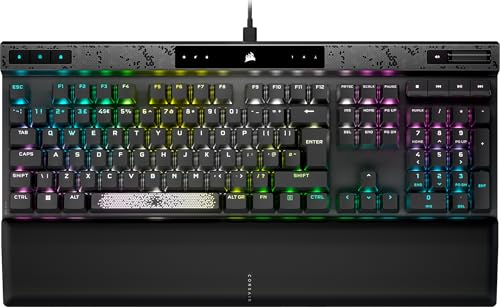

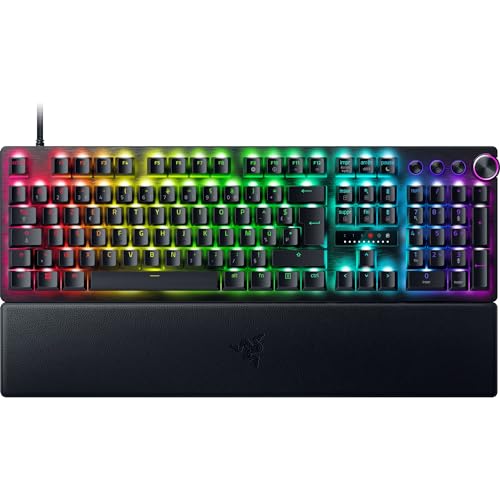
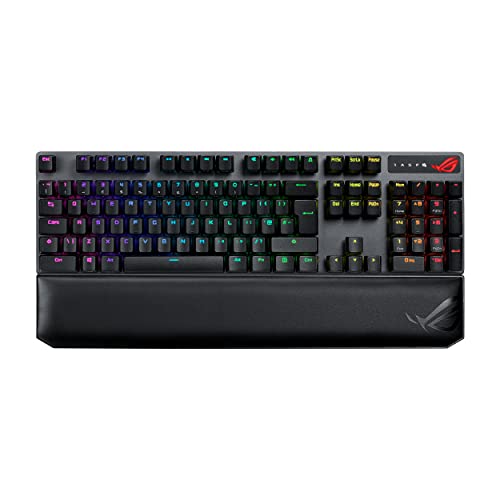
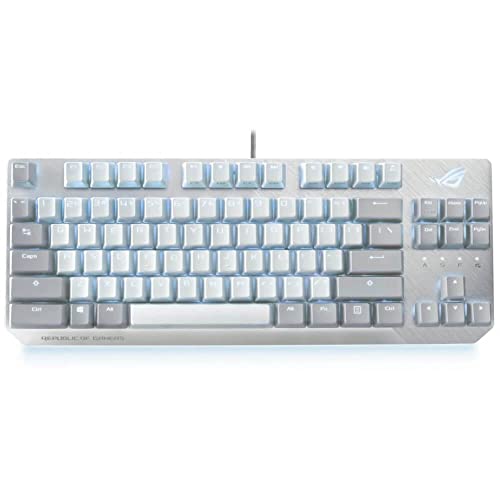
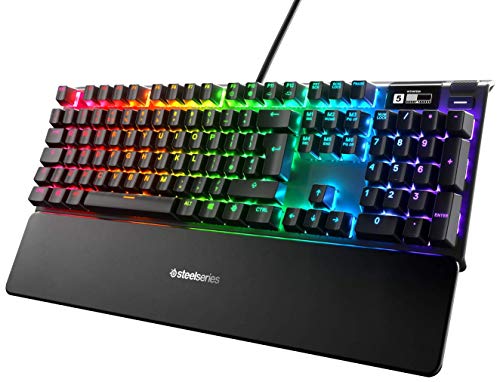
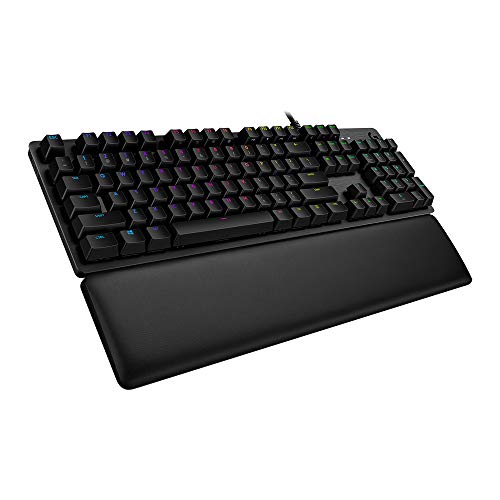
Which brands make the best keyboards for typing?
The best keyboard brands for typing are as follows.
- NuPhy (Average overall score: 7.8)
- Keychron (Average overall score: 7.6)
- ASUS (Average overall score: 7.5)
The chart below ranks keyboard brands by average overall score for typing-oriented shopping.
[horizontal-chart-18036325987969256302069471793857151141542224589446]
Which keyboards for typing have the highest user ratings?
The keyboard brands with the highest user ratings for typing are as follows.
- HyperX (Users rating: 9.4 points)
- Yunzii (Users rating: 9.4 points)
- SteelSeries (Users rating: 9.3 points)
This chart compares keyboard brands by average user rating for typing-oriented buyers.
[horizontal-chart-12044488816505048180022025444612533741270256204398]


What makes a keyboard suitable for typing?
A keyboard is suitable for typing when it feels stable, comfortable, and predictable over long stretches of use. In practical terms, that usually means consistent switches, keycaps that feel and sound solid, a layout that fits your workflow, and enough build quality that the board does not become tiring or distracting over time.
Typing quality is not only about speed. Good typing keyboards reduce unnecessary strain, keep keypresses easy to control, and avoid the hollow, unstable, or overly harsh feel that can make long writing or office sessions less pleasant.
What switch and keycap features matter most for typing?
The switch and keycap features that matter most for typing are feel consistency, key stability, surface quality, and sound control. For many typists, the biggest decision is whether they prefer a smoother linear feel, a more noticeable tactile bump, or a quieter softer switch for shared spaces.
Keycaps matter just as much as switches in long daily use. PBT is widely preferred on better typing boards because it tends to feel less slippery and wear more slowly, while thicker or better-fitted caps can also improve sound and key stability. The best typing keyboards usually get both the switch feel and the keycap quality right at the same time.
How much do the best keyboards for typing cost?
The best keyboards for typing usually cost about £80-£190, while more premium enthusiast or specialized typing-focused models can rise toward roughly £220-£300. That is the range where typing comfort most often starts to overlap with stronger switches, better keycaps, improved acoustics, and more refined build quality.
Lower-cost options can still work well, especially around £45-£110, but the more convincing long-session typing boards usually sit above the entry level because their value comes from feel and consistency rather than from a short feature list. Paying more only makes sense when the board is genuinely better to type on, not just more expensive.
What keyboard layouts are best for typing?
The best keyboard layouts for typing are usually full-size, TKL, 75%, and sometimes 65%, depending on how much desk space and workflow flexibility you need. Full-size is strongest when you use the numpad often, TKL keeps the typing area familiar while saving space, and 75% or 65% layouts suit typists who want a more compact desk setup without giving up too many essentials.
There is no single perfect typing layout for everyone. The best choice depends on whether you value number entry, function-key access, desk width, and mouse room more than maximum compactness. For many buyers, TKL or 75% is the most balanced middle ground between comfort and space efficiency.
What should you consider while choosing a keyboard for typing?
You should consider the following factors when choosing a keyboard for typing:
- Switch feel: The right switch should feel easy to control over long sessions, not just interesting for a few minutes. Linear, tactile, and quieter switch designs can all work well, but your preferred feedback level matters more than trend-driven switch names.
- Keycap quality: Better keycaps improve both comfort and consistency. PBT is very common on stronger typing boards, and it usually holds up better over time than cheaper, shinier alternatives.
- Layout choice: Full-size, TKL, 75%, and 65% layouts all have typing use cases. Choose based on how often you need the numpad, function row, and extra desk space rather than assuming one compact size is automatically better.
- Sound and acoustics: Even when the keyboard feels good, a hollow or harsh sound can become tiring in daily use. Stabilizers, case tuning, and keycap fit all affect whether a board feels refined during long typing sessions.
- Wrist and desk comfort: Typing comfort depends on more than the keys themselves. Keyboard height, angle, desk position, and whether you need external wrist support can change how sustainable a board feels over hours of work.
- Wired or wireless use: Wireless can make a desk cleaner and easier to arrange, but a simple wired board can still be the most straightforward typing tool. Pick the connection style that best fits your setup rather than chasing features you will not use.
- Budget: Around £80-£190 is the strongest mainstream range for good typing keyboards right now. Below that you can still find usable options, but paying more should buy a clearly better feel, keycap quality, and long-session comfort rather than only extra branding or RGB.





