Which brands make the best cheap action cameras?
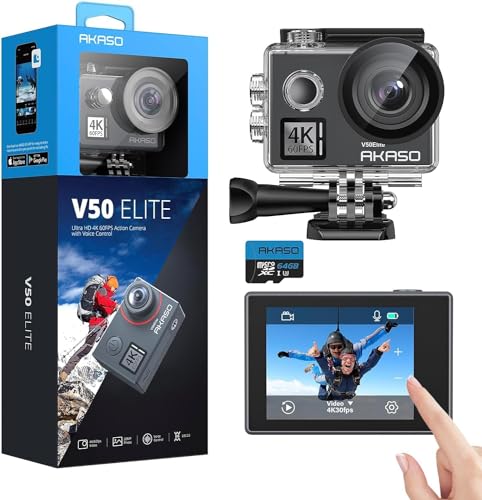
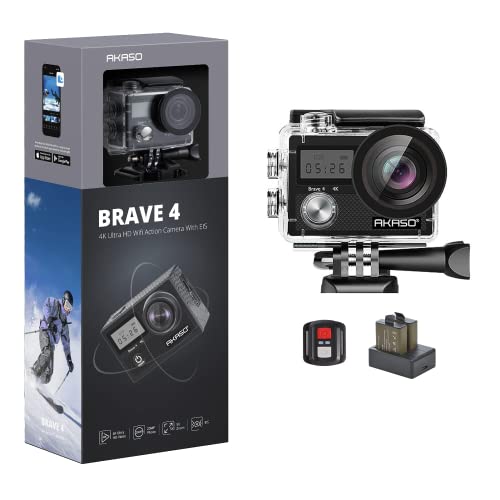
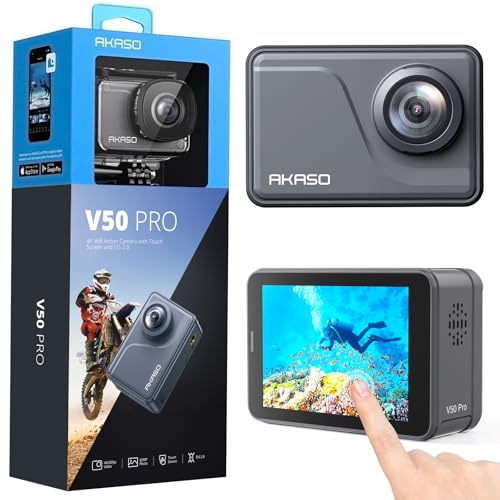
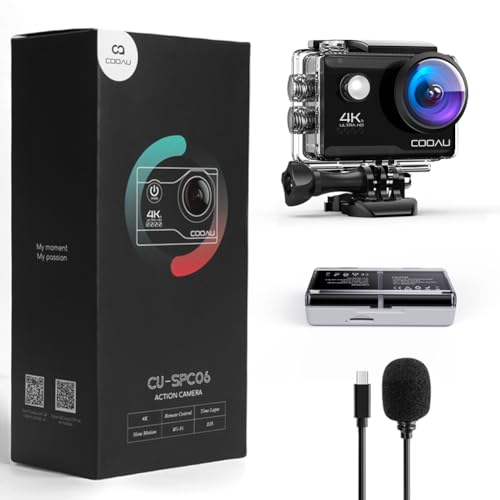
The best cheap action camera brands are as follows:
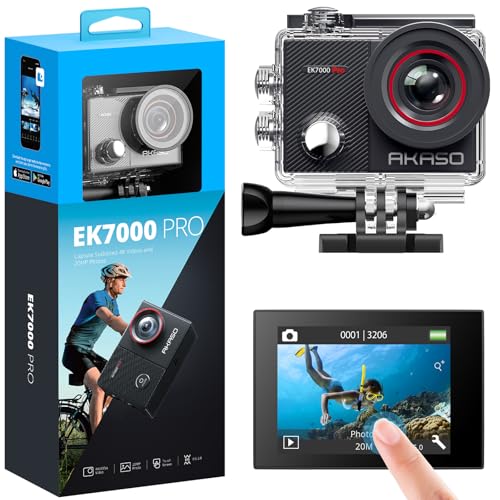
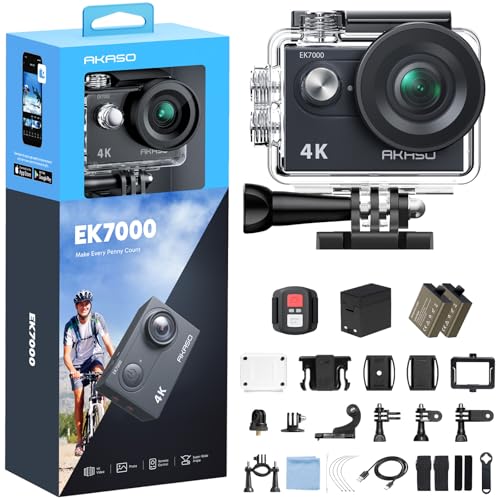
- AKASO (Average overall score: 6.7)
- Crosstour (Average overall score: 6)
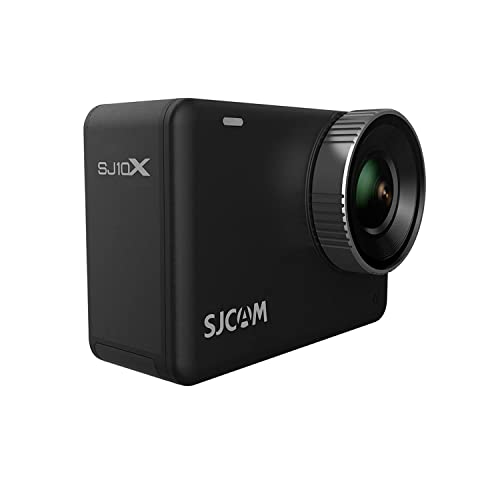
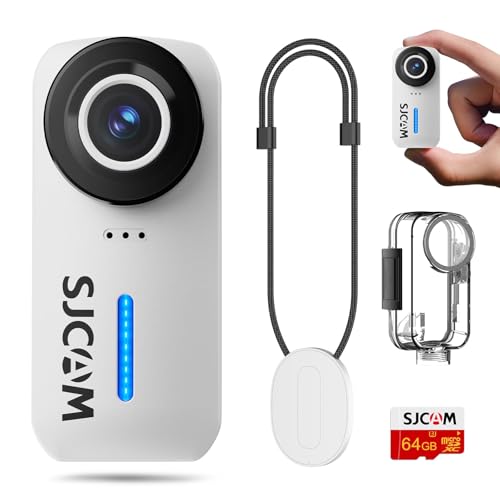
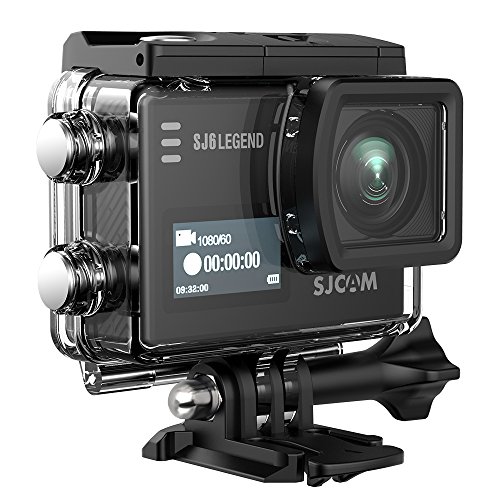
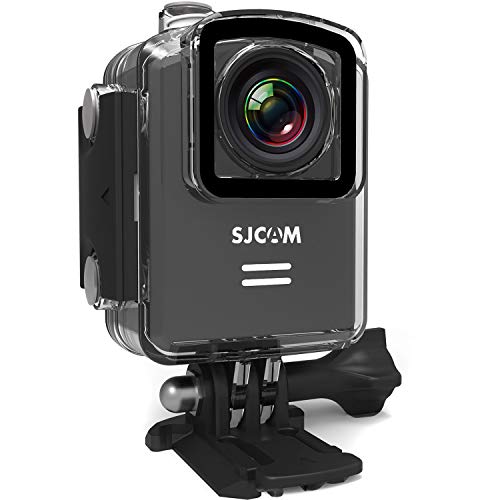
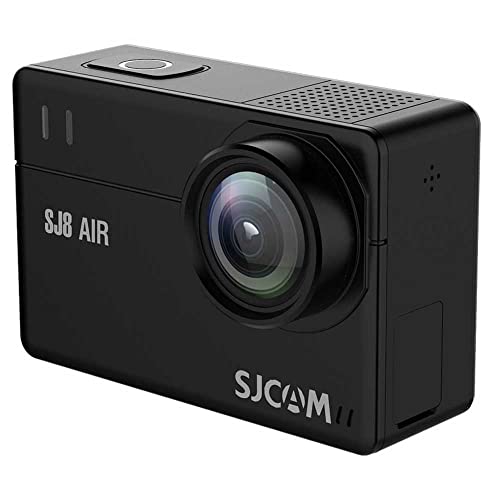
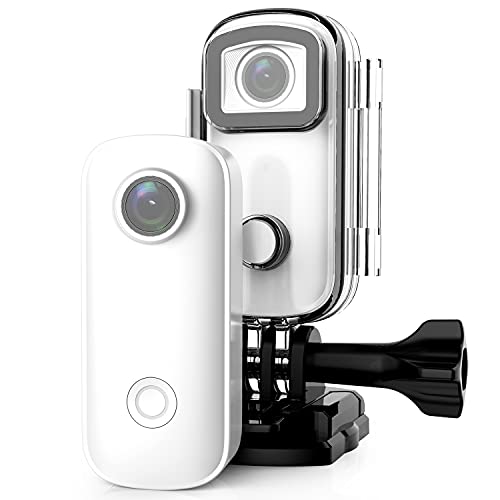
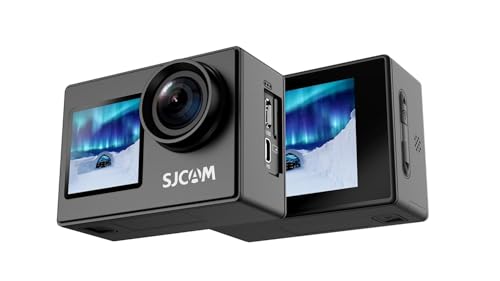
- SJCAM (Average overall score: 5.8)
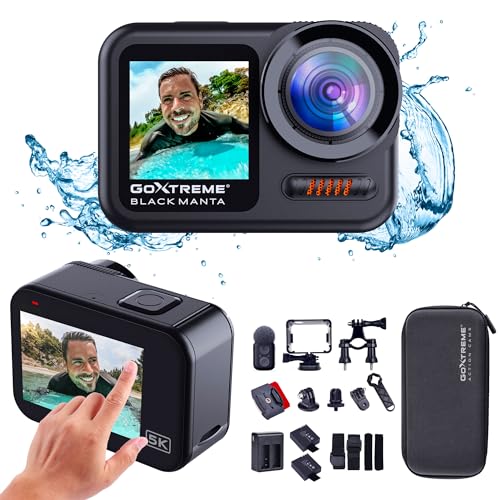
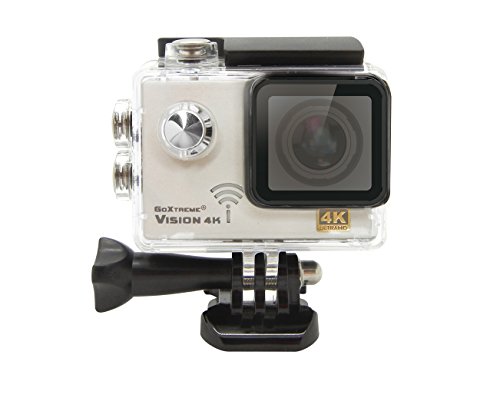
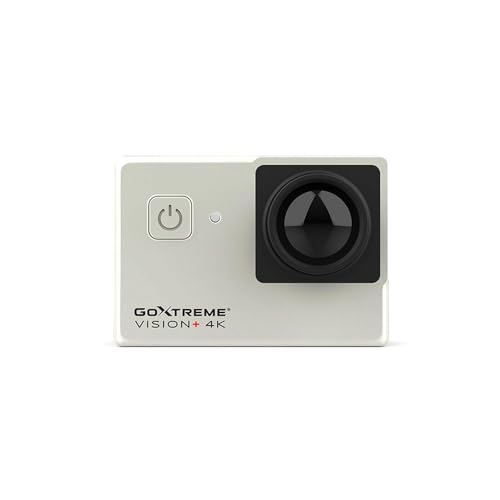
- GoXtreme (Average overall score: 5.5)
The chart below compares cheap action camera brands by average overall score.
[horizontal-chart-04375970688099371602046409855512630094582151503987]
What should you expect from a cheap action camera?
From a cheap action camera, expect dependable 1080p, usable daylight 4K, basic electronic stabilization, removable storage, and enough battery life for short sessions. At this price, 4K/30 is more common than fully stabilized 4K/60, and some cameras reserve stabilization for 1080p or use interpolation to advertise a resolution the sensor does not capture natively.
Expect smaller sensors, lower bitrates, simpler microphones, slower apps, and weaker performance after sunset. Waterproofing may also depend on a supplied housing rather than the bare camera, which reduces audio quality and makes buttons harder to use. A worthwhile budget model compensates with clear mode specifications, secure standard mounts, replaceable batteries, stable firmware, honest memory-card requirements, and parts that remain available after the initial accessory bundle wears out.
How good is video quality on cheap action cameras?
Video quality on cheap action cameras is usually sharp and useful in daylight but weaker in dynamic range, low light, and fast motion than on premium models.
Start by checking whether 4K is native. A camera with a low-resolution sensor may enlarge a smaller image to 4K, producing large files without additional detail; sample frames should show fine texture in foliage, road surfaces, water, and distant objects rather than halos and oversharpened edges.
Frame rate and bitrate matter just as much. Native 4K/30 is suitable for travel and slower action, while 1080p/60 may look better for cycling or sports if the 4K mode is limited to 24 or 25 fps. Low bitrates cause blockiness in snow, leaves, spray, and fast pans, and some budget cameras reduce bitrate further when stabilization is enabled.
Small sensors struggle in dim conditions because the camera raises ISO or lengthens exposure, leading to noise reduction, smeared motion, and clipped lights. For evening use, a clean stabilized 1080p mode can therefore be preferable to noisy 4K, and manual exposure compensation or shutter limits are more useful than an inflated maximum-resolution label.
How good is stabilization on cheap action cameras?
Stabilization on cheap action cameras is usually adequate for walking but often too weak for rough cycling, skiing, or vehicle mounts.
Check the exact supported modes. A camera may advertise electronic stabilization but limit it to 1080p/30, disable it at 4K, or remove it when the widest field of view is selected.
Budget stabilization often applies a substantial crop because it needs spare pixels around the image. That can make helmet or chest footage feel too narrow and can reduce low-light quality by using a smaller sensor area.
It also depends on shutter speed. In dim light, blurred source frames remain blurred after electronic correction, and slow sensor readout can produce jello-like distortion under vibration. Daylight examples from the same mount and recording mode you plan to use are more informative than handheld promotional footage.
A rigid, short mount can improve the result dramatically. Stabilization cannot compensate for a loose buckle, flexible extension arm, or adhesive base that oscillates independently of the camera.
What compromises are common on cheap action cameras?
The most common compromises on cheap action cameras are weaker low-light video, limited stabilization modes, lower bitrates, basic microphones, and less reliable apps. Headline specifications can hide those limits: 4K may be interpolated or restricted to a low frame rate, stabilization may work only at 1080p, and a bundled waterproof housing may be mistaken for native waterproofing.
Cost cutting also appears in battery consistency, touchscreen responsiveness, port-door seals, lens coatings, mount tolerances, firmware support, and replacement-part availability. Large accessory bundles do not necessarily add value if buckles flex, adhesives are unbranded, or spare batteries cannot be purchased later. Prioritize a camera with honest mode tables, stable recording, standard mounting compatibility, approved memory-card guidance, and accessible batteries over one offering more advertised resolution, more accessories, or a deeper housing rating that you do not need.
How much do cheap action cameras cost?
Cheap action cameras cost up to £100, with the most useful new models generally concentrated around £40-£100.
Below about £30, expect toy-grade cameras, heavily discounted older models, or products with basic 720p or 1080p recording, weak mounts, and limited support. They may be adequate for children or occasional static clips, but specification claims require careful verification.
At roughly £40-£80, native 1080p, basic 4K, removable batteries, Wi-Fi control, and bundled waterproof housings become common. The best value in this band comes from stable recording and decent daylight color rather than the largest accessory count.
Models near £80-£100 are more likely to offer usable electronic stabilization, higher 4K frame rates, better displays, stronger batteries, and a more dependable app. Include the cost of a reputable microSD card and any replacement mount or spare battery; those essentials can add another £20-£50.
What should you check before buying a cheap action camera?
The main points to check before buying a cheap action camera are as follows:
- Native resolution and frame rates: Verify the sensor resolution and the exact modes rather than accepting a 4K, 6K, or 8K label. Check whether 4K is captured natively or interpolated, whether it runs at 24, 25, 30, or 60 fps, and whether higher frame rates force the camera back to 1080p; enlarged video consumes storage without adding real detail.
- Stabilization mode limits: Confirm electronic stabilization in the precise resolution, frame rate, and field of view you plan to use. Budget cameras may disable stabilization at 4K, crop the image heavily, or support it only at 30 fps, so sample footage should come from the same mode and mount as your intended activity.
- Sensor, bitrate, and codec: Look for sensor dimensions, maximum bitrate, H.264 or H.265 support, and real downloadable sample files. Low bitrates produce blocks and smearing in foliage, water, snow, and fast movement, while an inefficient codec may fill cards quickly without preserving more detail.
- Battery runtime and power behavior: Compare runtime with stabilization, Wi-Fi, and the screen active rather than using the longest advertised figure. Check whether batteries are removable, replacements are sold separately, USB recording is supported, and the camera saves the current file safely when power is lost; inexpensive battery packs can vary significantly in capacity.
- Memory-card compatibility: Verify maximum microSD capacity, file-system requirements, and the approved speed class for the highest-bitrate mode. Use a reputable U3 or V30 card when required, because counterfeit or underspecified cards can stop recording, corrupt clips, or make the camera appear unreliable.
- Waterproofing and port seals: Distinguish native waterproof depth from a rating achieved only with the included housing. Inspect the battery-door latch, USB cover, housing gasket, button operation, and audio penalty; a housing can protect the camera underwater but also muffle sound and trap heat or condensation.
- Mount quality and compatibility: Check whether the camera uses standard action-camera fingers or a common thread and whether better third-party mounts fit it. Inspect buckle play, screw length, adhesive branding, tether points, and access to the battery door; weak bundled mounts can vibrate, shift, or release even when the camera itself records well.
- Audio and external microphone support: Review untreated samples for wind noise, clipping, channel imbalance, and mechanical rattles from the case. Confirm whether an external microphone is supported, which adapter it needs, and whether using that adapter blocks charging or weather sealing; many low-cost USB-C ports do not carry audio.
- Controls, screen, and connectivity: Test startup time, one-button recording, touchscreen response, menu clarity, Wi-Fi transfer speed, and remote-control range. Check app-store reviews and firmware history, because an unstable or abandoned app can prevent settings changes, previews, transfers, or updates even when local recording still works.
- Support, warranty, and total cost: Confirm the seller, return period, firmware source, spare-battery supply, replacement housing, and lens-protector availability. Add the price of a reliable card, useful mount, and extra battery to the camera price; a slightly dearer model with parts and support can cost less over time than replacing an unsupported bundle.