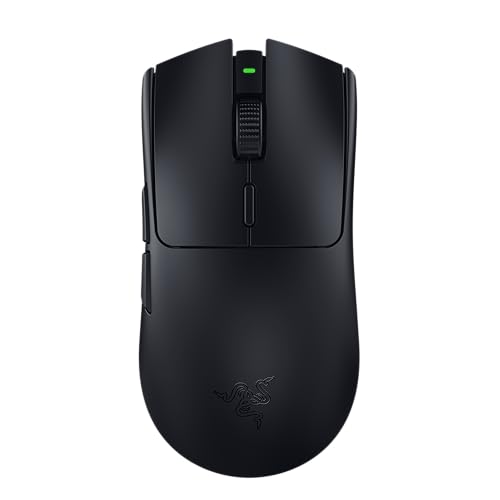
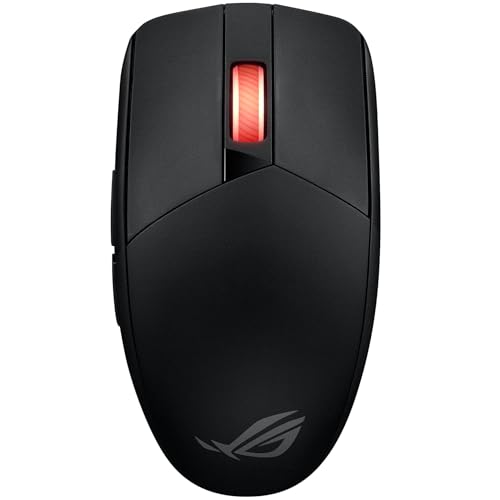
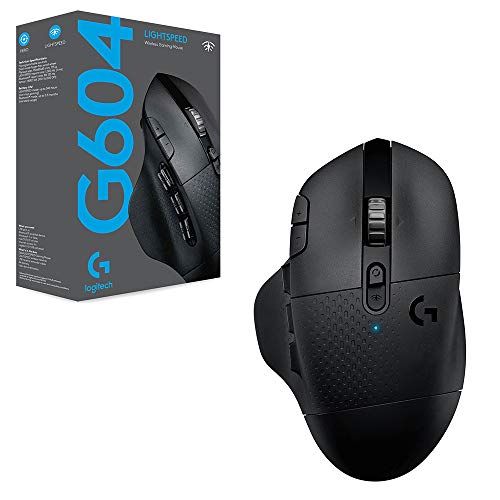
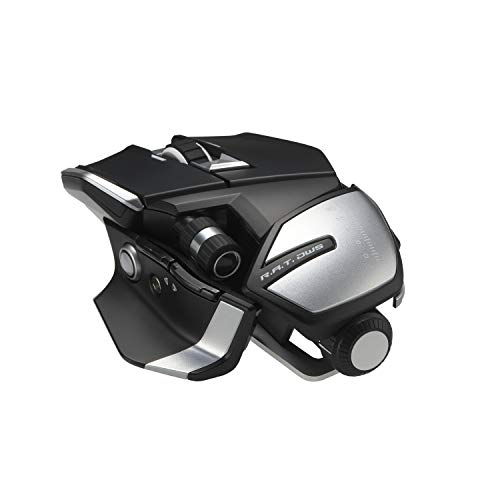
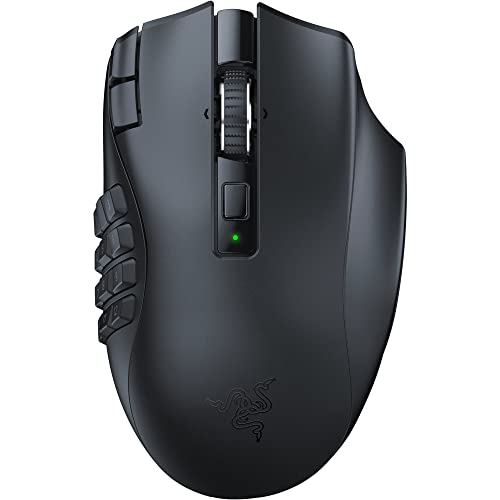
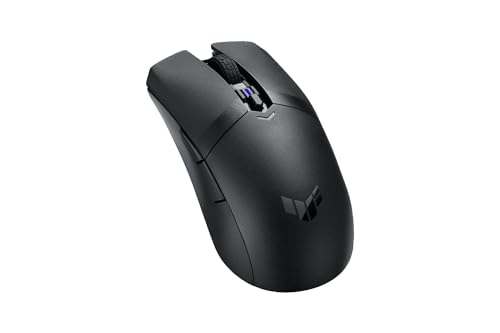
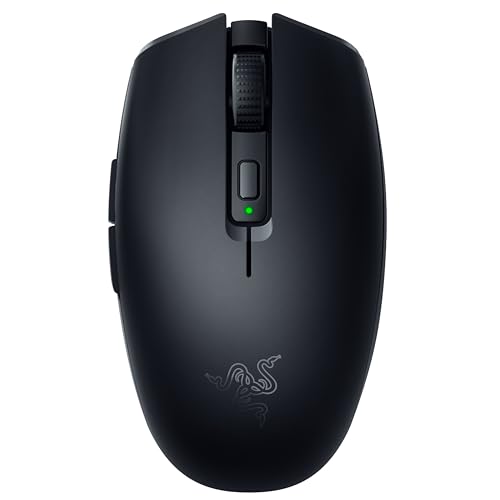
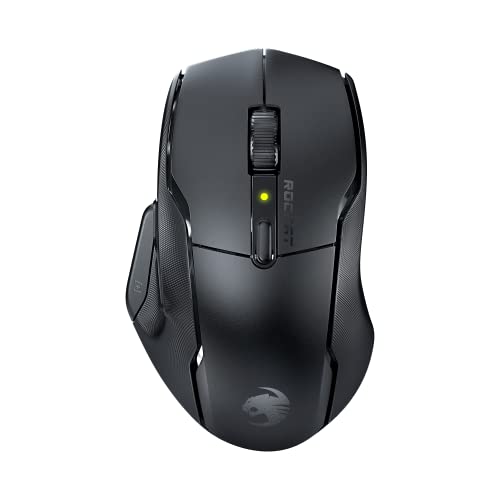
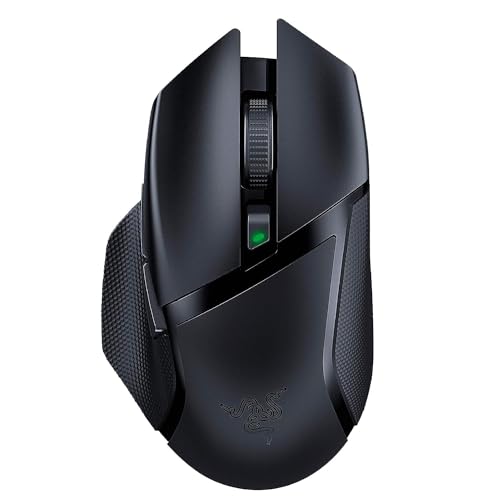
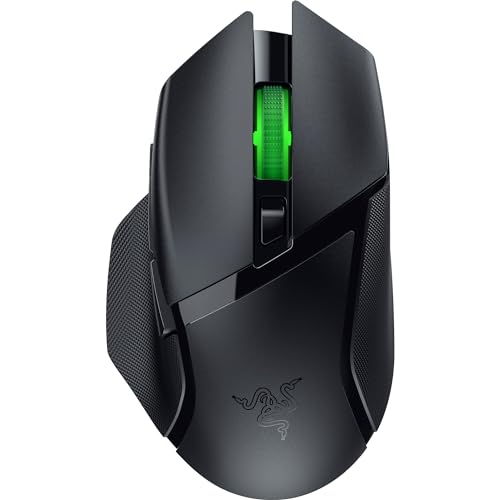
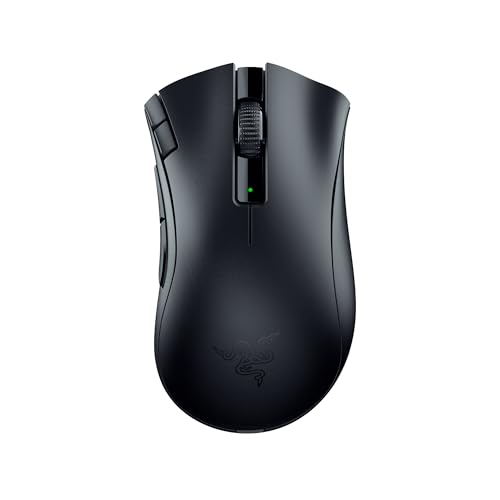
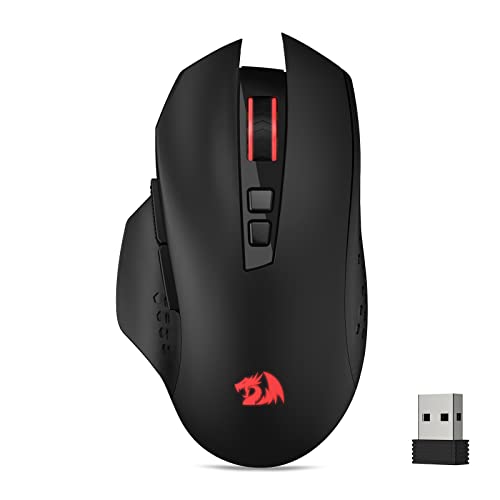
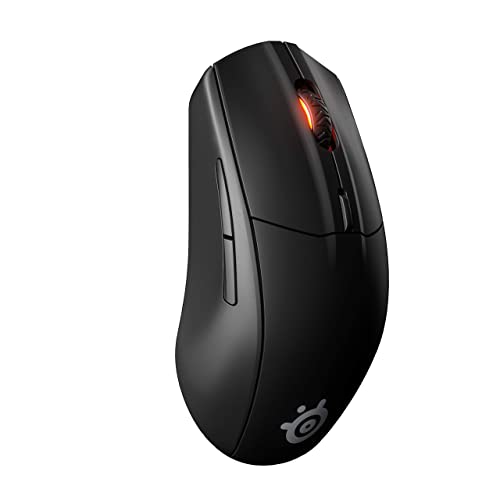
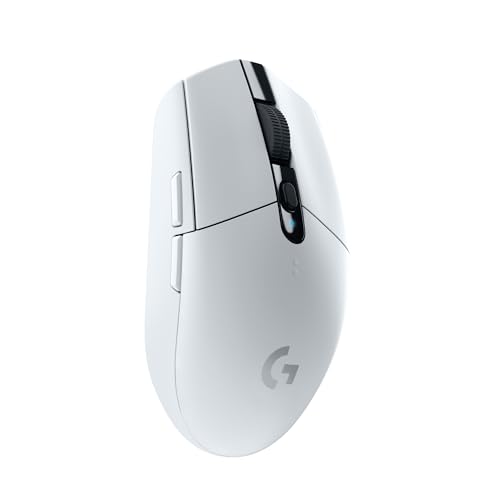
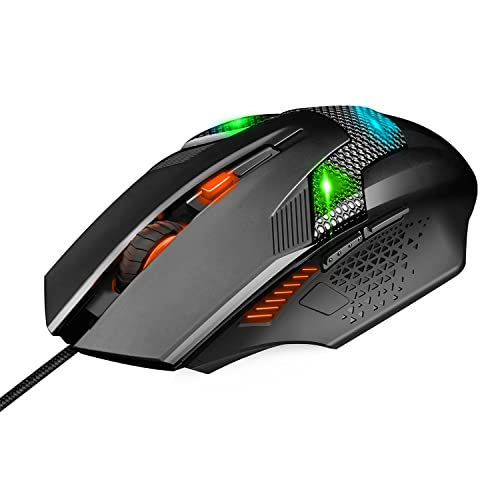
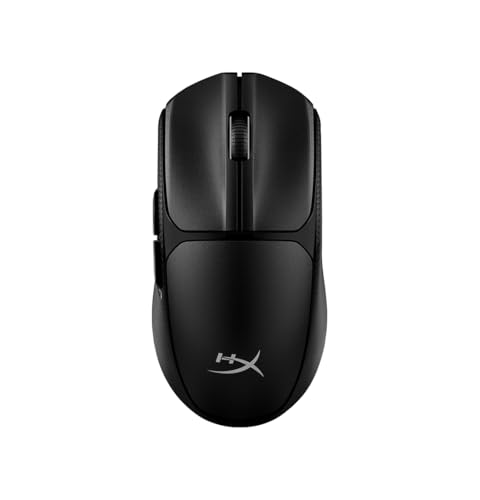
Which brands make the best wireless gaming mice?
The best wireless gaming mouse brands are as follows.
- Rapoo (Overall score: 8.9 points)
- Razer (Overall score: 8.7 points)
- Attack Shark (Overall score: 8.6 points)
The chart below ranks wireless gaming mouse brands by average overall score.
[horizontal-chart-08362164305658738412148936480509861573743627013247]
What makes a wireless mouse good for gaming?
A wireless mouse is good for gaming when it stays close to wired performance without becoming heavy or inconvenient to recharge. The main factors that define a strong wireless gaming mouse are the following:
- 2.4 GHz link quality: The best wireless gaming mice rely on 2.4 GHz as the main play mode because it keeps latency much lower and more stable than Bluetooth. That matters far more than simply having a wireless label.
- Weight control: Many strong wireless gaming mice still stay around 50-85 g, which is light enough for fast aim-heavy play. Once batteries, RGB, and extra hardware push weight much higher, speed and lift feel can suffer.
- Sensor and click response: A good wireless gaming mouse still needs an optical sensor and fast switches that feel immediate in repeated clicks. Wireless convenience is not enough if the core tracking and click behavior lag behind wired rivals.
- Battery practicality: Around 70-200 hours is a strong working range because it avoids constant charging while still allowing lighter shells. Very long battery figures can be useful, but they are less important than stable play performance.
- Docking and charging behavior: The better models recharge quickly, allow wired use while charging, or use docks cleanly. Good charging behavior matters because it reduces one of the main disadvantages of wireless gaming gear.
How good is latency on wireless gaming mice?
Latency on wireless gaming mice is now very good when the mouse uses a proper 2.4 GHz gaming connection. The better models are close enough to wired mice that latency is no longer the main reason to avoid them.
What matters more is the connection type and polling support. Many wireless gaming mice now offer 1,000 Hz as the normal baseline, while stronger models push to 2,000 Hz, 4,000 Hz, or 8,000 Hz over 2.4 GHz. Bluetooth is much weaker for gaming because it usually trades speed for convenience and battery life.
Wireless latency therefore depends less on the word wireless itself and more on the hardware behind it. A well-tuned 2.4 GHz gaming mouse can feel effectively wired in real play, while a Bluetooth-first model usually will not.
The chart below compares 2.4 GHz polling rates on wireless gaming mice.
[vertical-chart-13607469627586610934151584085269900006194248775182]
How long does the battery last on wireless gaming mice?
Battery life on wireless gaming mice varies a lot, but most good models last anywhere from several days to a few weeks between charges. Lighter performance-focused mice usually give up some runtime in exchange for lower weight, higher polling, and faster response, while less aggressive models can last noticeably longer.
Battery life also changes depending on polling rate, RGB lighting, sensor mode, and whether you are using 2.4 GHz or Bluetooth. Higher polling and lighting usually shorten runtime, so quoted figures are best treated as ideal-case numbers rather than a guarantee of how long the mouse will last during regular gaming.
The more useful question is whether the charging behavior fits your routine. For most players, it is enough if the mouse comfortably lasts through regular use and does not become annoying to top up.
This chart shows battery-life values on wireless gaming mice.
[vertical-chart-05839295476864855039066811075146163073743953451347]
What wireless connections are common on gaming mice?
The most common wireless connections on gaming mice are 2.4 GHz and Bluetooth, but they are not equally important. In gaming use, 2.4 GHz matters most because it is the connection designed to keep latency and stability close to wired performance.
Many wireless gaming mice also add Bluetooth as a secondary mode for laptops, travel, or multi-device use. That makes these mice more flexible, but Bluetooth is usually not the mode you would choose for competitive play.
The most common setup is therefore either a pure 2.4 GHz gaming mouse or a dual-mode design that combines 2.4 GHz with Bluetooth and often wired charging support. That mix gives users speed for gaming and convenience for general use.
How much do the best wireless gaming mice cost?
The best wireless gaming mice usually cost about 50-£160. Entry-level wireless gaming options often sit around 30-£60, stronger mid-range models usually land near 60-£100, and premium ultra-light or high-polling wireless mice often move into the 110-£160 range. At the top end, specialist models can go beyond £160 and in rare cases approach £850.
Wireless gaming prices rise faster than wired prices because you are paying for the radio system, battery, charging hardware, and extra engineering needed to keep weight low. In practice, the premium is justified more by latency, weight control, and charging behavior than by raw DPI figures.
This chart visualizes wireless gaming mouse prices.
[vertical-chart-11178030798165926000120235585770300908503582550938]
What should you consider while choosing a wireless gaming mouse?
The main technical criteria for a wireless gaming mouse are as follows.
- Main wireless link: 2.4 GHz is the core gaming connection type because it is built for low-latency use, while Bluetooth is usually only a secondary mode. If the mouse relies on Bluetooth for its main gaming mode, it usually sits in the convenience tier rather than in the serious low-latency tier.
- Weight band: Strong wireless gaming mice often sit around 50-85 g, because cable freedom loses some value once body weight rises too far. In practice, sub-60 g usually signals a speed-first competitive design, 60-80 g is the common all-round gaming zone, and above roughly 85-90 g often means a fuller shell or more feature-heavy layout.
- Sensor tier and DPI range: The better end of this category usually starts around 20,000 DPI-class sensors, but tracking stability matters more than extreme spec numbers. For most buyers, the real signal is whether the sensor tracks cleanly at low lift-off and high swipe speed, not whether the advertised DPI figure is the largest number on the box.
- Polling rate: 1,000 Hz 2.4 GHz is the real baseline, while 2,000-8,000 Hz is a higher-end latency tier with battery-life tradeoffs. Around 125-250 Hz belongs to office-oriented response, 1,000 Hz is the practical modern gaming baseline, and higher tiers mainly matter when the rest of the setup can expose the latency difference.
- Battery runtime: Around 70-200 hours is a strong practical range, but runtime should be judged together with polling mode, lighting, and charging habits. Always judge runtime together with polling mode, RGB state, and sleep behavior, because quoted endurance can drop sharply once higher polling or always-on lighting is enabled.
- Charging system: Cable charging, dock charging, and wired-play-while-charging support create real differences in how disruptive wireless upkeep feels. A mouse that stays playable over USB while charging is much easier to live with than one that forces downtime or awkward dock dependence during busy use periods.