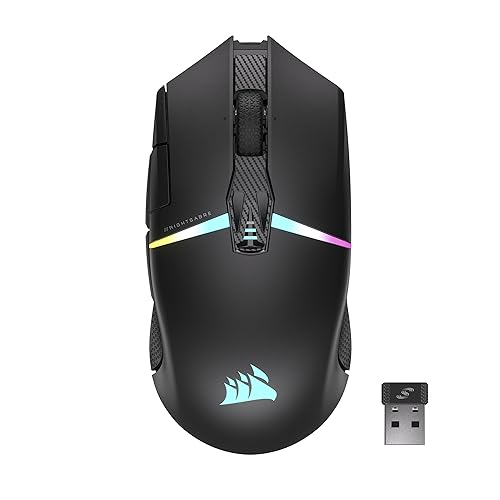

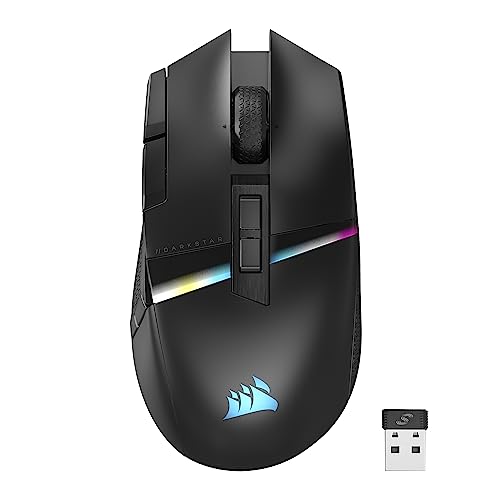
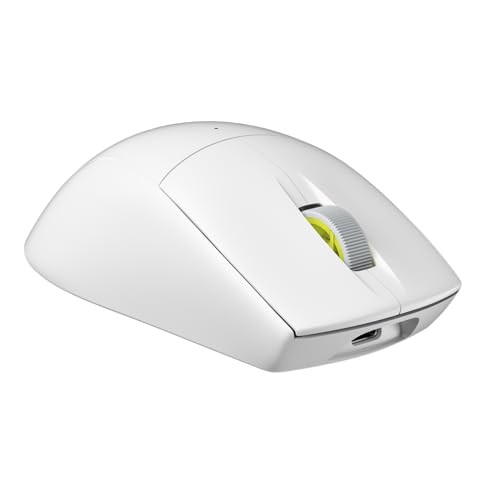
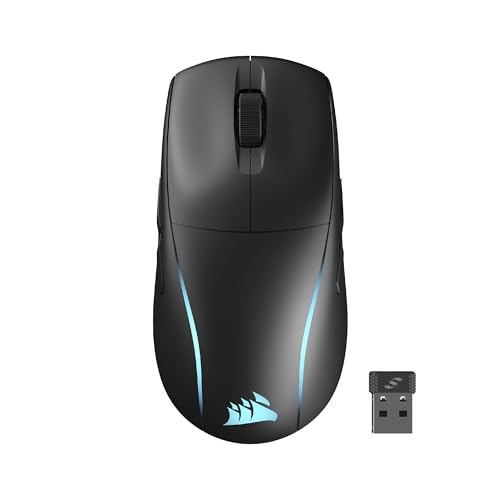
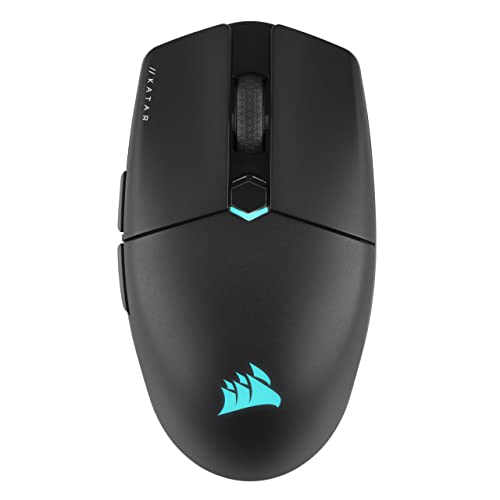
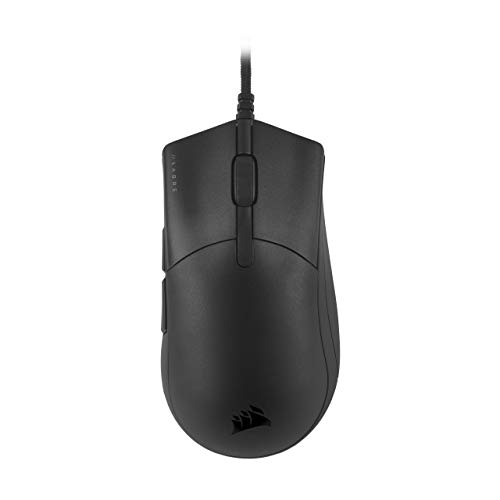
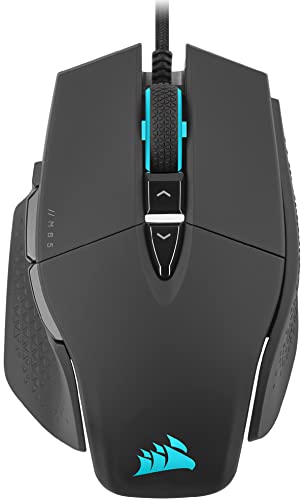
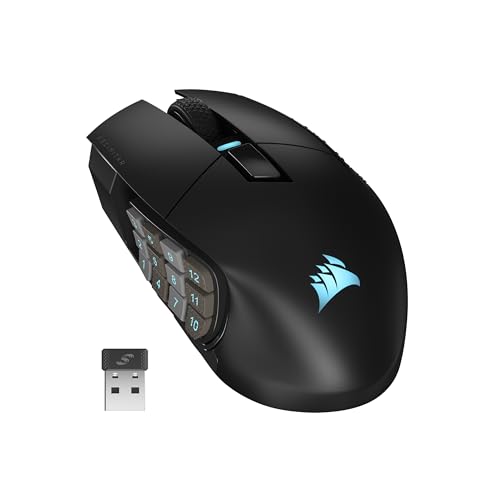
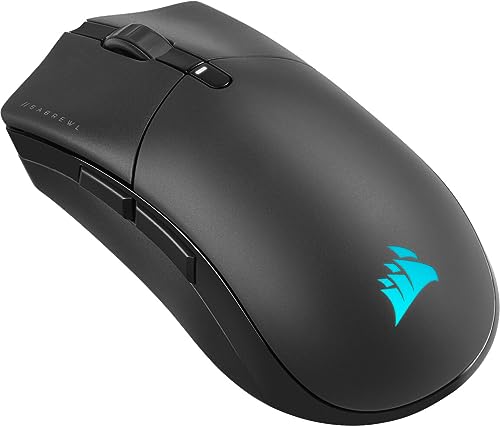
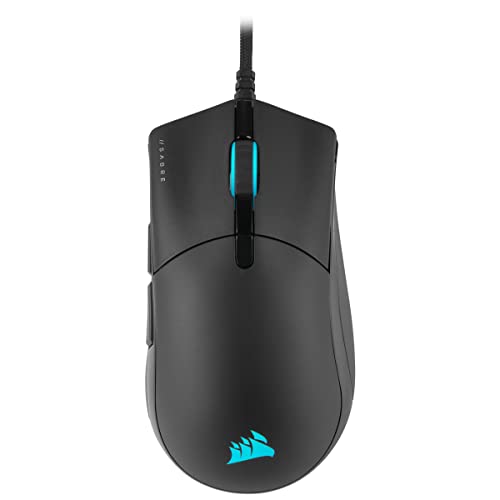
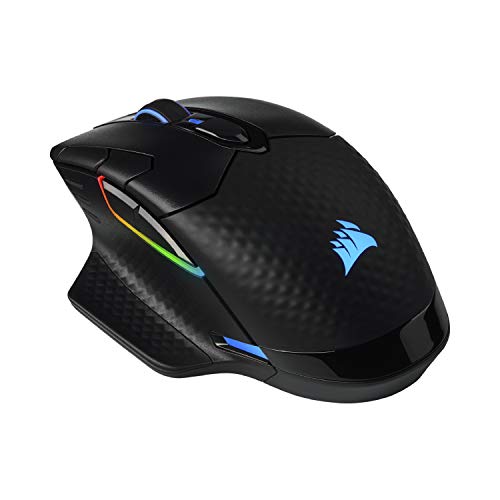
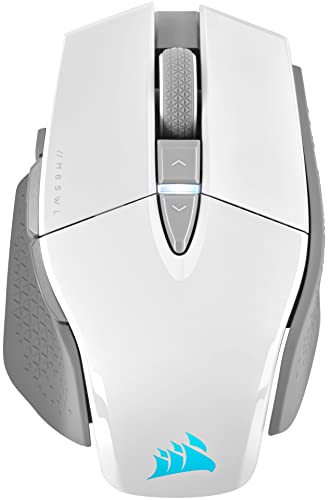
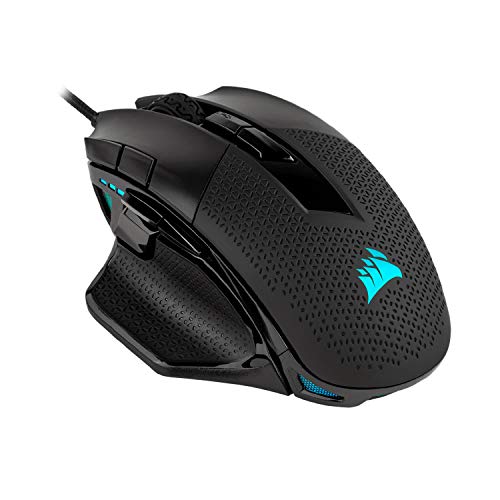
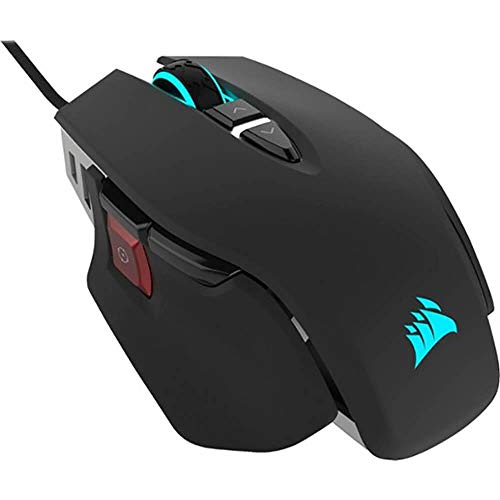
Are Corsair gaming mice good?
Corsair gaming mice have an average overall score of 7.6, ranking #10 among all gaming-mouse brands in this guide scope, and an average user rating of 9, placing them at #15 by user reviews.
Corsair gaming mice are generally good if you want a gaming-first lineup that balances mainstream competitive models with more feature-rich and many-button options. The lineup has a solid technical floor, with 1,000 Hz polling throughout and several 2,000-8,000 Hz-capable models higher up the range.
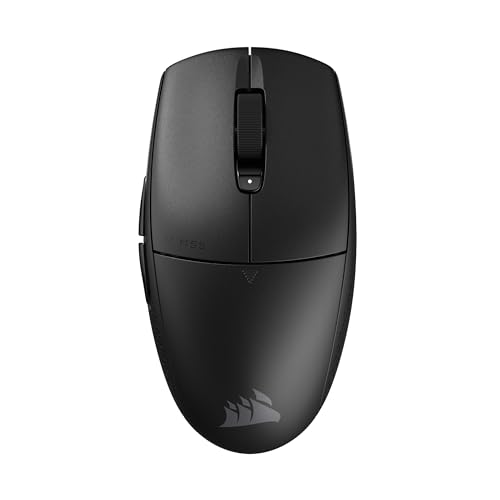
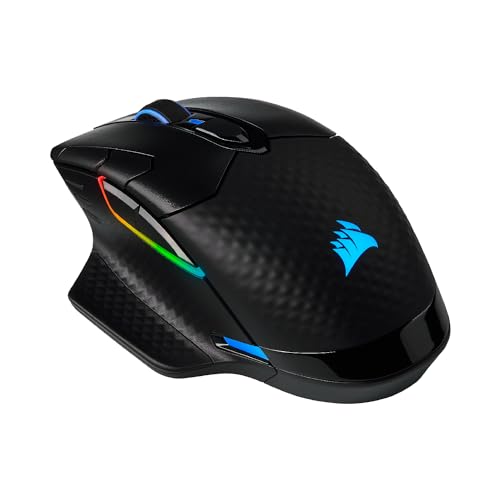
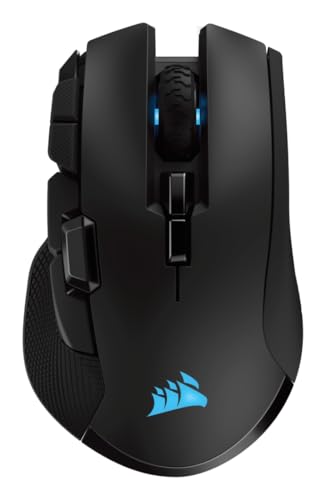
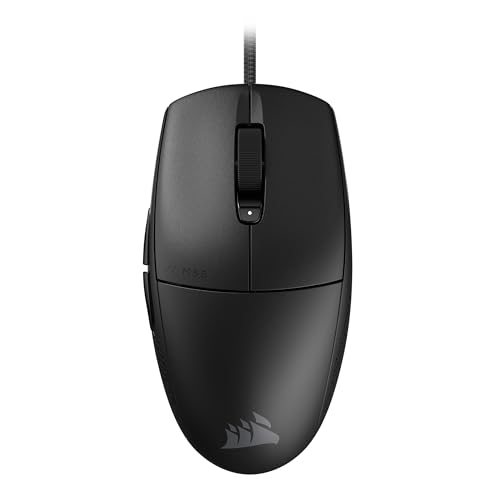
Corsair gaming mice are strongest when you want variety inside gaming without jumping between unrelated brands. The lineup covers lighter options such as parts of the Katar, Sabre, and M75 branches, fuller-handed wireless families such as Dark Core and Ironclaw, and MMO-style control depth through Scimitar.
The tradeoff is that Corsair is not the most extreme performance brand in every direction. Compared with some gaming specialists, its lineup has a lower average technical ceiling and fewer ultra-light headline models, so the best Corsair gaming mice win more on range balance and practical gaming fit than on being the most aggressive on paper.
The following chart ranks different gaming-mouse brands by their overall score.
[horizontal-chart-09926800591461353299030958108424064962300405625375]


How much do Corsair gaming mice cost?
Corsair gaming mice usually start around £30, and many models sit roughly between £35 and £110, with the broader price spread reaching about £150 at the top end. In practical terms, Corsair is positioned as a mid-range gaming brand with some premium wireless and specialist options rather than as a bargain-basement or ultra-luxury gaming brand.
That pricing matches the hardware direction. Corsair gaming mice focus on serious gaming-level specs, a broad mix of wired and wireless models, some 8,000 Hz-capable options, and several fuller-featured branches, so the brand uses price to separate shape, connectivity, and control-depth priorities inside gaming rather than basic office use.
This chart visualizes Corsair gaming mouse prices.
[vertical-chart-15181845947040986884074152538458133811163761909039]
How do Corsair gaming mice compare with Razer models?
Corsair gaming mice usually compare with Razer models as the more balanced and slightly less extreme gaming brand, while Razer is the more aggressive gaming specialist with a higher average technical ceiling. Corsair is stronger if you want a gaming lineup that mixes mainstream competitive mice, richer wireless all-rounders, and specialist control branches without pushing quite as far into premium-performance territory.
Inside the gaming-mouse scope, Razer's catalog is larger and more performance-aggressive, while Corsair tends to sit at a steadier mid-range level with a useful spread across FPS-style, wireless, and MMO-oriented branches. In practice, Corsair is the steadier mid-tier gaming choice, while Razer is the more performance-ambitious specialist.
So the better brand depends on what matters most to you. Corsair makes more sense if you want a more measured gaming lineup with good breadth and fewer extremes, while Razer is usually the better fit if you want the more aggressively gaming-first brand.
What should you consider while choosing a Corsair gaming mouse?
The main technical criteria for a Corsair gaming mouse are as follows.
- Series fit: Corsair makes the most sense when you pick the branch by use pattern rather than by price alone. M65 is the sharper FPS-style direction, Katar and Sabre are the simpler competitive-to-all-round choices, Dark Core suits people who want a richer wireless all-round mouse, Ironclaw is for larger right-handed hands and fuller palm support, and Scimitar is only justified when MMO-style side-button density is genuinely useful.
- Shape and weight: Corsair runs from about 55 g to 147 g and leans heavily toward right-handed shells, so hand size and grip style matter early. The 55-75 g zone is the lighter faster end, 80-105 g is the broader mainstream range, and 110 g or more usually means a bigger shell or a more button-dense design that trades speed for support or control depth.
- Wireless behavior: Corsair has a meaningful wireless slice, but the experience changes by family. Some models are best treated as gaming-desk wireless tools first, while others are easier to justify when you also care about broader multi-device convenience, so do not assume every wireless Corsair mouse solves the same problem.
- Sensor and polling tier: The range includes ordinary 1,000 Hz gaming hardware and stronger higher-end low-latency tiers above that. If you mainly want dependable gaming performance, the mainstream tier is enough; the faster branches are worth it only when you are already shopping specifically for premium response hardware.
- Button layout: Corsair spans simple FPS-friendly shells through Scimitar-style MMO mice with far denser side controls. Stay in the 5-8 button range for FPS and general play, and move to 12 or more buttons only when your game or workflow consistently rewards that complexity.
- Price role: Corsair is usually strongest in the practical mid-range gaming zone. The brand rewards picking the right shell size and branch more than blindly paying for the top SKU, because the expensive end is not automatically the best choice unless its shape, wireless setup, or button density solves a real need.