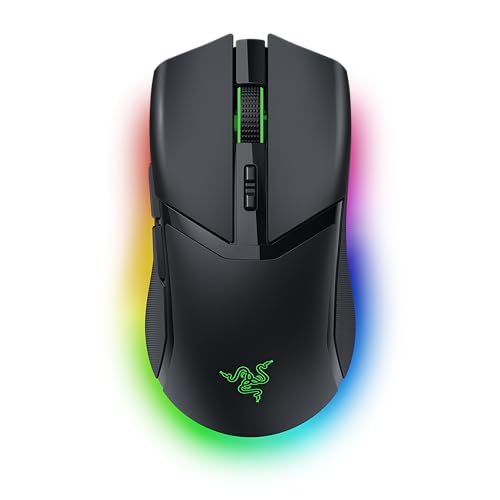

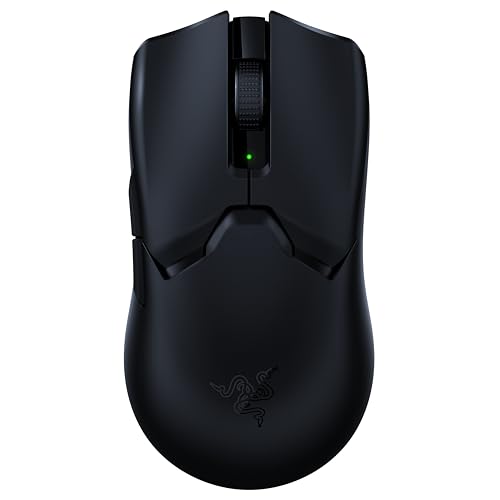
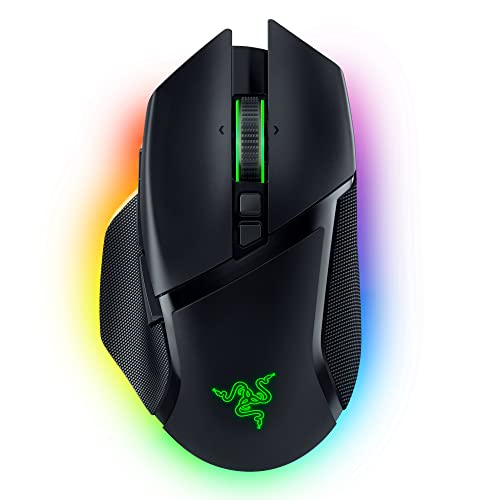
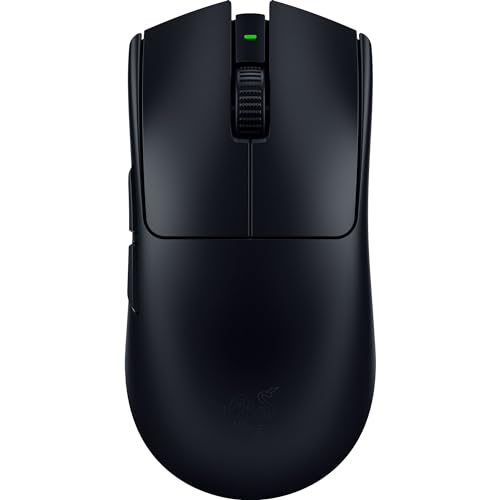
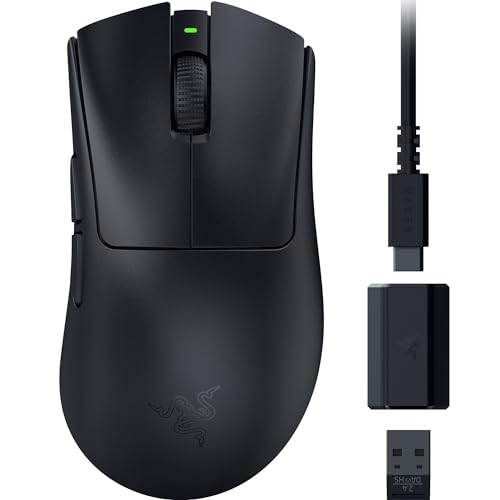
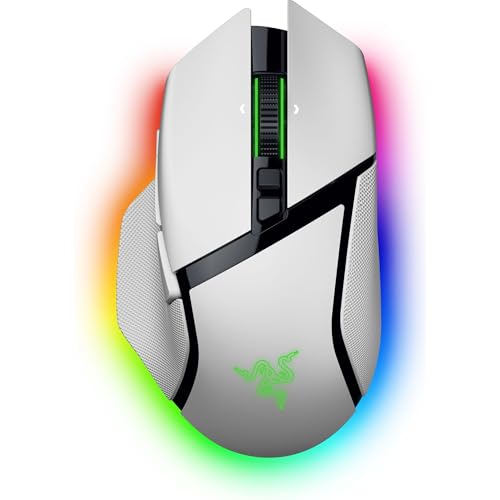
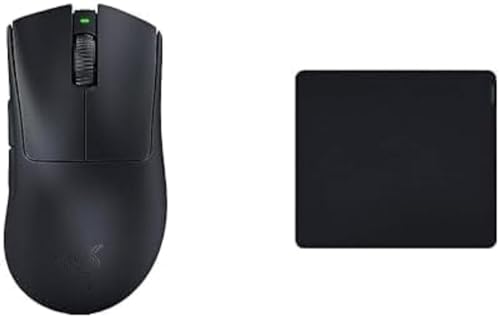
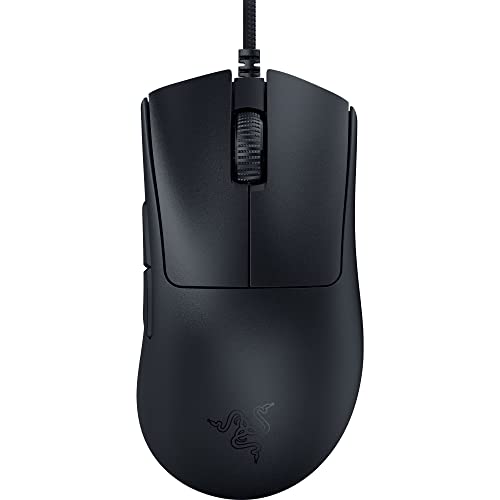
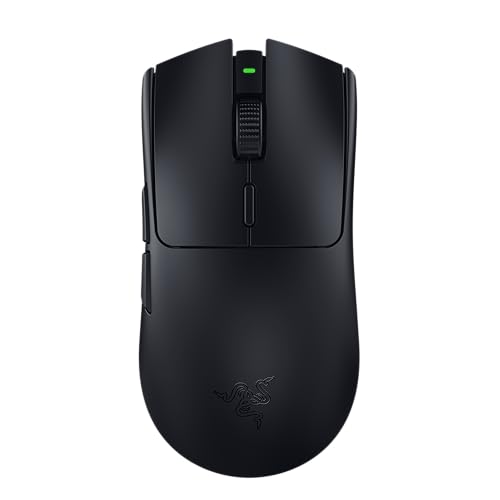
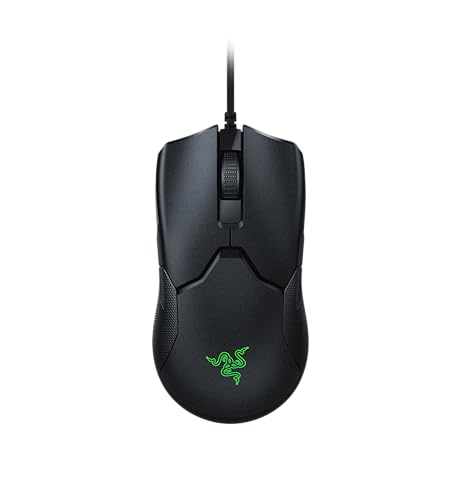
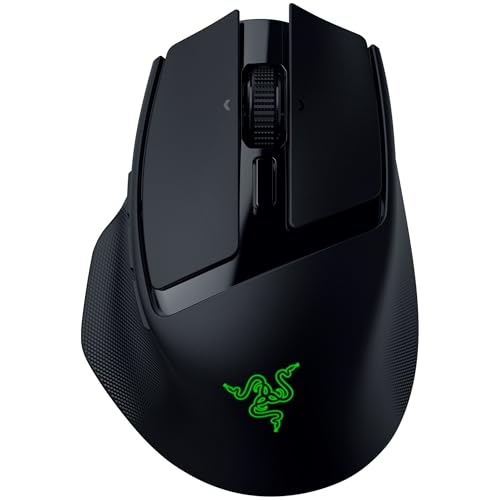
Are Razer gaming mice good?
Razer gaming mice have an average overall score of 8.7, ranking #2 among all gaming-mouse brands in this guide scope, and an average user rating of 9.3, placing them at #4 by user reviews.
Razer gaming mice are generally very good if you want a gaming-first lineup with a high technical ceiling. Razer gaming mice span from 6,400 DPI to 45,000 DPI, from 1,000 Hz to 8,000 Hz polling, from about 49 g to 134 g, and from 5 to 20 buttons, which gives the brand strong coverage from lightweight competitive mice to heavier MMO-style models.
Razer gaming mice also have clear internal sub-branches instead of one repeated shell. The lineup includes a large wireless branch, many right-handed designs, and major families such as DeathAdder, Basilisk, Viper, and Naga, so the brand gives buyers multiple distinct gaming directions rather than one general-purpose formula.
The tradeoff is that Razer sits more as a performance-first gaming specialist than as a broad all-purpose mouse brand. That is excellent if gaming is your priority, but it also means the lineup is less relevant if you want office simplicity, minimalist ergonomics, or a general desktop mouse outside gaming use.
The following chart ranks different gaming-mouse brands by their overall score.
[horizontal-chart-09926800591461353299030958108424064962300405625375]


What are the main Razer gaming mouse series?
The main Razer gaming mouse series are as follows.
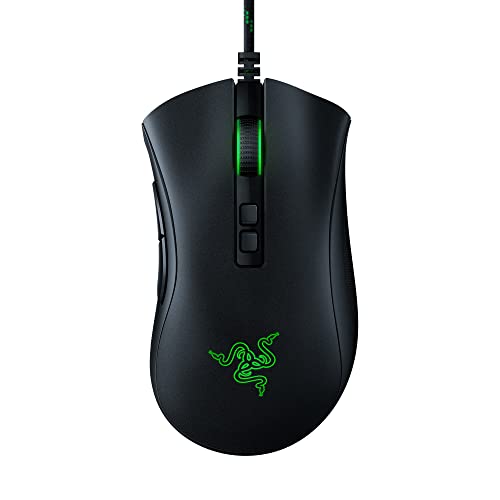
- DeathAdder series: DeathAdder is one of Razer's main right-handed performance branches. It is built around competitive-friendly shapes, strong sensor tiers, and a broad spread from cheaper wired versions to higher-end wireless and 8,000 Hz models.
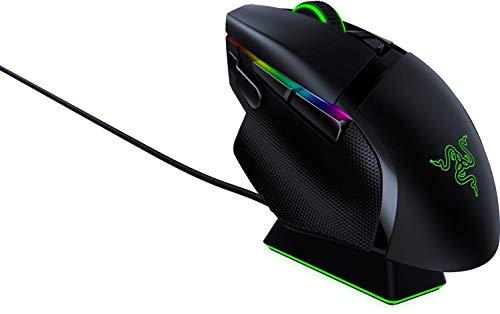
- Basilisk series: Basilisk is Razer's more feature-rich right-handed gaming family. This branch is aimed at users who want more controls, more adaptable all-round use, and a stronger balance between gaming performance and richer button layout.
- Viper series: Viper is one of Razer's clearest speed-focused branches. The family includes lighter competitive models, higher-polling options, and some of the brand's most performance-oriented mice for fast-paced play.
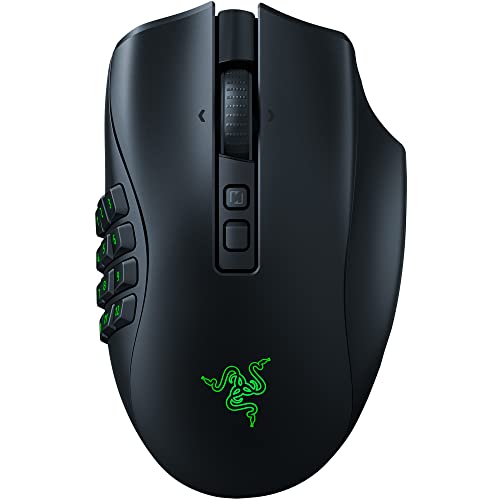
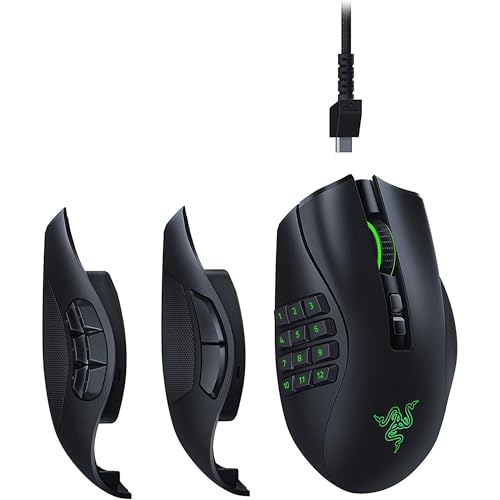
- Naga series: Naga is Razer's MMO and many-button branch. These models are built for users who want far more side-button control than a typical gaming mouse offers.
- Cobra and smaller gaming branches: Cobra, Orochi, and several secondary lines cover compact, lighter, or more niche gaming preferences. Their role is to give Razer extra shape and size variety outside the core headline families.
Razer's lineup structure is strongly series-driven rather than generic. The main decision is usually not whether to buy Razer, but whether you fit better into DeathAdder, Basilisk, Viper, Naga, or one of the smaller gaming branches.
How much do Razer gaming mice cost?
Razer gaming mice usually start around £35, and many models sit roughly between £45 and £170, although the full price spread extends much higher because of a few clear outlier listings. In practical terms, Razer is positioned as a mid-range to premium gaming brand rather than as a cheap entry-level mouse brand.
That pricing matches the hardware direction. Razer gaming mice focus on high-DPI sensors, frequent 1,000 Hz support, many 8,000 Hz-capable models, wireless and tri-mode options, lightweight competitive designs, and specialist MMO-style layouts, so the brand uses price to separate real gaming-performance tiers rather than simple office accessories.
This chart visualizes Razer gaming mouse prices.
[vertical-chart-16289902658519413302031086260807213803761492852486]
How do Razer gaming mice compare with Logitech models?
Razer gaming mice usually compare with Logitech models as the more gaming-concentrated and performance-first brand, while Logitech is the broader ecosystem with both strong gaming and much larger office and productivity coverage. Razer is stronger if you want a lineup built mainly around gaming performance and recognizable gaming sub-series, whereas Logitech is stronger if you want one brand that can cover more use cases beyond gaming.
Inside the gaming-mouse scope, Razer's catalog is broader and more aggressive, while Logitech's gaming branch sits inside a much larger all-around ecosystem. Razer generally pushes harder on headline gaming specs, higher polling tiers, and performance-forward positioning, while Logitech gaming mice tend to offer a more balanced spread across shape families and use cases. In practice, Razer is the more gaming-specialized choice, while Logitech is the more balanced cross-category brand.
So the better brand depends on what matters most to you. Razer makes more sense if you want stronger gaming specialization and a sharper performance-first identity, while Logitech is usually the better fit if you want broader lifestyle, office, and gaming coverage under one smoother lineup.
What should you consider while choosing a Razer gaming mouse?
The main technical criteria for a Razer gaming mouse are as follows.
- Series fit: Razer's families are distinct enough that the right answer usually appears once you match the shell to the game type. Viper is for low-mass competitive play, DeathAdder is the safer ergonomic all-round choice, Basilisk suits people who want more controls and a fuller right-handed body, and Naga only earns its size and weight if MMO or command-heavy play really needs the side-button density.
- Weight and handling: Razer currently runs from about 49 g up to roughly 134 g. If you want the cleanest speed-first movement, stay in the 49-65 g zone; 70-95 g is the broader all-round band; 100 g and above usually means you are buying a fuller shell or a denser-control layout, not a pure competitive design.
- Sensor and polling tier: Razer starts high and climbs to roughly 45,000 DPI and 8,000 Hz in the flagship end of the range. For most players, 1,000 Hz is already enough to get the intended gaming benefit; the premium polling tiers matter mainly if you are deliberately shopping for low-latency top-end hardware rather than general gaming competence.
- Button density: The lineup covers simple 5-6 button competitive mice, broader 8-11 button all-round shells, and up to 20-button MMO layouts. Keep the lighter button counts if your main concern is aim and grip security, and only move into the high-button Naga territory when those extra inputs will genuinely be used.
- Connection mode: Wired, 2.4 GHz, Bluetooth, and mixed wireless designs all appear across the range, but they do not all serve the same purpose. Buy wired if you want the simplest no-charging answer, go 2.4 GHz if gaming wireless is the actual goal, and treat Bluetooth as a convenience extra rather than the reason to buy a Razer gaming mouse.
- Price logic: Razer is usually worth paying for when the shell family itself is the reason for the purchase. The upper tier should buy you a specific branch identity, stronger wireless, or low-latency flagship hardware; if you cannot point to which of those you need, the cheaper gaming-grade side is often the better value.