
Are Logitech gaming mice good?
Logitech gaming mice have an average overall score of 7.6, ranking #18 among gaming-mouse brands, and an average user rating of 9.4, placing them at #2 based on user reviews.
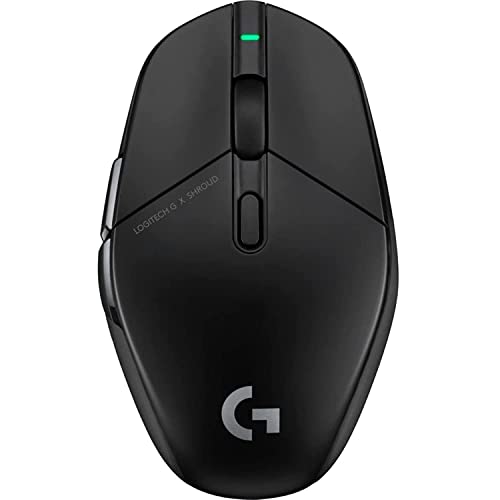
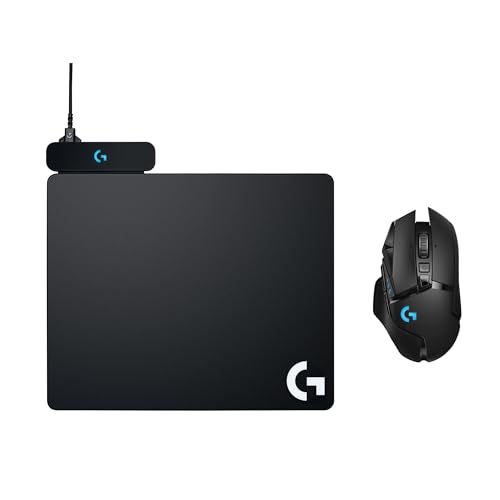
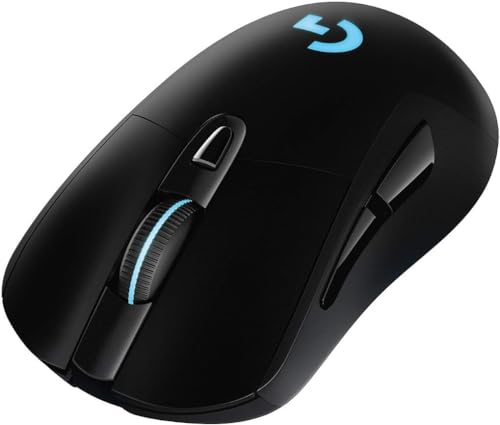
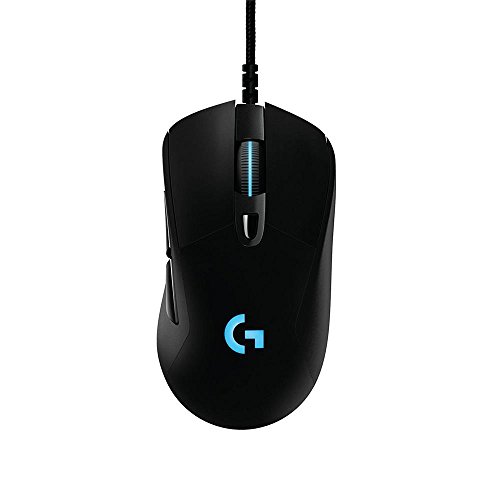
Logitech gaming mice are generally very good when you want a large gaming-focused range that covers competitive, all-round, and button-heavier use cases inside one brand. In the Logitech gaming branch, the lineup spans from mainstream performance models up to very high-end shapes with broad sensor, weight, button, and polling-rate coverage, which gives the brand a much wider technical spread than its narrower filtered subsets.
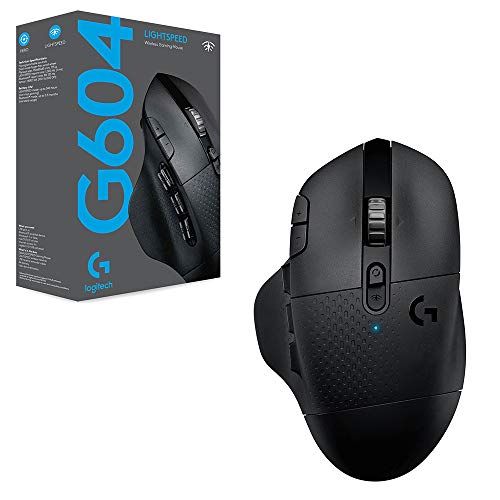
The main strength is internal variety without leaving the same ecosystem. The range includes lightweight competitive options, fuller ergonomic gaming mice, denser control-heavy designs, and several well-known families built around the G502, G Pro / Pro X Superlight, G403, G604, G703, G705, and G903 branches. That mix lets Logitech cover lightweight competitive play, fuller ergonomic gaming, MMO-style controls, and mainstream gaming value.
The following chart ranks gaming-mouse brands by their overall score.
[horizontal-chart-10495414091924077671078220433337608308720516777015]


What are the main Logitech gaming mouse series?
The main Logitech gaming mouse series are as follows.
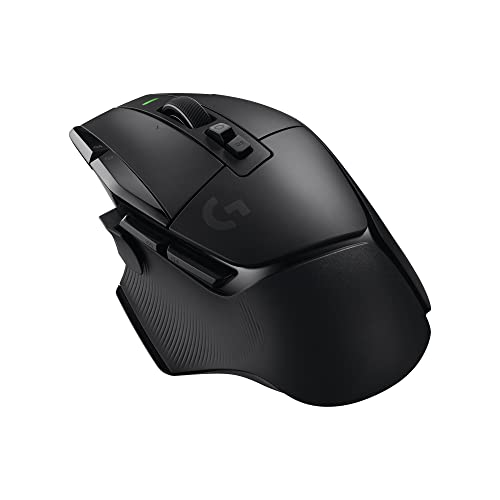
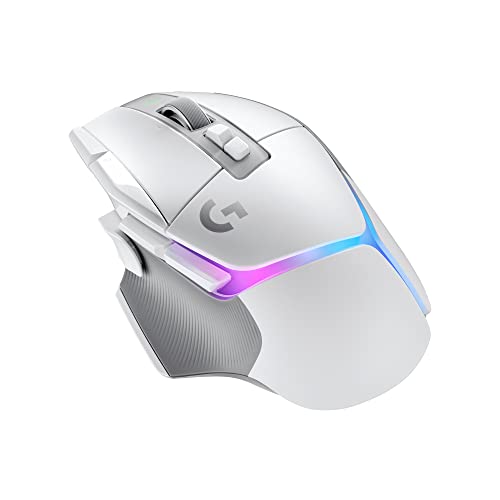
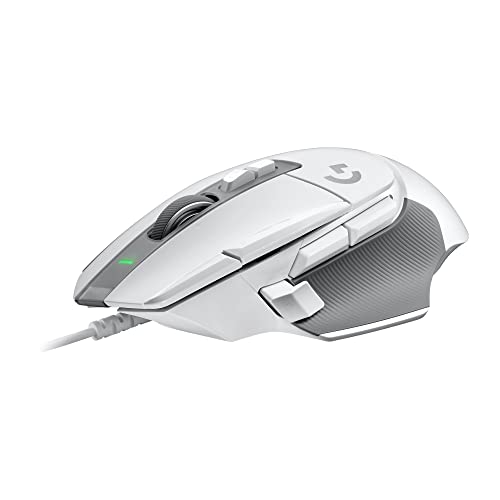
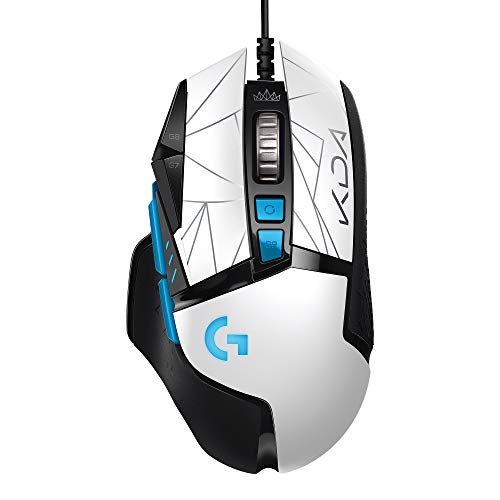
- G502 series: The G502 line is one of Logitech's most recognizable gaming branches. It is aimed at buyers who want a fuller right-handed shell, more buttons than a basic FPS mouse, and a richer feature set across wired and wireless variants.
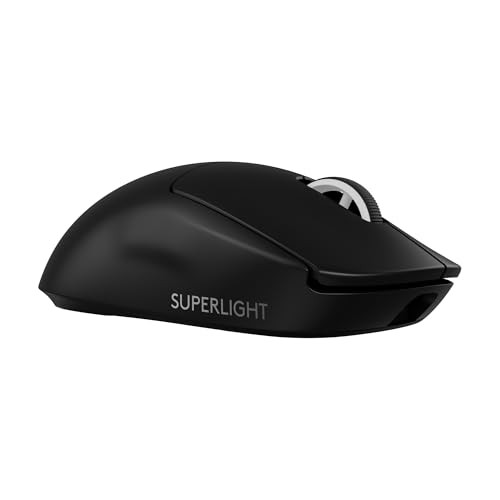
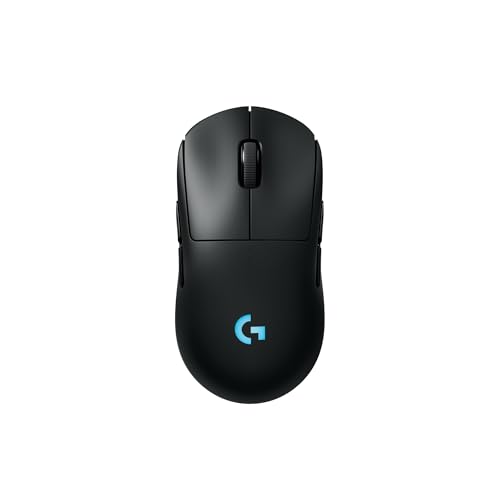
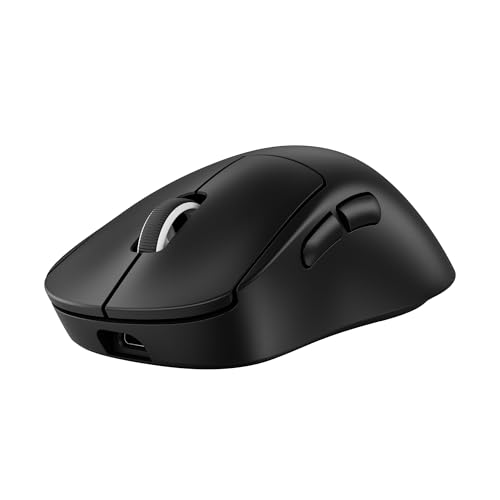
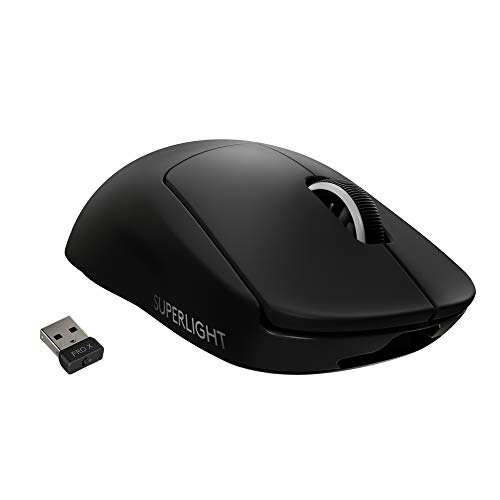
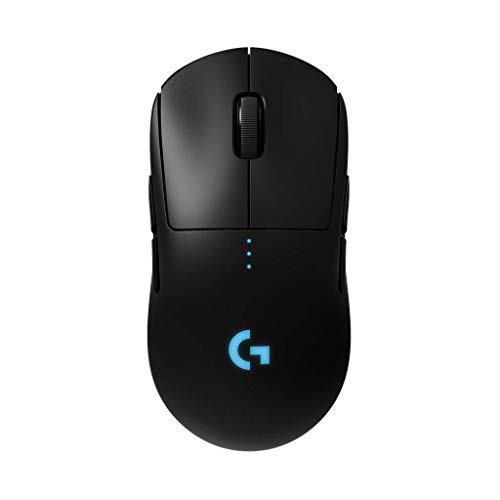
- G Pro and Pro X Superlight series: This branch represents Logitech's competitive side. These mice focus more on speed, lower weight, and simpler performance-led layouts for players who want a more esports-oriented feel.
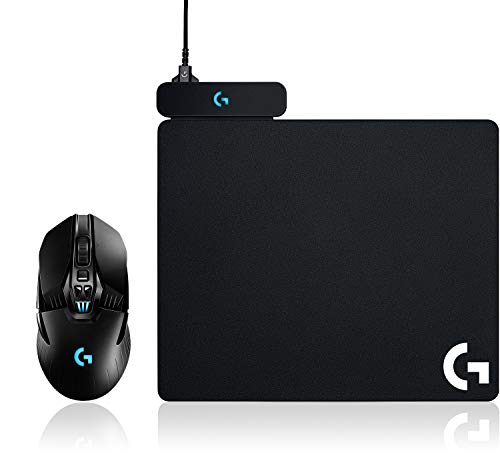
- G403, G703, and G903 series: These families cover Logitech's broader all-round gaming middle. They give buyers different mixes of shape, wireless flexibility, and higher-end positioning without becoming as specialized as the G502 or as stripped down as some competitive models.
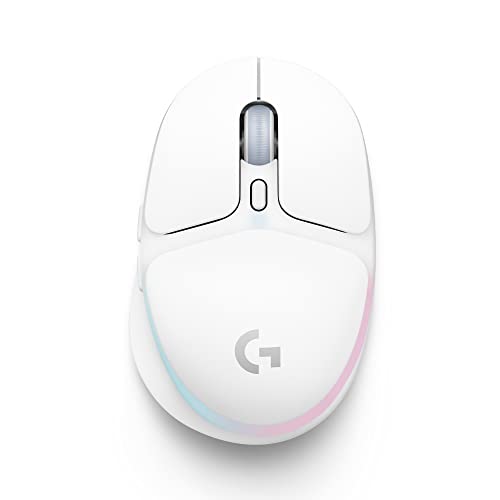
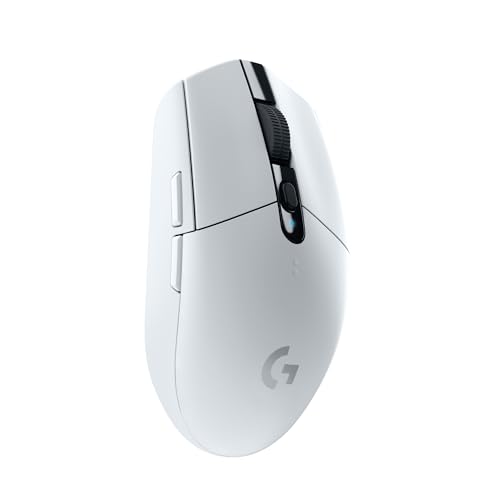
- G305, G309, and mainstream value gaming models: These branches serve buyers who want lighter entry points into Logitech gaming without jumping immediately to the most premium pricing tiers.
- G600, G604, and specialist control branches: These models exist for buyers who want much heavier button density and broader command access than a typical gaming mouse provides.
Logitech gaming mice work best when understood as a family of distinct gaming lanes rather than a single formula. The main split is between competitive lightweight designs, fuller-featured right-handed all-rounders, and specialist high-button control models.
How much do Logitech gaming mice cost?
Logitech gaming mice usually start around £30, and many models sit between roughly £35 and £120, although the raw data also contains one obvious £900 outlier listing that should not be treated as a practical market norm. In practical terms, Logitech gaming sits from value-oriented mainstream mice up into premium competitive and wireless gaming territory.
That pricing fits the lineup structure. Logitech uses lower tiers for straightforward wired or value gaming models, while higher prices are attached to lighter flagship competitive mice, fuller wireless G502-class designs, and specialist branches with stronger feature density.
This chart visualizes Logitech gaming mouse prices.
[vertical-chart-14548732671891825246047980675725406039731595672859]
How do Logitech gaming mice compare with Razer models?
Logitech gaming mice usually compare with Razer models as the more balanced and slightly broader mainstream gaming ecosystem, while Razer is the more aggressive gaming specialist with a higher average technical ceiling. Logitech is stronger if you want a large gaming range that spans competitive, mainstream, and many-button branches without feeling locked into one extreme style.
In the broader Mice data, Logitech currently has fewer gaming-tagged models than Razer, but it still offers a large 28-model gaming slice with more wireless-capable options than many brands. Razer has the higher average DPI, higher average polling rate, more buttons on average, and a higher average price, while Logitech balances lighter competitive mice, fuller right-handed all-rounders, and specialist control-heavy models in a more mixed value spectrum. In practice, Logitech is the steadier all-round gaming ecosystem, while Razer is the more aggressive high-performance specialist.
What should you consider while choosing a Logitech gaming mouse?
The main technical criteria for a Logitech gaming mouse are as follows.
- G-series branch: Think in model families first, because Logitech's gaming lineup is split by use style more than by simple generation. The Superlight side is for people who want a 60-63 g competitive shell and do not need extra controls, G502 or G502 X is the safer pick for players who want a fuller body with 11-13 buttons, G305 or G309 is where value-focused wireless starts, and G600 or G604 only makes sense when MMO or command-heavy use really justifies 15-20 buttons.
- Weight and movement feel: Logitech gaming currently spans roughly 60-121 g, which is enough to create very different handling. If you like fast lift-and-swipe movement, stay near 60-70 g; if you want a broader all-round zone, 75-90 g is usually the safest middle; once the mouse is 100 g or more, you should expect a larger shell, more controls, or a heavier wireless layout rather than a pure aim-first design.
- Shape logic: Logitech does not use one gaming shell philosophy. Superlight models are low-complexity ambidextrous-style competitive bodies, G502-class mice are fuller right-handed all-round designs, and G600 or G604 type models are built around thumb access first, so fit and genre should decide the family before sensor numbers do.
- Sensor and polling tier: Older value models may start around 12,000 DPI and 1,000 Hz, while stronger current branches push into roughly 25,000-44,000 DPI and 4,000-8,000 Hz territory. For most buyers, 1,000 Hz is already enough; the premium polling tiers only make sense if the rest of your setup and your sensitivity to latency are strong enough to expose the difference.
- Connection choice: Wired, Lightspeed 2.4 GHz, and a smaller number of mixed wireless models all exist here. If you want the simplest setup and zero charging, wired remains the cleanest answer; if you want gaming wireless without giving up responsiveness, Lightspeed is the point of paying more; Bluetooth matters far less in this slice than it does in office mice.
- Button layout: Logitech gaming ranges from 5-button competitive shapes to 20-button specialist layouts, so map the mouse to the game type instead of buying the most expensive branch. FPS and similar aim-heavy play usually want 5-6 clean buttons, all-round gaming can justify 9-13, and the 15-20 button tier is only worth carrying if your genre genuinely uses it.