
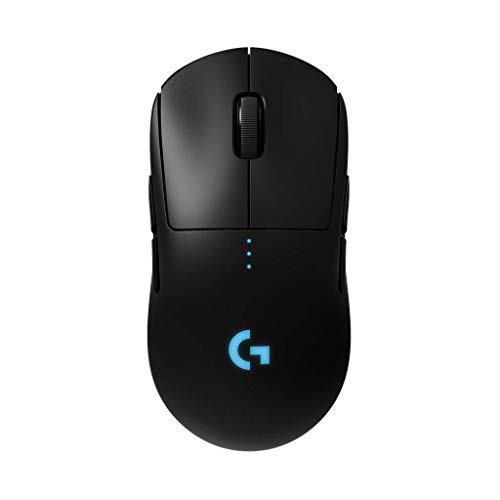
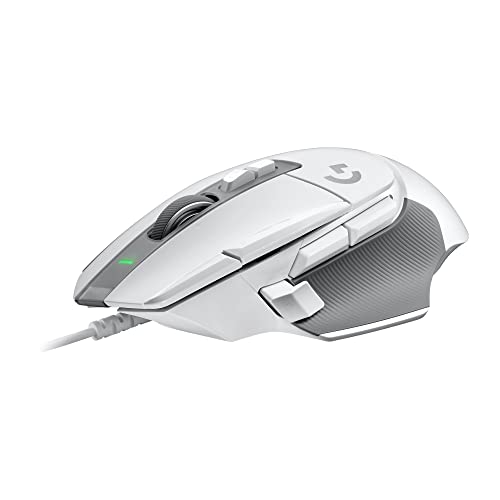
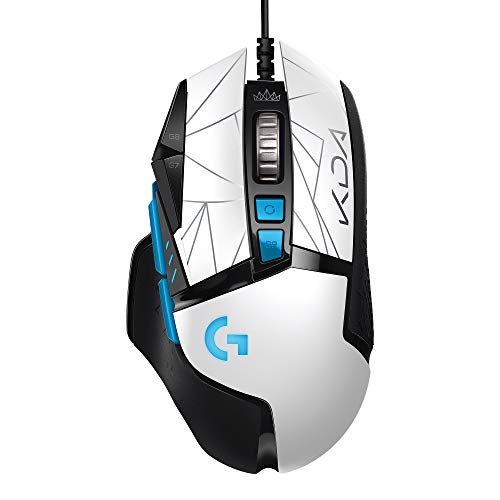
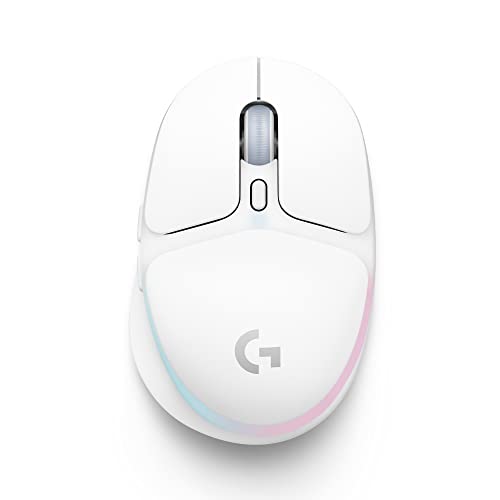
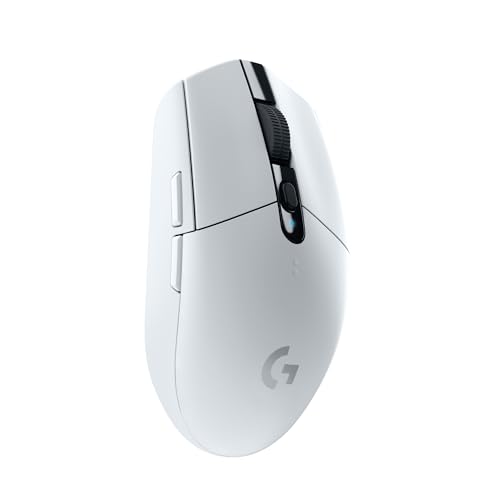
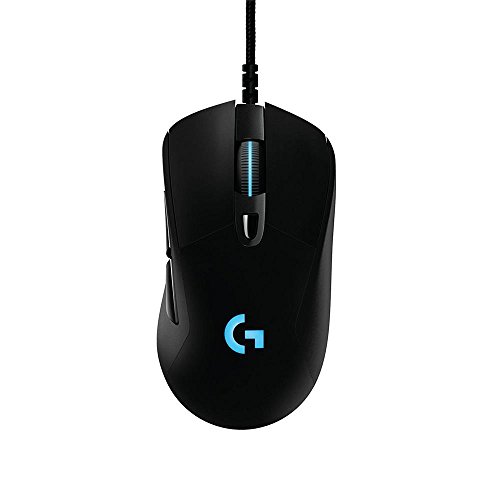
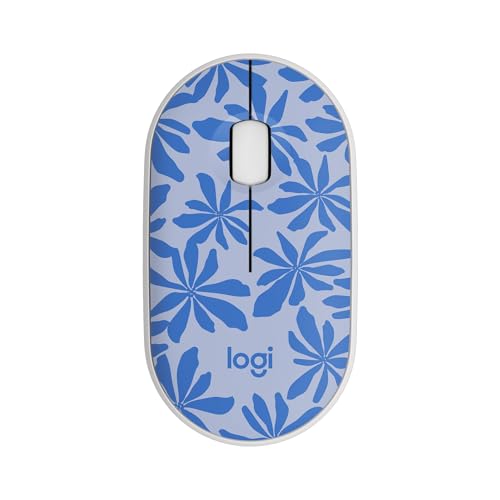
Are Logitech mice good?
Logitech mice have an average overall score of 7.6, ranking #11 among all mouse brands, and an average user rating of 9.4, placing them at #1 by user reviews.
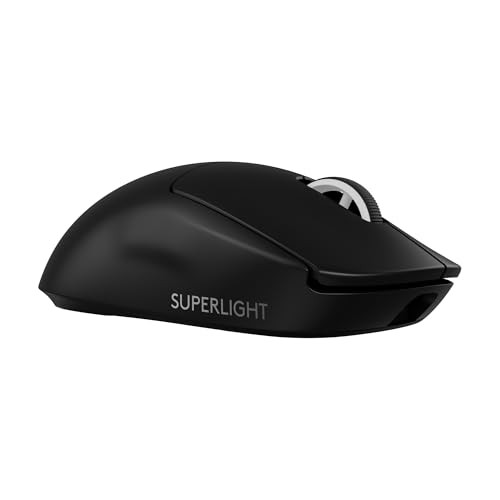
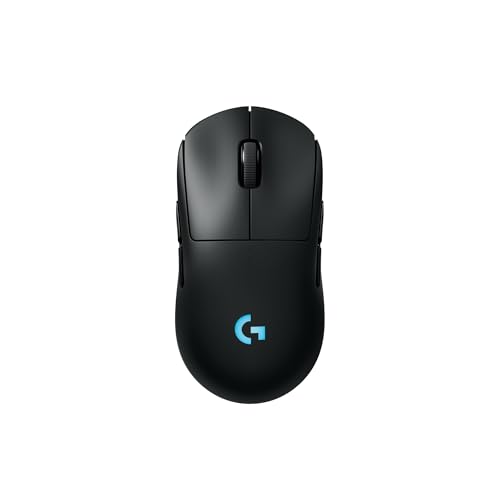
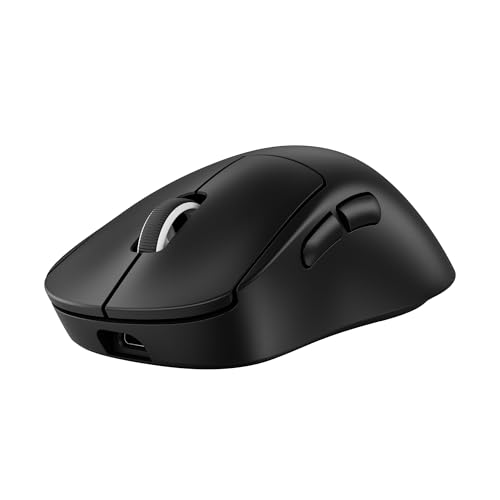
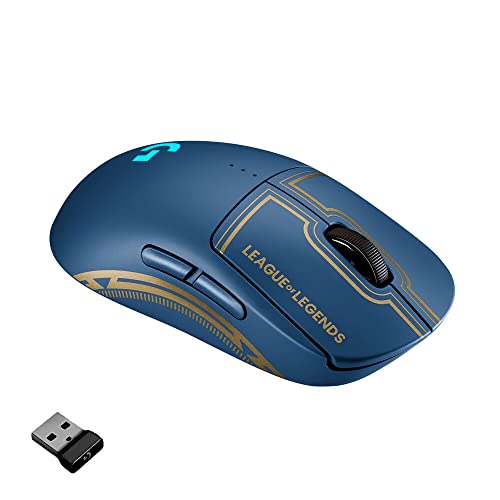
Logitech mice are generally very good because the brand combines huge lineup breadth with strong coverage across office, productivity, ergonomic, portable, and gaming use. Logitech has one of the deepest mouse catalogs, so it is relevant to far more buyer types than most mouse brands.
Logitech's main strength is balance. The brand can cover cheap basic models, strong wireless office mice, premium MX productivity hardware, ergonomic and trackball options, and serious G gaming mice, while still keeping a coherent ecosystem and a broad set of familiar shapes.
The tradeoff is that Logitech is not equally specialized in every branch. Some parts of the lineup are simple mainstream office hardware, others are premium or competitive gaming tools, and a few listings create price outliers, so the best Logitech mice are usually best understood as the strongest fit inside a huge portfolio rather than as one uniform product family.
The following chart ranks different mouse brands by their overall score.
[horizontal-chart-10006215032922910990025366955646244765042673557078]
What are the main advantages of Logitech mice?
The main advantages of Logitech mice are as follows.
- Very broad lineup: Logitech covers basic office mice, compact travel options, MX productivity models, ergonomic and trackball designs, and a large G gaming branch. That gives buyers much more internal choice than most competing brands.
- Strong wireless ecosystem: 60 of the 73 listed Logitech mice support wireless-capable connectivity. This is one of the brand's biggest advantages for office setups, multi-device use, and cable-free gaming.
- Good segment coverage from cheap to premium: Logitech starts around £9 and stretches into premium territory. That means the brand can serve both simple budget buyers and users looking for higher-end productivity or gaming hardware.
- Deep gaming branch: Logitech is not just an office brand. The gaming branch is also deep, with high-DPI sensors, 1,000 Hz support across much of the G range, and several faster-polling flagship options.
- Strong productivity and ergonomic options: Logitech also has clear non-gaming depth through MX, Ergo, Lift, and trackball-style branches. That gives the brand real versatility for work-focused buyers.
- Familiar mainstream design and support: Logitech mice are widely recognized, easy to shop, and available in many shapes with relatively consistent ecosystem logic. That lowers risk for buyers who want a dependable mainstream choice.
What are the main disadvantages of Logitech mice?
The main disadvantages of Logitech mice are as follows.
- Lineup complexity can be high: Logitech offers so many mice that shopping inside the brand can become confusing. Buyers often need to separate office, MX, Ergo, and G-series priorities before the lineup becomes clear.
- Not every branch is equally premium: Logitech has excellent high-end mice, but it also carries many simple low-end office models. That means the brand name alone does not tell you enough about performance or refinement.
- Price outliers make the range look messier than it really is: Logitech has a broad practical spread, but a few current listings push unusually high. That makes it more important to judge specific models by their actual role than by the full current price range alone.
- Some office and productivity models are technically modest: A large share of the non-gaming lineup stays around 125 Hz polling and low-DPI settings, which is fine for work but weak for performance-sensitive buyers.
- Segment overlap can blur decisions: Logitech has many models that sit close together in purpose, especially across mainstream office and productivity branches. This can make product selection slower than with a narrower brand.
- High specialization still requires careful filtering: Logitech covers many use cases, but if you need a very specific ultra-light competitive mouse, a dedicated MMO layout, or a certain ergonomic shape, you still have to pick carefully because the huge lineup is not uniform.

Who makes Logitech mice?
Logitech mice are made by Logitech, the Swiss technology and peripherals company known globally for computer accessories, gaming gear, productivity hardware, and collaboration devices. The brand has long been one of the most established names in PC input devices rather than a niche or single-segment manufacturer.
That company background is visible in the current mouse lineup. Logitech builds mice for many different audiences at once, which is why its catalog stretches from basic office hardware to premium MX productivity models and competitive G gaming designs instead of concentrating on one narrow specialist identity.
What are the main Logitech mouse series?
The main Logitech mouse series are as follows.
- Mainstream office series: Logitech's M-series, Signature, and similar everyday models form the broad office core of the lineup. These mice cover basic desktop use, silent variants, simple wireless options, and general-purpose productivity at accessible prices.
- MX productivity series: The MX branch includes models such as MX Master, MX Anywhere, and MX Ergo. This is Logitech's higher-end productivity family, aimed at work-focused buyers who want stronger feature sets, multi-device support, and more refined desktop control.
- Ergo and specialist comfort series: Models such as Ergo M575, Lift Vertical, and other comfort-oriented designs represent Logitech's ergonomic side. These mice focus more on wrist angle, support, and alternative control methods than on conventional flat shapes.
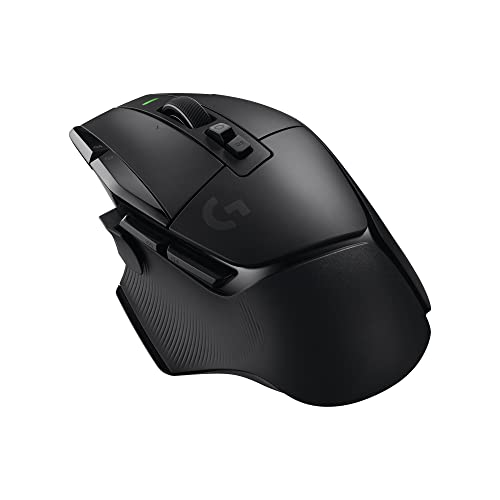
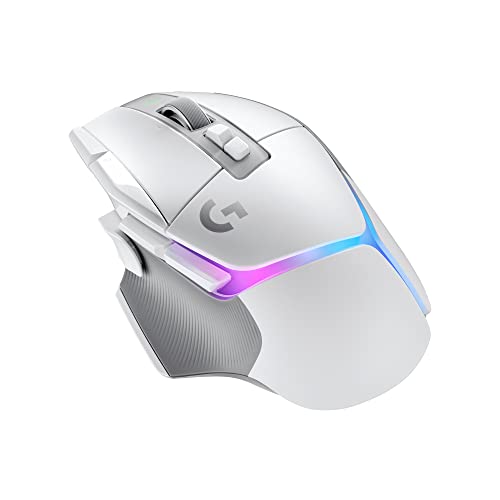
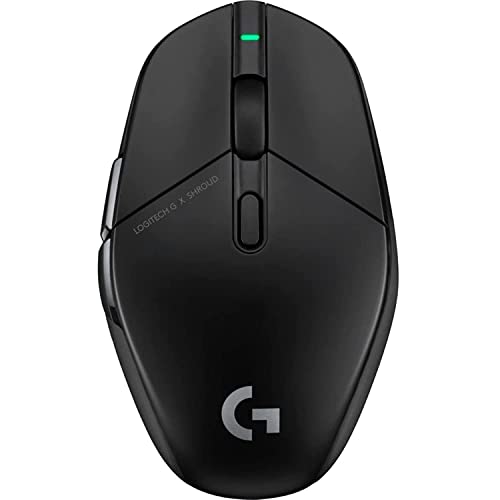
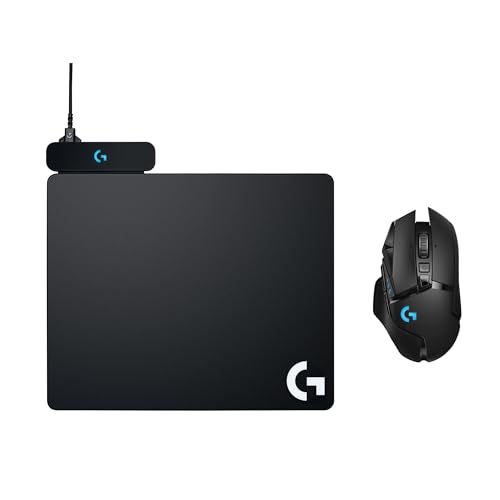
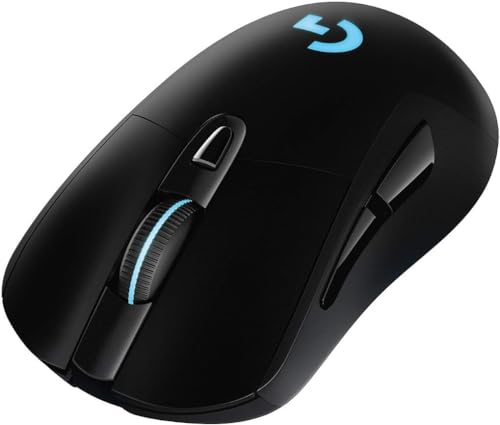
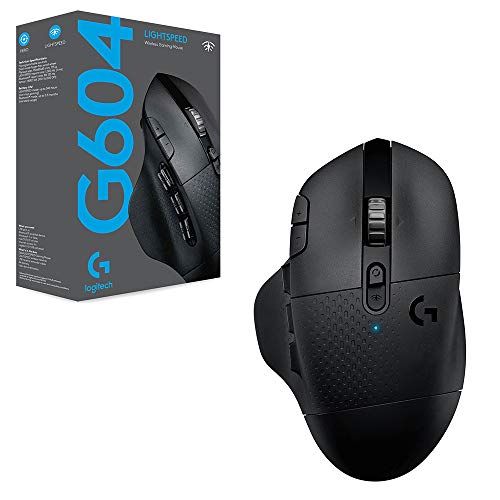
- G gaming series: Logitech G is the brand's main gaming branch. It includes mainstream gaming mice, MMO-style options, and higher-end competitive models, with higher polling rates, stronger sensors, and lighter flagship designs in the upper tier.
- Compact lifestyle series: Pebble, Pop, and related compact models cover the more portable and style-oriented end of the lineup. They are aimed at travel, light work, and clean desk setups rather than heavy performance use.
Logitech's lineup is defined less by one dominant series than by several strong parallel branches. The brand's structure works because office, productivity, ergonomic, compact, and gaming families all exist at meaningful depth inside the same ecosystem.
How much do Logitech mice cost?
Logitech mice usually start around £9, and many models sit roughly between £17 and £120, although the full price spread extends up to about £900 because of a clear outlier listing. In practical terms, Logitech is one of the clearest examples of a brand that spans budget, mid-range, and premium segments inside the same mouse ecosystem.
That pricing matches the lineup structure. Logitech sells very simple office mice, silent and mobile wireless models, premium MX productivity hardware, ergonomic and trackball designs, and competitive G gaming mice, so the brand uses price not just for quality steps but also for sharply different use cases.
This chart visualizes Logitech mouse prices.
[vertical-chart-10012363901870017145181720398453347107981381961620]
How do Logitech mice compare with Razer models?
Logitech mice usually compare with Razer models as the broader all-around brand, while Razer is the more gaming-concentrated and performance-first specialist. Logitech is stronger if you want one brand that can cover office, productivity, ergonomic, compact, and gaming needs, whereas Razer is usually stronger if your priority is a gaming-focused catalog with a higher average technical ceiling.
Logitech has a huge wireless office and productivity presence plus a substantial gaming branch. Razer, by contrast, is much more concentrated around gaming, with higher average DPI, higher average polling, more buttons on average, and a much higher average price. In practice, Logitech is the more versatile ecosystem, while Razer is the more performance-biased gaming choice.
What should you consider while choosing the best Logitech mouse?
The main technical criteria for the best Logitech mouse are as follows.
- Product family: Start by separating Logitech into M, MX, ergonomic, and G lines, because these are effectively different hardware classes. If all you need is quiet office or travel work, the 800-4,000 DPI / 125 Hz M side is enough; if you want better build, more shortcuts, and multi-device work, MX is the real step up; if wrist angle matters, stay in Lift, MX Vertical, or Ergo; if you need low latency or gaming-grade tracking, skip straight to G.
- Shell type: Logitech's shape spread is wide enough that the hand-fit decision is often more important than the spec sheet. Compact 70-100 g bodies fit travel and smaller desks, 100-141 g MX-style shells suit fuller office use, 125-259 g ergonomic models are for support-first setups, and the 52-90 g gaming range is where quicker movement starts to feel normal.
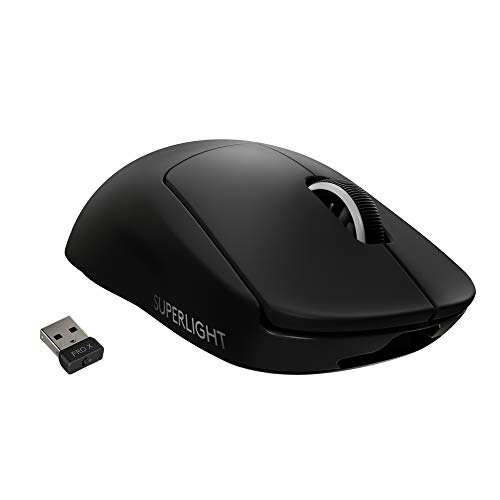
- Sensor and polling tier: Logitech covers almost the full market, from 125 Hz office hardware to 8,000 Hz gaming flagships and from 800 DPI to 44,000 DPI. Treat 125 Hz / sub-4,000 DPI as office territory, 1,000 Hz as the normal gaming floor, and 4,000-8,000 Hz as something worth paying for only if you already know you benefit from very low-latency hardware.
- Button density: The lineup runs from 3-button basics to 20-button specialist mice, so control count should follow workload rather than brand loyalty. For spreadsheets, browsing, and travel, 3-5 buttons is enough; 6-8 works for mainstream mixed use; 11-13 makes sense when productivity shortcuts or all-round gaming matter; 15-20 only pays off if your software or game really uses that many mapped inputs.
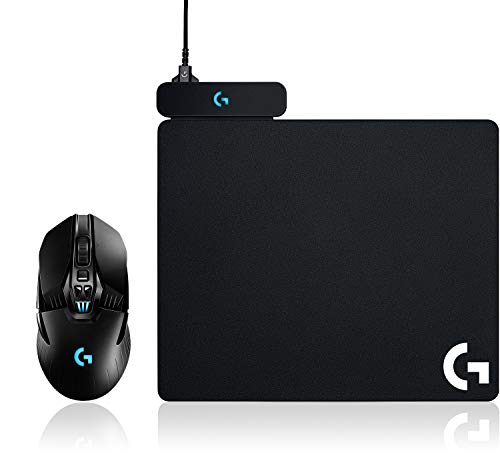
- Wireless and power behavior: Logitech's wireless options vary from simple receiver-based office mice to richer Bluetooth / 2.4 GHz productivity models and Lightspeed gaming hardware. Buy the basic side if you want an appliance-like mouse with long battery life, move to MX if multi-device switching matters, and pay for Lightspeed only when lower-latency wireless is part of the actual requirement.
- Price structure: The brand is usually easiest to judge in hardware bands rather than by name alone: about 10-20 EUR for entry office mice, roughly 40-120 EUR for stronger productivity or ergonomic tools, and about 100-180 EUR or more for higher-end G hardware. When the price rises inside Logitech, it usually signals a real jump in shape class, sensor class, or connection quality rather than a minor cosmetic upgrade.