
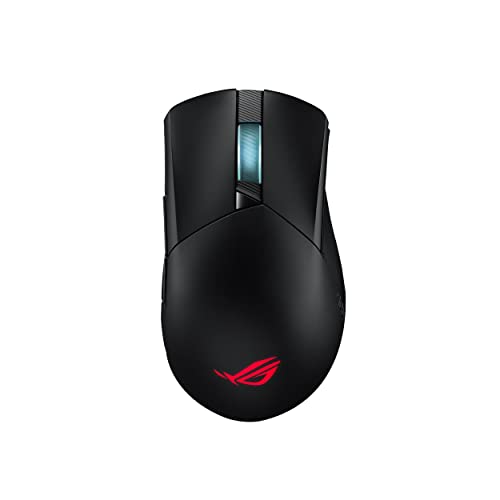
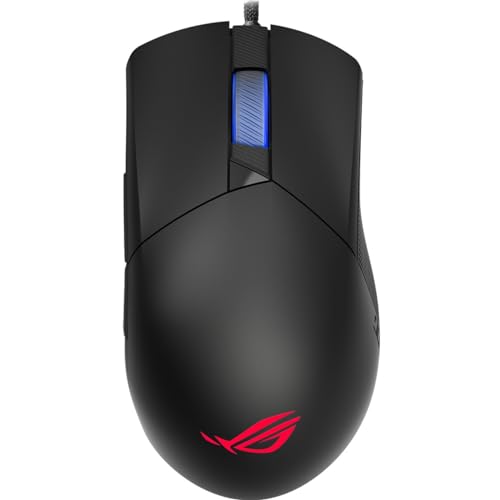
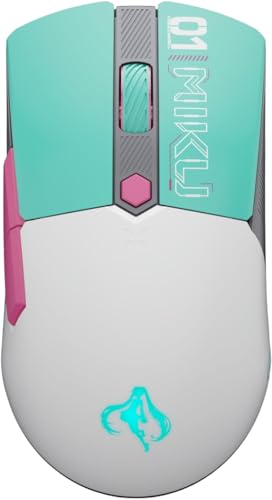
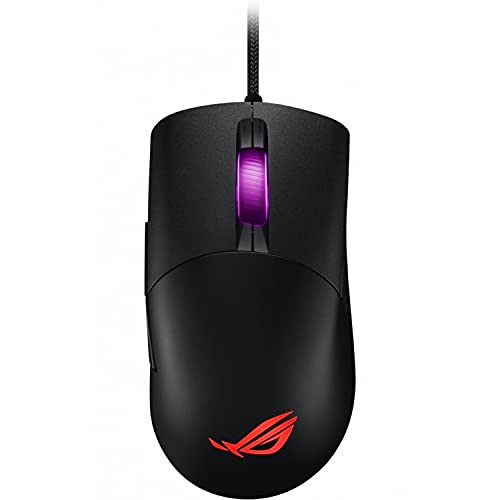
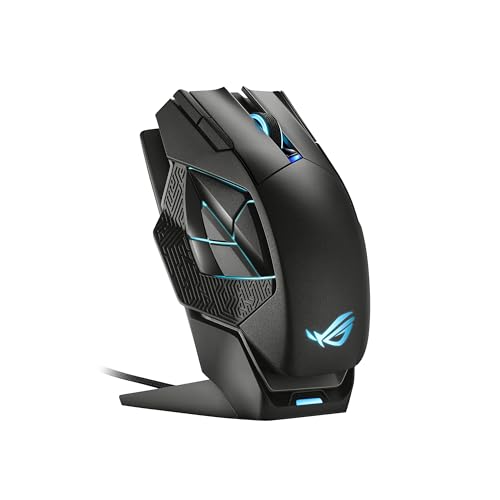
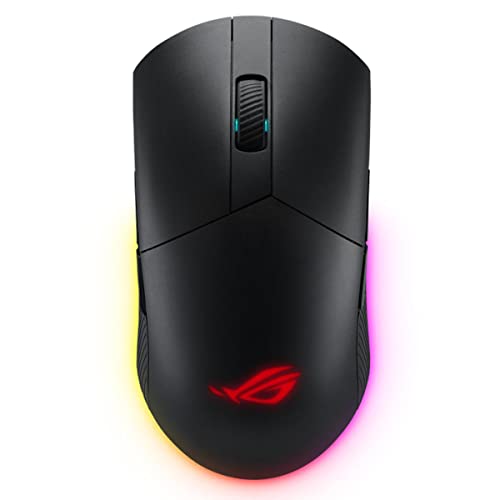
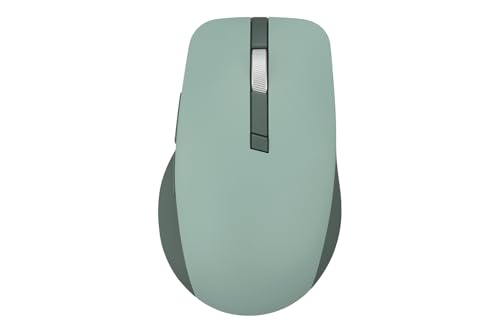
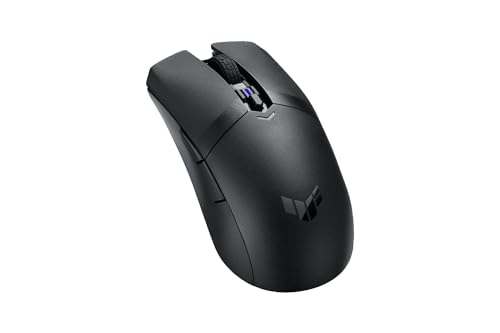
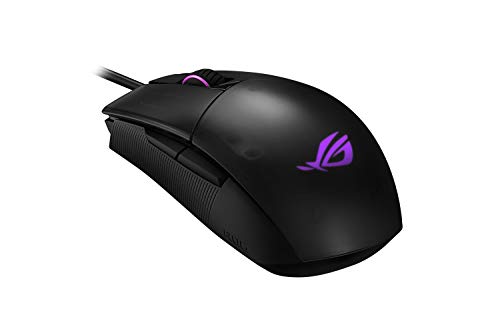
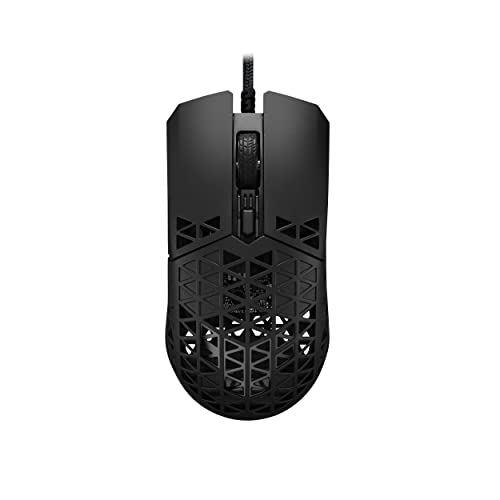
Are Asus mice good?
Asus mice have an average overall score of 7.8, ranking #9 among all mouse brands, and an average user rating of 8.9, placing them at #24 by user reviews.
Asus mice are generally good if you want a wide gaming-focused lineup with clear steps from affordable TUF models up to premium ROG flagship mice, while still having a few office and creator options in the same brand. Asus spans roughly 10-£240, from basic 1,600 DPI office mice to ultra-light 42,000 DPI ROG models with 8,000 Hz polling and batteries around 70-143 hours in the stronger wireless gaming tier.
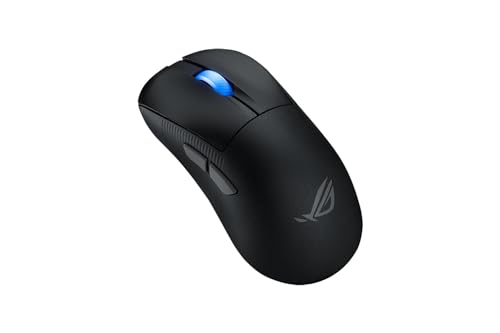
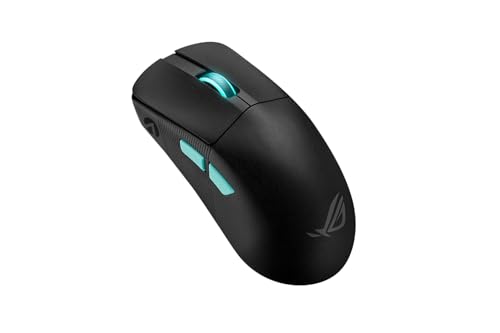
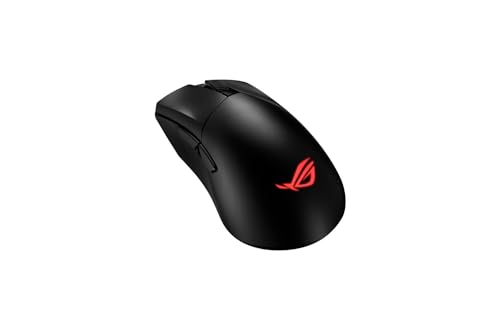
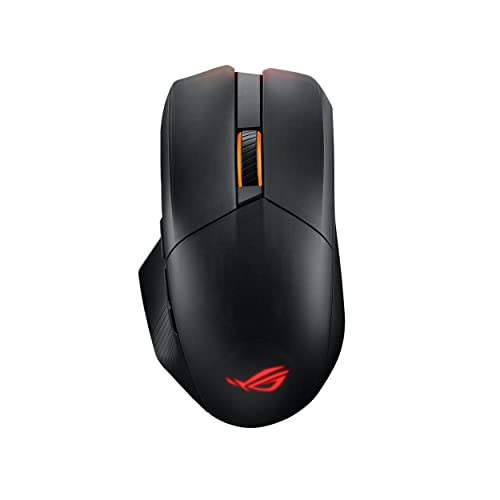
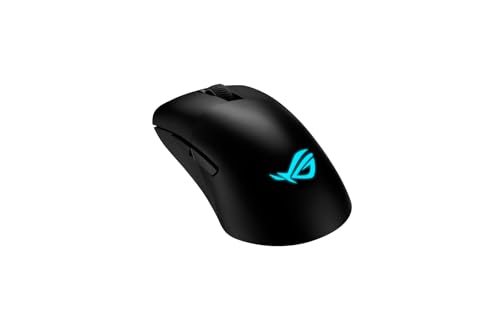
The main strength is that Asus offers real depth in gaming mice. The lineup includes lightweight esports shapes such as Harpe and Keris, fuller right-handed Gladius shells, travel-oriented Strix Carry options, and heavy multi-button branches such as Chakram and Spatha, so buyers are not limited to one style.
The tradeoff is that Asus can feel fragmented. The catalog mixes silent office mice, creator mice, TUF budget gaming models, older ROG designs, and very expensive flagships, so not every model reflects the same quality level or use case. The upper end is also expensive enough that some buyers may prefer brands with a clearer midrange progression.
The following chart ranks different mouse brands by their overall score.
[horizontal-chart-10006215032922910990025366955646244765042673557078]
What are the main advantages of Asus mice?
The main advantages of Asus mice are as follows.
- Very broad gaming lineup: Asus gives you much more than one gaming-mouse shape family. The ROG range alone covers lightweight esports mice, ergonomic right-handed shells, travel-friendly compact mice, and heavy multi-button models, while TUF provides lower-cost alternatives.
- Strong flagship sensor and polling hardware: The best Asus mice reach 36,000-42,000 DPI and 4,000-8,000 Hz polling, which places the brand firmly in the modern high-end gaming tier. That gives Asus real technical credibility for competitive users.
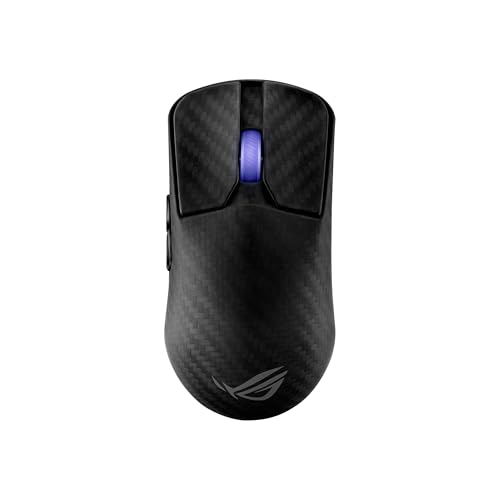
- Lightweight top-end options: Models such as the ROG Harpe Ace Extreme, Harpe Ace Mini, Keris II Ace, and Moon Blade 2 Ace show that Asus is not locked into heavy RGB-first designs. The lineup reaches as low as 47-55 g, which is genuinely competitive in the premium gaming segment.
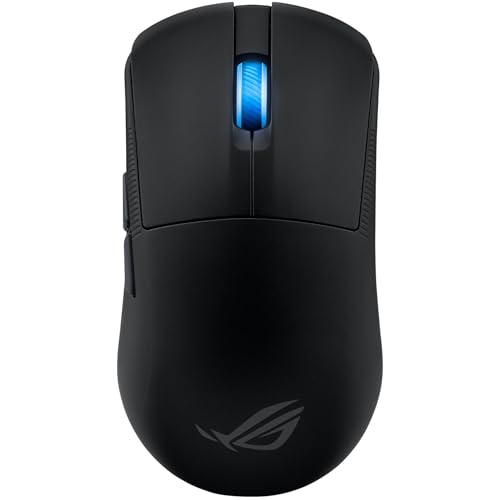
- Real choice between ambidextrous and right-handed designs: Asus offers both, from Harpe and Strix Impact models to Gladius, Keris, Chakram, and Spatha shapes. That matters because buyers do not have to accept one ergonomic philosophy across the whole brand.
- Clear product ladders: TUF handles the budget gaming tier, while ROG carries the higher-performance and more specialized branches. That split makes the lineup easier to shop than a catalog where cheap and expensive models all sit under the same naming logic.
- Office and creator coverage outside gaming: Asus also includes quieter everyday mice such as the MW105, WT300, Marshmallow, Smarto, and ProArt MD300. That makes the brand useful even if you want an office mouse first and only look at gaming models second.
What are the main disadvantages of Asus mice?
The main disadvantages of Asus mice are as follows.
- Fragmented lineup quality: Asus has many good mice, but the brand also mixes older ROG models, basic office mice, and newer flagship designs in one catalog. That makes the overall range less consistent than a tighter brand lineup built around one clear generation.
- Expensive flagship tier: Asus pushes well beyond the affordable segment at the top end, with premium ROG models around 170-£240. Buyers who want the best Asus hardware may end up paying close to the top of the gaming-mouse market.
- Several heavy gaming designs remain in the range: Not every Asus gaming mouse follows the modern lightweight trend. Models such as the Spatha, Spatha X, Chakram, and older Gladius variants sit around 97-178.5 g, which is a major drawback if speed and low fatigue are your top priorities.
- Older tech still appears in part of the catalog: Some Asus mice still top out around 6,200-8,200 DPI or use much older design logic compared with the brand's newer 36,000-42,000 DPI AimPoint tier. The difference between generations is large enough that buyers need to be selective.
- Too many overlapping ROG names: Gladius, Keris, Harpe, Strix, Pugio, Chakram, and Spatha all serve different roles, but the naming system can still feel crowded. Without checking the specs, it is easy to assume two ROG models are closer than they really are.
- Office branch is less distinctive technically: Asus offers some useful everyday mice, but many of them are simple 1,600-4,200 DPI devices rather than standout office leaders. If office productivity is your only goal, part of the lineup can feel generic next to the stronger gaming branch.

Who makes Asus mice?
Asus mice are made by ASUS, the Taiwanese technology company formally known as ASUSTeK Computer Inc. ASUS is headquartered in Taipei and is best known for PC hardware such as motherboards, laptops, graphics cards, monitors, and gaming peripherals sold under its Republic of Gamers (ROG) and TUF Gaming brands.
That broader hardware background shapes the mouse lineup directly. Asus does not approach mice as a single-product specialist; instead, it builds them as part of a larger PC and gaming ecosystem, with ROG handling the premium gaming side, TUF covering lower-cost gaming gear, and a smaller office or creator branch sitting alongside them.
What are the main Asus mouse series?
The main Asus mouse series are as follows.
- ROG Harpe series: Harpe is Asus's lightweight flagship branch, including models such as the Harpe Ace Aim Lab Edition, Harpe Ace Mini, and Harpe Ace Extreme. These are the clearest Asus choices for competitive play, with roughly 47-54 g weights, 36,000-42,000 DPI sensors, and up to 8,000 Hz polling.
- ROG Keris series: Keris models cover light right-handed gaming shapes, including the Keris, Keris Wireless, Keris Wireless Aimpoint, and Keris II Ace. This branch typically combines 62-79 g bodies with 16,000-42,000 DPI, making it one of the most balanced Asus families for buyers who want a lighter ergonomic shell.
- ROG Gladius series: Gladius mice are fuller right-handed gaming models with a more traditional ergonomic build. The range stretches from older 6,200-12,000 DPI variants up to newer 26,000-36,000 DPI versions, and weights usually sit around 79-124 g.
- ROG Chakram and Spatha series: These are the heavier, more feature-rich Asus gaming branches, aimed at users who want extra controls, higher button counts, or a chunkier shape. Chakram models reach 9-13 buttons and 97-127 g, while Spatha models push up to 12 buttons and 168-178.5 g.
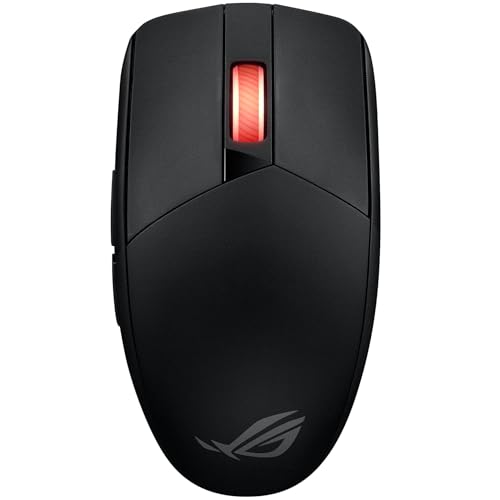
- ROG Strix and Pugio branch: Strix Impact, Strix Carry, Strix Evolve, and Pugio cover compact, ambidextrous, or travel-friendly gaming designs. They are the better reference point if you want a smaller ROG form factor rather than a Harpe, Keris, or Gladius shell.
- TUF Gaming series: TUF mice such as the M3, M3 Gen II, M4 Wireless, M4 Air, and special editions cover Asus's lower-cost gaming tier. These models usually offer 7,000-16,000 DPI and simpler pricing, so they are the easier entry point into Asus gaming mice.
- Office and creator mice: MW105, WT300, Marshmallow, Smarto, Fragrance Mouse, and ProArt MD300 handle the non-gaming side of the lineup. These are better for everyday work, quieter use, and creator workflows than for high-end competitive play.
So the practical split is clear: ROG covers the premium gaming families, TUF covers cheaper gaming mice, and the MW, Marshmallow, Smarto, Fragrance, and ProArt models cover general-use or creator-focused needs.
How much do Asus mice cost?
Asus mice usually cost about 10-£240, so the brand spans almost the whole mouse market from basic office devices to very expensive gaming flagships. Most buyers will find Asus split into four practical bands: about 10-£35 for office and entry-level gaming mice, about 50-£80 for the main midrange gaming tier, about 100-£160 for premium ROG models, and around £240 for the extreme flagship end.
That price spread follows the hardware closely. The cheapest Asus mice are mostly 1,600-8,000 DPI office or simpler TUF designs, the middle adds stronger 12,000-36,000 DPI gaming models and more polished wireless options, and the upper end is where 42,000 DPI sensors, 4,000-8,000 Hz polling, and highly specialized ROG designs appear.
This chart visualizes Asus mouse prices.
[vertical-chart-00937442474182541560106229328860099758851783690967]
How do Asus mice compare with Logitech models?
Asus mice usually compare with Logitech models as the more gaming-heavy and more segmented brand, while Logitech covers a wider all-around range across office, travel, creator, lightweight gaming, and high-end wireless productivity. Asus is stronger when you want a deep ROG gaming lineup with many distinct shape families and explicit flagship hardware, whereas Logitech is usually easier to shop if you want a smoother progression across the whole market.
Asus currently spans about 10-£240, with 1,600-42,000 DPI, 47-178.5 g weights, and polling rates from 125 Hz up to 8,000 Hz. Logitech stretches further in the data, from about £9 to over £850, with roughly 1,000-44,000 DPI, a broader weight spread, and an even larger mix of office and gaming choices. Asus is more concentrated around ROG and TUF gaming identities, while Logitech is more balanced between productivity and gaming ecosystems.
So the better brand depends on what matters most to you. Asus makes more sense if you want a brand with strong gaming specialization and many ROG branches to choose from, while Logitech is usually the better fit if you want broader lifestyle, office, and gaming coverage under one smoother lineup.
What should you consider while choosing the best Asus mouse?
The main technical criteria for the best Asus mouse are as follows.
- Brand branch: Asus is really three layers: simple office mice, TUF gaming, and ROG gaming. If 1,600 DPI and 125 Hz already cover the job, the office side is enough; TUF is the sensible middle when you want mainstream gaming around 7,000-16,000 DPI and 1,000 Hz without paying for the flagship tier; ROG is the branch to compare only when the 42,000 DPI and 4,000-8,000 Hz end of the market or the more specialized shell families are genuinely relevant.
- Weight and shell class: Asus runs from about 47 g in lighter competitive ROG designs up to 178.5 g in heavier control-rich or office-first models. The 47-62 g range is the lighter esports-style zone, 75-110 g is the broad gaming middle, and 120 g or more usually means you are buying a larger shell, more controls, or a comfort-first body rather than a speed-first design.
- Sensor and polling tier: The meaningful technical jump happens when you move from office hardware into TUF or ROG. Basic Asus office mice stay around 1,600 DPI and 125 Hz, TUF brings the mainstream gaming floor, and the better ROG hardware reaches 4,000-8,000 Hz with far stronger sensor ceilings, so spend according to the response tier you actually need.
- Button and shell specialization: The lineup includes 3-button office mice, 5-7 button mainstream gaming shells, and heavier 9-13 button control-rich designs such as Chakram and Spatha. If your use is simple gaming or mixed desktop work, the middle is usually enough; the denser-control side only makes sense when those extra inputs and larger bodies solve a real problem.
- Wireless and extras: In Asus, premium pricing often bundles more than just wireless. Higher-tier ROG models may change not only the cable situation but also weight class, control count, dock or hot-swap extras, and overall shell complexity, so wireless should be judged together with the rest of that branch package.
- Price bands: Asus is easiest to read in roughly 10-40 EUR, 50-90 EUR, 100-180 EUR, and 250 EUR-plus bands. The first is office or entry gaming, the second is the main value tier, the third is premium ROG, and the top end is only sensible when you knowingly want extreme flagship hardware rather than just a decent gaming mouse.