Which brands make the best 360 action cameras?
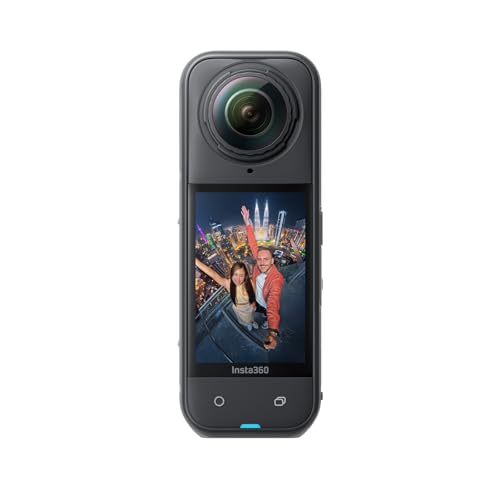
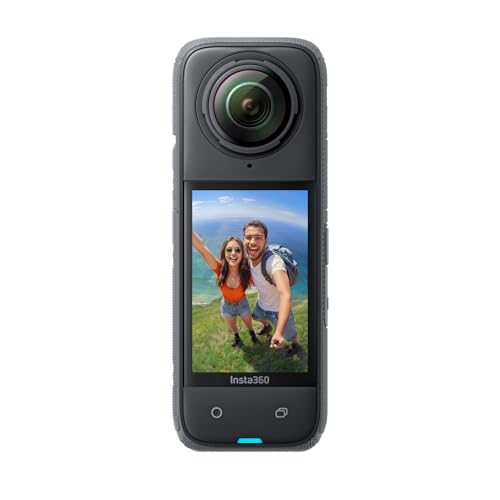
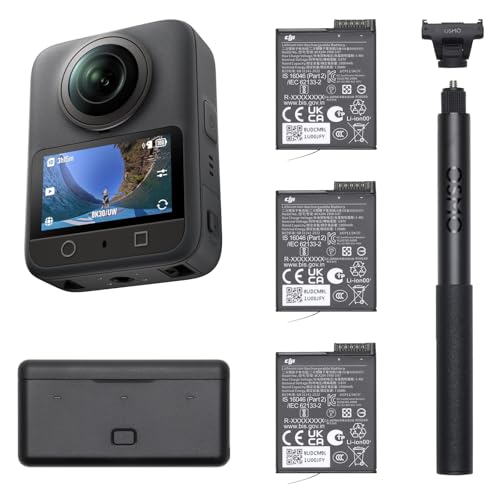
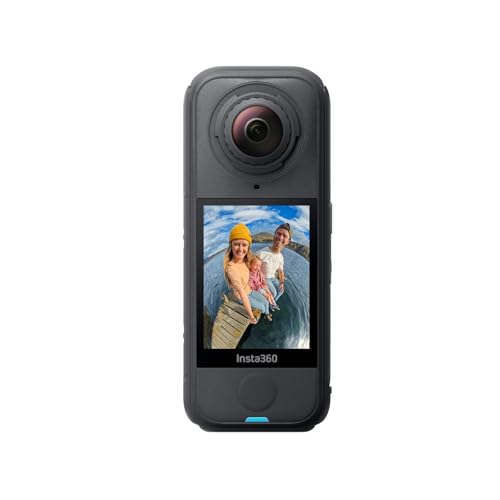
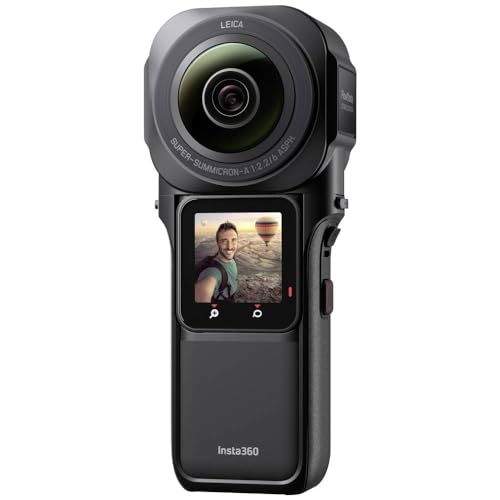
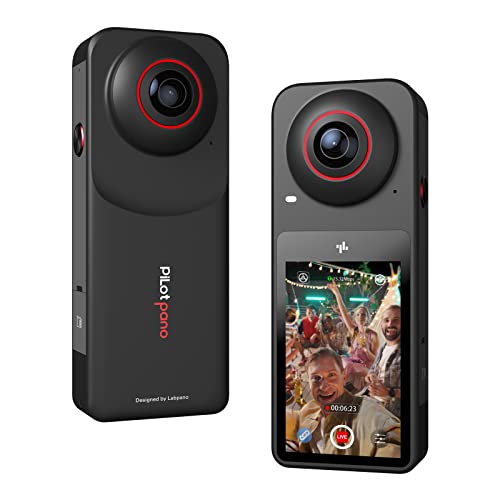
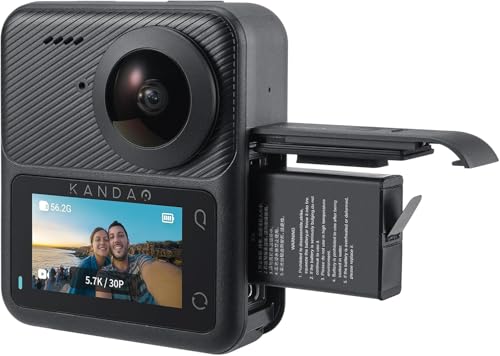
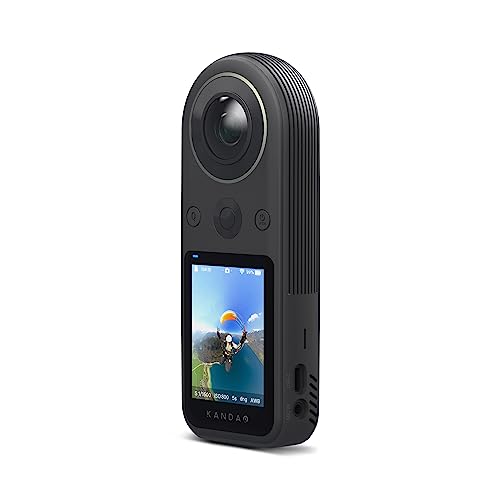
The best 360 action camera brands are as follows:
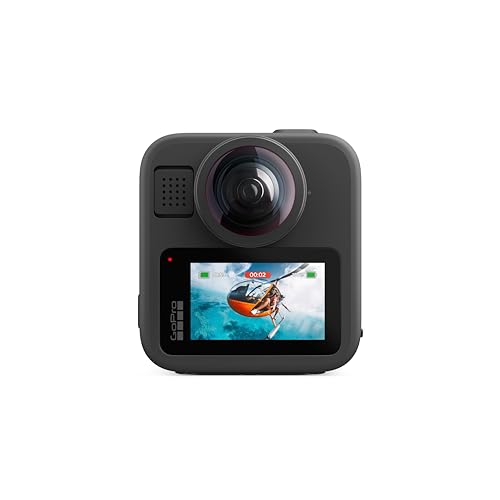
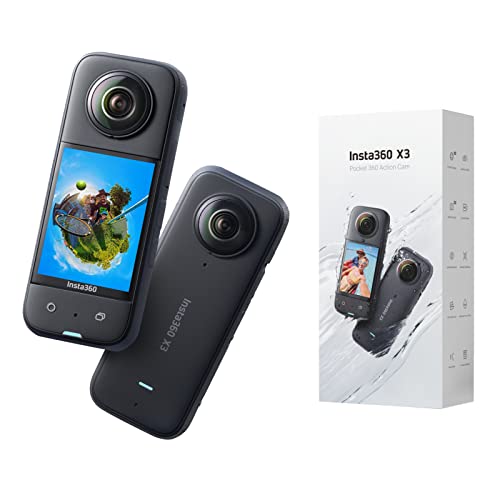
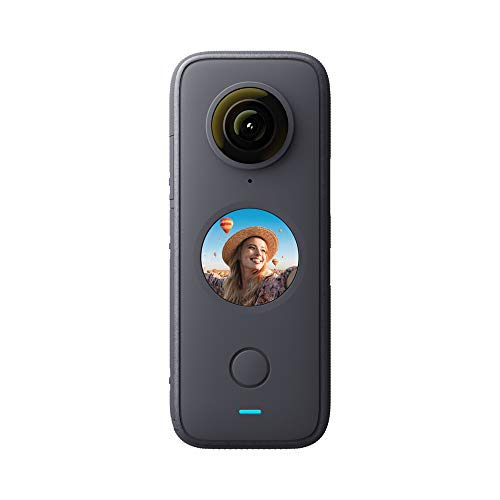
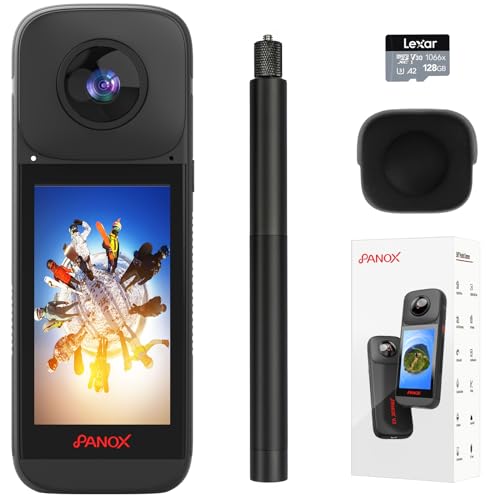
- Insta360 (Average overall score: 8)
- Kandao (Average overall score: 7.2)
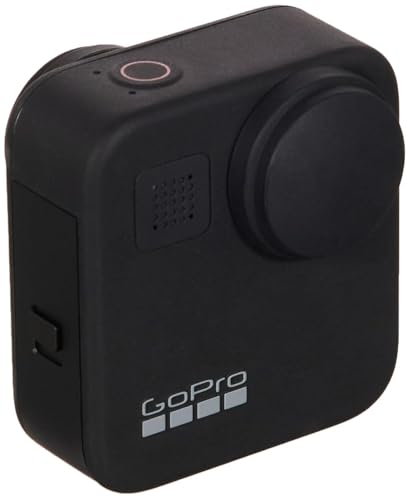
- GoPro (Average overall score: 7)
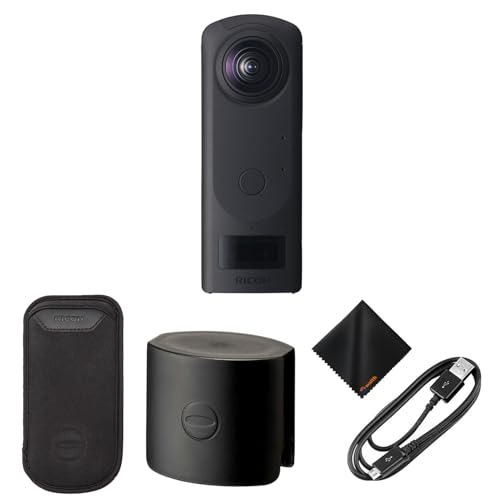
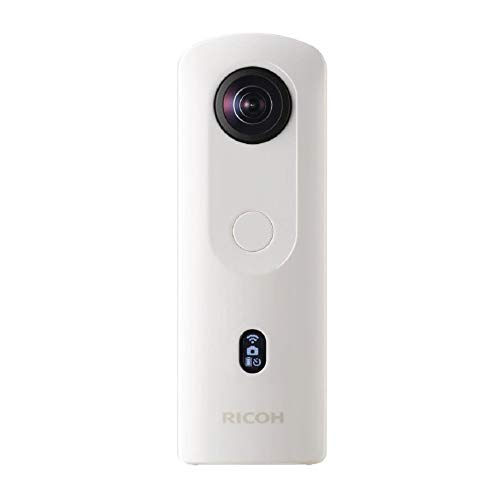
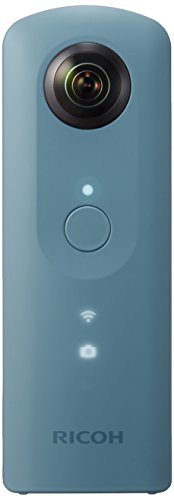
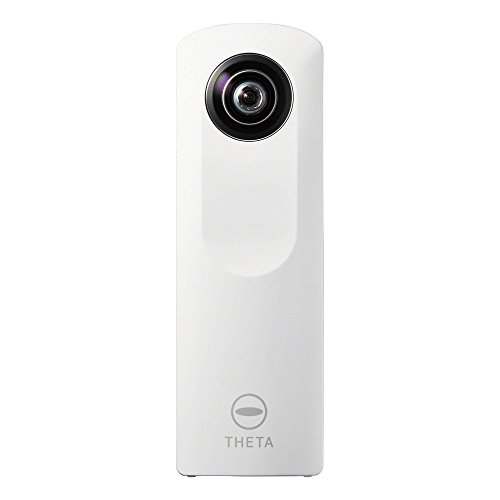
- Ricoh (Average overall score: 5.9)
The chart below compares 360 action camera brands by average overall score.
[horizontal-chart-06370018918863508072077554689914589900550319995638]
What is a 360 action camera?
A 360 action camera is a camera that records in every direction at once instead of only forward, usually by using two lenses and software stitching.
That means you can choose the angle later instead of having to aim perfectly during the shot, which is why these cameras make the most sense for travel, cycling, skiing, vlogging, and action scenes where you want more reframing freedom than a standard action camera can give you.
How do 360 action cameras differ from standard action cameras?
The biggest difference is that a standard action camera is mainly about aiming one lens well during the shot, while a 360 action camera captures the whole scene and lets you decide the framing later.
That gives 360 models more flexibility, but it also adds stitching, heavier files, and a more software-dependent workflow.
So the trade-off is simple: standard action cameras are usually cleaner and easier if you only want strong forward-facing clips, while 360 models make more sense when reframing freedom is part of the reason for buying.
How good is video quality on 360 action cameras?
Video quality on the best 360 action cameras is good enough for impressive reframed clips, but it should not be judged the same way as a strong front-facing 4K action camera.
Even when the capture resolution is high on paper, that resolution is being spread across the full sphere.
So the final cropped view can look softer than a dedicated forward camera with a similar headline number.
The better 360 models still stand out by keeping stitching cleaner, motion more stable, and detail more usable once you edit the shot down to a normal social or travel frame.
Editing 360 action camera footage is easier than it used to be, but it is still more demanding than editing clips from a standard action camera.
The extra work usually comes from stitching, reframing, export time, and the need to decide which viewing angle actually tells the story best. Good mobile and desktop apps make that workflow far more manageable, so software quality is one of the most important buying factors in this category.
How much do 360 action cameras cost?
Good 360 action cameras commonly cost about £300-£500, while premium high-resolution models can exceed £600.
Less expensive models around £200-£300 can provide the core capture-and-reframe experience, but they often compromise on effective reframed resolution, low-light quality, stabilization, lens protection, or desktop software.
The £300-£500 range usually brings cleaner stitching, better mobile and desktop workflows, stronger stabilization, replaceable lens protection, and enough resolution for sharper conventional exports.
Premium models cost more because of higher capture resolution, larger sensors, better thermal control, professional codecs, GPS or timecode features, or a more mature editing ecosystem. Those benefits matter most when 360 footage is a regular production format rather than an occasional effect.
What should you check before buying a 360 action camera?
When comparing 360 action cameras, check the following technical points.
- Lens layout and stitch line: Inspect how the two lens views overlap and where the stitch line crosses common subjects. Short lens spacing can improve close-range stitching, while poor calibration creates doubled edges, disappearing objects, or visible seams around the camera.
- Capture resolution versus reframed resolution: A high spherical resolution is spread across the full 360-degree image, so the exported flat view contains far fewer pixels. Check the resolution and bitrate of the final reframed output, not only the headline capture figure.
- Sensor and low-light performance: Compare sensor size, aperture, ISO behavior, dynamic range, and noise reduction on both lenses. Uneven exposure or white balance between lenses makes the stitch more visible, especially at dusk, indoors, or under mixed lighting.
- Stabilization and horizon leveling: Confirm whether full horizon lock and gyro stabilization work at the highest resolution and frame rate. Check for wobble, rolling-shutter distortion, and stitching errors during walking, cycling, skiing, or vehicle mounting.
- Bitrate, codec, and color: Verify H.264 or H.265 support, maximum bitrate, 8-bit or 10-bit color, and flat, log, or HDR profiles. Higher-quality files preserve more detail for reframing but increase card requirements, transfer time, and editing load.
- Stitching and editing workflow: Check whether stitching happens in-camera, in the mobile app, or only on desktop. Review keyframing tools, subject tracking, horizon correction, batch export, proxy support, and whether full-resolution exports require proprietary software.
- Reframing and export options: Confirm the available aspect ratios, maximum flat-video resolution, frame rates, field-of-view controls, and export codecs. Social-media templates are convenient, but manual keyframes and high-quality desktop export matter for precise editing.
- Lens protection and repairability: Exposed fisheye lenses are vulnerable to scratches that remain visible across every frame. Check replaceable lens covers, optical guards, dive cases, repair pricing, and whether guards introduce flare, softness, or new stitching artifacts.
- Storage, heat, and battery: High-resolution dual-lens recording generates large files and sustained processor load. Verify microSD speed and capacity limits, continuous-recording time, overheating behavior, removable-battery support, and USB-C power while recording.
- Audio, telemetry, and mounting: Check microphone wind handling, spatial-audio support, external-microphone options, GPS or motion-data export, and timecode compatibility. Also verify that mounts keep the support arm inside the invisible-selfie-stick zone without placing hands or accessories across the stitch line.