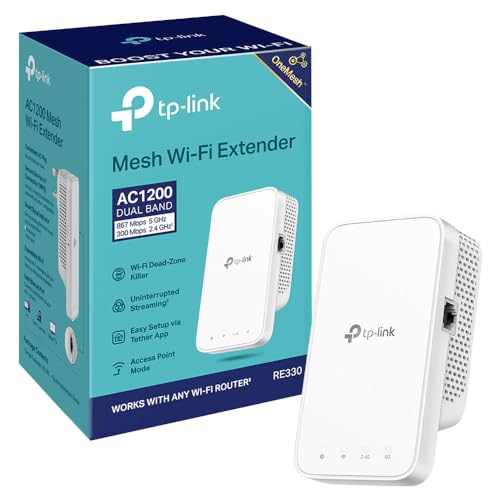
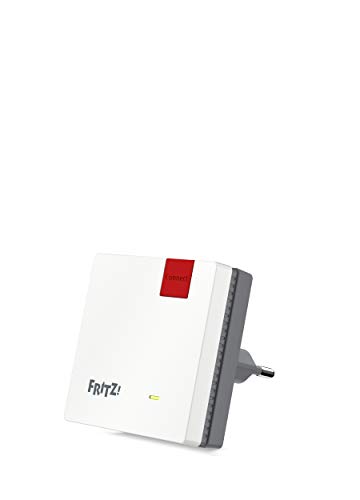
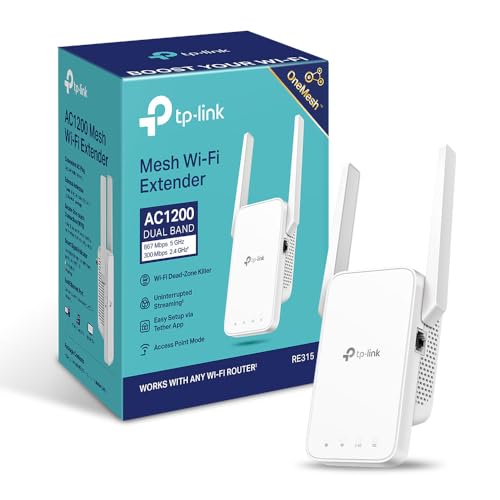
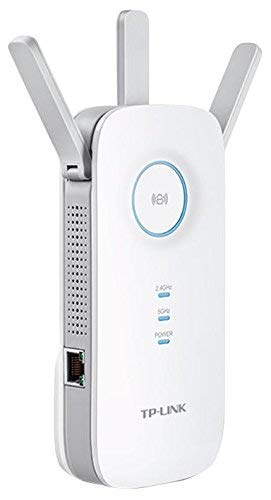
Which brands make the best cheap Wi-Fi extenders?
The best cheap Wi-Fi extender brands are as follows:
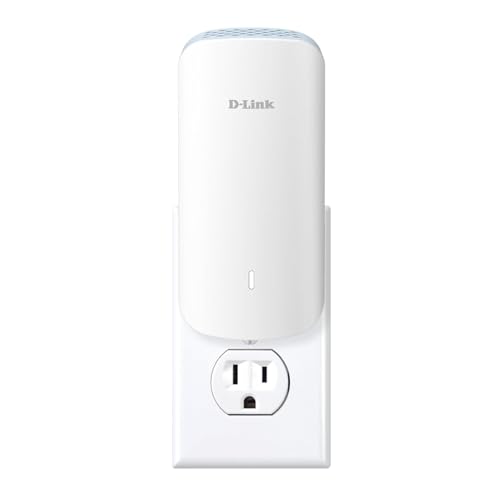
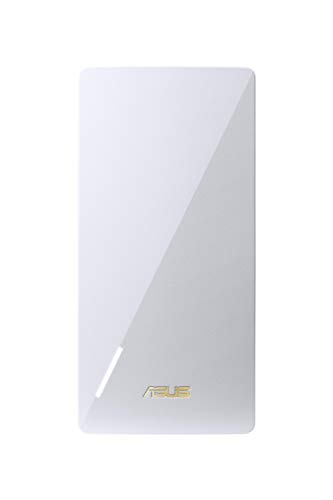
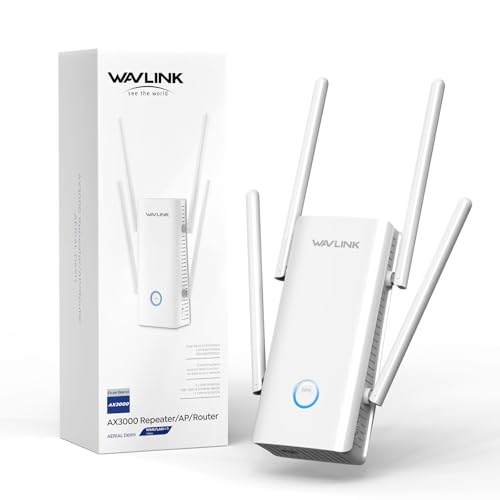
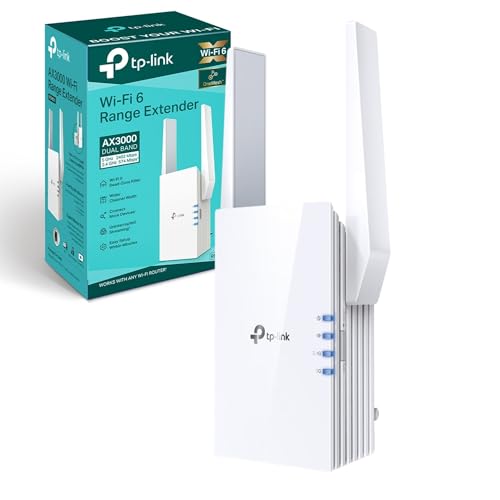
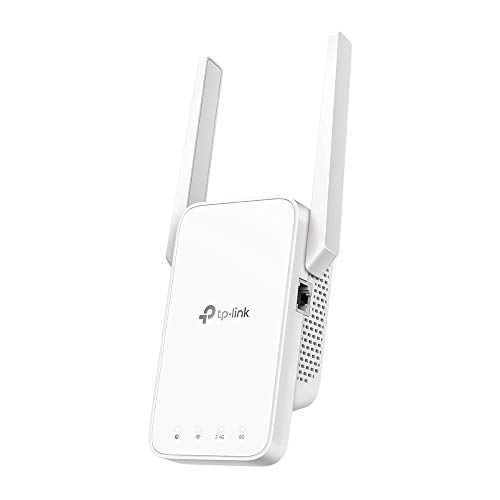
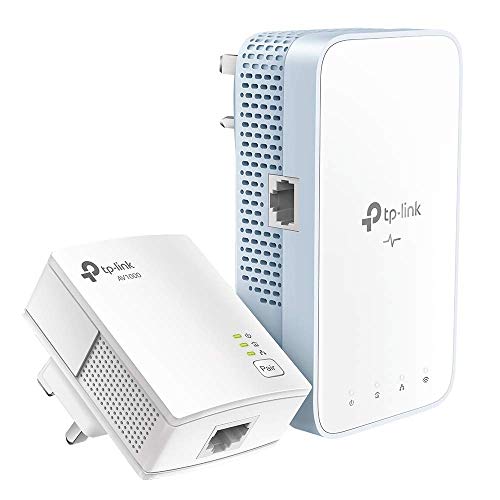
- TP-Link (Average overall score: 7)
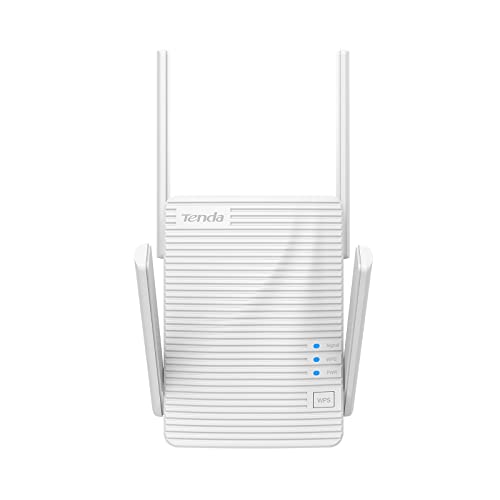
- Tenda (Average overall score: 6.5)
- ASUS (Average overall score: 5.7)
The chart below ranks cheap Wi-Fi extender brands by average overall score.

[horizontal-chart-01011138523263146611042405844792260759430419757836]
What should you expect from a cheap Wi-Fi extender?
A cheap Wi-Fi extender should be expected to solve a modest coverage problem, not transform the whole network. In practice, that usually means making one weak room, hallway, or upstairs corner work well enough for browsing, streaming, and ordinary daily use.
The better cheap models are the ones that feel stable and easy to live with. They usually give you simpler hardware, lighter mesh or Ethernet support, and fewer advanced controls than mid-range extenders, but if the signal becomes steadier in the right part of the home without constant dropouts or setup friction, that is already a good result for this price tier.
How much range can a cheap Wi-Fi extender add?
A cheap Wi-Fi extender usually adds enough range for 1 extra room, a hallway, or a small upstairs corner.
That is often enough to turn a weak spot into an area that works properly for browsing, streaming, smart-home devices, or light work. What cheap extenders rarely do well is stretch strong Wi-Fi deep into a large house or rescue a very distant room through several heavy barriers.
The result still depends heavily on placement, wall density, and how strong the router signal is where the extender sits. Budget models help most when the dead zone is only partly weak, not when the extender itself is already struggling for signal.
How fast are cheap Wi-Fi extenders in real use?
Cheap Wi-Fi extenders often deliver about 25-150 Mbps in real use, and that is usually the right way to think about them rather than focusing on the printed box speed. In this tier, even a well-chosen model is mainly there to make one weak room, hallway, or upstairs corner properly usable.
That is still enough for browsing, streaming, smart-home devices, and video calls, especially if the extender is placed well. The better budget models are the ones that stay stable and avoid collapsing under a modest multi-device load, not the ones that simply advertise the biggest theoretical number.
The following chart compares cheap Wi-Fi extender speed classes.
[vertical-chart-01724025260530469328149605677077289186184075541108]
What features are common on cheap Wi-Fi extenders?
The features that are most common on cheap Wi-Fi extenders are as follows:
- Basic dual-band support: Most cheap extenders focus on straightforward 2.4 GHz and 5 GHz coverage rather than premium tri-band hardware. That gives them enough flexibility for normal home use without pushing the price too high.
- One LAN port or none: Many budget models offer just one wired connection, and some skip Ethernet entirely. That is enough for a TV, console, or desktop, but not for a richer wired setup.
- Simple plug-in setup: Cheap extenders are usually built to be easy to install and easy to place. WPS pairing, a basic app, or a simple browser setup are more common than advanced management tools.
- Modest speed classes: N300, AC750, and AC1200 are common because they are practical and affordable. Budget buyers should expect workable performance, not flagship throughput.
- Limited mesh extras: Some cheap extenders support EasyMesh, OneMesh, or similar light mesh features, but richer whole-home ecosystems are not the normal baseline in this price band.
- Access-point mode on some models: A smaller but still useful part of the budget market supports access-point mode, which can make a cheap extender much more flexible if you can run Ethernet to it.
What compatibility is common on cheap Wi-Fi extenders?
The most common compatibility patterns on cheap Wi-Fi extenders are as follows:
- Generic repeater support: Cheap extenders are usually built to work with ordinary routers as simple repeaters rather than as tightly integrated premium mesh nodes.
- Limited mesh ecosystem support: Some budget models support systems such as EasyMesh or OneMesh, but broad multi-vendor mesh behavior is not guaranteed at this price.
- One wired-device connection: A single LAN port is common, which means cheap extenders are usually built for one wired client rather than several.
- Mixed Ethernet standards: Gigabit Ethernet appears on some better-value models, but slower or less clearly specified wired support is still common enough in the budget tier.
- Basic access-point flexibility: A smaller part of the cheap market supports access-point mode, which is useful if you later switch from pure repeating to a wired setup.
- Standard dual-band client support: Cheap extenders usually target normal 2.4 GHz and 5 GHz household devices rather than newer premium bands or advanced multi-link features.
What compromises are common on cheap Wi-Fi extenders?
The most common compromises on cheap Wi-Fi extenders are as follows:
- Lower real-world speed: Cheap extenders can look decent on the box, but they usually lose speed faster once distance, walls, and interference start to build up.
- Weaker edge-of-range stability: Budget models are less forgiving near the edge of coverage, so the farthest room can still feel inconsistent even when the extender technically reaches it.
- Fewer wired and mesh features: Cheap extenders often save money with one LAN port, basic repeater behavior, and lighter mesh support instead of richer networking options.
- Simpler radios and software: Lower-cost models usually rely on more basic hardware and management tools, which is part of why they are easier to outgrow in a larger or busier home.
- Narrower job scope: Cheap extenders are best at solving one focused coverage problem, not acting as the backbone of a more ambitious whole-home network.