Which brands make the best plug-in Wi-Fi extenders?
The best plug-in Wi-Fi extender brands are as follows:
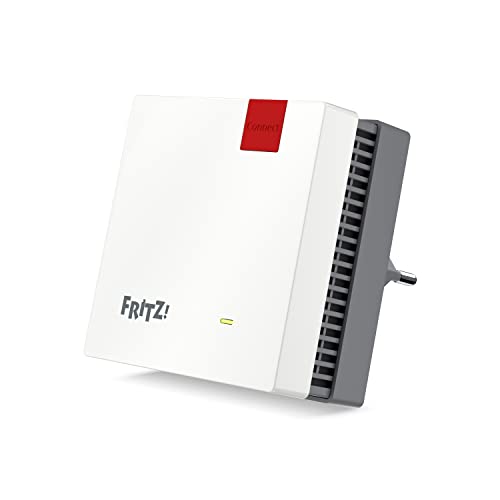
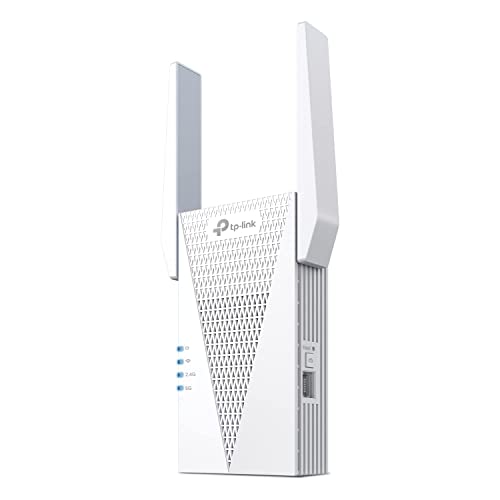
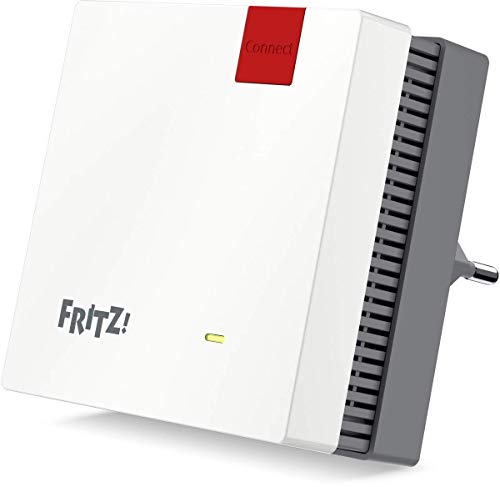
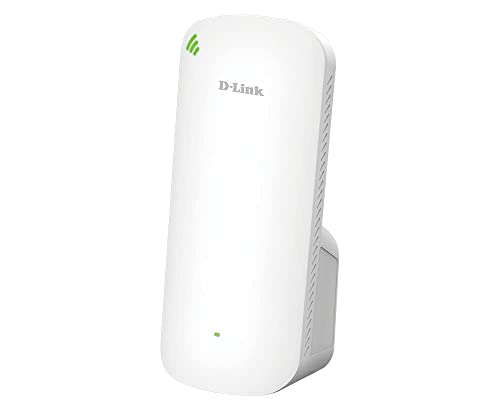
- AVM (Average overall score: 8.6)
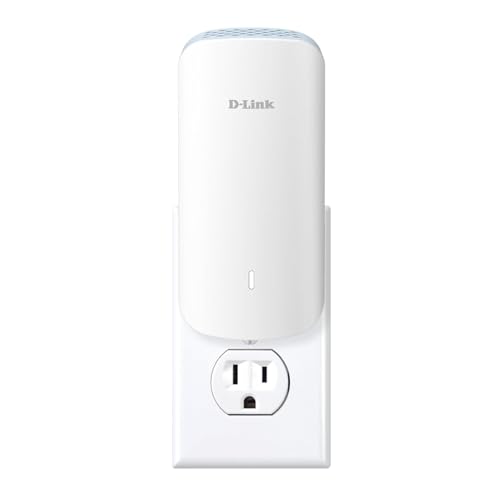
- D-Link (Average overall score: 8.2)
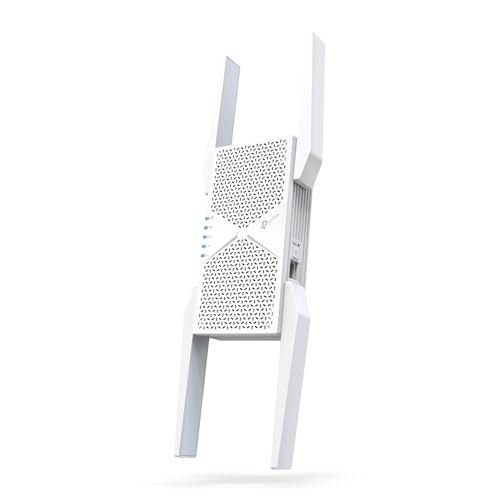
- TP-Link (Average overall score: 7.6)
The chart below ranks plug-in Wi-Fi extender brands by average overall score.
[horizontal-chart-03329665660702233090091252744012000646802376884594]
What makes a plug-in Wi-Fi extender useful?
A plug-in Wi-Fi extender is useful because it gives you a fast coverage fix without adding another box on a shelf or desk.
That makes it a good fit for bedrooms, hallways, upstairs corners, or office sockets where the router signal is close to usable but not strong enough on its own. Plug-in models are also easy to move during setup, so testing one or two sockets is usually simpler than with a larger desktop extender.
The tradeoff is that convenience can limit placement freedom. If the only free outlet sits behind furniture, too close to the floor, or in a bad signal zone, the compact design stops being an advantage.
How compact are plug-in Wi-Fi extenders?
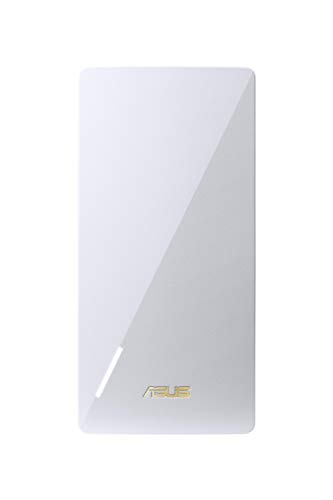
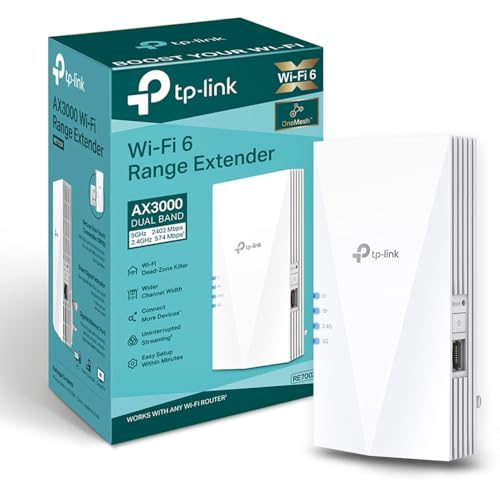
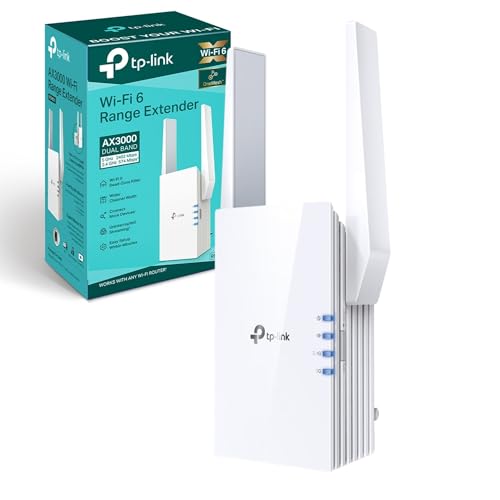
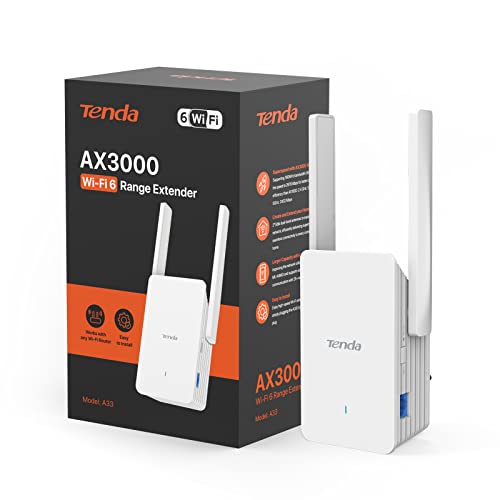
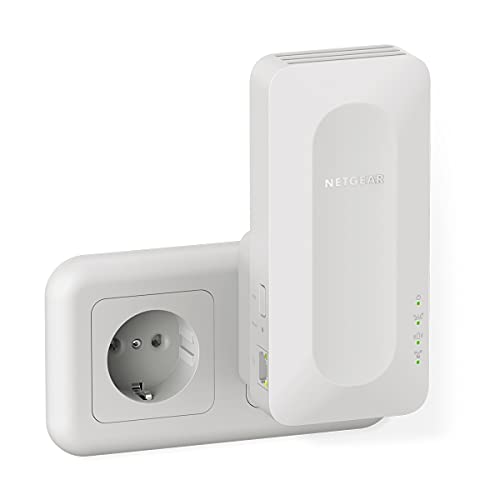
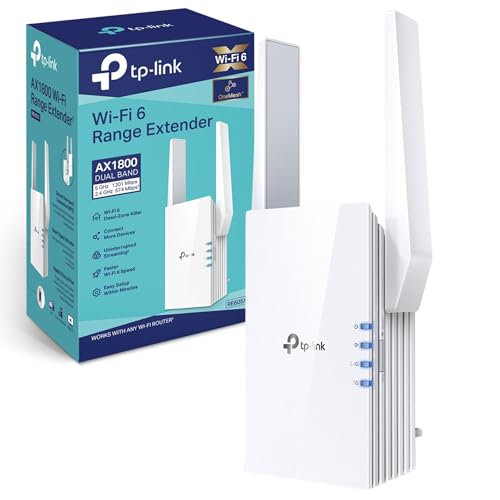
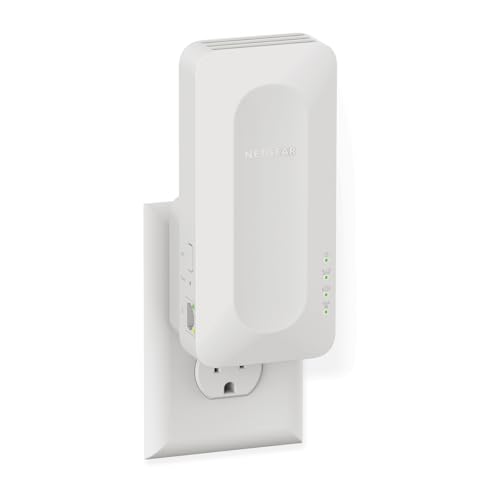
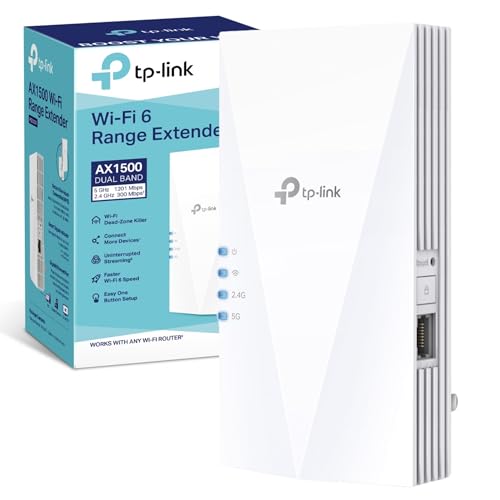
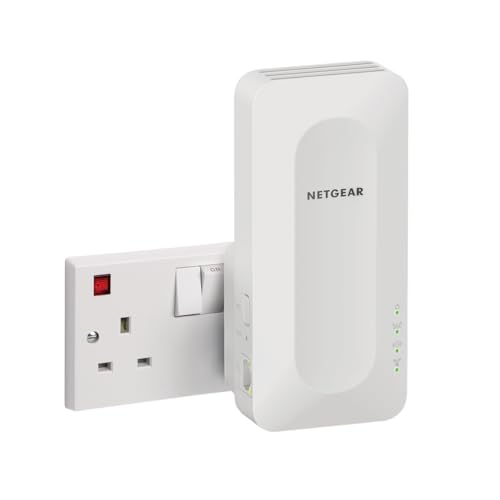
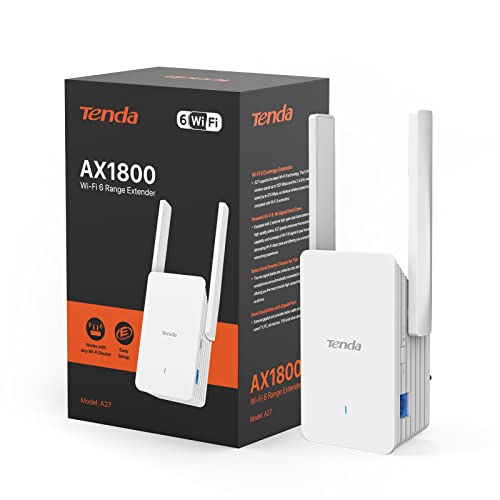
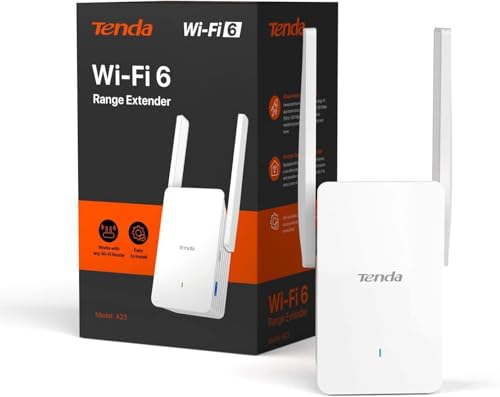
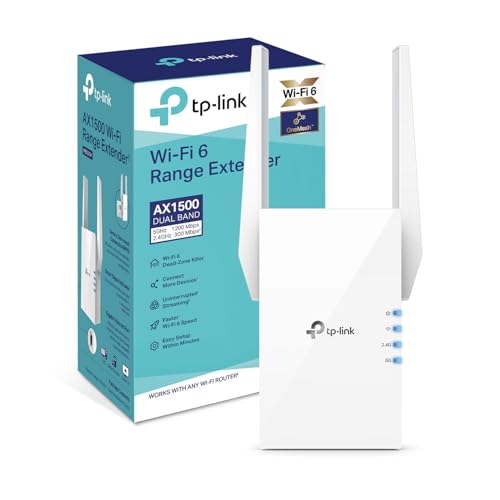
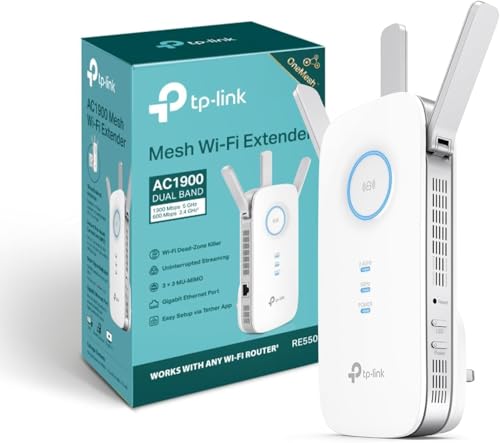
Plug-in Wi-Fi extenders are usually compact enough to sit directly in a wall socket without needing any extra shelf space.
That is the main reason many buyers choose them, but compact does not always mean tiny. Some models stay slim and simple, while stronger units can still be large enough to block a neighboring outlet or stick out noticeably from the wall.
In practical terms, plug-in extenders are much more compact than desktop units, but the better-performing ones are not always the smallest.
Where should you place a plug-in Wi-Fi extender for the best results?
You should place a plug-in Wi-Fi extender where the router signal is still reasonably strong, usually partway between the router and the weak room.
Plug-in extenders work best when the socket is not hidden behind thick furniture, low in a bad corner, or crowded by large appliances. Because the device is fixed to an outlet position, small placement mistakes matter more here than with a desktop extender that can sit higher on a shelf.
The safest approach is to test one or two candidate sockets and choose signal quality over convenience. A slightly less tidy outlet in a stronger spot usually gives better real performance than the neatest outlet in a weak one.
How much do plug-in Wi-Fi extenders cost?
Plug-in Wi-Fi extenders usually cost between £20 and £85, and many practical models sit around £30 to £70.
That keeps them among the cheaper and easier ways to fix a weak room. At the low end, you usually get simpler 300 to 750 Mbps-class hardware with limited headroom. Spend more, and you are more likely to get AC1200, mesh support, or an Ethernet port without giving up the compact wall-plug format. They still tend to stay cheaper than larger desktop-style extenders, even when you move into the stronger models.
The following chart shows plug-in Wi-Fi extender prices.
[vertical-chart-03783798563871769831026771294238997686471399873713]
How fast are plug-in Wi-Fi extenders in real use?
Plug-in Wi-Fi extenders often deliver about 25-200 Mbps in real use, with the better models landing toward the upper part of that range when placement is good. That is usually enough for browsing, streaming, calls, and everyday room-by-room coverage fixes.
The compact wall-plug format keeps them convenient, but it also limits how ambitious the hardware can be. In practice, the better plug-in units are the ones that stay stable and predictable rather than pretending to match the heavier desktop extenders on raw speed.


The following chart compares plug-in Wi-Fi extender speed classes.
[vertical-chart-00956118547653929897019662269177743319590203303709]
What compatibility should you check on a plug-in Wi-Fi extender?
The compatibility checks that matter most on a plug-in Wi-Fi extender are as follows:
- Router ecosystem: Check whether the extender is a generic repeater or whether it works best with a system such as OneMesh, EasyMesh, Fritz Mesh, or AiMesh.
- Outlet position: A plug-in extender depends on the right wall socket, so compatibility is partly physical. Check socket height, furniture clearance, and whether the extender could block a neighboring outlet.
- Wi-Fi standard: Make sure the extender matches the bands and Wi-Fi generation that your router and clients can actually use.
- Ethernet needs: Some plug-in extenders include one LAN port, while many do not. If you want to feed a TV, console, or desktop by cable, confirm that the model actually provides the wired connection you need.
- Setup method: WPS, app setup, and web control vary by brand. A plug-in extender is meant to be convenient, so awkward setup can undermine the whole point of choosing this format.
- Heat and power limits: Wall-plug units run in tighter spaces than desktop extenders, so check whether the model suits the outlet location you actually have in mind.