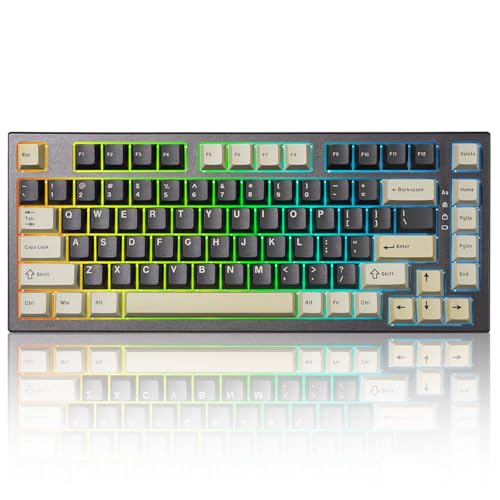
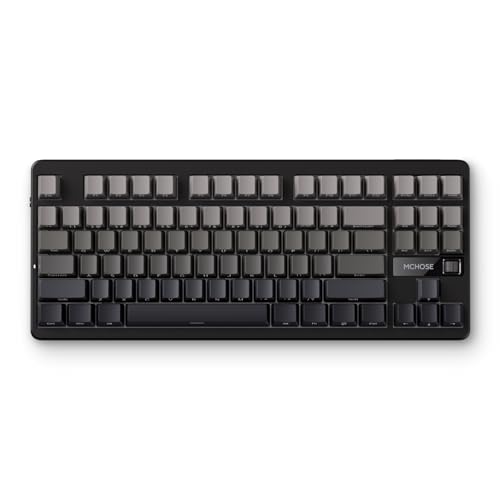
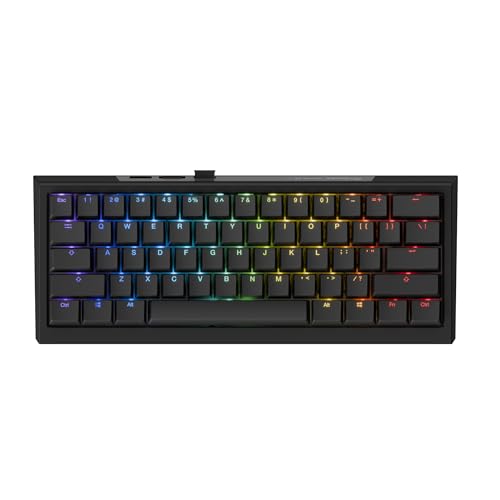
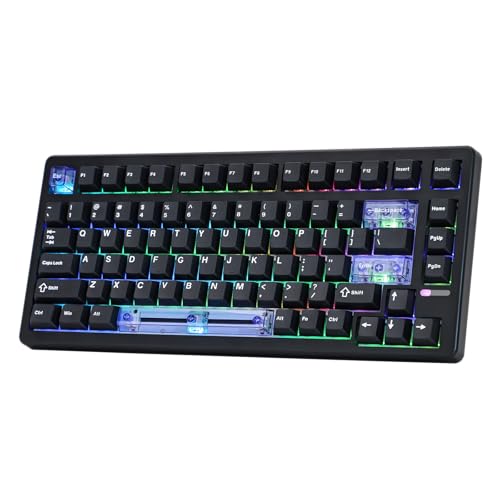
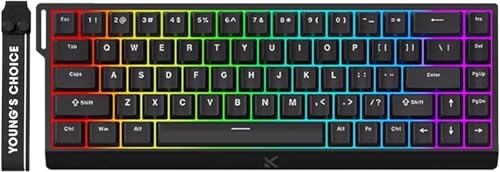
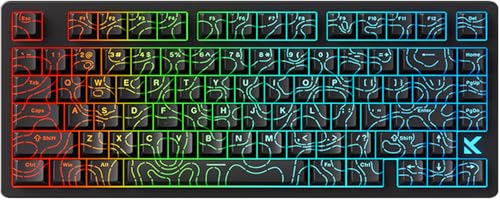
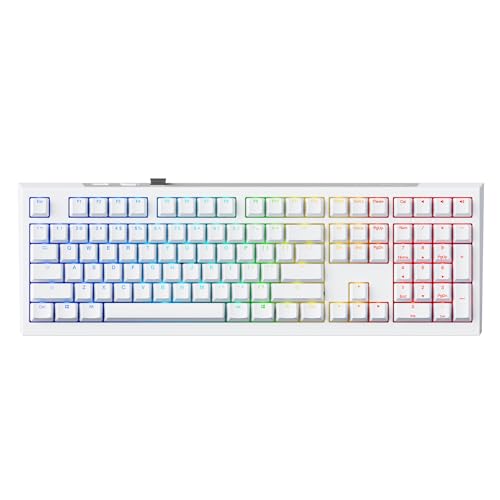
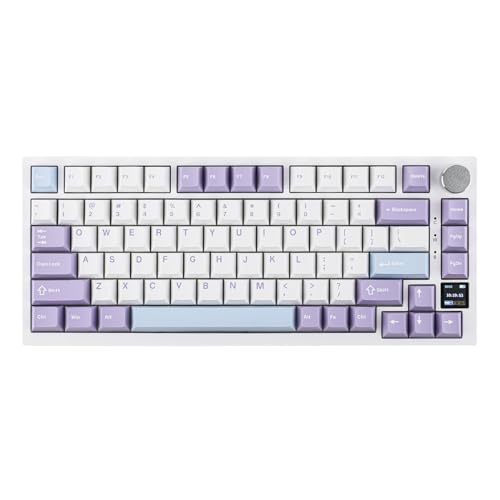
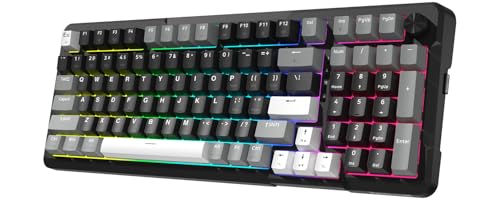
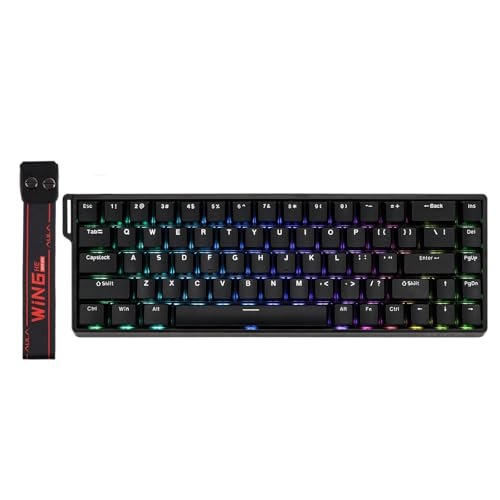
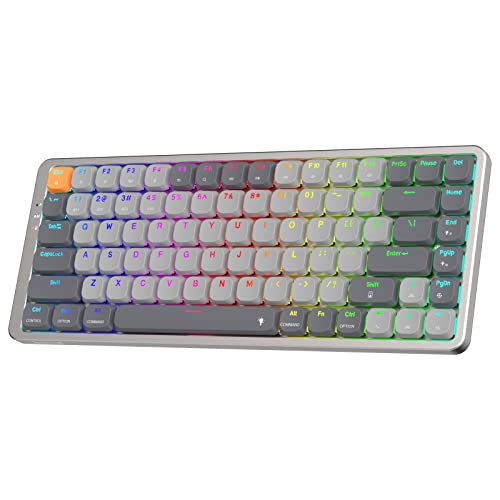
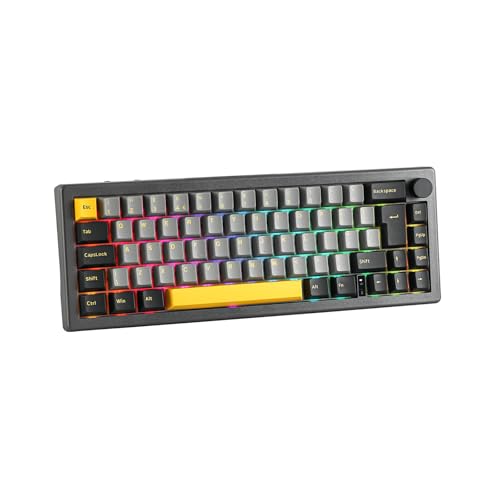
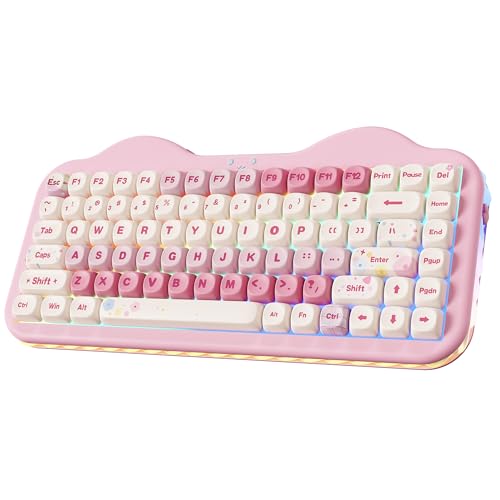
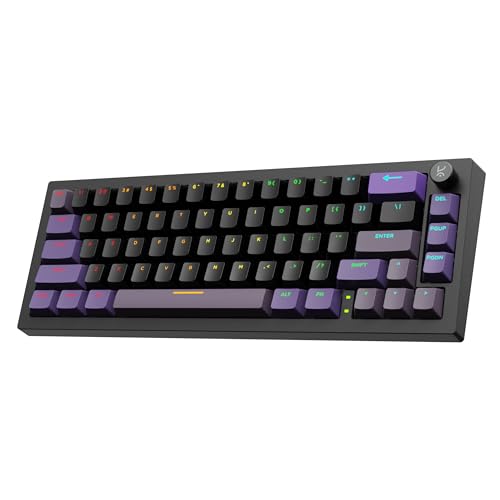
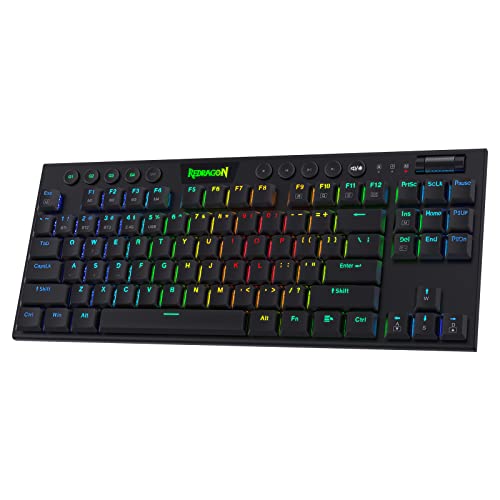
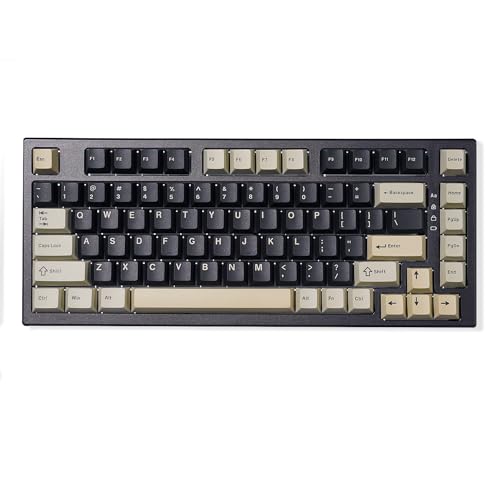
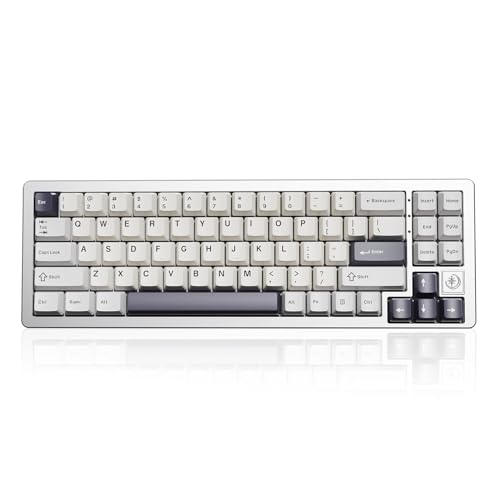
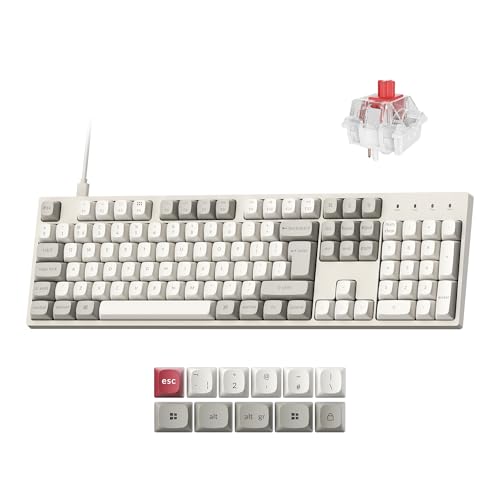
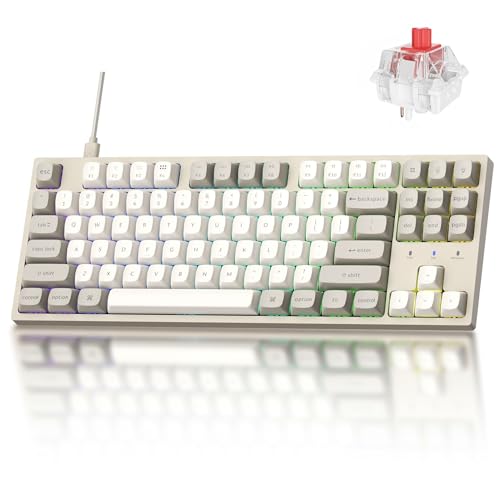
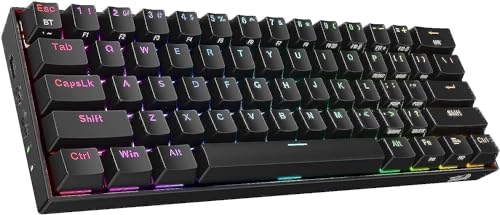
Which brands make the best cheap keyboards?
The best cheap keyboard brands are as follows.
- Mchose (Average overall score: 7.8)
- Epomaker (Average overall score: 7.7)
- Redragon (Average overall score: 7.6)
The chart below ranks cheap keyboard brands by average overall score.
[horizontal-chart-04151265607545690983110175352949520435891124721921]
Which cheap keyboards have the highest user ratings?
The cheap keyboard brands with the highest user ratings are as follows.
- Yunzii (Users rating: 9.4 points)
- Epomaker (Users rating: 9.3 points)
- Redragon (Users rating: 9.2 points)
This chart compares cheap keyboard brands by average user rating.
[horizontal-chart-15702122897799277173096155797823916457093306833460]
Are cheap keyboards worth buying?
Yes, cheap keyboards are worth buying when the goal is solid everyday typing or affordable gaming rather than premium materials and enthusiast-level refinement. The current low-price keyboard market already includes many competent mechanical models, so buyers no longer need to treat the budget tier as automatically disposable.
Cheap keyboards make the most sense when you care more about layout, switches, and practical responsiveness than about heavy cases, high-end acoustics, or elaborate wireless polish. A good budget board can already cover office work, casual gaming, and even fairly serious gaming use without obvious weakness.
They become less convincing when you expect top-tier stabilizer tuning, luxurious case construction, long-term mod potential, or flawless firmware. Cheap keyboards are worth buying as practical tools, but the best ones still win by getting the basics right rather than by imitating premium boards feature for feature.
What compromises are common on cheap keyboards?
The most common compromises on cheap keyboards are lighter construction, less refined acoustics, and weaker firmware or wireless execution. Even when the switch spec looks strong on paper, cheaper boards often save money through case materials, stabilizer tuning, and simpler overall finishing.
Connection flexibility is one of the easiest places to see that tradeoff. Most cheap keyboards are still straightforward wired USB boards, and while that is perfectly fine for latency and simplicity, it usually means fewer premium convenience features than buyers get higher up the market.
Cheap keyboards can also cut corners on keycaps, legends, software polish, or consistency between units. None of that automatically makes them bad, but it does mean the budget tier rewards buyers who focus on the layout and features that matter most instead of assuming every low-cost mechanical board is equally good.
What switch and key types are common on cheap keyboards?
The switch and key types most common on cheap keyboards are mechanical switches and standard physical key layouts rather than exotic designs. Mechanical models dominate this price band, while membrane boards are now a minority instead of the default budget answer.
That matters because cheap keyboards are no longer limited to soft office-style typing feel. Buyers can already find linear, tactile, or gaming-oriented fast-response options at low prices, and a small part of the category even reaches magnetic, optical, or capacitive territory.
Key layout choice is also broad, with 60%, 65%, 75%, TKL, and full-size boards all appearing regularly below £70. The smarter way to shop this tier is usually to start with the layout and switch feel you want, then compare which cheap models execute that combination most cleanly.
What features can you expect from cheap keyboards?
The features you can expect from cheap keyboards are the following:
- Mechanical switches: Most strong cheap keyboards are already mechanical rather than membrane, so buyers can choose between linear, tactile, and faster gaming-oriented switch styles without leaving the budget tier.
- 1000 Hz polling: A 1000 Hz polling rate is already normal on a large part of this slice, which means cheap keyboards are no longer automatically slow or obviously compromised for gaming.
- Compact and mainstream layouts: 60%, 65%, 75%, TKL, and some full-size models all appear regularly, so buyers still have real layout choice instead of one default budget format.
- RGB or backlighting: Lighting is common even at low prices, especially on gaming-oriented boards, although the implementation is usually simpler than on more premium models.
- Wired USB connectivity: Most cheap keyboards still rely on straightforward wired USB connections, which keeps cost down and usually avoids wireless-latency or charging compromises.
- Some premium spillover features: Hot-swap sockets, software remapping, and even the occasional magnetic or optical design can now appear in this range, but they are still less consistent than the core basics.
What should you consider while choosing a cheap keyboard?
You should consider the following factors when choosing a cheap keyboard:
- Layout size: Cheap keyboards are available in 60%, 65%, 75%, TKL, and full-size formats, so layout should be one of the first decisions. Start with the keys you actually need instead of assuming the cheapest option in any format is automatically good enough.
- Switch feel: Mechanical boards dominate this price range, but switch quality and tuning still vary a lot. Decide whether you want quiet office-friendly behavior, a lighter gaming feel, or a sharper tactile response before comparing smaller feature differences.
- Build quality: Budget boards often save money on case materials, stabilizers, and keycaps. A simpler board with cleaner construction is usually a better buy than a flashy one with obvious rattling or uneven finishing.
- Connection type: Most cheap keyboards are wired USB, which is often the right compromise for cost and reliability. If you specifically want wireless or multi-device flexibility, check it directly instead of assuming it will appear in this price class.
- Polling rate and gaming claims: 1000 Hz is already common and enough for most buyers, while higher polling claims still sit on a smaller slice. Treat extreme gaming specs as a bonus only if the rest of the keyboard still looks well executed.
- Keycap and legend quality: Cheap boards can look attractive in product photos while using thinner caps or weaker legends. If long-term feel and readability matter, these details are often more important than extra RGB effects.
- Budget level: Under £60 the risk of sharper compromises rises, £60-£70 is now the core value zone, and above £70 you are already moving into the next pricing tier. Spend more only when the extra layout quality, switch tech, or finishing is likely to matter in daily use.