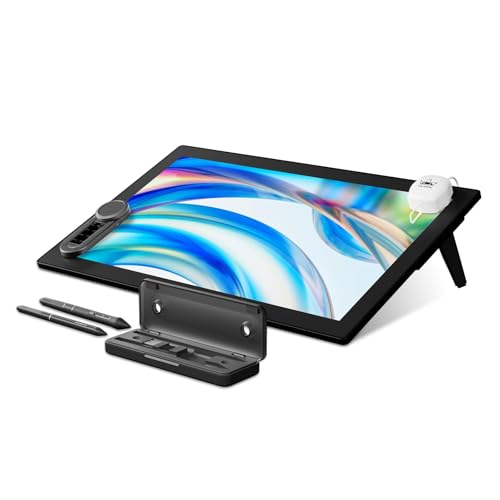
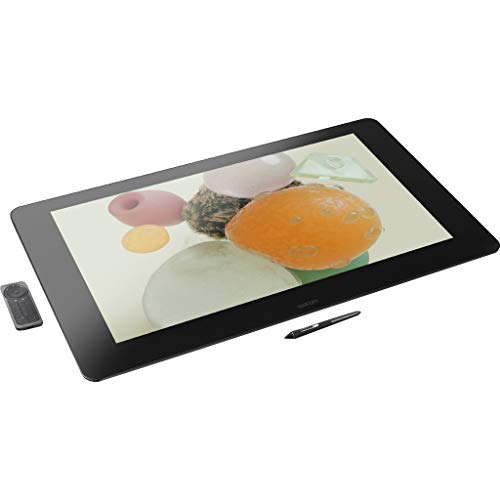
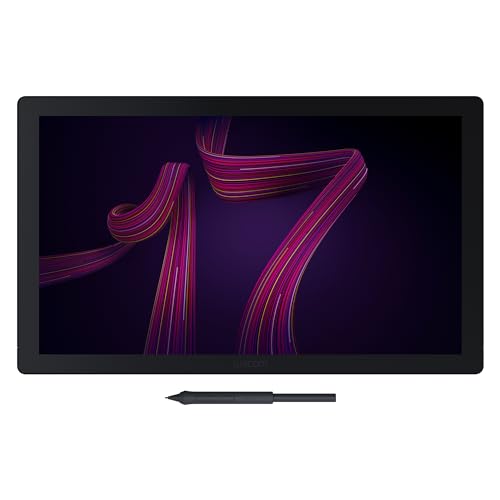
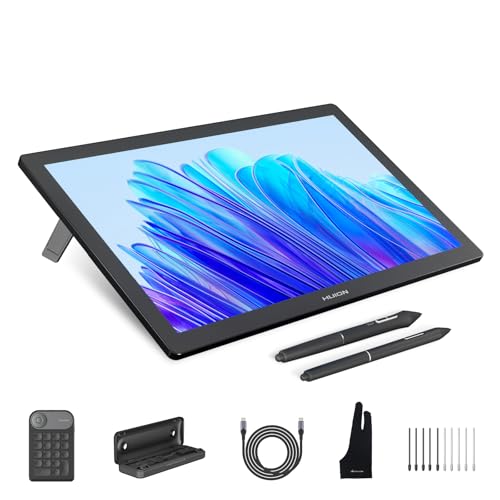
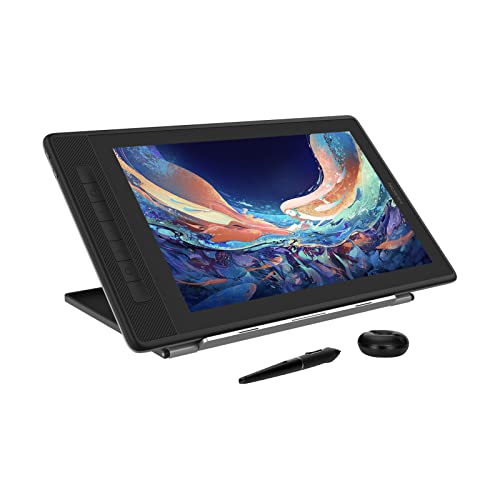
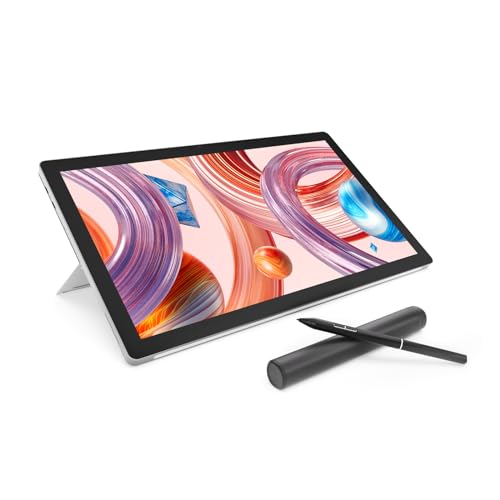
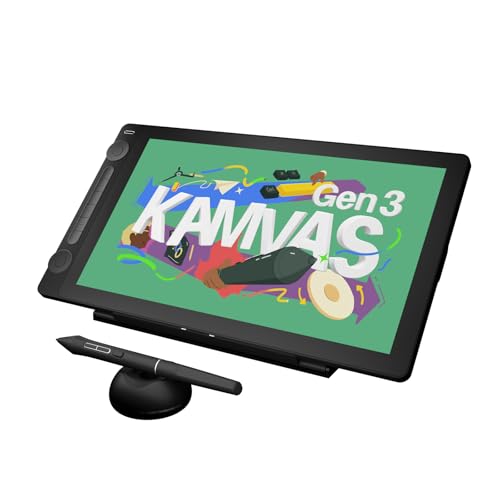
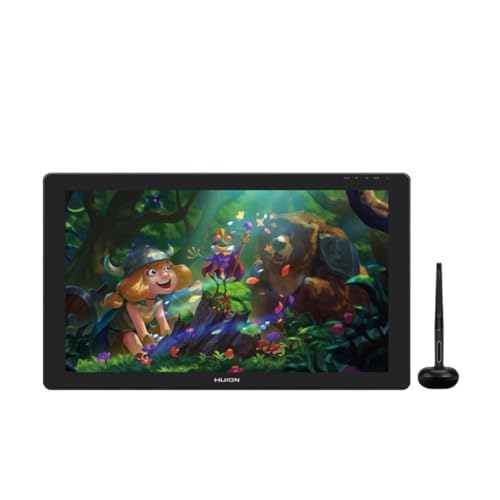
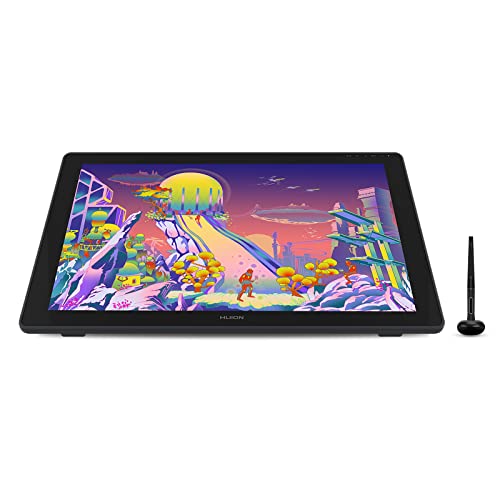
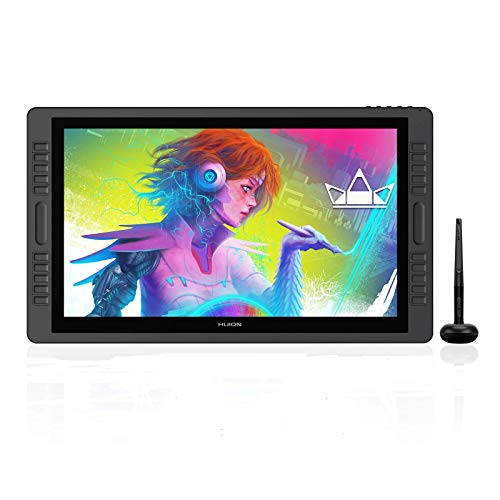
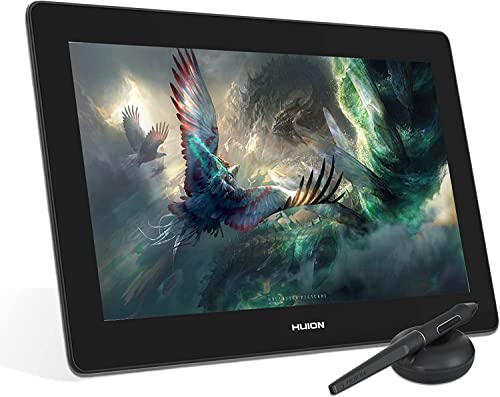
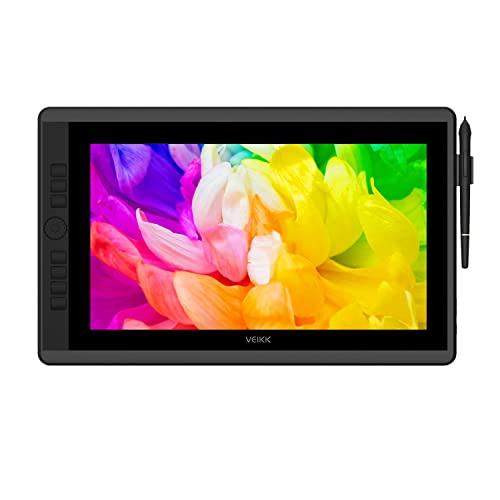
Which brands make the best drawing tablets with screen?
The best drawing tablet brands with screen are as follows:
- HUION (Average overall score: 7.8)
- Wacom (Average overall score: 7.8)
- VEIKK (Average overall score: 7.4)
- XP Pen (Average overall score: 7.3)
The chart below compares drawing tablet brands with screen by average overall score.
[horizontal-chart-09253945045874925660175160530659101482133420123368]
What is a drawing tablet with screen?
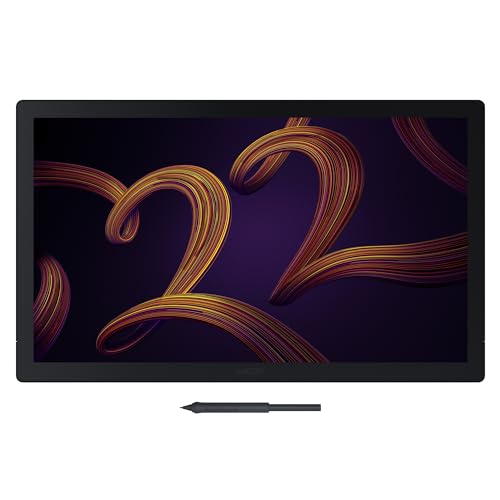
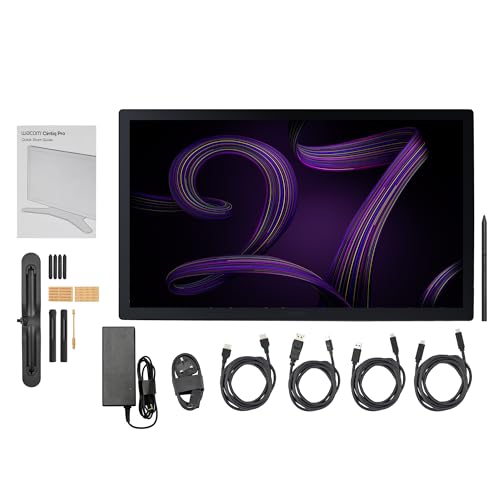
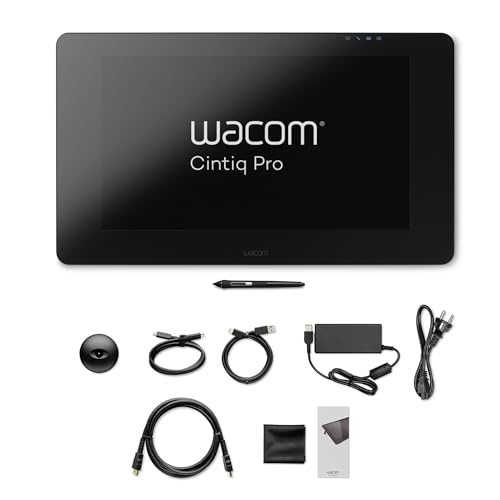
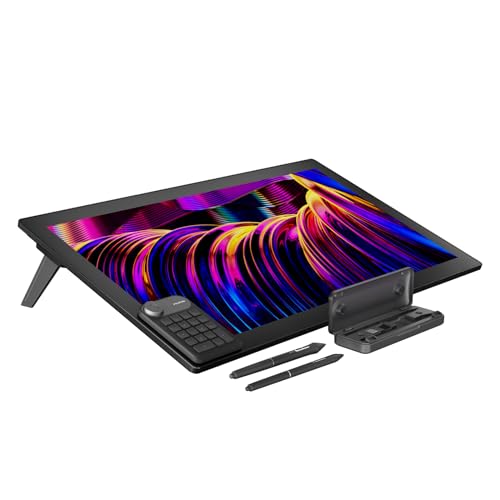
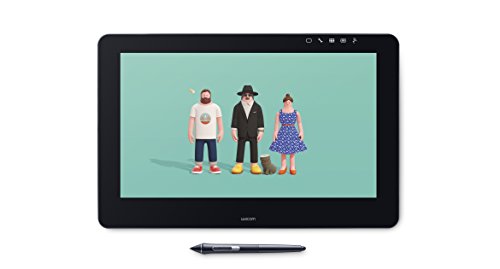
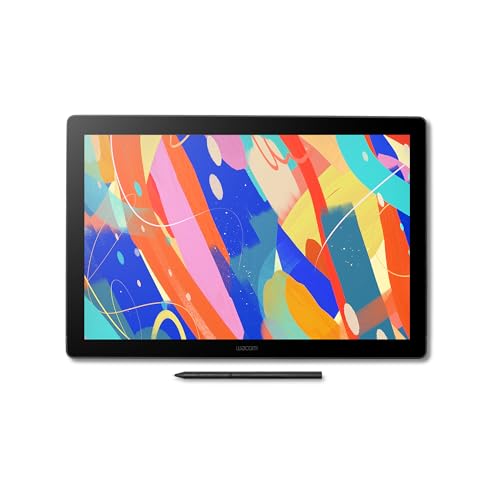
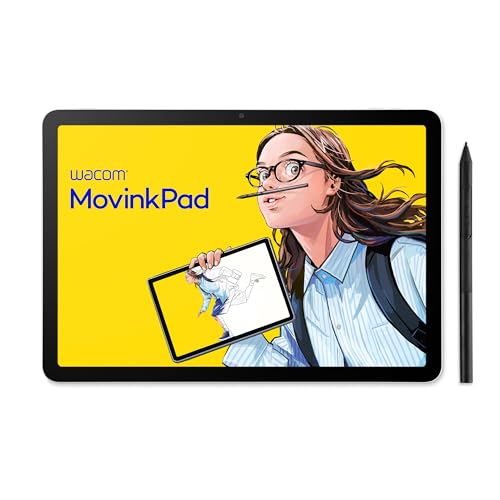
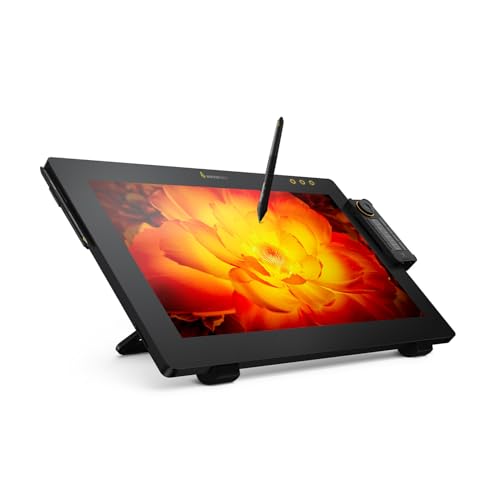
A drawing tablet with screen is a tablet that includes its own display, so you draw directly on the image instead of looking at a separate monitor. This makes the experience feel closer to drawing on paper and is one of the main reasons pen displays are popular for illustration, retouching, and design work.
Compared with a screenless tablet, a display model usually feels more intuitive at first because the pen tip appears exactly where you are working. The trade-off is that these tablets are heavier, more expensive, and often need more cables or power management.
In practical terms, a drawing tablet with screen sits between a normal pen tablet and a fully standalone creative device. It gives you direct visual feedback, but most models still depend on a PC or laptop to run your software.
How much parallax is common on drawing tablets with screen?
Low parallax is now common on better drawing tablets with screen, especially on laminated models where the glass and display layers sit closer together. On stronger pen displays, the gap is small enough that the cursor stays visually close to the pen tip, which makes detailed sketching and line placement feel much more natural.
Cheaper or older screen tablets often show more visible parallax because the pen tip appears slightly above the line you are drawing, especially near the edges. That does not make them unusable, but it can feel less precise in detailed illustration or retouching work.
If accurate hand placement matters to you, parallax is one of the most important reasons to pay more for a laminated display. It directly affects how connected the tablet feels while you draw.
How portable are drawing tablets with screen?
Drawing tablets with screen are usually less portable than screenless tablets because they are heavier, thicker, and often need more cables or external power. Smaller 11.6- to 13.3-inch models are the easiest to move between desks, while larger 15- to 16-inch and above models feel much more like semi-permanent workstation hardware.
Portability also depends on the stand, cable design, and whether the tablet can run from a simpler USB-C connection or needs a more complex 3-in-1 setup. Even when a display tablet fits in a bag, it may still be less convenient to use casually than a lighter screenless tablet.
If travel and flexible setup matter a lot, a compact display model or a normal pen tablet is usually the smarter choice. Screen tablets are portable enough for some users, but they are rarely the most convenient option in the category.
How good is display quality on drawing tablets with screen?
Display quality on drawing tablets with screen is usually good enough now for serious hobby work and, on stronger models, even more demanding illustration or photo-editing tasks. Better pen displays commonly pair Full HD to 2.5K or higher resolution with laminated glass, viewing angles around 178°, and brightness roughly in the 200 to 300 nit range.
What separates the stronger options is not just sharpness, but also color coverage and surface quality. Higher-end tablets tend to offer much better sRGB, Adobe RGB, or DCI-P3 coverage, along with lower glare and a more paper-like drawing feel.


If display quality matters to your workflow, the main things to check are color accuracy, parallax, brightness, and how cleanly the surface handles reflections. Those factors affect the actual drawing experience more than resolution alone.
The graph below shows the resolution distribution among drawing tablets with screen.
[pie-chart-18356023859182047712057649156120392908081157256142]
How much do drawing tablets with screen cost?
Drawing tablets with screen usually cost around £220 to £1,300, and the biggest jump in price comes from screen size and display quality rather than pen pressure numbers alone. Smaller entry-level models are the most affordable, while larger laminated displays with better brightness, color coverage, and build quality sit much higher.
If you mainly want a display tablet that feels direct and comfortable to draw on, many of the best-value choices sit around £300 to £690. Once you move past that, you are usually paying for a bigger canvas, cleaner glass, more accurate color for illustration work, and better overall refinement rather than a dramatic jump in basic drawing performance.
The graph below shows how prices are distributed across drawing tablets with screen.
[vertical-chart-16832549617172360639057761312322813195252845137005]
What should you consider while choosing a drawing tablet with screen?
The following factors matter most when choosing a drawing tablet with screen:
- Screen size: A larger display gives you more room to draw comfortably, but it also adds weight, desk demands, and price.
- Parallax and lamination: A laminated screen keeps the pen tip visually closer to the line, which makes detailed drawing feel more precise.
- Display quality: Check resolution, brightness, and color coverage carefully if you care about illustration, retouching, or design accuracy.
- Pen performance: Pressure response, tilt support, and low initial activation force matter more in real use than headline pressure numbers alone.
- Connection setup: Some display tablets use a simple USB-C path, while others still depend on HDMI plus USB or a 3-in-1 cable.
- Stand and ergonomics: A good stand angle and stable chassis make a big difference in comfort during longer creative sessions.
- Portability and power: Screen tablets are less travel-friendly than screenless models, so check how easy they are to move, power, and set up outside one desk.