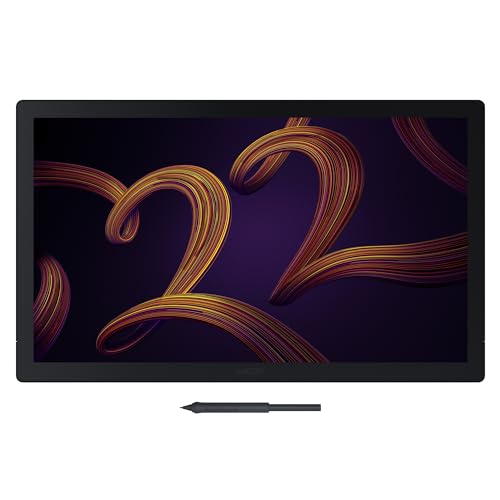
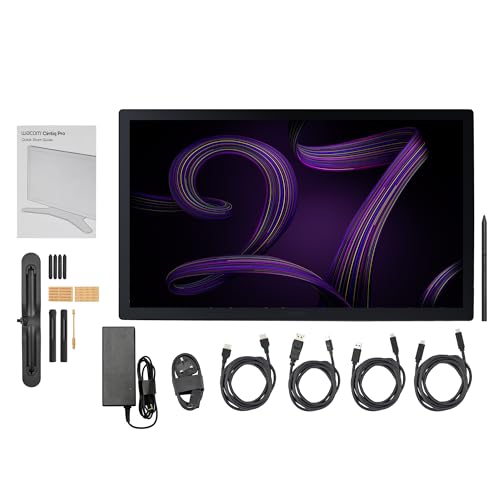
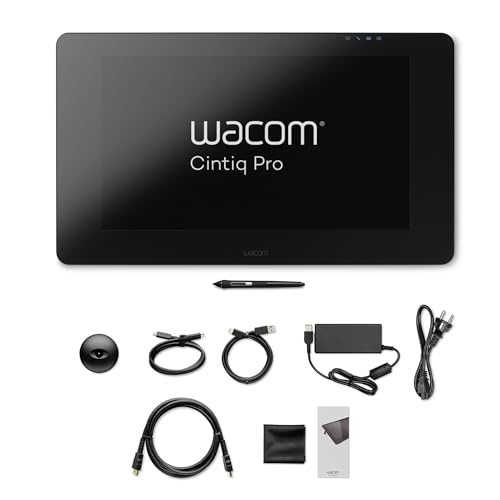
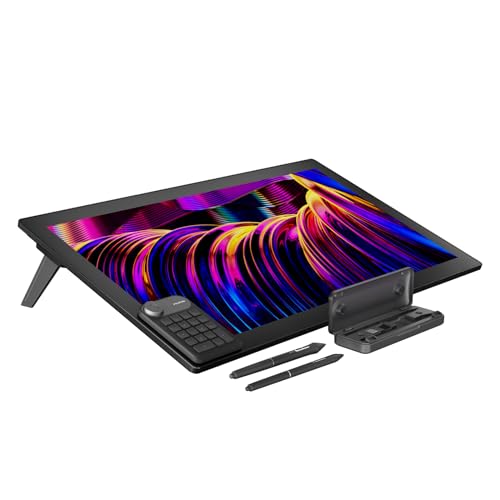
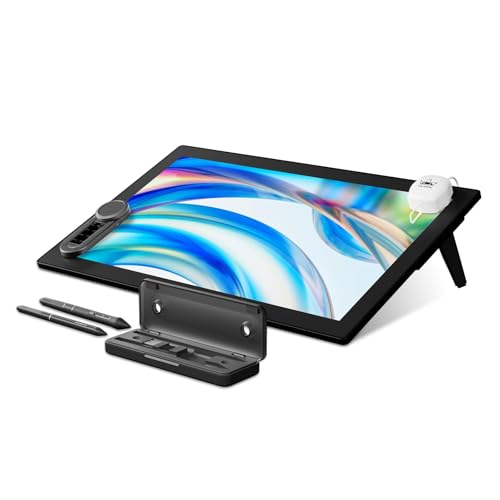
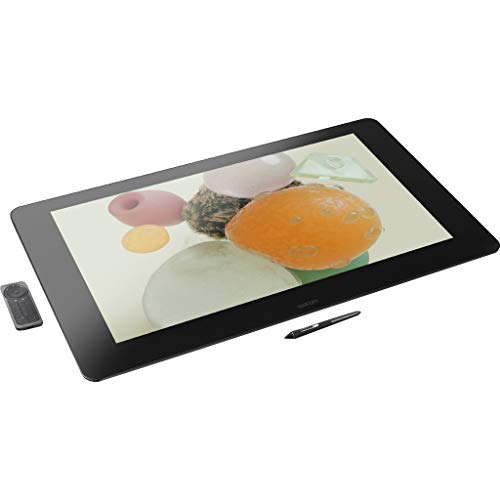
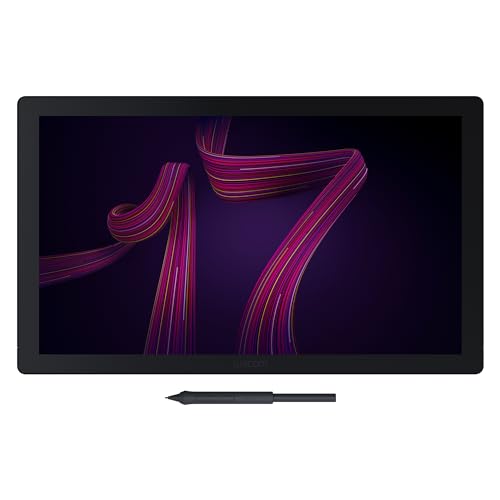
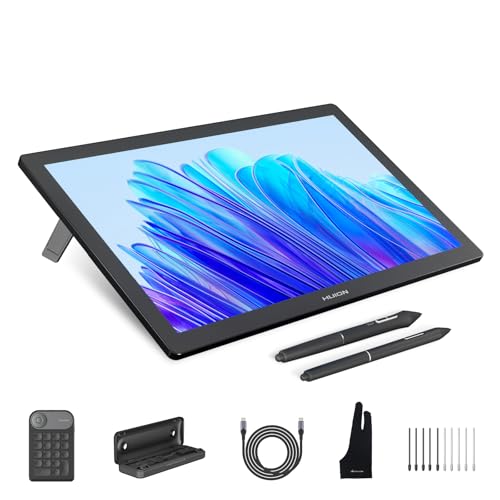
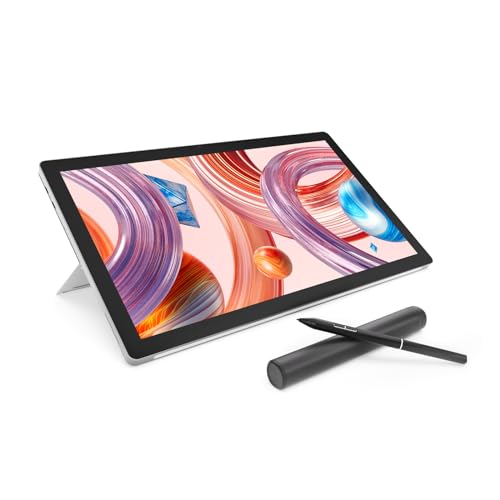
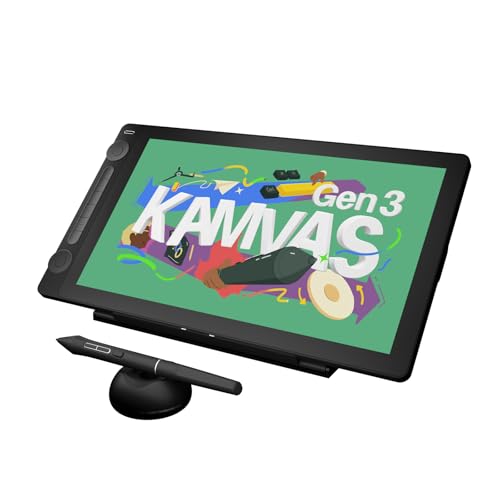
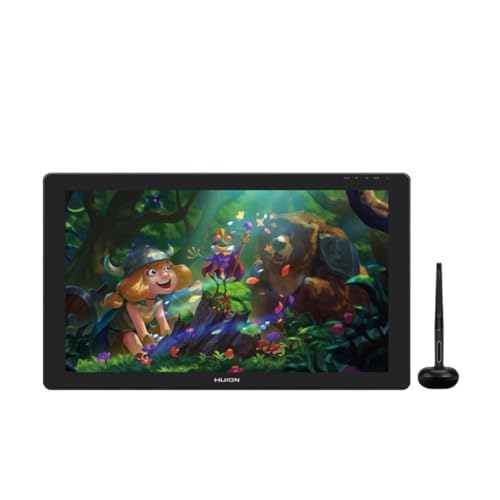
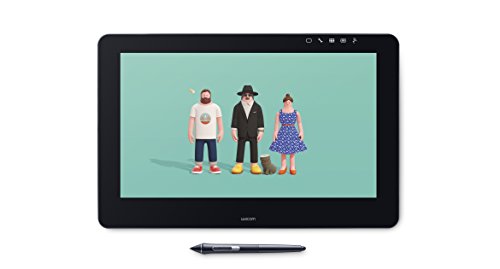
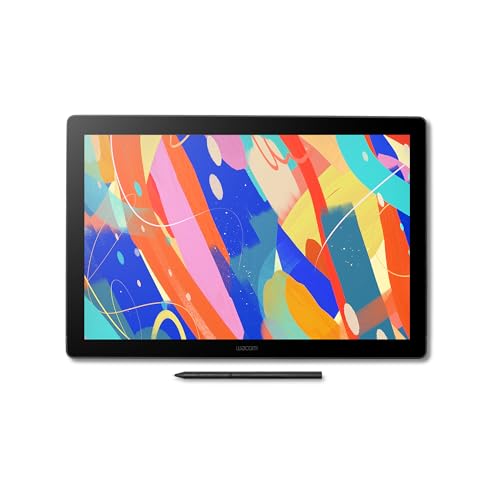
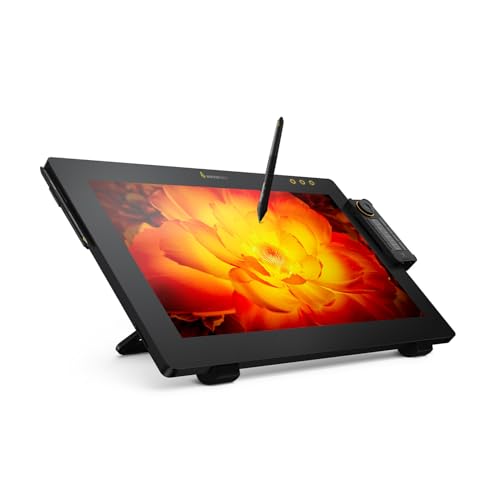
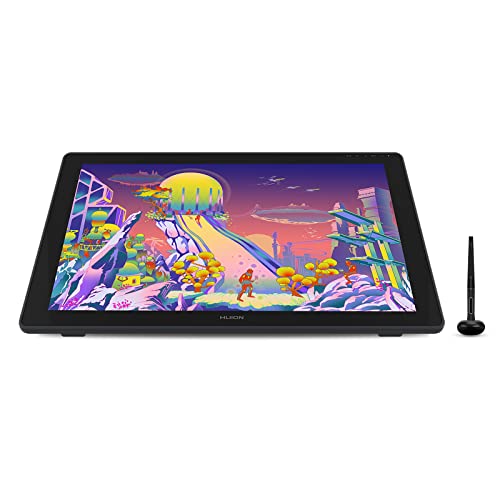
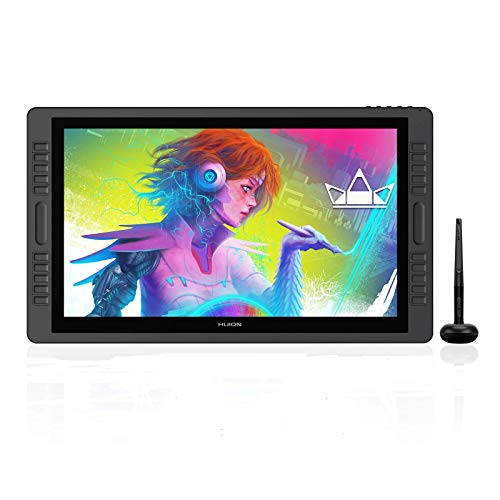
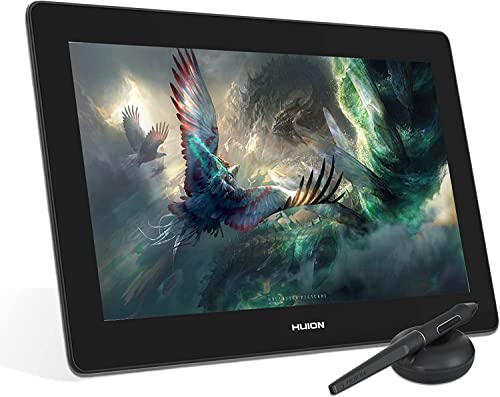
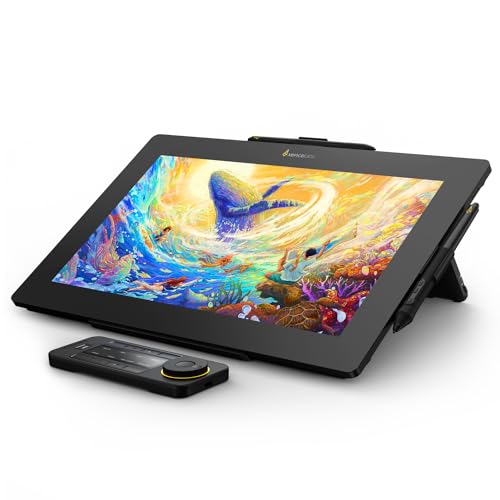
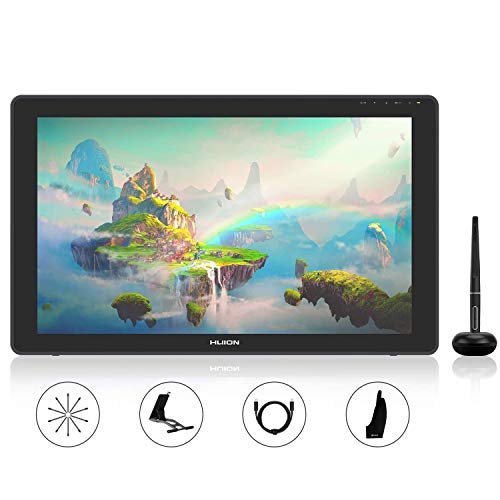
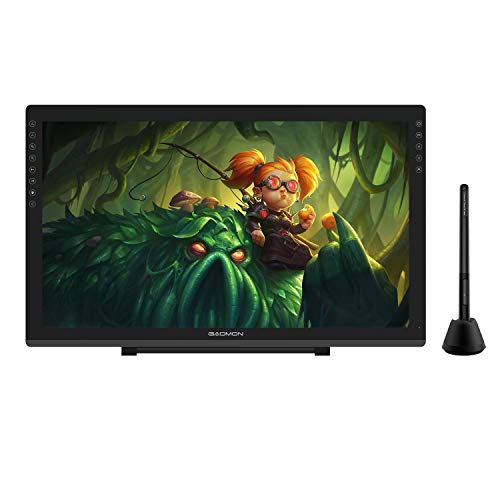
Which brands make the best professional drawing tablets?
The best professional drawing tablet brands are as follows.
- Wacom (Average overall score: 8)
- HUION (Average overall score: 7.8)
- XP Pen (Average overall score: 7.3)
The chart below ranks professional drawing tablet brands by average overall score.
[horizontal-chart-13060209798154368393007027730103367662364083285878]
What makes a drawing tablet professional?
A drawing tablet feels professional when it is built for long, precise creative work rather than casual sketching. The main qualities are as follows:
- Reliable pen control: Professional models need consistent tracking, low lag, tilt support, and pressure handling that stays predictable across slow shading and fast line work.
- Larger or more practical workspace: Professionals usually work more comfortably on medium-to-large tablets or pen displays, because the extra area makes detailed illustration, retouching, and layout work less cramped.
- Stronger build quality: A professional tablet should tolerate daily desk use, frequent pen input, and longer sessions without flex, unstable stands, or distracting surface wear.
- Workflow-oriented controls: Express keys, dials, touch controls, or well-integrated shortcut support matter more at the professional level because they speed up repetitive actions.
- Better display performance on pen displays: If the tablet has a screen, professionals benefit from sharper resolution, good brightness, reduced parallax, and color coverage that is more suitable for serious art or design work.
- Stable software support: Driver reliability and compatibility with major creative apps matter just as much as hardware, because professional work depends on a tablet fitting smoothly into an existing workflow.
How accurate and responsive are professional drawing tablet pens?
Professional drawing tablet pens are usually very accurate and responsive when the tablet is good enough for serious illustration or design work. Better models tend to offer 8192 pressure levels, tilt support, low initial activation force, and tracking that stays smooth during both delicate shading and fast strokes.
In practice, the most important difference is not the headline pressure number alone, but how natural the pen feels once you start working for hours. A strong professional pen should register light touches cleanly, avoid wobble on slow diagonal lines, and keep cursor behavior predictable across the whole surface. That matters more than marketing claims, because inconsistent tracking quickly becomes obvious in detailed retouching, line art, and brush-based painting.
How good is display quality on professional drawing tablets?
Display quality on professional drawing tablets ranges from acceptable to genuinely studio-suitable, and it becomes far more important once color work is part of the job. Stronger models usually move beyond basic Full HD panels toward sharper 2.5K or 4K displays, while better brightness, lamination, and reduced parallax help the pen feel more precise on screen.
For professional use, color performance matters just as much as sharpness. Wider gamut coverage, more even panels, and more dependable calibration make a visible difference in illustration, photo editing, and design tasks where tones need to translate well across devices or print workflows. A lower-cost screen tablet can still be usable, but the better professional displays are easier to trust for long sessions and detail-critical work.
What software compatibility matters on a professional drawing tablet?
Software compatibility matters on a professional drawing tablet because even strong hardware becomes frustrating if the drivers or app support are unreliable. The most important compatibility points are as follows:
- Creative app support: A professional tablet should work cleanly with common tools such as Photoshop, Illustrator, Clip Studio Paint, Krita, Lightroom, Blender, and similar software used in real workflows.
- Stable drivers: Reliable drivers matter for pressure sensitivity, shortcut keys, display mapping, and multi-monitor behavior, especially on systems that are updated often.
- Operating system support: Professionals should check that the tablet is properly supported on the exact Windows or macOS setup they use, and on Linux if that is part of the workflow.
- Shortcut and workflow customization: Better software lets you remap buttons, dials, touch strips, and pen buttons per app, which saves time in repetitive editing or drawing tasks.
- Display and color utility support: On pen displays, calibration tools, resolution scaling, and stand or monitor integration can matter almost as much as the drawing software itself.
- Long-term update quality: Professional buyers should prefer brands with a better record of maintaining drivers, because abandoned software support can shorten the useful life of otherwise capable hardware.
What size drawing tablet suits professional work?
The best size for professional drawing work depends on whether you want a pen tablet or a pen display, but most professionals benefit from having more space than entry-level users do. Display models around 16 to 24 inches are common because they give enough room for detailed illustration, retouching, and interface-heavy software without feeling too cramped.
Larger sizes usually improve comfort and precision, especially for artists who sketch with long arm movements or keep multiple tool panels open, but they also take up more desk space and cost more. Smaller tablets can still work well for professionals who travel often or already use a strong monitor setup, yet many full-time users find that medium-to-large surfaces are the easier long-term choice for speed and control.
The graph below shows the active drawing area distribution among professional drawing tablets.
[vertical-chart-03862454331091698351089130810078390089053231246952]
How much do professional drawing tablets cost?
Professional drawing tablets usually cost about £300 to well over £1,700, depending on whether you need a top-tier pen tablet or a large color-accurate display for studio work. More affordable professional options can still deliver excellent pen control and solid build quality, but the most expensive models add larger screens, better calibration, stronger color coverage, and a more polished drawing experience.

What really pushes the price up is the combination of display size, lamination, and color performance. For many professionals, spending around £600 to £1,300 is where the strongest value sits, because that range already covers serious creative work, while the jump beyond it is usually easiest to justify only if you need a larger screen, tighter color work, or a premium all-day studio setup.
The graph below shows how prices are distributed across professional drawing tablets.
[vertical-chart-06075596667237208873078685252068729916840484044878]
What should you consider while choosing a professional drawing tablet?
When choosing a professional drawing tablet, keep the following checks in mind:
- Pen accuracy and feel: Look for smooth tracking, strong pressure control, tilt support, and low activation force, because these affect line quality more than headline specs alone.
- Tablet type: Decide early between a screenless pen tablet and a pen display. Pen tablets are often cheaper and lighter, while pen displays feel more direct for many illustrators and retouchers.
- Workspace size: Most professional users work more comfortably on medium-to-large surfaces, especially when handling detailed artwork, layered documents, or wide brush movements.
- Display quality: If you are buying a pen display, check the resolution, brightness, parallax control, and color coverage rather than focusing only on size.
- Software and driver reliability: Make sure the tablet works well with your operating system and your main apps, because unstable drivers can ruin an otherwise capable setup.
- Ergonomics and controls: Stands, shortcut keys, dials, and cable layout matter more than they seem at first, especially if you draw for many hours at a desk.

- Budget versus workflow needs: Paying more is easiest to justify when it clearly improves color work, screen size, pen feel, or long-session comfort instead of only adding luxury extras.