TechnikFreundYT · 21/10/2018
Hands-on review · ergonomics, software and scroll tests
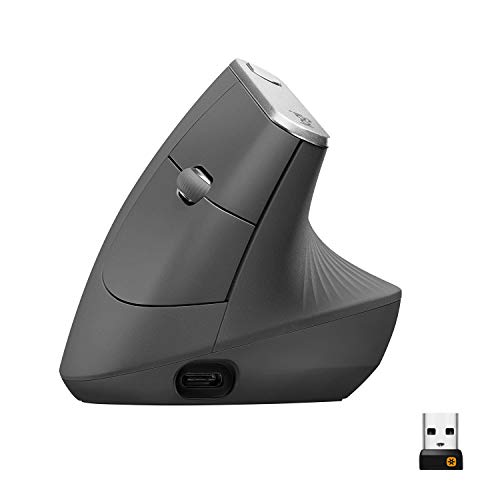
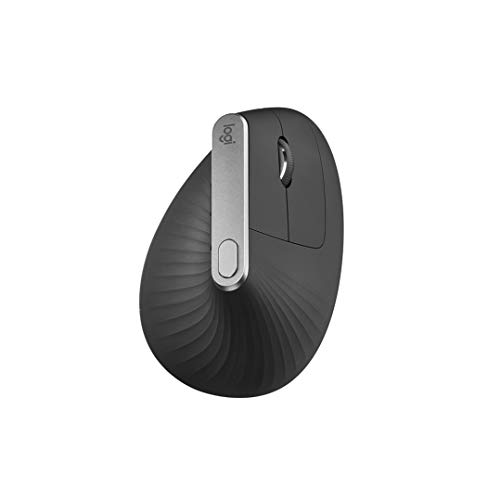
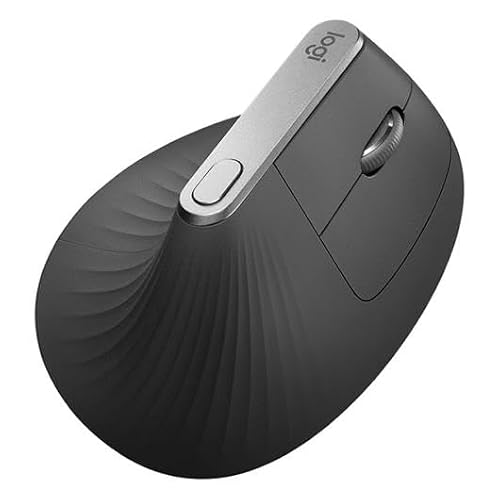
Logitech MX Vertical draws mostly criticism, but it is worth trying for wrist strain; waiting for a lower price or successor is better.
Likes- Vertical angle feels natural after a short time
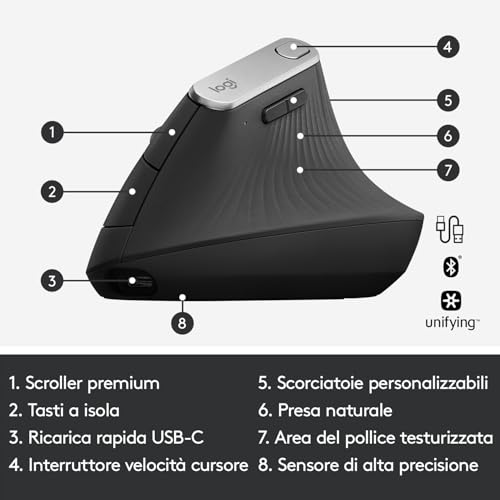
- Logitech Flow works with minimal delay between computers
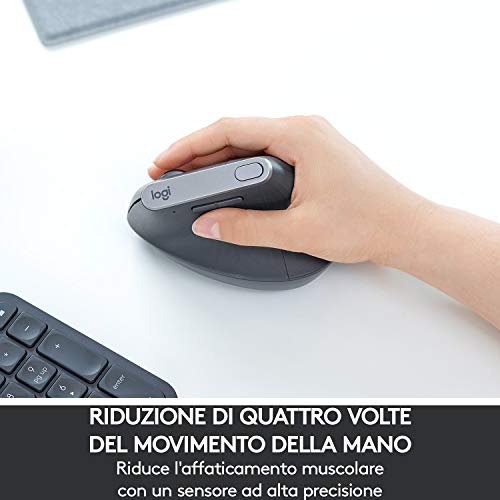
- 4000 DPI sensor reduces arm movement
- Clicks sound pleasant
Dislikes- No free-spinning scroll mode for fine scrolling
- No horizontal scroll wheel, which makes timeline scrolling hard
- No thumb gesture button, unlike the MX Master
- Little ergonomic difference noticed compared with normal mice
IchPackeAus · 11/09/2018
Hands-on review · two weeks of daily use
Logitech MX Vertical is good for everyday use, but not suited to graphics work like drawing in Photoshop.
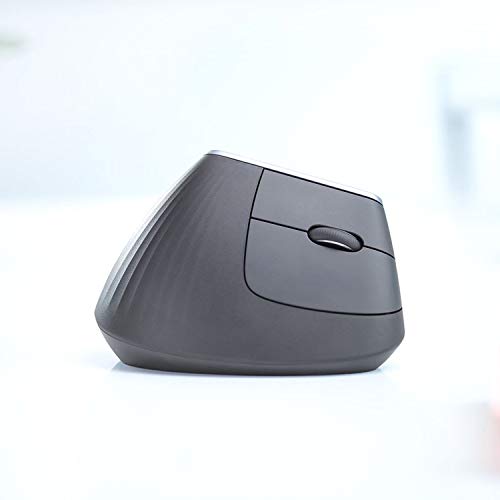
Likes- Comfortable vertical hand position
- Pleasant shape that fits the hand well
- Smooth gliding and easy-to-reach buttons
Dislikes- Thumb rest forces the thumb down and causes pain
- Scroll wheel cannot be sped up
- Hard to use for drawing and masking in graphics software
- Rubber coating feels sticky and gets warm
Pokipsie Network · 05/11/2020
Short review · first days of use and adjustment
Logitech MX Vertical is pleasant but unfamiliar at first, and a real relief for people with hand or forearm problems.
Likes- Comfortable hand position after a few hours
- Relief for hand and forearm discomfort
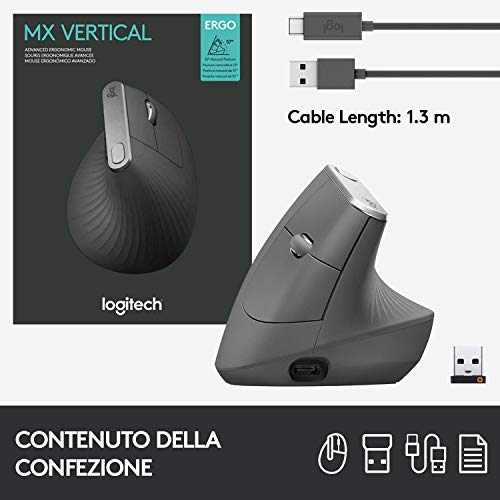
- USB-C and multi-device switching
Dislikes- Upright grip takes a while to get used to
Cristo Vega · 02/07/2025
Hands-on review · comfort, multi-device use and buttons
Logitech MX Vertical is not perfect for me, but it is a comfortable vertical mouse with useful multi-device switching and no side wheel.
Likes- Vertical shape suited to long working hours
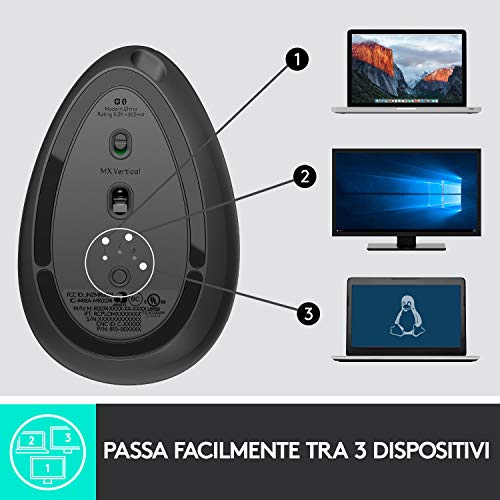
- Switches between three computers and devices
- Charges via USB-C and lasts months per charge
- 4000 DPI sensor reduces hand movement
Dislikes- No side wheel for timeline or spreadsheet scrolling
- Clicks are louder than the silent versions of other Logitech mice
marcojlv · 14/09/2024
Unboxing and first-week review · software and daily use
Logitech MX Vertical is comfortable and ergonomic, though it takes time to adapt to and has minor drawbacks.
Likes- More natural wrist position than a standard mouse
- Comfortable feel and solid build so far
- Battery holds up well with light use
Dislikes- Takes a while to adapt to the vertical grip
- Fewer configurable buttons than the MX Master
- Palm gets slightly warm during use
- Clicks make some noise
Mr Moviliano · 23/01/2023
Hands-on review · comfort, features and comparison
Logitech MX Vertical is very comfortable and well built, though it lacks infinite scroll and a receiver slot; the best vertical choice for your hand size.
Likes- Very comfortable, especially for larger hands
- Strong build quality
- Reliable connection and quick charging
Dislikes- No infinite scroll
- No horizontal scroll link like the MX Master 3
- No storage for the Unifying dongle
- Old 4000 DPI sensor
Bits · 18/04/2022
Hands-on review · daily use and comparison with other mice
Logitech MX Vertical is probably the best mouse in its ergonomic category; very good for work, though not suited to FPS gaming.
Likes- Shape that changes hand position and eases wrist strain
- Solid build with metal parts
- Good value within its price range
Dislikes- Not suited to competitive FPS gaming
- Heavier than some other mice
Saverio Cirillo · 22/02/2023
Unboxing and full review · comfort, buttons, battery and price
Logitech MX Vertical is recommended mainly for office work and less for gaming, with good build quality but a high price.
Likes- Well made, with no creaking
- Battery lasts about four months
- Helps reduce wrist strain during office work
Dislikes- Not recommended for FPS gaming
- Price is very high for a mouse
- Switching back to a horizontal mouse causes discomfort
Marcello Paniccia · 26/07/2021
Hands-on review · 3D workflow and comfort tests
Logitech MX Vertical is a strong no for 3D and graphics work, though it may suit lighter office or programming use.
Likes- Relaxing vertical shape
- Good battery life
- Could suit programmers or office users
Dislikes- Stiff buttons strain the thumb and fingers
- Scroll wheel spins too freely, making zoom and orbit hard to control
- Bluetooth only, with no receiver slot
- Small receiver is easy to lose
Antonino Gagliano · 10/10/2020
Month-long use · build, software and ergonomics
Logitech MX Vertical is worth the price for its build quality; the software is good, but the vertical grip takes getting used to.
Likes- Excellent build quality and feel
- Attractive design
- Logi Options software makes customisation simple
- Unifying receiver, wired and Bluetooth connections all work well
Dislikes- The vertical grip takes some getting used to
- Wrist position takes adjusting to
Ferry's Tech · 18/09/2018
Hands-on review · ergonomics and grip adaptation
Logitech MX Vertical gives a clear ergonomic gain for wrist strain, but the high price and vertical grip do not suit everyone.
Likes- Clear ergonomic improvement for heavy desk use
- No wrist or forearm strain during the test period
- Solid build and USB-C charging
Dislikes- Vertical grip takes time to adapt to
- No tilt scroll or sideways scroller
- High price
- No version for left-handed users