Which brands make the best vertical mice?
The best vertical mouse brands are as follows.
- Rapoo Average overall score: 8.7
- Darmoshark Average overall score: 8.5
- Razer Average overall score: 8.5

The best vertical mice are presented in the following list.
Compare
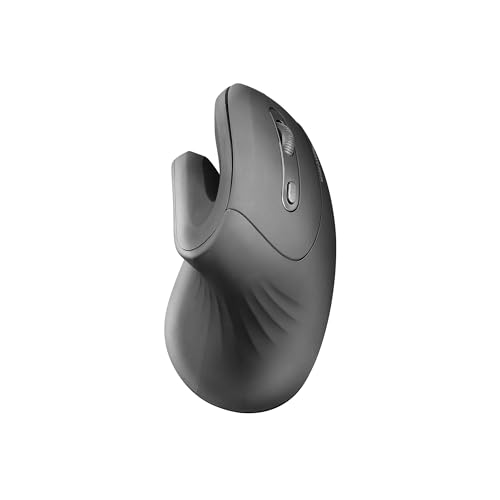
Why buy?
Why avoid?
The Mars Gaming MMW-ERGOPRO is a wireless vertical mouse featuring a 60° natural tilt angle and a 'Folded Pro-Grip' design...Read more
Compare
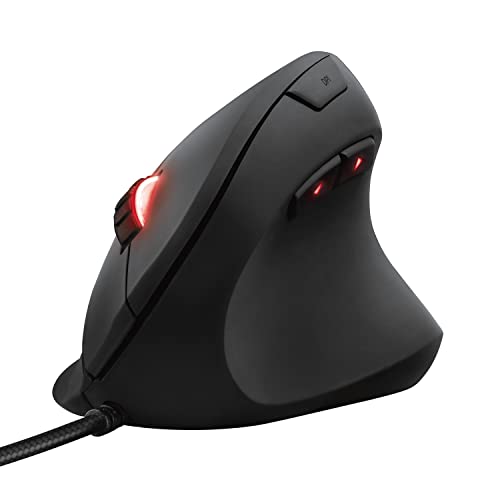
Why buy?
Why avoid?
The Trust GXT 144 Rexx is a specialized right-handed vertical gaming mouse designed to reduce wrist and arm strain through its...Read more
Compare
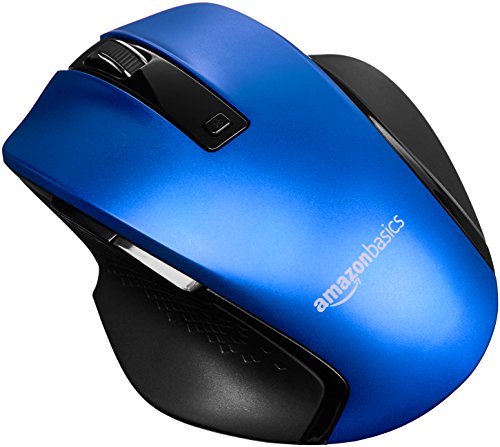
Why buy?
Why avoid?
The Amazon Basics Ergonomic Wireless Mouse is a right-handed peripheral featuring a 2.4 GHz connection via a USB nano receiver...Read more
Compare
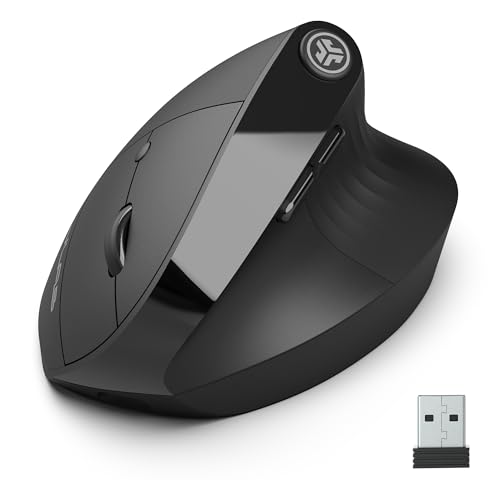
Why buy?
Why avoid?
The JLab JBuds Ergonomic Mouse is a vertical wireless mouse designed with a 52-degree handshake angle to reduce wrist strain and...Read more
Compare
Why buy?
Why avoid?
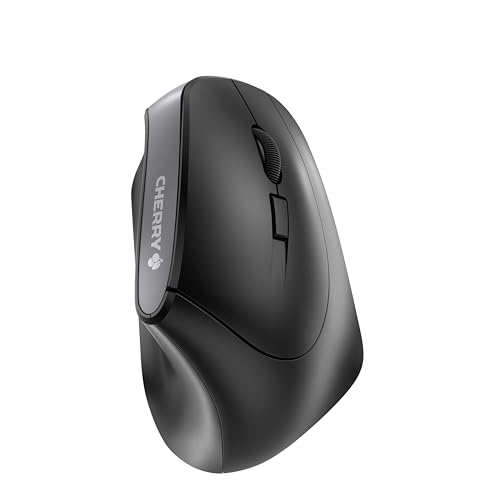
The Cherry MW 4500 is a wireless vertical mouse featuring a distinctive 45° ergonomic tilt designed to promote a natural hand...Read more
Compare
Why buy?
Why avoid?
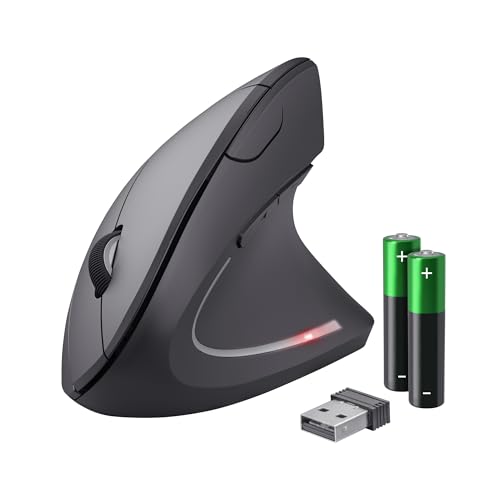
The Trust Verto Wireless is an ergonomic vertical mouse featuring a 60-degree angle design aimed at reducing arm and wrist strain...Read more
Compare
Why buy?
Why avoid?
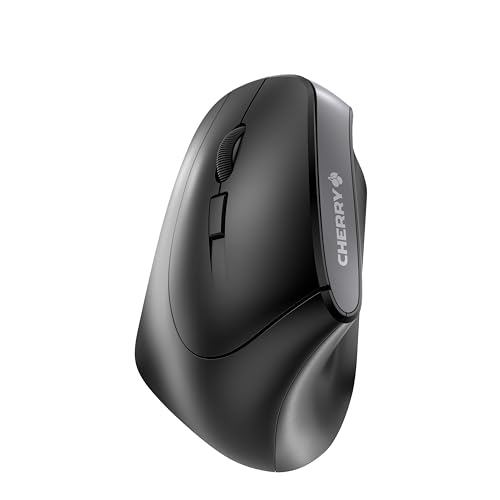
The Cherry MW 4500 Left is an ergonomic vertical wireless mouse specifically designed for left-handed users, featuring a...Read more
Compare
Why buy?
Why avoid?
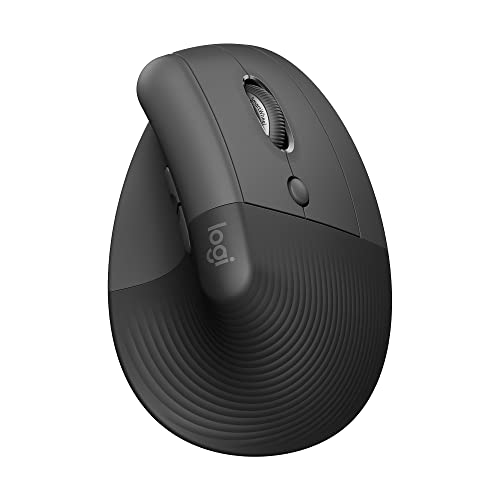
The Logitech Lift Vertical Ergonomic Mouse is a wireless productivity tool designed with a 57-degree tilt to promote a natural...Read more
Compare
Why buy?
Why avoid?
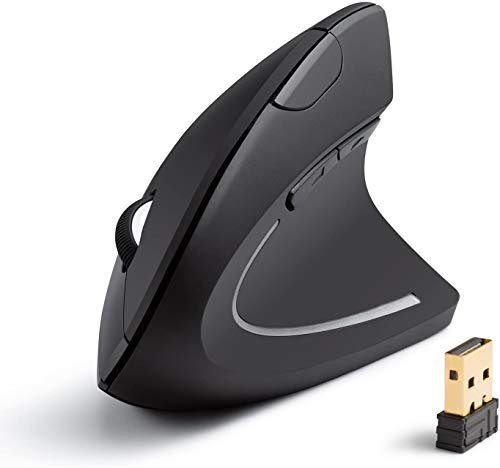
The Anker 2.4G Wireless Vertical Ergonomic Optical Mouse is a budget-friendly productivity tool featuring a scientific...Read more
Compare
Why buy?
Why avoid?
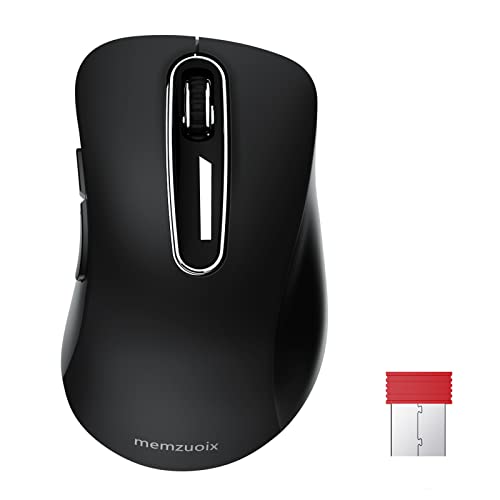
The Memzuoix 2.4G Wireless Mouse is a compact, plug-and-play optical device designed for portability and comfort, featuring a...Read more
Compare
Why buy?
Why avoid?
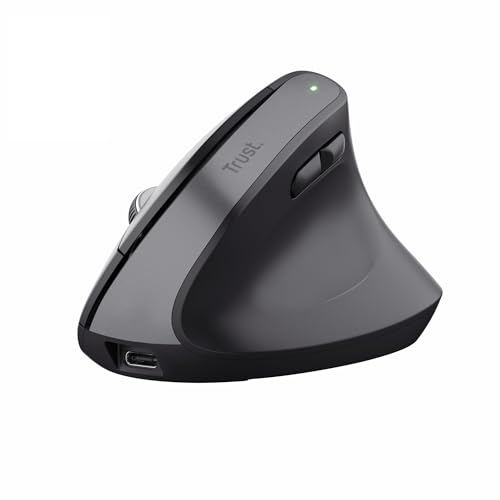
The Trust Bayo+ is a rechargeable vertical wireless mouse designed with an ErgoCert 3-star rated 57-degree angle and a...Read more
Compare
Why buy?
Why avoid?
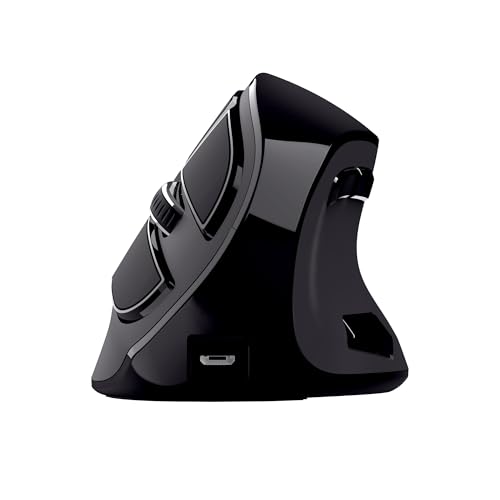
The Trust Voxx is a rechargeable vertical ergonomic mouse designed to reduce wrist and arm strain through a 60-degree tilted...Read more
Compare
Why buy?
Why avoid?
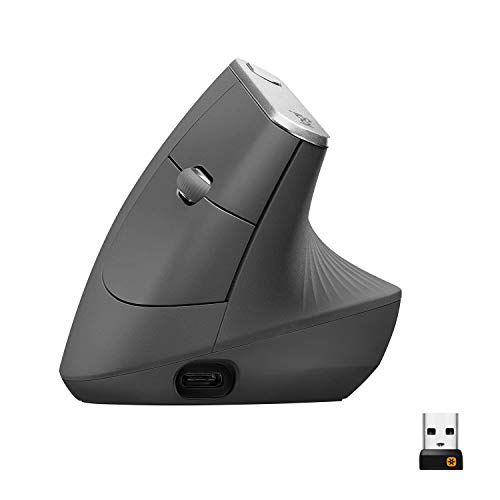
The Logitech MX Vertical is a high-precision ergonomic mouse featuring a unique 57° vertical angle designed to promote a natural...Read more
Compare
Why buy?
Why avoid?
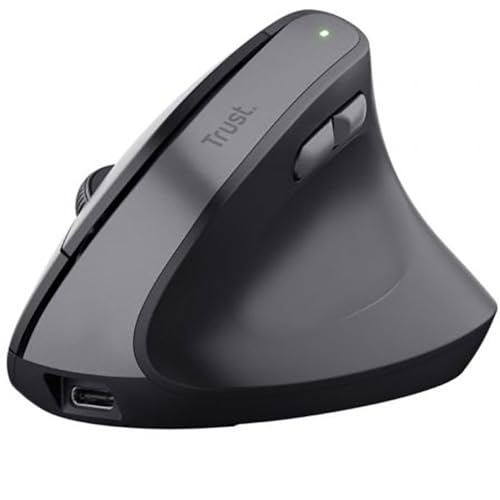
The Trust TM-270 is a right-handed ergonomic wireless mouse featuring an optimal 57-degree vertical angle designed to reduce...Read more
Compare
Why buy?
Why avoid?
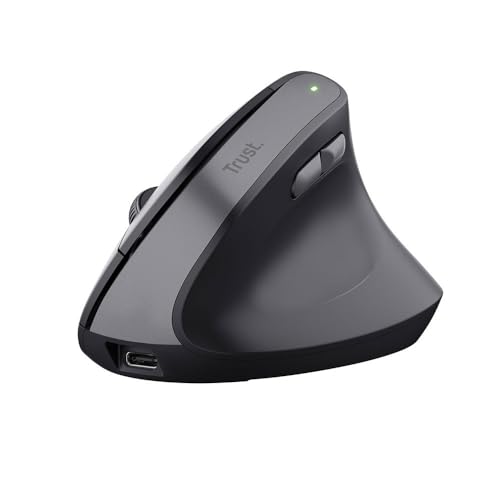
The Trust Bayo II Wireless is an ergonomic vertical mouse featuring an optimal 57-degree angle designed to reduce wrist strain...Read more
Compare
Why buy?
Why avoid?
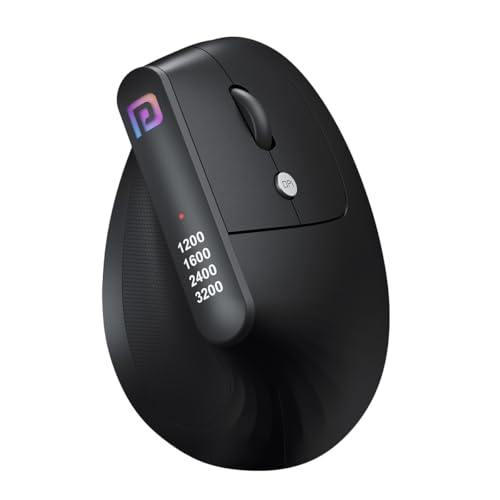
The Portronics Toad Ergo is a budget-friendly vertical wireless mouse designed with a 60-degree 'handshake' grip to reduce wrist...Read more
Compare
Why buy?
Why avoid?
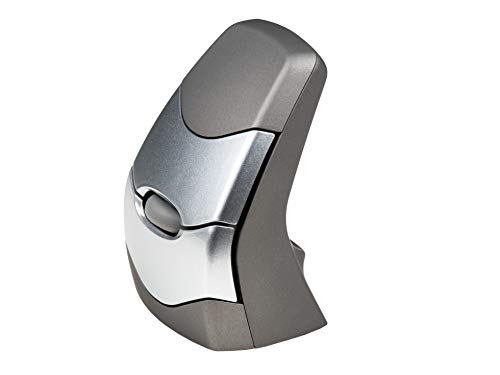
The Kinesis DXT 2 is a compact, ambidextrous vertical mouse designed by physiotherapists to promote a neutral wrist posture...Read more
Compare
Why buy?
Why avoid?
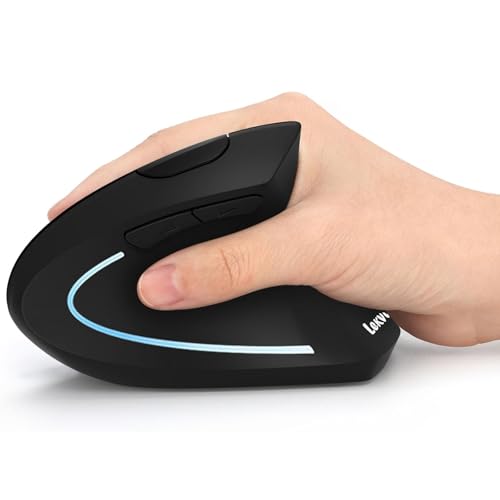
The Lekvey Ergonomic Vertical Wireless Mouse is a productivity-focused peripheral designed with a 57-degree 'handshake' angle to...Read more
Compare
Why buy?
Why avoid?
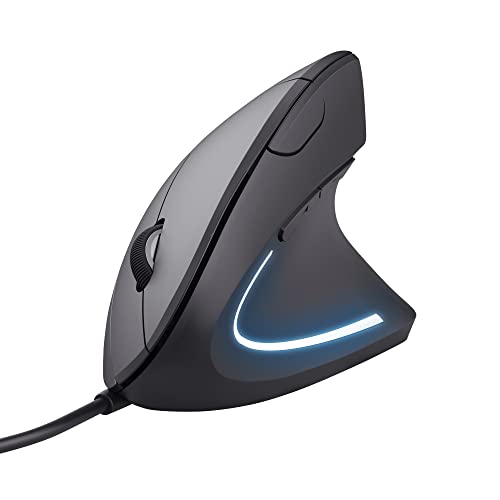
The Trust Verro Ergonomic Wireless Mouse is a right-handed vertical mouse featuring a unique 60° tilt designed to reduce arm and...Read more
Compare
Why buy?
Why avoid?
The Trust Verto is a right-handed vertical ergonomic mouse designed with a 60-degree angle to reduce arm and wrist strain during...Read more
Audited using multi-parameter algorithmic scoring, verified specs, and multi-market user reviews.
The best vertical mouse overall is Mars Gaming Mmw Ergopro, with an overall score of 6.21 points, wireless connectivity, a weight of 100 g, and a price of around £25.
The Mars Gaming MMW-ERGOPRO is a wireless vertical mouse featuring a 60° natural tilt angle and a 'Folded Pro-Grip' design specifically for right-handed users to reduce wrist strain. It is equipped with an optical sensor providing adjustable sensitivity levels of 1200, 2400, and 3200 DPI, along with durable HUANO mechanical switches and a 1000Hz polling rate for responsive performance.
Runner-up: Trust GXT 144 Rexx, with an overall score of 6.21 points, wired connectivity, a weight of 98 g, and a price of around £25.

The best vertical mouse brands are as follows.
A mouse is vertical or upright when its shell rotates the hand into a more handshake-like position instead of the flatter palm-down posture used by standard mice. The goal is to reduce wrist twisting and make long sessions feel less tense for some users.
Vertical design usually changes more than appearance. These mice tend to use a taller right-handed shell, a stronger thumb-support contour, and a grip angle that shifts how the forearm, wrist, and palm interact during everyday work.
That does not automatically make every vertical mouse comfortable for every user. The shape still has to match your hand size, button reach, and cursor-control habits, so a vertical form is best understood as a specific ergonomic approach rather than a guaranteed upgrade for everyone.
People who spend long hours at a desk or often feel wrist and forearm tension should consider buying a vertical mouse. The category makes the most sense when a normal flat mouse feels physically tiring even if its basic tracking and buttons are otherwise fine.
Vertical mice can also suit users who want to experiment with a more supportive everyday posture before discomfort becomes a bigger issue. In that role, they are mainly aimed at office work, browsing, and repetitive daily control rather than at fast competitive play.
At the same time, not everyone benefits from a vertical shape. If you already feel comfortable with a standard mouse, need a very light shell, or want aggressive gaming-style movement, a vertical mouse may feel more restrictive than helpful.
Vertical mice can be very comfortable in daily use when the grip angle, thumb support, and overall shell size match your hand properly. In the best case, they reduce strain by changing wrist posture and by making long work sessions feel less tense.
Daily comfort depends heavily on fit details rather than on the vertical label alone. These mice usually stay within a narrow 95 g to 135 g weight band and use 5 to 6 buttons, so the bigger comfort differences come from shell angle, palm fill, and how natural the pointer control feels to you.
That is why vertical mice often feel excellent for some users and awkward for others. Real comfort comes from how your hand adapts to the shape over time, not from the simple fact that the mouse stands more upright.
The chart below compares vertical mouse weights.
[vertical-chart-11517157747081341758087538847914166274291028539516]The best vertical mice usually cost about £20-£95. In practical terms, that puts vertical mice in a compact budget-to-premium comfort bracket rather than across a huge performance ladder.
Vertical mouse pricing is driven more by ergonomic design, shell refinement, and connection flexibility than by elite gaming hardware. The cheaper end covers basic 2.4 GHz comfort models, while the upper end is pushed by Logitech's more polished Bluetooth-capable vertical designs.
This chart visualizes vertical mouse prices.
[vertical-chart-13695410792793911209175288109597925524061397378715]The main technical criteria for a vertical mouse are as follows.