

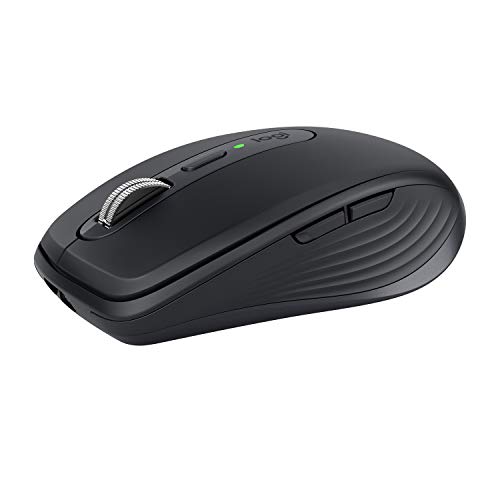
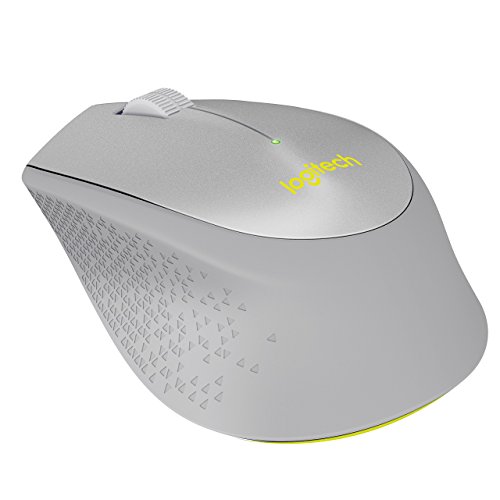
Are Logitech wireless mice good?
Logitech wireless mice have an average overall score of 7.6, ranking #18 among wireless-mouse brands, and an average user rating of 9.4, placing them at #3 based on user reviews.
Logitech wireless mice are generally good when you want simple cable-free usability backed by a familiar mainstream brand. In this wireless slice, the range is fairly compact but clearly split between basic everyday mice and more advanced gaming-oriented hardware, with a big difference between the simpler office side and the stronger performance end.
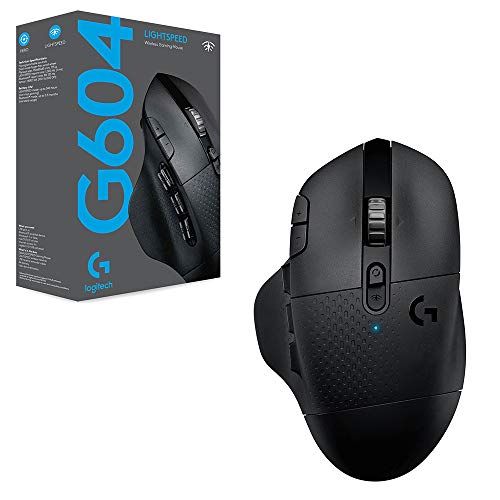
The main strength is convenience without becoming completely one-dimensional. The current mix includes mostly straightforward ambidextrous everyday shapes plus a more advanced right-handed gaming-style option, which gives buyers a practical spread from basic office use to a clearly more serious wireless mouse.
The following chart ranks wireless-mouse brands by their overall score.
[horizontal-chart-02663716612493924009017492843959006273550615123710]


What are the main Logitech wireless mouse series?
The main Logitech wireless mouse series are as follows.
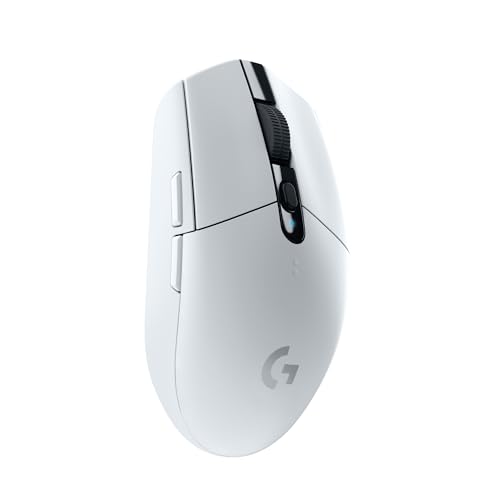
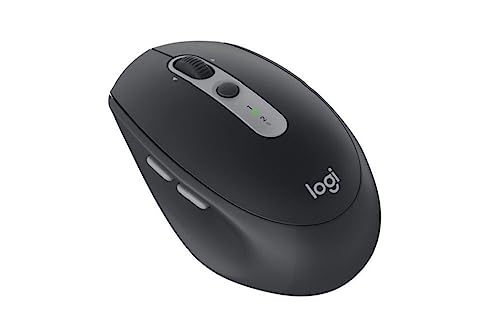
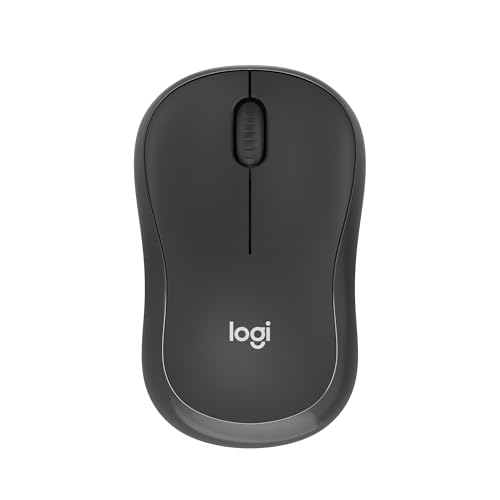
- M series: The M-series forms most of Logitech's wireless mouse lineup. These models are simple mainstream mice built around low cost, easy setup, and everyday office or casual home use rather than aggressive performance targets.
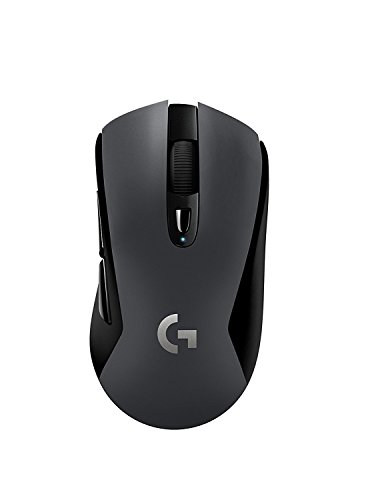
- G502 Lightspeed and Logitech G wireless performance models: This branch represents Logitech's higher-end gaming side inside the wireless segment. It is aimed at buyers who want stronger sensors, more buttons, and a more advanced feature profile than the basic M-series gives them.
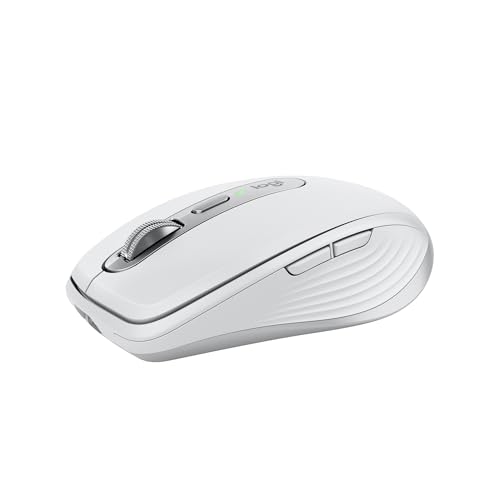
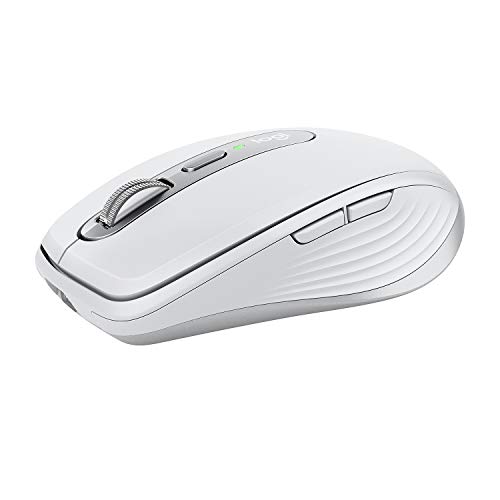
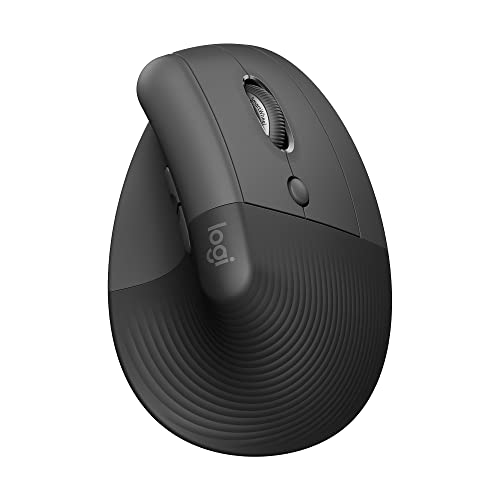
- Broader Logitech wireless families outside this exact slice: Logitech also has wider wireless naming families such as Pebble, MX, Lift, and POP in its broader catalog, even if they are not the main drivers of this narrower guide slice. Those names matter because they show that Logitech's wireless identity is broader than the smaller selection highlighted here.
Logitech wireless mice make the most sense when viewed as two practical lanes: simple mainstream wireless mice on one side and more specialized gaming-oriented wireless hardware on the other. This guide slice leans much more toward the simpler lane.
How much do Logitech wireless mice cost?
Logitech wireless mice usually span about 10-£80, with most of the selection sitting near the low end and one more premium gaming-oriented model pulling the upper end higher. In practical terms, that makes this wireless slice a mostly budget-to-mid-range segment rather than a broad premium ladder.
That pricing fits the hardware mix. Logitech wireless mice in this filtered set are mostly straightforward M-series models designed around cheap wireless convenience, while the upper end reflects the jump to a more specialized G502 Lightspeed-style performance mouse with stronger specs and a richer button layout.
This chart visualizes Logitech wireless mouse prices.
[vertical-chart-14303049273783612166029438355248376173393374203926]
How do Logitech wireless mice compare with Razer models?
Logitech wireless mice usually compare with Razer models as the more mainstream and convenience-led option, while Razer is the more gaming-aggressive specialist. Logitech is stronger if you want simpler wireless mice, lower starting prices, and a clearer path into everyday office or mixed-use hardware without committing immediately to premium gaming positioning.
In the broader Mice data, Logitech has the larger mouse catalog overall and far more wireless-capable models, but Razer has the higher average DPI, much higher average polling rate, more buttons on average, and a notably higher average price. In practice, Logitech wireless mice are the steadier general-purpose choice, while Razer models are the more performance-ambitious option when gaming takes priority.
What should you consider while choosing a Logitech wireless mouse?
The main technical criteria for a Logitech wireless mouse are as follows.
- Wireless branch: The live Logitech wireless slice is really two different markets under one logo. One side is basic M-series wireless meant for everyday desk or laptop use, usually around the 10-20 EUR level with 3-5 buttons and simpler hardware; the other side is a more advanced gaming-led option closer to the 80-100 EUR tier, where lower latency, stronger sensors, and wired fallback start to matter.
- Connection behavior: Decide whether you want a simple cable-free mouse or a stronger wireless tool. Basic receiver-based wireless is enough for normal office use, while the gaming-led side makes more sense only if lower-latency 2.4 GHz behavior, wired backup, or a heavier control-focused shell is part of the brief.
- Shell and size: In this slice, most of the office side stays compact and fairly simple at around 70-100 g, while the more specialized end is heavier and more control-rich. That means a wireless Logitech should be chosen by body type and workload first, not by assuming every wireless model shares the same feel.
- Sensor and response tier: The office side is about practical navigation and long-running simplicity, while the gaming side moves into materially stronger tracking and lower-latency behavior. If you will mostly browse, work, and travel, the office tier is enough; if you expect the mouse to handle gaming seriously, the stronger side is the one that justifies the higher price.
- Button count: The current slice spans from 3 to 11 buttons, and that difference already tells you a lot about intent. Three to five buttons suits basic desktop work, while 6-11 usually means the mouse is trying to serve gaming, richer shortcuts, or more control-heavy workflows.
- Price logic: With Logitech wireless, the jump from roughly 10-20 EUR to around 80-100 EUR is not just about removing the cable. The extra cost typically buys better sensors, lower-latency wireless, more controls, or a more specialized shell, so only pay it when those things actually matter to how you use the mouse.