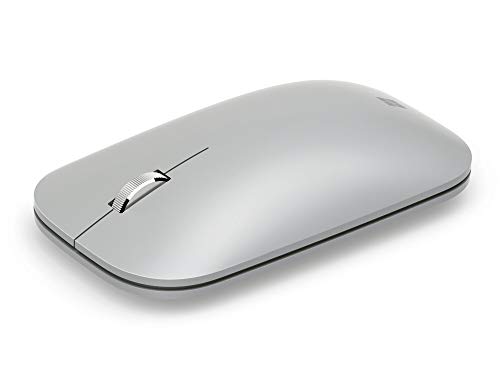

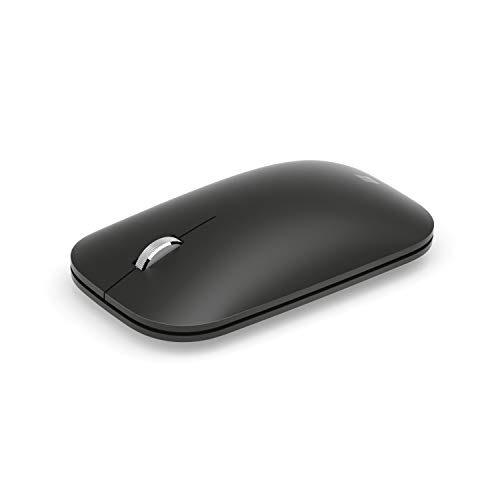
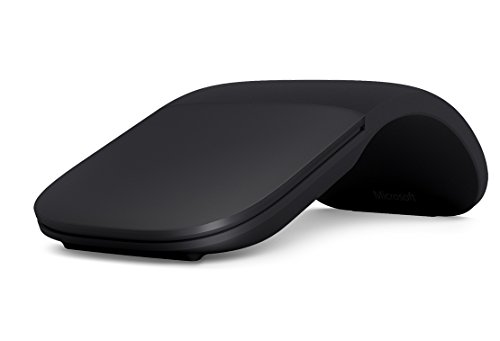
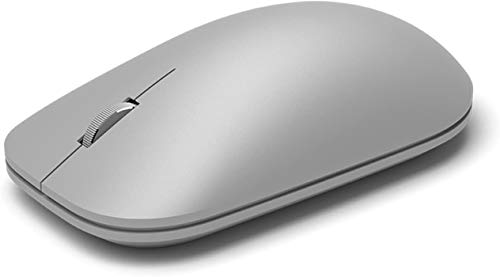

Are Microsoft mice good?
Microsoft mice are generally good if you want simple, well-known office or travel mice with clean Bluetooth-focused design. The lineup is small, but it is clearly aimed at productivity, portability, and everyday desktop comfort rather than at gaming or technical specialization.
Microsoft's main strength is that the brand stays focused on uncomplicated mainstream use. Models such as the Modern, Surface Mobile, and Arc branches are built for light wireless productivity, while battery-life figures are very long and the shapes stay compact or easy to carry.
The tradeoff is that Microsoft offers very little depth if you want broader choice or higher performance. The lineup is narrow, DPI and button counts are modest on most models, and only one model clearly breaks away from the office/mobile pattern, so Microsoft makes more sense for straightforward productivity buyers than for enthusiasts.
What are the main advantages of Microsoft mice?
The main advantages of Microsoft mice are as follows.
- Clear productivity focus: Microsoft mice are built mainly for office, desktop, and travel use rather than for mixed brand positioning. That makes the lineup easier to understand if you want a simple everyday mouse. - Strong Bluetooth emphasis: Four of the five current Microsoft mice use Bluetooth connectivity. This is practical for laptops, cleaner desks, and users who want cable-free setup without a gaming-style wireless receiver focus. - Long battery life on wireless models: The current Bluetooth models are clearly tuned for low-maintenance office use, with runtimes that are typically measured in many months rather than in days. That is a real advantage if you want a productivity mouse you rarely have to think about. - Compact and portable shapes: Models like the Modern Mobile, Surface Mobile, and Arc branches are clearly suited to mobile work and lighter desk setups. Microsoft handles compact office design better than many gaming-oriented brands. - Ambidextrous-friendly lineup: Four current Microsoft mice use ambidextrous shapes. That gives the brand a more neutral and widely usable fit than a lineup dominated by aggressive right-handed gaming shells. - Clean mainstream design: Microsoft mice usually avoid overcomplicated controls and visual noise. For buyers who want a familiar, understated work mouse, that simpler design direction is a real benefit.
What are the main disadvantages of Microsoft mice?
The main disadvantages of Microsoft mice are as follows.
- Extremely narrow lineup: In this guide, Microsoft is represented by only a handful of models. That gives buyers much less internal choice than almost any major mouse brand.
- Weak gaming and high-performance coverage: Most Microsoft mice stay around 1,000-1,800 DPI, 125 Hz polling, and 2-4 buttons. That is enough for office use, but it is not competitive for performance-focused buyers.
- Very limited specialization depth: Microsoft does compact productivity mice well, but it does not offer broad branches for ergonomic office variety, creator workflows, silent productivity depth, or gaming progression.
- Pricing looks uneven because of one major outlier: Most Microsoft mice sit around £35-£70, but one listed Intellimouse entry pushes far above that range. That means you need to judge each model individually instead of treating the brand as a clean single-tier price ladder.
- Fewer buttons and simpler control layouts: The lineup averages only a few buttons per mouse, and some models are very minimal. That can feel limiting if you want side controls, shortcuts, or broader customization.
- Less shape diversity than broader office brands: Microsoft offers several compact ambidextrous designs, but it does not match the variety of broader mouse ecosystems in shape, connectivity mix, and purpose-built subcategories.