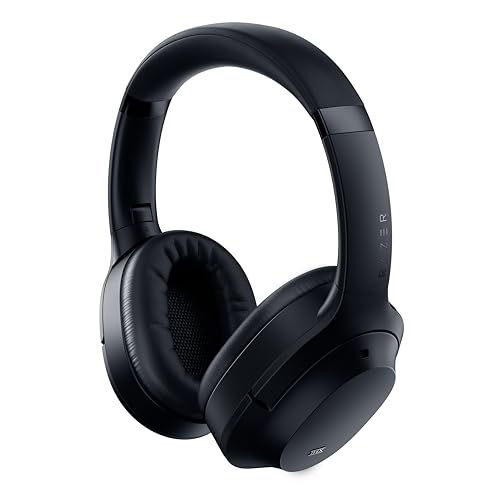

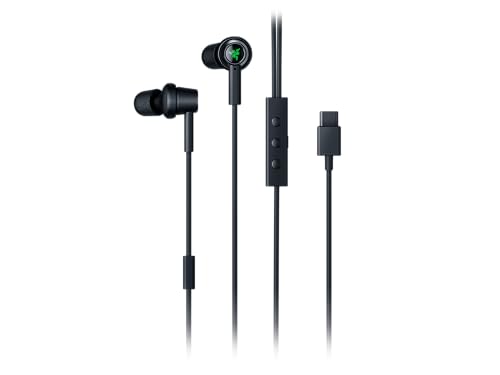
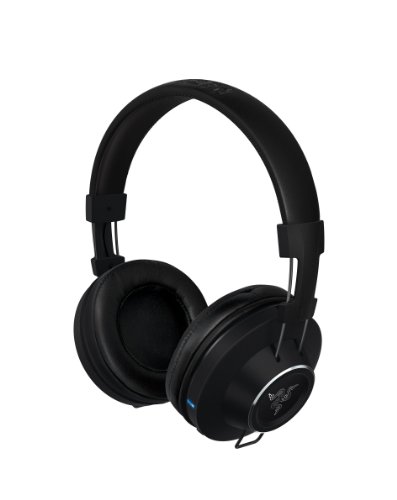
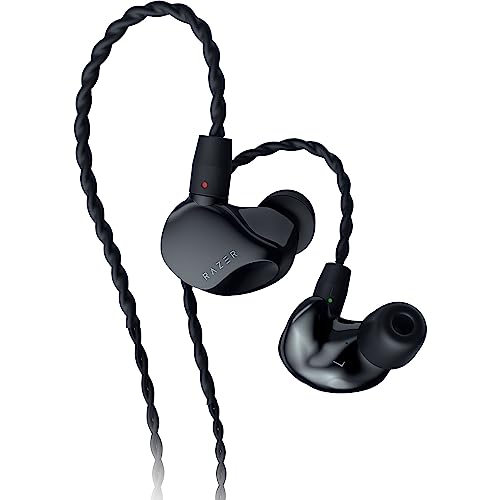
Are Razer headphones good?
Razer headphones have an average overall score of 5.3, ranking #56 among all headphone brands, and a user rating of 8.4, placing them at #38 based on user reviews.
Razer's main strengths in this category are recognizable gaming-adjacent branding, accessible mainstream tuning, and a lineup that mixes over-ear and in-ear options without becoming too broad or overly technical.
The main tradeoff is that Razer's headphone lineup is small and does not offer the kind of deep premium audio ladder or specialist listening heritage that stronger pure-audio brands provide. In this category, the range feels more selective and brand-led than comprehensive.
Razer headphones make the most sense for buyers who like Razer's broader brand identity and want practical entertainment-focused headphones without moving into more traditional studio or enthusiast audio labels.
The chart below ranks headphone brands by average overall score and shows where Razer stands.
[horizontal-chart-07651949361052647855064281883428571797840542035701]
What are the main advantages of Razer headphones?
The main advantages of Razer headphones are as follows.
- Gaming-focused wireless options: Razer is stronger than hi-fi brands if you need low-latency wireless modes, USB receivers, or gaming-oriented platform support in the same product.
- Good microphone systems: Boom-mic quality, mute controls, and voice-chat behavior are usually more central in Razer than in ordinary music-first headphone brands.
- Broader gaming form factors: The lineup can cover both large over-ear headsets and smaller earbud-style options, which gives it more flexibility than some pure console brands.
- Useful software ecosystem: Razer Synapse integration, EQ tools, and platform presets help the better models fit gaming and streaming use more precisely than simpler plug-and-play alternatives.
- Clear entertainment tuning: The sound profile usually works well for energetic gaming, films, and casual media, especially if you want stronger impact rather than strict reference neutrality.

What are the main disadvantages of Razer headphones?
The main disadvantages of Razer headphones are as follows.
- Gaming-focused wireless options: Razer is stronger than hi-fi brands if you need low-latency wireless modes, USB receivers, or gaming-oriented platform support in the same product.
- Good microphone systems: Boom-mic quality, mute controls, and voice-chat behavior are usually more central in Razer than in ordinary music-first headphone brands.
- Broader gaming form factors: The lineup can cover both large over-ear headsets and smaller earbud-style options, which gives it more flexibility than some pure console brands.
- Useful software ecosystem: Razer Synapse integration, EQ tools, and platform presets help the better models fit gaming and streaming use more precisely than simpler plug-and-play alternatives.
- Clear entertainment tuning: The sound profile usually works well for energetic gaming, films, and casual media, especially if you want stronger impact rather than strict reference neutrality.

Who makes Razer headphones?
Razer makes Razer headphones.
In practice, Razer is best known as a gaming hardware and lifestyle-tech brand rather than as a classic dedicated audio company. That background matters here because the current Headphones slice reflects a small brand extension rather than a giant standalone headphone ecosystem.
What are the main Razer headphone series?
The main Razer headphone series are as follows.
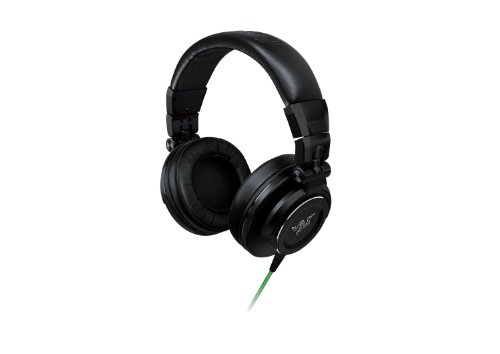
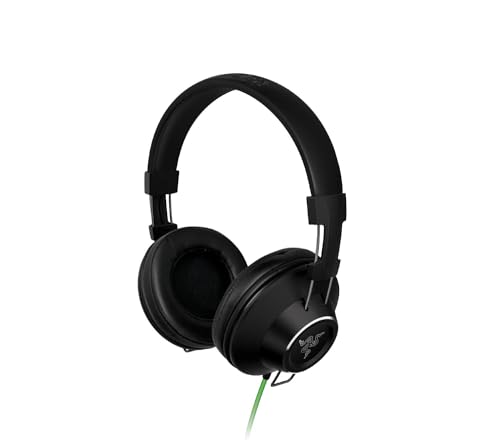
- Adaro: Adaro is one of Razer's clearer full-size listening branches. It matters most for buyers who want larger everyday-use designs and a more traditional headphone form rather than a compact earbud or headset-like product.
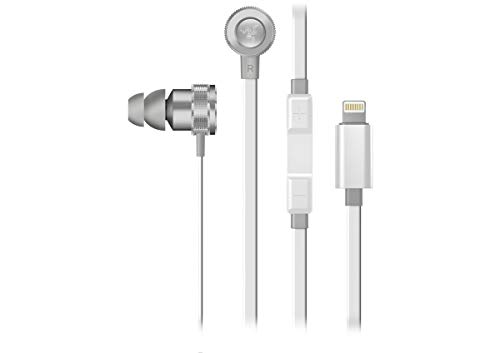
- Hammerhead: Hammerhead is the main in-ear and earbud-oriented branch. This is usually the line to check first if your priority is portable daily listening, smaller form factor convenience, or the simpler mainstream end of Razer's audio range.
- Opus: Opus is the stronger travel and ANC-facing line. It is the branch to start with if you want Razer's more premium wireless consumer-headphone direction rather than its gaming-adjacent in-ear side.
- Moray: Moray is the more specialist in-ear branch. It matters for buyers who want something more audio-specific and less ordinary than the basic everyday Hammerhead lane.
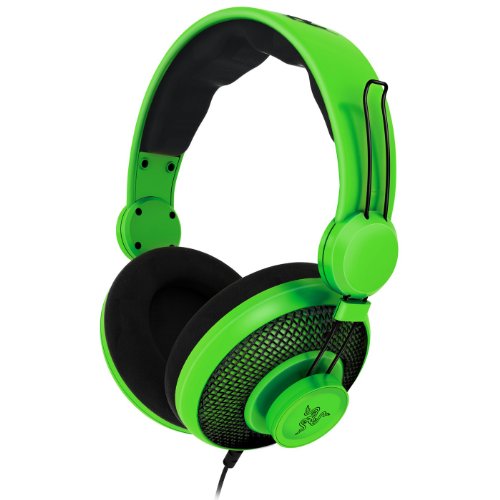
- Orca and other side models: These smaller branches help round out the lineup, but they are less central than Hammerhead or Opus when trying to understand what Razer's headphone range is mainly about. In practical terms, most buyers are deciding between the compact in-ear side and the more premium full-size side.
How much do Razer headphones cost?
Razer headphones usually cost about 60-£170 in the current live range.
That keeps the brand inside a fairly compact mainstream price window. There is no huge budget floor and no real ultra-premium branch here, so the current Razer slice behaves more like a focused mid-range lineup than a broad all-tier headphone ecosystem.
How do Razer headphones compare with Sony headphones?
Razer headphones usually compare with Sony models as the narrower and more brand-led option, while Sony offers broader listening depth, stronger premium coverage, and a much more complete consumer-audio ecosystem.
Razer is generally the better fit if you want something that aligns with Razer's broader gaming and entertainment identity. Sony is usually the better fit if you want richer choice across in-ear, over-ear, ANC, and more refined music-first listening tiers.
What should you consider while choosing Razer headphones?
When you choose Razer headphones, you should focus on the following key aspects:
- Product family: Start with the series or branch that fits your use. Razer splits clearly between BlackShark for competitive headset use, Barracuda for broader wireless daily use, Kraken for fuller casual gaming, and Hammerhead for the earbud branch. Picking the right family matters more than comparing one headline spec across the whole brand.
- Wireless latency: If you game, put latency near the top of your checklist. The key technical filter is whether the model supports low-latency 2.4 GHz wireless, Bluetooth only, or both. If you play shooters or rhythm-heavy games, USB receiver mode is much safer than standard Bluetooth, especially on PC and console.
- Microphone quality: If calls or chat matter, treat the microphone as a core spec. Razer varies a lot in boom-mic clarity, sidetone, mute controls, and background-noise rejection. Buyers who use the headset for Discord, in-game chat, or streaming should treat microphone quality as a first-order spec, not as a small extra.
- Platform support: Make sure the model fits the devices you actually use. Some Razer headsets make more sense for PC because of Synapse features and EQ control, while others travel better between console, handheld, and phone. The connection stack usually tells you faster than the driver size whether the model is really right for your setup.
- Battery endurance: Check the real battery figure for your kind of use, not just the best-case claim. Wireless Razer models often range from roughly 20 hours to well above 50 hours depending on whether RGB lighting, low-latency mode, and ANC are involved. That spread matters because the fuller feature sets can cut endurance much faster than a simple wired or Bluetooth-only design.