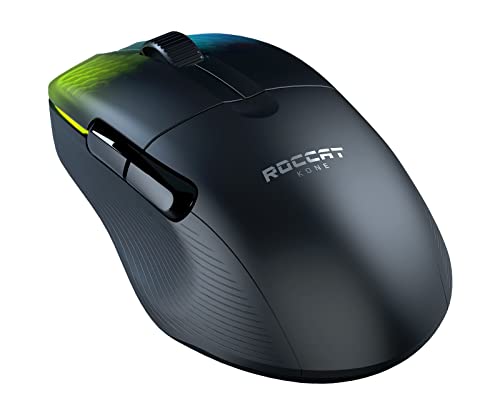

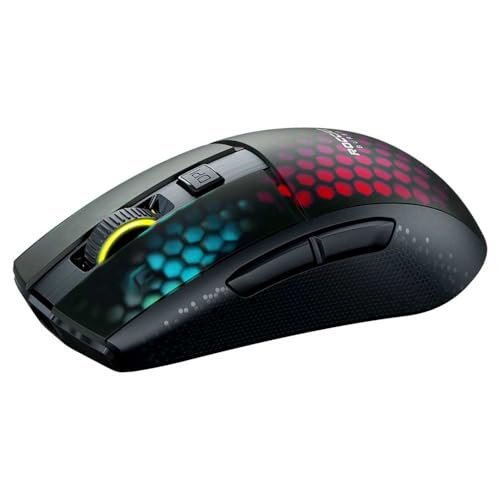
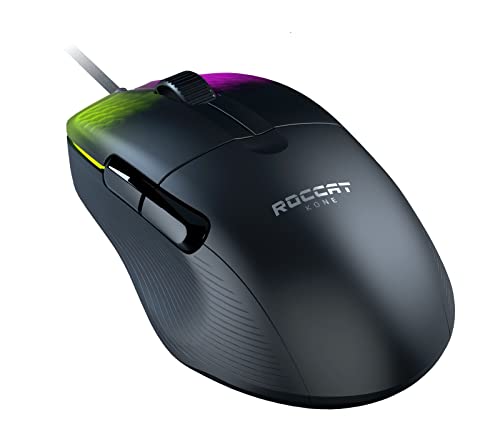
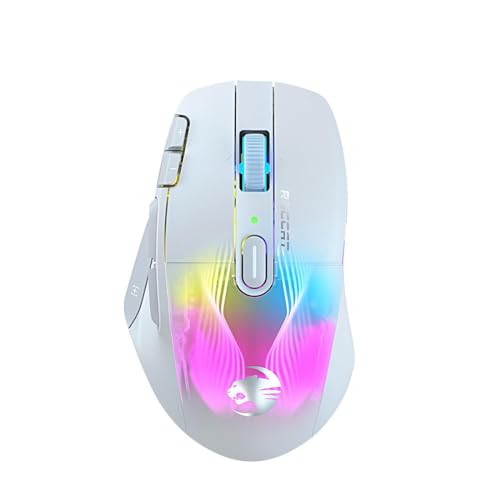
Are Roccat mice good?
Roccat mice have an average overall score of 7.2, ranking #15 among all mouse brands, and an average user rating of 9, placing them at #16 by user reviews.
Roccat mice are generally good if you want gaming-focused shapes, competitive enough sensors, and prices that stay well below the most expensive flagship tier. The brand covers a useful spread from £30 entry models to 90-£110 wireless and multi-button options, with most better models already at 16,000-19,000 DPI and 1,000 Hz polling.
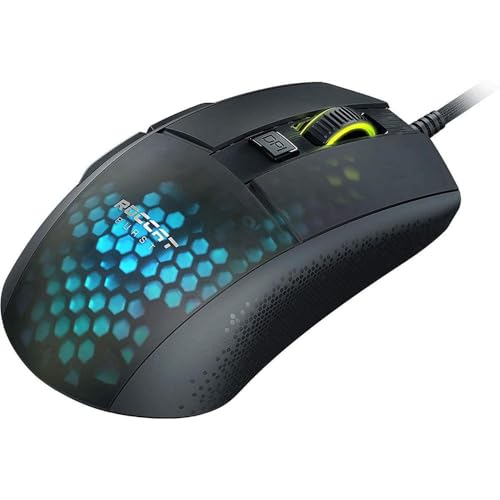
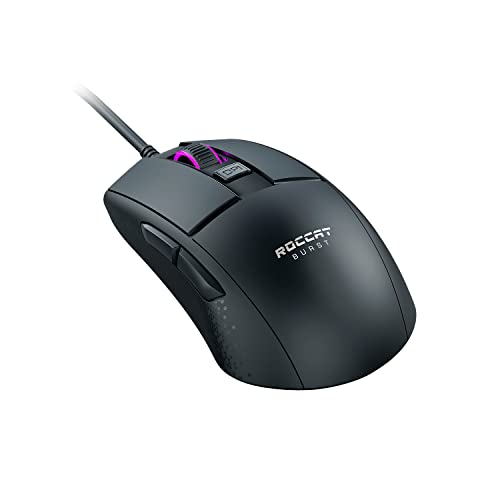
The main strength is that Roccat's lineup has a clear structure. Burst models cover lighter performance use, Kone models handle ergonomic and higher-button designs, and even the cheaper mice still stay focused on gaming rather than on generic office shapes.
The tradeoff is that Roccat is narrower than the biggest mouse brands. The range tops out at 19,000 DPI, many models still use simple 6-button layouts, and there are fewer ultra-light, ultra-premium, or highly specialized choices than you get from larger rivals.
The following chart ranks different mouse brands by their overall score.
[horizontal-chart-10006215032922910990025366955646244765042673557078]
What are the main advantages of Roccat mice?
The main advantages of Roccat mice are as follows.
- Lightweight performance options: Roccat has genuinely light models such as the 66 g Kone Pro and 68 g Burst Pro, so the brand is not limited only to heavier RGB-first mice. That gives the lineup real appeal if fast handling matters more than oversized shells.
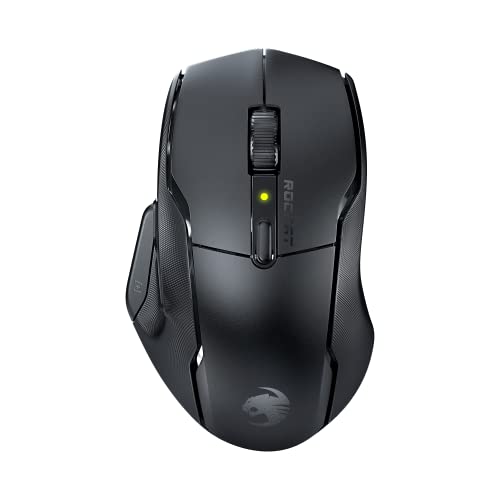
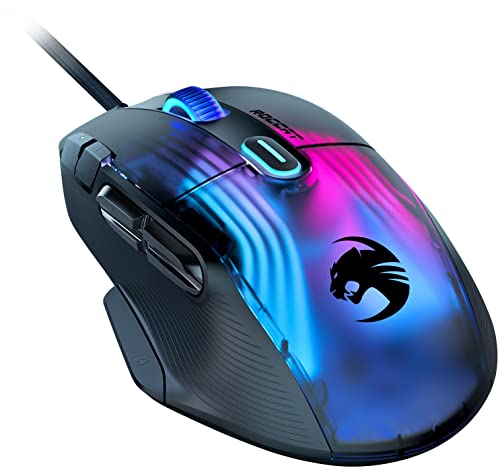
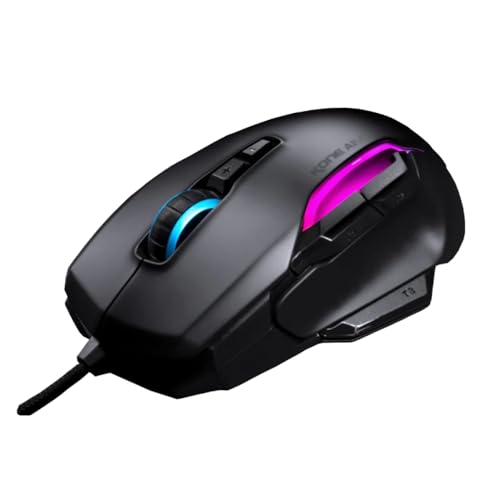
- Strong ergonomic Kone family: The Kone range is the center of Roccat's mouse identity, with several right-handed shapes covering 9-button and 15-button variants as well as lighter Pro models. That makes the brand easy to recommend if you prefer a fuller palm-friendly shell instead of a flat symmetric design.
- Solid upper-tier sensor hardware: Roccat's better mice reach 19,000 DPI and use PixArt PAW3370 or PAW3371-class sensors. That is enough for serious gaming use and keeps the brand technically competitive in the midrange.
- Clear lineup separation: Burst, Kone, and Kain each do a different job, so the range is easier to read than a lineup full of near-duplicate models. Buyers can usually tell quickly whether they want lightweight speed, ergonomic control, or an older value option.
- Competitive pricing: Roccat's mouse range runs roughly from £30 to £110, which keeps it below many premium-brand flagships. The brand gives you gaming-focused hardware without forcing you into the £130+ tier.
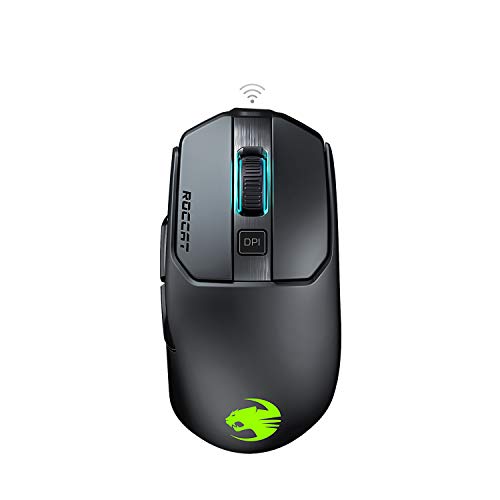
- Useful wireless step-up models: Kone Pro Air, Burst Pro Air, and Kone XP Air give Roccat real cable-free options instead of making the brand wired-only. That matters if you want wireless convenience without leaving the Roccat shape ecosystem.
What are the main disadvantages of Roccat mice?
The main disadvantages of Roccat mice are as follows.
- Narrower lineup than the biggest rivals: Roccat's mouse range is much smaller than what brands such as Razer or Logitech offer. That means fewer shape, weight, and feature combinations if you want a very specific type of mouse.
- Lower flagship ceiling: Roccat tops out at 19,000 DPI in the listings here, while some rival brands now push far higher headline sensor numbers and broader premium tiers. The brand is strong in the middle of the market, but it is less aggressive at the extreme top end.
- Several heavier legacy models: Not every Roccat mouse is a lightweight design, because models such as the Kone Aimo Remastered, Kain 200 Aimo, and Kone XP Air sit around 99-130 g. If low weight is your first priority, part of the lineup will feel dated.
- Limited specialization outside core gaming use: Many Roccat mice still stay at 6 buttons, and only a few models move toward 9-button or 15-button layouts. That makes the brand less flexible if you want broad MMO, productivity, or travel-focused choices.
- Older lineup mix: Much of Roccat's listed mouse range comes from the 2019-2022 period rather than from a fast-refreshed annual lineup. The practical result is that some models remain good, but the catalog can feel less current than the ranges of faster-moving competitors.
- Smaller wireless spread: Roccat has some good Air models, but the cable-free lineup is still relatively narrow. Buyers who want many wireless sizes, shapes, and price points will usually find more choice elsewhere.

Who makes Roccat mice?
Roccat mice are sold under the Roccat gaming brand, which was founded in Hamburg, Germany, and is now part of Turtle Beach. Roccat built its name in PC gaming peripherals, especially mice, keyboards, and headsets, with a design identity that stayed closely tied to enthusiast gaming hardware rather than to generic office accessories.
Today Roccat operates inside Turtle Beach's broader gaming-hardware business, so Roccat mice are backed by a larger accessories company rather than by a small stand-alone mouse maker. In practice, that means the brand combines its original German gaming identity with Turtle Beach ownership, distribution, and support.
What are the main Roccat mouse series?
The main Roccat mouse series are as follows.
- Kone series: This is Roccat's main ergonomic family and the biggest part of its lineup, including models such as the Kone Aimo Remastered, Kone Air, Kone Pro, Kone Pro Air, Kone XP, and Kone XP Air. Depending on version, the series spans roughly 66-130 g, 9-15 buttons on the broader-featured models, and Roccat's strongest 19,000 DPI sensor tier on the newer variants.
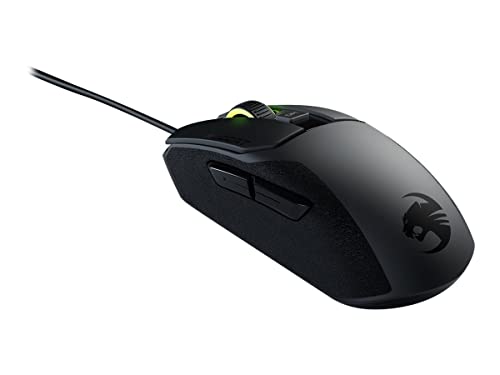
- Burst series: Burst models are Roccat's lighter, more performance-oriented line, built around simpler shells and faster handling. Burst Core, Burst Pro, and Burst Pro Air sit roughly in the 68-81 g range and cover the jump from an 8,500 DPI entry point to 19,000 DPI upper-tier hardware.
- Kain series: Kain 100 Aimo and Kain 200 Aimo represent Roccat's older right-handed gaming line with a more traditional shape and a simpler 6-button layout. They sit around 89-105 g and are the better reference point if you want an older Roccat design rather than the newer Kone Pro or Burst direction.
So the practical split is clear: Kone is the broad ergonomic family, Burst is the lighter speed-focused family, and Kain is the older, simpler Roccat branch.
How much do Roccat mice cost?
Roccat mice usually cost about 30-£110, so the brand sits mostly in the affordable-to-upper-midrange gaming segment rather than in the extreme flagship tier. Most Roccat buyers are choosing between value models around 30-£45, mainstream performance models around 70-£80, and the more feature-heavy wireless or XP variants around 100-£110.
That price spread follows the hardware quite closely. The cheaper Roccat mice are mostly simpler wired 6-button models, the middle of the lineup adds lighter Pro shapes and better sensors, and the higher end is where wireless connectivity or 15-button XP layouts appear.
So Roccat pricing is relatively easy to read. It is a brand for buyers who want gaming-focused mice without moving deep into £130+ flagship territory, but it also gives you fewer premium-tier steps than the biggest rivals.
This chart visualizes Roccat mouse prices.
[vertical-chart-05640589730311004956125292900071844272983250931717]
How do Roccat mice compare with Razer models?
Roccat mice usually compare with Razer models as the simpler and cheaper brand, while Razer covers a much wider spread from lightweight esports mice to premium wireless, MMO, and specialist designs. Roccat is stronger when you want a straightforward gaming mouse around 30-£110 and you like the Kone or Burst shape direction, whereas Razer is usually easier to shop if you want more tiers, more shapes, or a higher flagship ceiling.
Roccat's lineup runs about 30-£110, with 8,500-19,000 DPI sensors, 66-130 g weights, and a strong focus on Kone ergonomic shells plus a few Burst and Kain branches. Razer stretches much further overall, from about £35 to over £850, with roughly 6,400-45,000 DPI, lighter minimum weights, and a broader mix of compact, ergonomic, MMO, and premium wireless models.
So the better brand depends on what matters most to you. Roccat makes more sense if you want a cleaner lineup and lower pricing, while Razer is usually the better fit if you want maximum variety, a lighter high-end ceiling, or more specialized options inside the brand.
What should you consider while choosing the best Roccat mouse?
The main technical criteria for the best Roccat mouse are as follows.
- Series fit: Roccat is easiest to read by family. Burst is the lighter speed-first direction, Kone is the fuller ergonomic gaming branch, and Kain only deserves attention when its older simpler shell still suits your hand and budget better than the newer alternatives.
- Weight and shell feel: Roccat spans roughly 66-130 g, which creates a real divide inside a fairly small lineup. Stay near the lighter side if you want quicker movement and less shell bulk, use the middle for safer all-round gaming, and expect the 100 g-plus end to feel fuller, slower, and more control-oriented rather than aim-first.
- Sensor tier: The range includes entry 8,500 DPI sensors and stronger 19,000 DPI-class tiers, with the better tracking concentrated in stronger Kone and Burst branches. If you only need baseline gaming competence, the lower tier is serviceable; if you want cleaner higher-speed tracking headroom, the stronger branch is where the meaningful upgrade sits.
- Button layout: Roccat covers simple 6-button designs, broader 9-button Kone shells, and 15-button Kone XP variants for heavier control depth. Stick to the simpler layouts if FPS or clean grip matters most, and move into the denser Kone XP territory only when those extra controls will be used often enough to justify the added complexity.
- Wired versus wireless: Wireless Roccat models mostly live in the upper price bands, so cable-free use is not a small add-on here. Pay for the wireless step when desk freedom and cleaner routing are part of the actual brief; otherwise the wired side often gives the cleaner value inside the same shell family.
- Price structure: Roccat separates fairly clearly into entry gaming value, mid-tier lighter performance models, and upper-tier wireless or many-button hardware. The useful rule is to pay more when the branch changes shape, sensor tier, or connection mode in a way you will notice, not just because it is the top label in the brand.