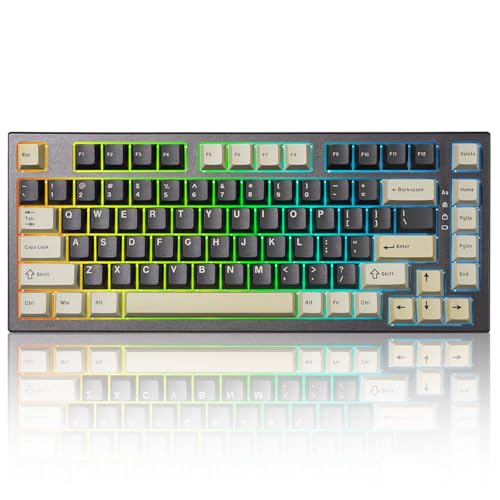
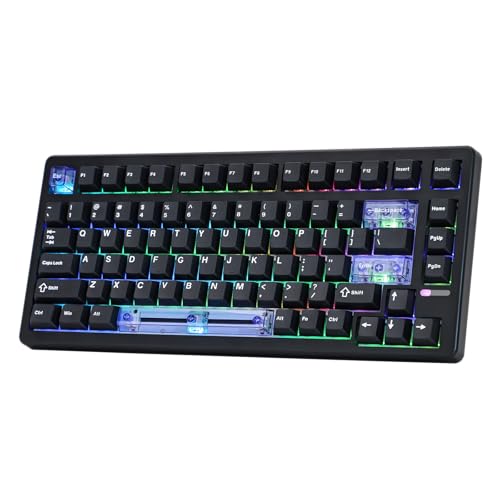
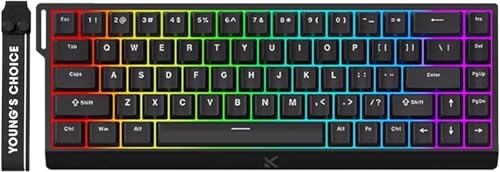
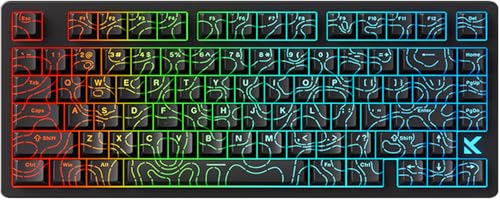
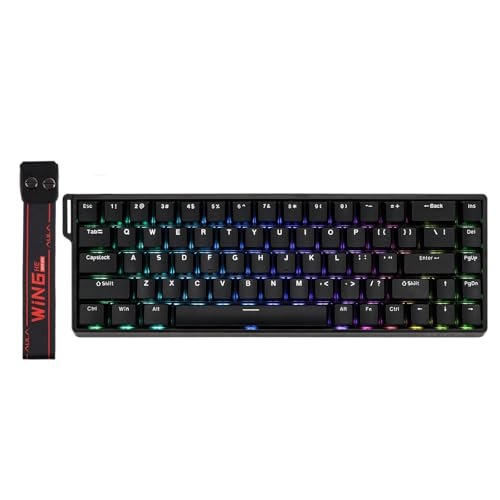
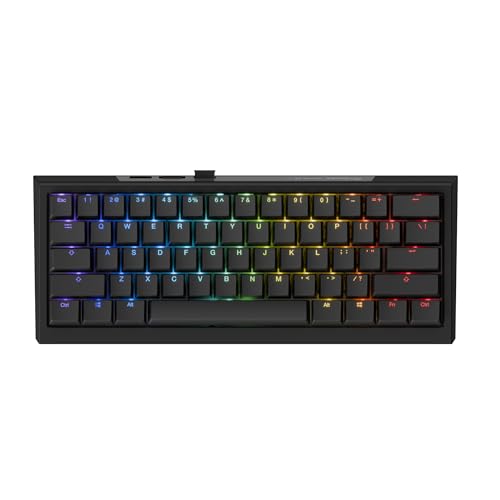
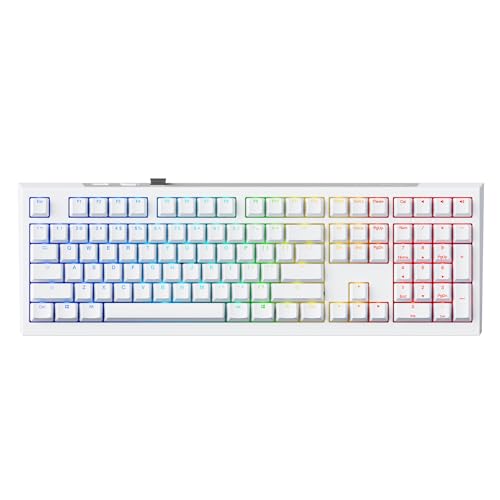
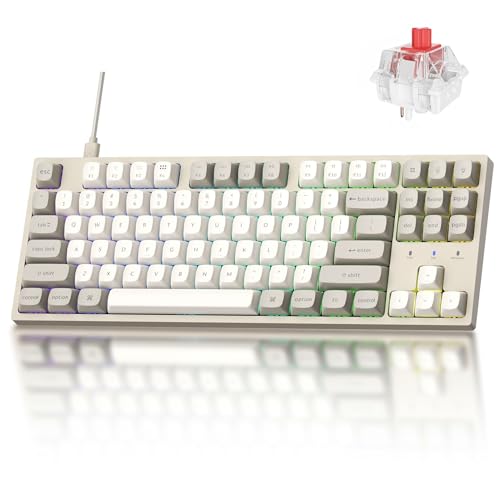
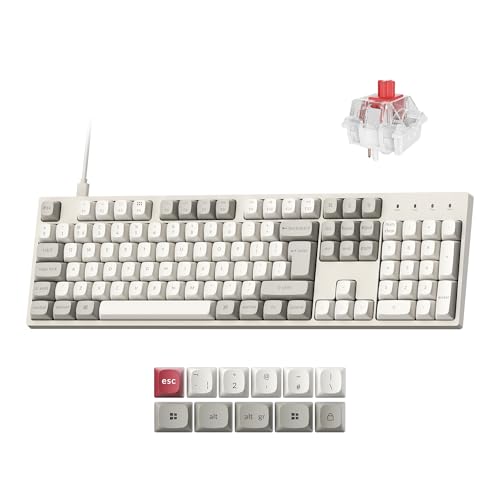
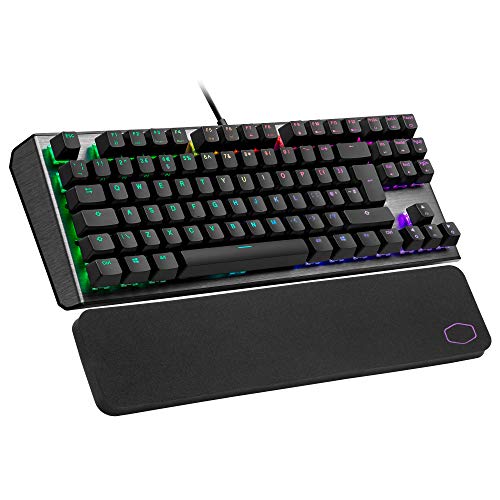
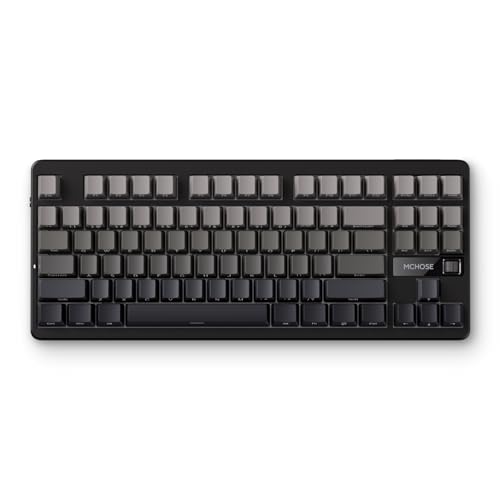
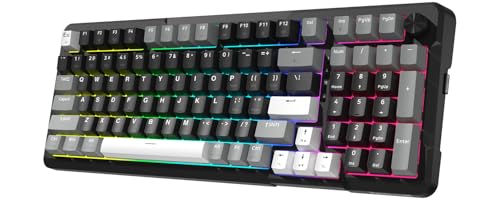
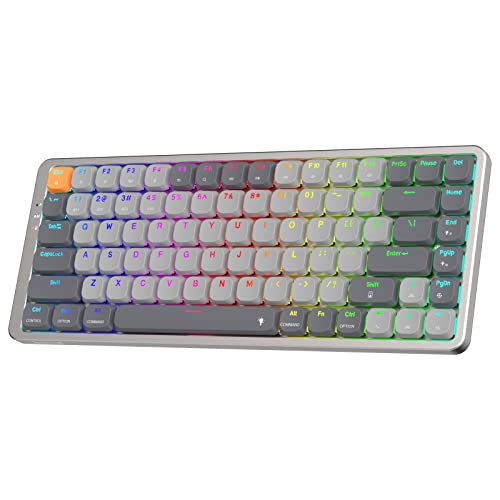
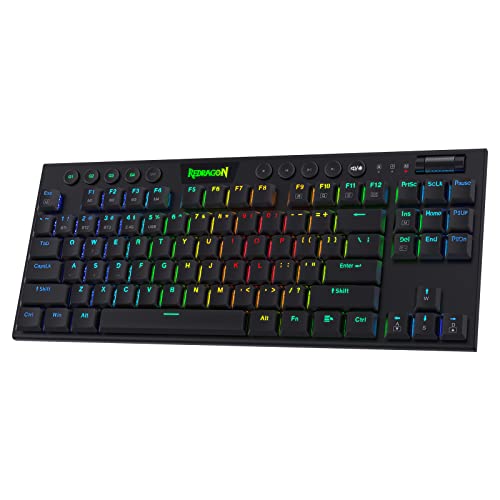
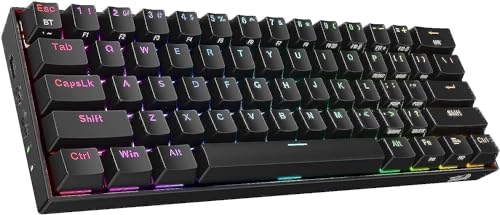
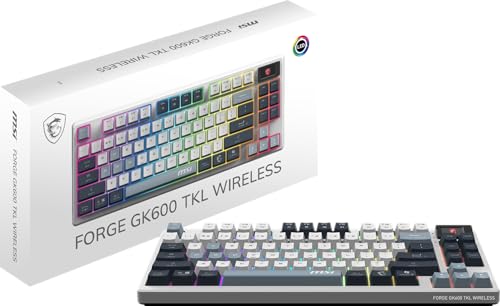
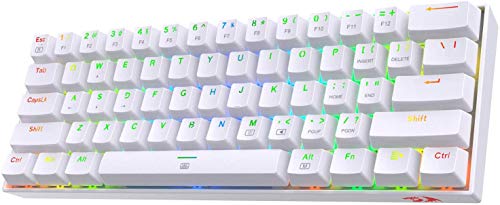
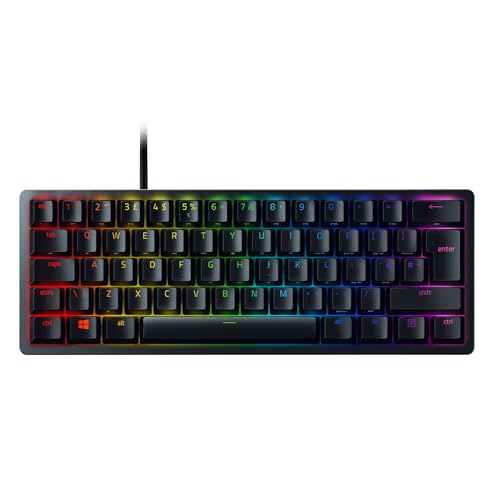
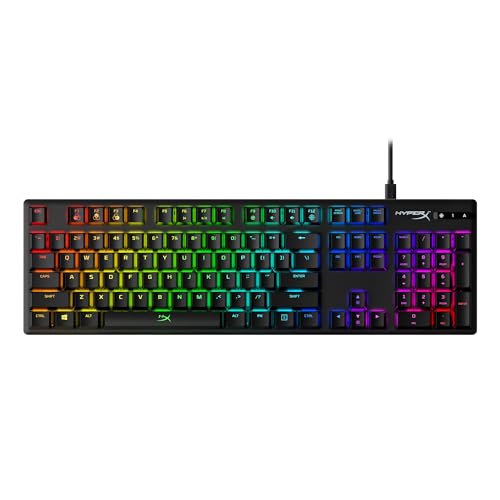
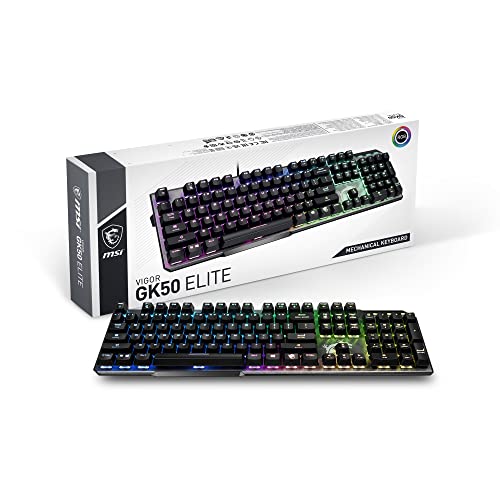
Which brands make the best cheap gaming keyboards?
The best cheap gaming keyboard brands are as follows.
- Mchose (Average overall score: 7.8)
- Redragon (Average overall score: 7.6)
- Turtle Beach (Average overall score: 6.4)
The chart below ranks cheap gaming keyboard brands by average overall score.
[horizontal-chart-12376161387940562569023948962141452149163353224139]
Which cheap gaming keyboards have the highest user ratings?
The cheap gaming keyboard brands with the highest user ratings are as follows.
- SteelSeries (Users rating: 9.4 points)
- HyperX (Users rating: 9.4 points)
- ASUS (Users rating: 9.3 points)
This chart compares cheap gaming keyboard brands by average user rating.
[horizontal-chart-13020397709780028265078017681478069213031317243573]
Are cheap gaming keyboards worth buying?
Yes, cheap gaming keyboards are worth buying when you want strong gaming basics without moving into midrange or premium prices. A good cheap gaming board can already deliver mechanical switches, dependable wired latency, and enough speed or feature depth for competitive play, so the category is no longer limited to obviously compromised budget hardware.
They make the most sense when you care about core gaming performance more than luxury finishing. If you mainly want fast input, a sensible layout, and switch behavior that feels clean enough for regular play, the better cheap gaming keyboards can already do that without asking flagship money.
They become less convincing when you expect premium acoustics, enthusiast firmware flexibility, or polished wireless execution. Cheap gaming keyboards are worth buying as practical gaming tools, but the best ones still win by getting the essentials right rather than by matching premium boards feature for feature.
What compromises are common on cheap gaming keyboards?
The most common compromises on cheap gaming keyboards are lighter construction, less refined acoustics, and a narrower overall feature set than buyers get higher up the market. Even when a budget gaming board looks strong on paper, cheaper models often save money through case materials, stabilizer tuning, keycaps, and simpler software.
Wired-first design is also common in this segment. That is often the right tradeoff for gaming latency and cost control, but it usually means fewer premium conveniences such as stronger wireless execution, broader multi-device support, or more polished firmware behavior.
Cheap gaming keyboards can still be very good, but the weaker ones often lean too hard on RGB or headline gaming specs while cutting corners on feel and consistency. The smarter way to buy this tier is to prioritize switch behavior, layout, and latency first, then treat extras as bonuses.
What switch and key types are common on cheap gaming keyboards?
The switch and key types most common on cheap gaming keyboards are mechanical switches and familiar gaming-friendly physical layouts rather than office-style membrane designs. Mechanical boards dominate this slice, which means buyers can usually choose between linear, tactile, and other gaming-oriented switch feels without leaving the budget end of the market.


That matters because cheap gaming keyboards are no longer restricted to soft, slow budget typing feel. Faster switches, higher polling support, and even a small amount of magnetic or optical spillover now appear in this segment, although the stronger options still tend to focus on simpler mechanical execution done well.
Layout choice is also broad, with TKL and full-size leading the category while some compact 60%, 65%, and 75% options still appear. The smarter way to shop here is usually to start with the gaming layout and switch feel you want, then compare which cheap models execute that combination most cleanly.
What features can you expect from cheap gaming keyboards?
The features you can expect from cheap gaming keyboards are the following:
- Mechanical switches: Most strong cheap gaming keyboards are already mechanical rather than membrane, so buyers can still choose between linear, tactile, and faster gaming-oriented switch styles without leaving the budget tier.
- 1000 Hz or better polling: A 1000 Hz polling rate is already common here, and some stronger models push higher, which means budget gaming boards are no longer automatically slow or obviously compromised for play.
- TKL and full-size layouts: These are the most common cheap gaming keyboard shapes, but some compact 60%, 65%, and 75% models also appear for buyers who want a smaller setup.
- RGB lighting: RGB is common across this segment, especially on gaming-first models, although the implementation is usually simpler than on more expensive enthusiast boards.
- Wired low-latency connectivity: Most cheap gaming keyboards still rely on straightforward wired USB connections, which helps control cost and usually avoids wireless-latency or charging tradeoffs.
- A few higher-end gaming extras: Rapid trigger, adjustable actuation, hot-swap support, and even the occasional magnetic design can appear in this price band, but they are still bonuses rather than the baseline.
What should you consider while choosing a cheap gaming keyboard?
You should consider the following factors when choosing a cheap gaming keyboard:
- Layout size: Cheap gaming keyboards are strongest in TKL and full-size layouts, with some compact 60%, 65%, and 75% options also available. Start by choosing the format that fits your games and desk space instead of assuming the cheapest layout will always be the right one.
- Switch feel: Mechanical boards dominate this segment, but switch quality and tuning still vary a lot. Decide whether you want a lighter gaming feel, a sharper tactile response, or a more general-purpose balance before comparing smaller extras.
- Latency and polling: 1000 Hz is already common and enough for most buyers, while faster polling or more advanced trigger features appear on a smaller slice. Treat those higher-end specs as useful bonuses only when the rest of the keyboard still looks well executed.
- Build quality: Budget gaming boards often save money on case materials, stabilizers, and keycaps. A simpler board with cleaner execution is usually a better buy than a flashier one that rattles or feels inconsistent.
- Wired versus wireless: Most cheap gaming keyboards are wired, which is often the right compromise for lower latency and price control. If you specifically want wireless gaming use, check it directly instead of assuming it will be done well in this range.
- Gaming extras: Rapid trigger, adjustable actuation, hot-swap support, RGB, and onboard memory can all matter here, but not every cheap gaming keyboard combines them well. Prioritize the extras that actually affect how you play.
- Budget level: The strongest value usually sits in the lower-to-mid part of this range, while the upper end starts to overlap with better midrange gaming boards. Spend more only when the extra switch tech, layout quality, or gaming feature set is likely to matter in daily use.