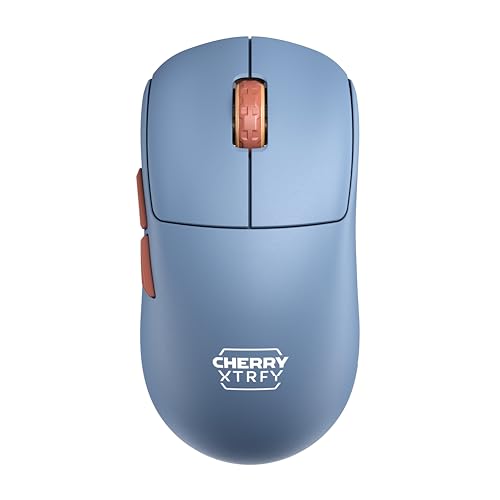
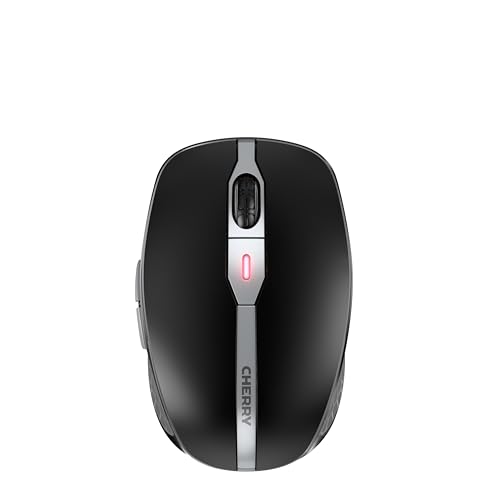
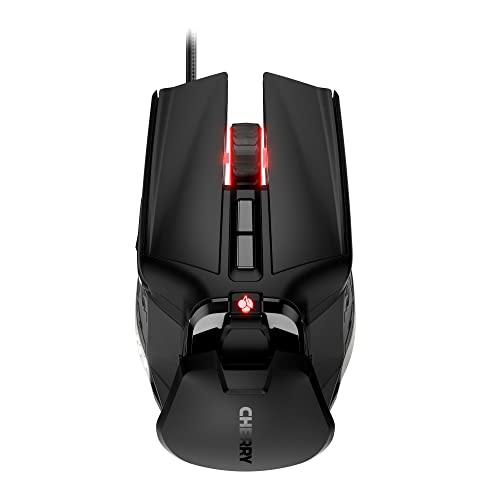
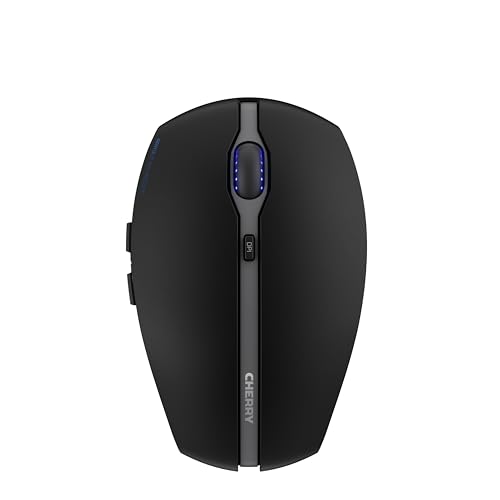
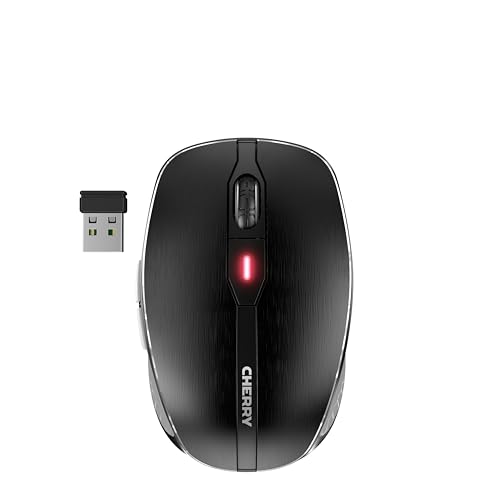
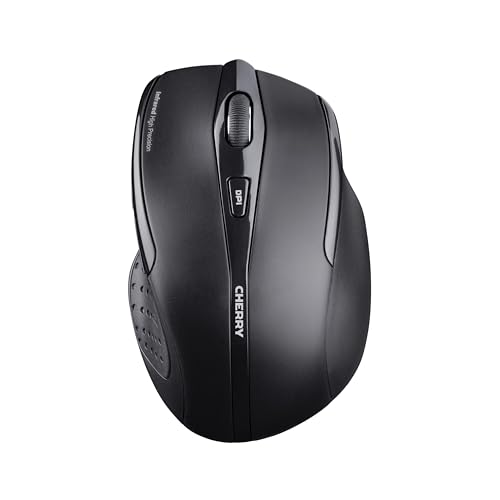
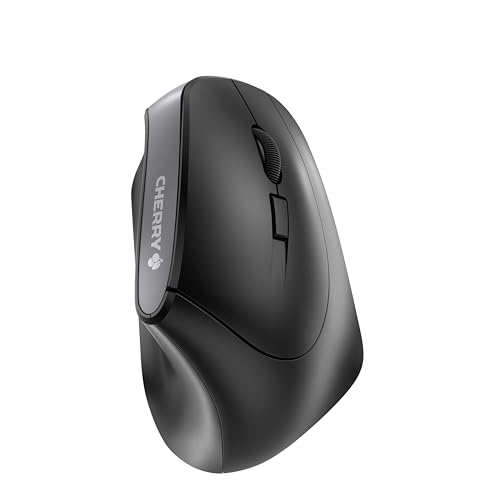
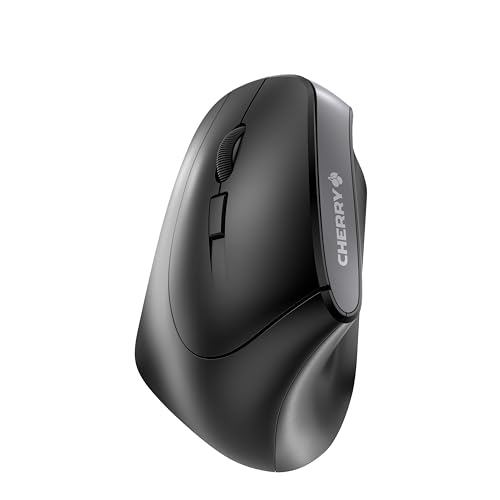
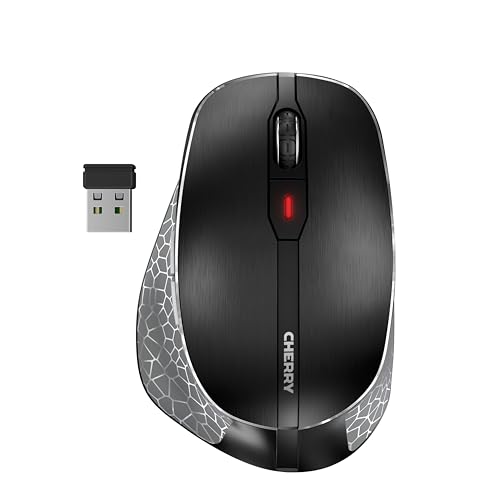
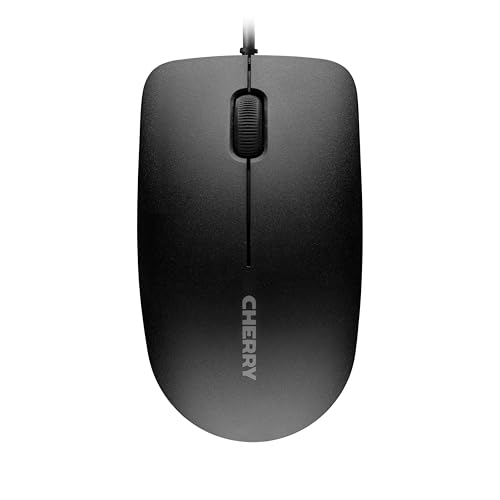
Are Cherry mice good?
Cherry mice have an average overall score of 6.1, ranking #25 among all mouse brands, and an average user rating of 8.8, placing them at #25 by user reviews.
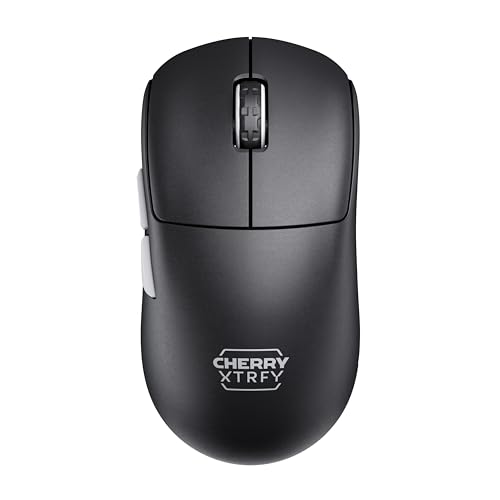
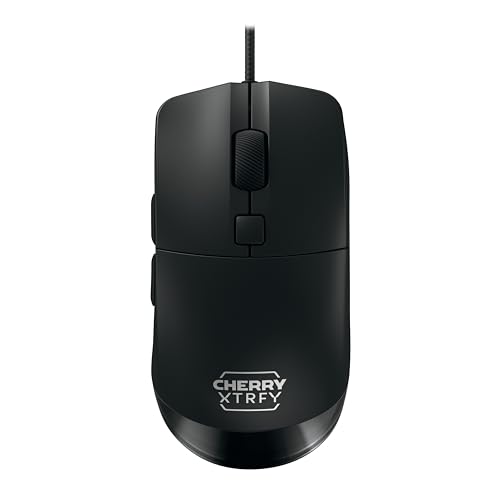
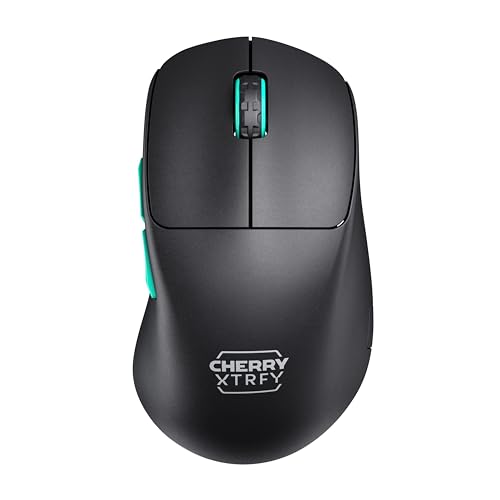
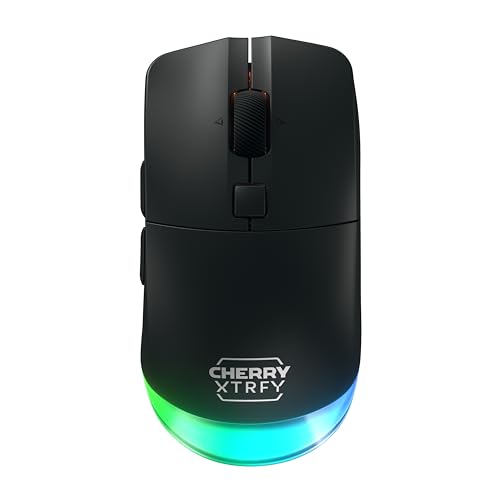
Cherry mice are generally good if you want either a practical office-oriented wireless mouse or a lightweight gaming mouse under the CHERRY XTRFY branch. The brand covers everything from £9 basic wired office models to £120 high-speed wireless gaming mice, with clear separation between productivity-first MW and Gentix models and the much more performance-focused Xtrfy range.
The main strength is that Cherry serves more than one type of buyer. The office side gives you ergonomic and long-battery wireless mice, including left-handed and right-handed options, while the gaming side reaches 12,000-26,000 DPI, 53-69 g lightweight bodies, and up to 8,000 Hz polling on the Pro models.
The tradeoff is that the lineup can feel split rather than unified. Many Cherry mice are still basic office devices with 3-7 buttons and low DPI ceilings, so the brand is less consistent if you want every model to feel gaming-focused or if you want a deep midrange between office hardware and top-end Xtrfy mice.
The following chart ranks different mouse brands by their overall score.
[horizontal-chart-10006215032922910990025366955646244765042673557078]
What are the main advantages of Cherry mice?
The main advantages of Cherry mice are as follows.
- Broad use-case coverage: Cherry is not limited to one narrow mouse identity. The lineup spans very cheap wired office models, ergonomic wireless productivity mice, left-handed options, and lightweight CHERRY XTRFY gaming mice, so the brand covers more than one buyer type.
- Strong office-mouse practicality: MW and Gentix models focus on the things many everyday users actually need, such as ergonomic shapes, wireless freedom, and long battery life. On the office side, Cherry's wireless mice are generally built for months of normal use rather than frequent charging or battery swaps.
- Real high-end gaming branch: Cherry's Xtrfy range is not just a cosmetic gaming add-on. Models such as the Xtrfy M64 and M68 lines reach 26,000 DPI, 53-55 g weights, and up to 8,000 Hz polling on Pro versions, which makes the brand technically credible for competitive gaming too.
- Clear separation between product families: MC, MW, Gentix, and Xtrfy each serve a different role, so it is usually easy to tell what a Cherry mouse is meant for. That helps buyers avoid confusing office and gaming models that only differ slightly in name.
- Competitive pricing range: Cherry starts at around £9 and still stays within about £120 at the upper end, so the brand covers entry-level and midrange needs without moving into the very highest flagship prices. That gives Cherry good reach for value-conscious buyers.
- Ergonomic variety: Cherry includes standard right-handed designs, left-handed ergonomic options such as the MW 4500 Left, and compact travel-friendly wireless mice. That makes the lineup more flexible than many gaming-first brands.
What are the main disadvantages of Cherry mice?
The main disadvantages of Cherry mice are as follows.
- Split identity between office and gaming: Cherry's mouse range is not one consistent family, because the office-oriented MW and MC models behave very differently from the Xtrfy gaming mice. That makes the brand less straightforward if you want a single house style across all price levels.
- Many basic low-spec office models: A large part of the lineup still sits around 1,200-3,200 DPI, 125-250 Hz polling, and 3-7 buttons. Those models can be perfectly fine for work, but they are not competitive if you expect gaming-focused specs from the whole brand.
- Thin middle ground: There is a noticeable jump from cheap office mice to much stronger Xtrfy gaming models. If you want many mid-priced models that blend ergonomic office comfort with modern gaming-grade sensors, the range is less dense than what some larger brands offer.
- Heavy ergonomic models in part of the lineup: Several Cherry mice sit around 120-130 g, which is quite heavy by current gaming standards. That is acceptable for office or ergonomic use, but it limits the brand if low weight is your first priority.
- Limited button specialization: Cherry offers 3-button basics, a few 7-button or 9-button designs, and many standard 6-button mice, but it does not give you a very deep MMO or heavy-macro ecosystem. Buyers who want more specialized button layouts may need a different brand.
- Smaller premium spread than the largest rivals: Cherry has some technically impressive Xtrfy models, but the high-end branch is still relatively narrow compared with brands that offer many flagship shapes, docks, hyperspeed wireless tiers, and broader software ecosystems.

Who makes Cherry mice?
Cherry mice are made by CHERRY, the long-running German input-device company known for keyboards, switches, and office peripherals. The company is based in Auerbach in der Oberpfalz in Germany, and its mouse range now covers both classic productivity devices and the gaming-focused CHERRY XTRFY line.
Cherry expanded its gaming-mouse position by bringing Xtrfy into the group and then launching the combined CHERRY XTRFY brand in 2023. In practice, that means Cherry mice now come from one company with both traditional office-hardware roots and a separate esports-oriented design branch.
What are the main Cherry mouse series?
The main Cherry mouse series are as follows.
- MW series: This is Cherry's main office and ergonomic wireless family, including models such as the MW 3000, MW 4500, MW 4500 Left, MW 8C Ergo, MW 8C Advanced, and MW 9100. These models focus on comfort, productivity, and battery life more than on gaming speed, typically with 1,200-3,200 DPI, 6-7 buttons, and weights around 92-126 g.
- MC series: The MC branch covers basic wired and older gaming-leaning Cherry mice such as the MC 1000 and MC 9620 FPS. It spans from a simple 3-button 1,200 DPI office mouse up to a 9-button 12,000 DPI model, so it works as Cherry's simpler entry point rather than as one tightly defined family.
- Gentix series: Gentix mice sit on the everyday-use side of the lineup, with the Gentix BT adding Bluetooth and multi-device practicality. This series is the better fit if you want a compact productivity mouse instead of a larger ergonomic shell or gaming-first hardware.
- CHERRY XTRFY series: This is Cherry's dedicated gaming branch, including the M50, M64, and M68 families. These mice are much lighter, use stronger sensors such as the PixArt PAW3395, and reach up to 26,000 DPI and 8,000 Hz polling on Pro Wireless models.
So the practical split is simple: MW and Gentix cover office and ergonomic use, MC covers basic or older mixed-purpose models, and CHERRY XTRFY is the clear gaming-performance branch.
How much do Cherry mice cost?
Cherry mice usually cost about 10-£120, so the brand stretches from very cheap office hardware to upper-midrange gaming mice. Most buyers will find Cherry split into three practical bands: about 10-£35 for basic office and ergonomic models, about 50-£60 for better wireless productivity mice, and about 80-£120 for the CHERRY XTRFY gaming branch.
That price spread matches the hardware closely. The cheapest Cherry mice are mostly simple office devices with lower DPI and slower polling, the middle of the range adds better wireless ergonomics and long-running battery behavior, and the higher end is where the lightweight 12,000-26,000 DPI gaming mice appear.
This chart visualizes Cherry mouse prices.
[vertical-chart-13602547308827598194042560815413567620943561089538]
How do Cherry mice compare with Logitech models?
Cherry mice usually compare with Logitech models as the more split and specialized brand, while Logitech covers a much larger and more continuous range across office, travel, creator, gaming, and premium wireless segments. Cherry is stronger when you want either a simple ergonomic office mouse or a CHERRY XTRFY gaming model with lightweight esports hardware, whereas Logitech is usually easier to shop if you want more choices between those extremes.
Cherry's mouse lineup runs about 10-£120, with 1,200-26,000 DPI, 53-130 g weights, and a very visible divide between office-focused MW or Gentix mice and Xtrfy gaming models. Logitech stretches further, from about £9 to over £850, with roughly 1,000-44,000 DPI, a broader weight spread, and many more mainstream options across work and gaming.
So the better brand depends on what matters most to you. Cherry makes more sense if you specifically want Cherry's ergonomic office shapes or the Xtrfy gaming direction, while Logitech is usually the better fit if you want more shape variety, more premium tiers, and a wider all-around ecosystem.
What should you consider while choosing the best Cherry mouse?
The main technical criteria for the best Cherry mouse are as follows.
- Product branch: Cherry should be split immediately into its office side and the CHERRY XTRFY gaming side, because they are not small variations of the same idea. If 1,200-3,200 DPI and 125-250 Hz already cover the job, stay with the office branch; if you actually want the 12,000-26,000 DPI and 1,000-8,000 Hz gaming tier, that is when XTRFY becomes the right part of the brand to compare.
- Weight split: Cherry runs from about 53-130 g, and that spread already reveals the branch differences. The 53-69 g zone belongs to lighter XTRFY gaming hardware, while roughly 90-126 g is where fuller office and ergonomic models live, so weight can be used as an early clue to whether the mouse is built for speed or for desk comfort.
- Sensor and response tier: The brand ranges from 1,200 DPI office basics to 26,000 DPI gaming sensors, and from 125 Hz office response to 8,000 Hz gaming polling. Buy the office side when reliability and normal desktop control are enough, and move to the gaming side only if cleaner tracking at speed and materially lower latency are part of the requirement.
- Button and shell role: Cherry includes 3-button office basics, 6-button wireless ergonomic designs, compact 7-button bodies, and broader gaming layouts up to about 9 buttons. That means the control logic is still fairly restrained, so the important choice is usually office shape versus gaming shape rather than hunting for exotic button counts.
- Connection and usage pattern: On the office side, the question is mostly wired simplicity versus practical wireless convenience; on the gaming side, the question becomes whether the shell, weight, and sensor stack are strong enough for how seriously you play. The brand works best when you treat those as separate purchase paths.
- Price band: Cherry is easiest to read in roughly 10-40 EUR office basics, 50-70 EUR stronger wireless productivity tools, and 80-140 EUR lightweight gaming tiers. Those bands reflect a real hardware class jump, so the mid and upper tiers are worth paying for only when you are deliberately moving into a different type of mouse.