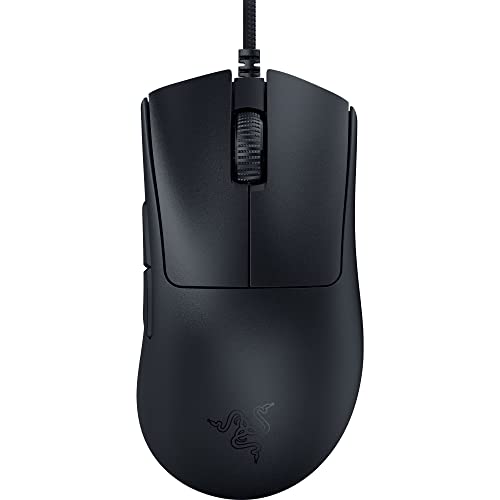
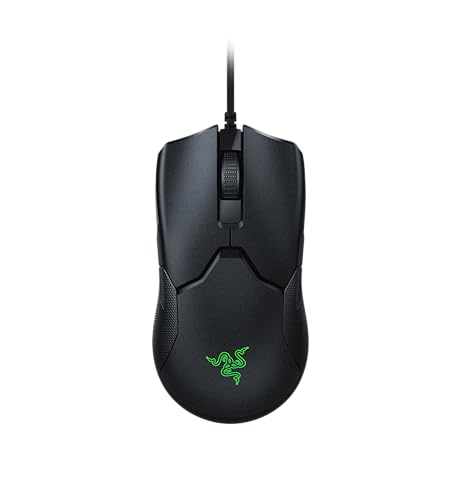
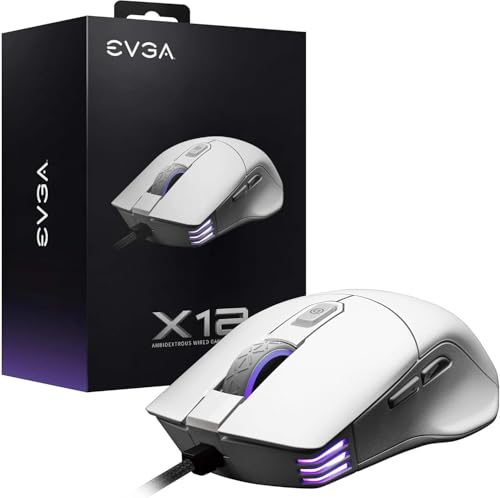
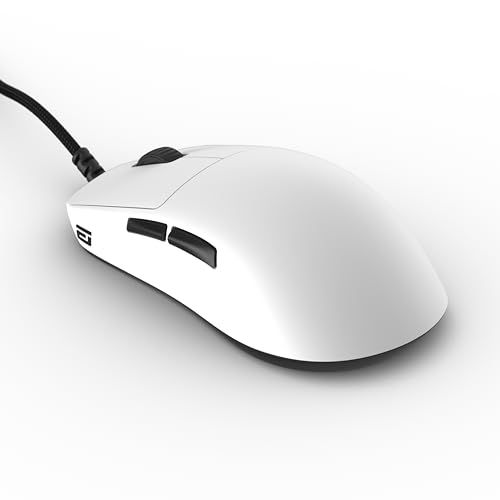
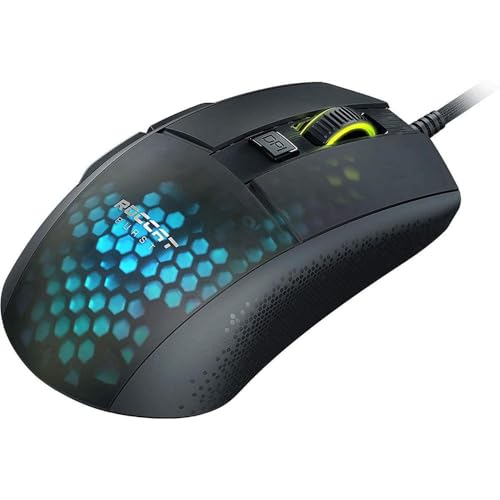
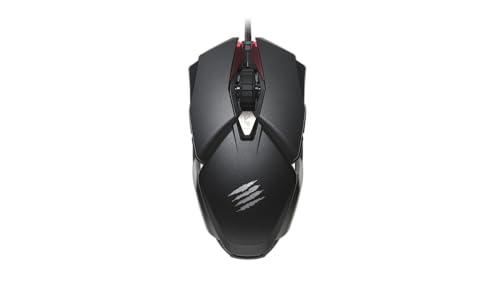
Which brands make the best wired mice?
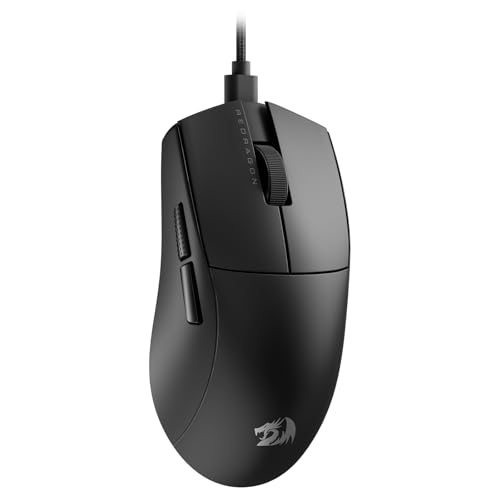
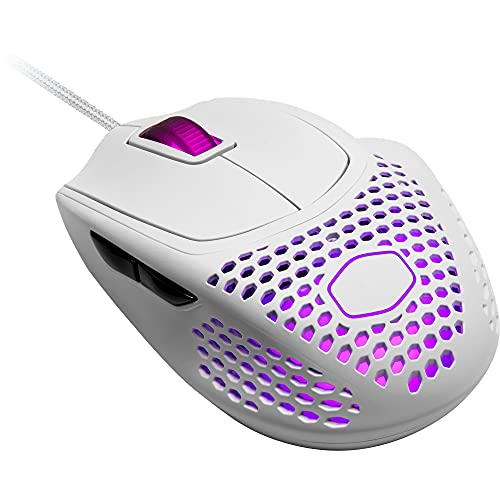
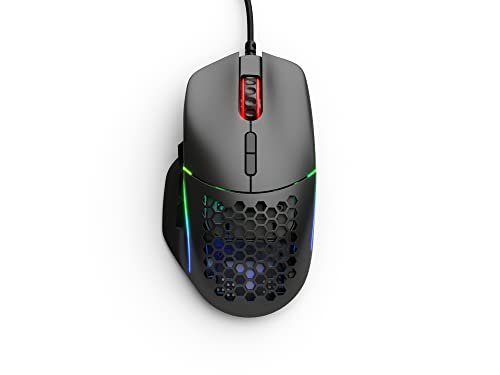
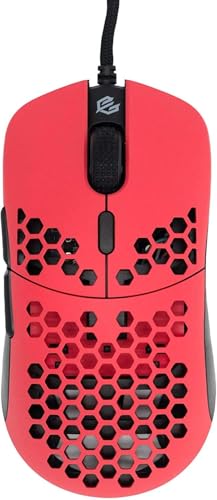
The best wired mouse brands are as follows.
- Rapoo (Average overall score: 8.9)
- Razer (Average overall score: 8.7)
- Attack Shark (Average overall score: 8.6)
The chart below ranks wired mouse brands by average overall score.
[horizontal-chart-09222788350999776415092780966112340713661690679757]
Are wired mice still worth buying?
Yes, wired mice are still worth buying when you care more about stable response, no charging, and predictable long-session use than cable-free convenience. A wired mouse remains one of the simplest ways to avoid battery management, pairing issues, or signal concerns while keeping performance straightforward.
Wired mice are especially relevant in gaming and desk-bound setups. The current market is heavily gaming-led, with roughly 651 wired-capable models marked for gaming, and that usually means stronger sensor ranges, higher polling rates, more button options, and broader shape selection than many cheap wireless-only office designs.
Wired mice are less appealing only if your priority is a cleaner desk, portable use, or multi-device switching without a cable. Wired buying still makes practical sense for players, fixed workstation users, and anyone who would rather trade some movement freedom for consistency and lower maintenance.
What makes a wired mouse different from wireless models?
A wired mouse differs from a wireless model mainly by using a direct cable connection for both data and power instead of relying on a battery and radio link. The practical result is a mouse that is always connected when plugged in, with no charging cycle and no battery-related weight or lifespan tradeoff.
Wired design changes how the whole mouse is built. A wired model can focus more directly on sensor performance, switch layout, weight balance, and cable flexibility, while a wireless mouse also has to account for battery size, charging hardware, sleep behavior, and radio stability.
Wired mice do have one clear tradeoff: the cable can add drag or clutter if it is stiff or poorly routed. Wireless models feel freer in motion, but wired models still appeal to buyers who want stable latency, uninterrupted use, and a simpler ownership experience.
What cable and connection types are common on wired mice?
The most common wired mouse connection is standard wired USB, but the market also includes many hybrid models that work both over cable and wireless modes. Plain wired designs are still the single biggest group, yet there are also many wired / 2.4 GHz and wired / Bluetooth / 2.4 GHz combinations.
Wired USB remains the default because it is simple, universally supported, and easy to power at high polling rates. That makes it especially common on gaming mice, where stable performance and plug-and-play behavior matter more than device-switching flexibility.
Hybrid wired mice are useful when you want one mouse to cover both charging-through-cable and untethered use. A buyer should still check the exact connection list, because a mouse described as wired in practice may be a pure cable model or a multi-mode design that only uses the cable for one part of its behavior.
How much do the best wired mice cost?
The best wired mice usually cost about 30-150+ €, although the broader wired-capable market starts near £9 and also includes a few unrealistic outliers that should not be treated as normal buying targets. In practical terms, most serious wired options sit in a much more useful mainstream-to-premium range than the most extreme listings suggest.
Wired mouse pricing is driven mainly by sensor class, polling rate, shape specialization, button layout, and whether the product is a simple office model or a gaming-focused design. The market is broad across budget, mid-range, and premium tiers, so price alone does not tell you whether a wired mouse is basic, competitive, or genuinely high-end.
This chart visualizes wired mouse prices.
[vertical-chart-00260741268777895925066246499337512492481044148124]
What should you consider while choosing a wired mouse?
The main technical criteria for a wired mouse are as follows.
- Sensor tier and DPI range: Wired mice span from basic office sensors to very high-end gaming hardware, so DPI range only matters when it reflects a genuinely stronger sensor class. For most buyers, the real signal is whether the sensor tracks cleanly at low lift-off and high swipe speed, not whether the advertised DPI figure is the largest number on the box.
- Polling rate: The current wired market ranges from roughly 115 Hz up to 8,000 Hz, which creates a huge difference between simple office mice and competitive gaming models. Around 125-250 Hz belongs to office-oriented response, 1,000 Hz is the practical modern gaming baseline, and higher tiers mainly matter when the rest of the setup can expose the latency difference.
- Shell shape and orientation: Right-handed, ambidextrous, and rarer left-handed forms all exist, and long-session control depends more on shape than on cable presence alone. A technically strong sensor does not compensate for a shell that is too narrow, too flat, or biased to the wrong hand orientation for your normal grip and desk posture.

- Weight class: Wired mice can run from ultralight sub-40 g designs to very heavy 200 g+ models, so movement style and shell size should be matched deliberately. Within broad lineups, the lighter end usually signals faster movement and simpler shells, while the heavier end more often reflects larger bodies, extra buttons, batteries, or support-first office designs.
- Button layout: The category spans from 3-button basics to 20-button gaming designs, making side-button depth and wheel placement major functional filters. The important detail is not only the count but also thumb reach, side-button size, and whether the shell leaves enough grip security to press those buttons without shifting the hand.
- Cable quality: Cable flexibility, drag level, and desk routing matter because a technically strong wired mouse can still feel poor if the cable fights movement. A soft paracord-like cable or well-managed braided cable changes real-world feel more than many minor spec differences, especially on low-friction mousepads or smaller desks.