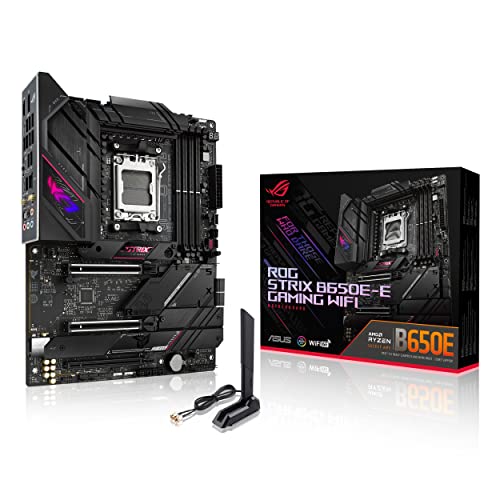

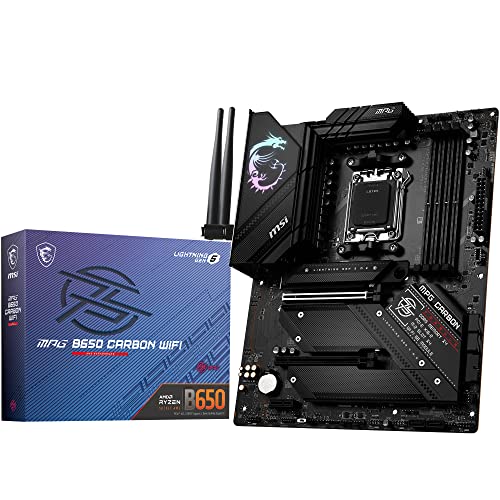
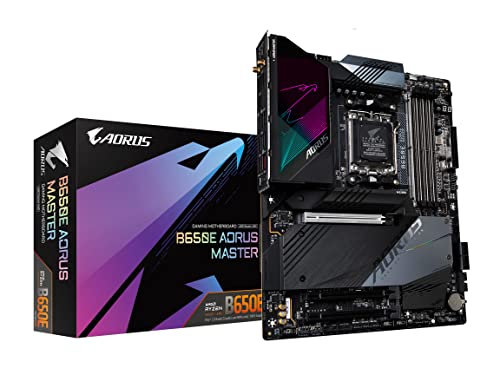
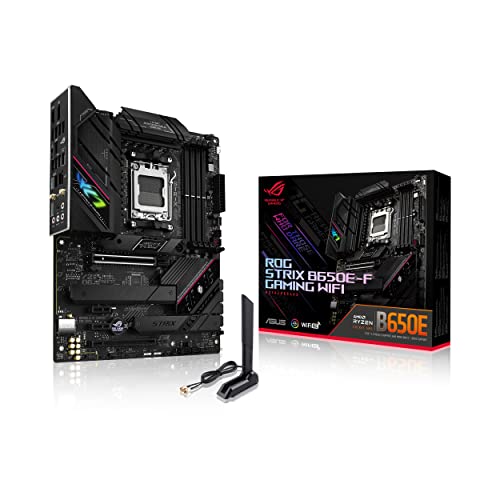
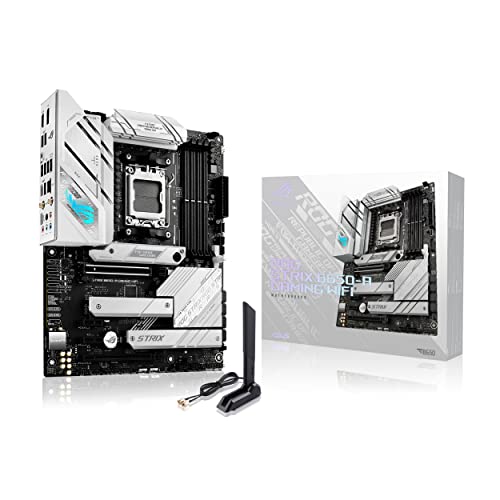
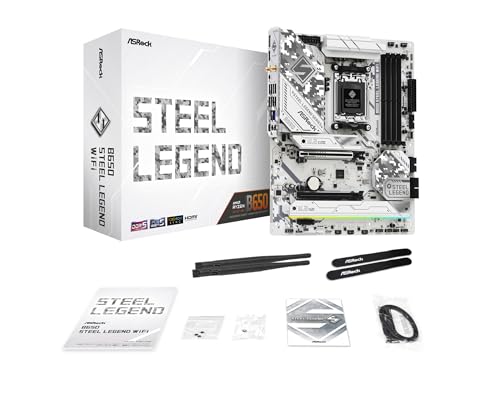
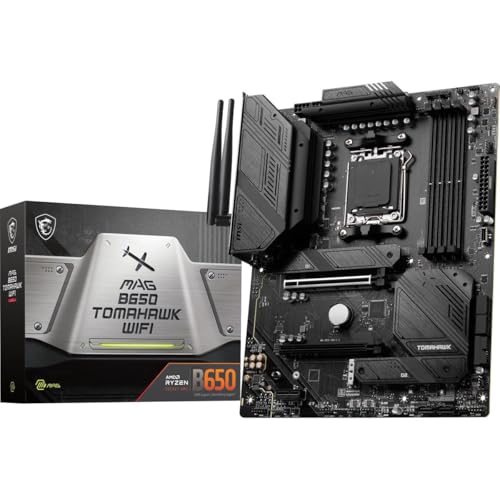
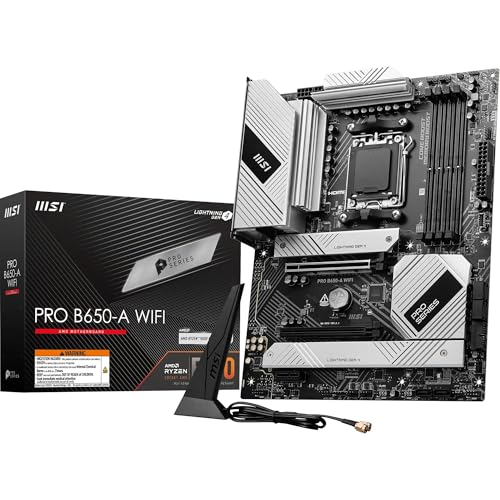
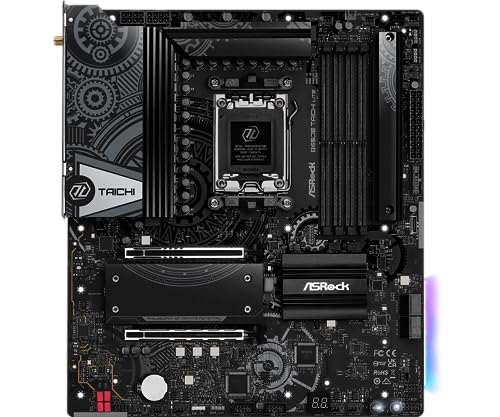
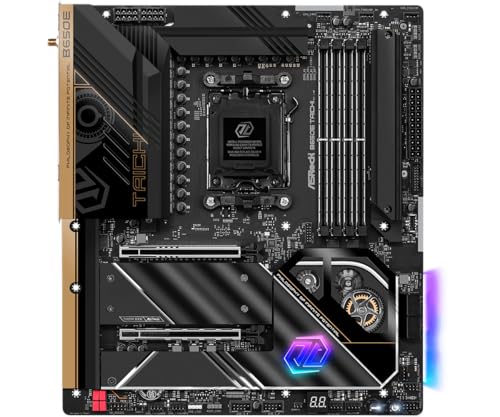
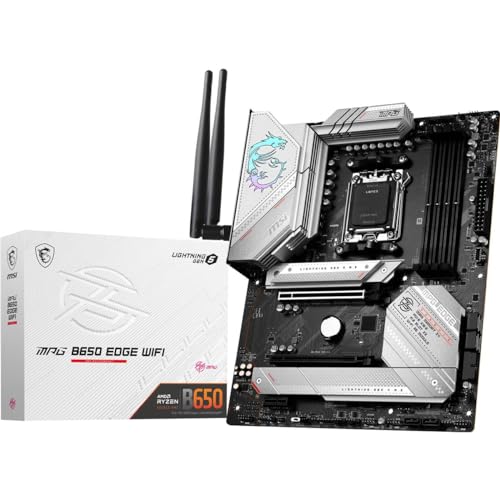
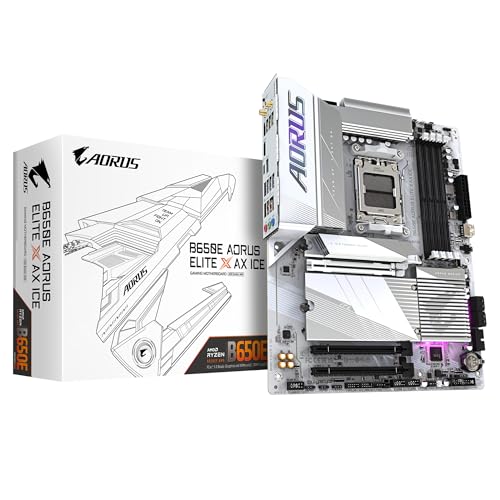
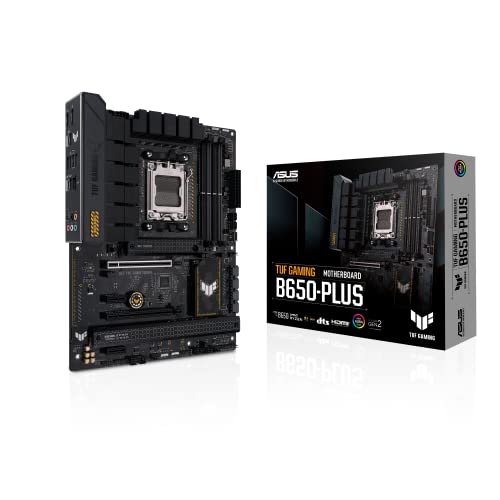
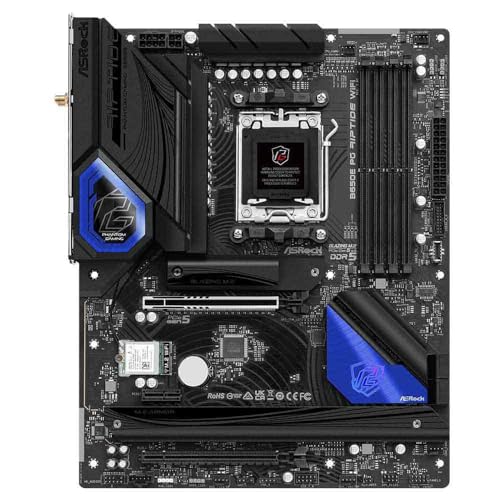
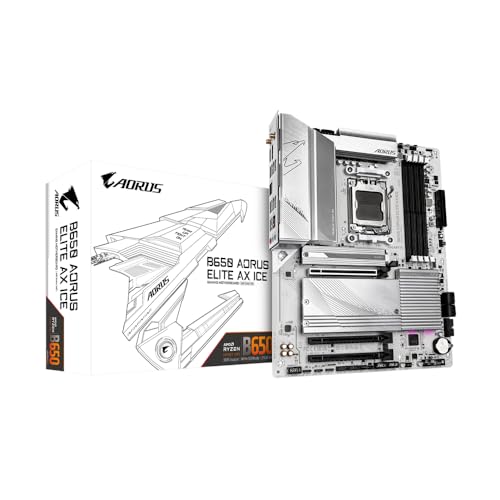
What is an B650 motherboard?
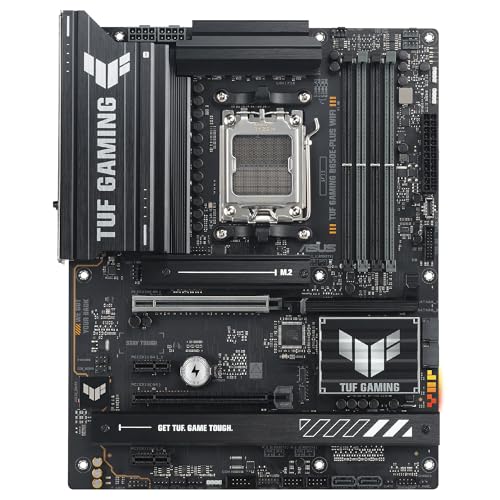
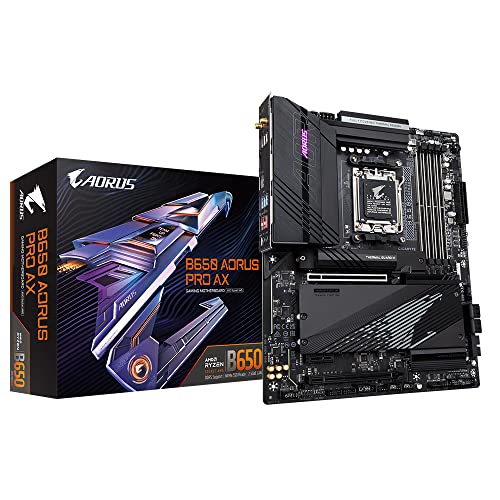
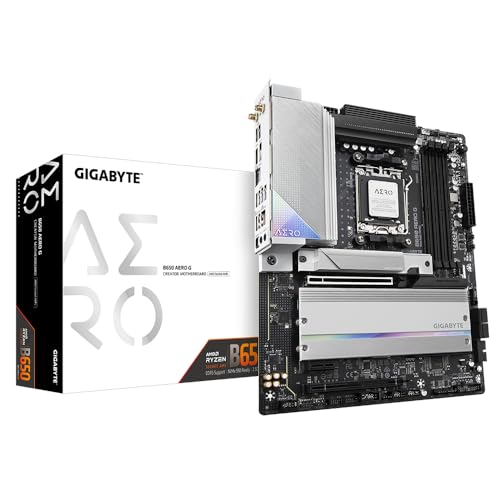
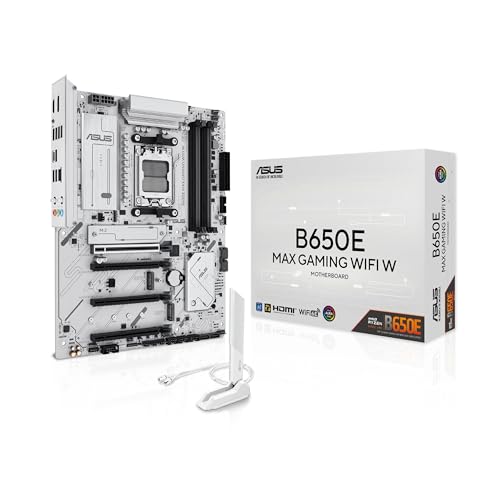
A B650 motherboard is part of AMD’s mid-range chipset lineup designed for the AM5 socket, primarily supporting the latest Ryzen processors.
It is positioned as a more affordable alternative to the higher-end X670 series, while still offering access to modern technologies like DDR5 memory and PCIe 5.0 for storage. The B650 boards are built to balance performance and cost, making them attractive to gamers and general PC users who want strong features without paying a premium for extreme overclocking or multi-GPU support.
Compared to the flagship chipsets, B650 motherboards generally provide fewer PCIe lanes, less flexibility in connectivity, and fewer options for extreme enthusiasts. Still, they maintain enough features to support powerful CPUs, fast storage solutions, and high-speed networking.

Which brands make the best B650 motherboards?
The best B650 motherboard brands are as follows.
- GIGABYTE (Overall score: 8.1 points)
- ASUS (Overall score: 8 points)
- ASRock (Overall score: 7.8 points)
The chart below ranks B650 motherboard brands by average overall score.
[horizontal-chart-17333352941032188967177630791203665804771447859548]
How much do B650 motherboards cost?
B650 motherboards cost between £130 and £260 depending on the brand, chipset variant, and included features.
Entry-level B650 models usually start around £130, while mid-range boards with stronger VRM design, more M.2 slots, and better connectivity often fall in the 200–£220 range. The highest-end versions, which include features like PCIe 5.0 support for both GPU and storage, stronger power delivery, and upgraded audio, can reach up to £260.
The following chart shows the price distribution of B650 motherboards.
[vertical-chart-06873519488841135987045634261686699271903391706229]
What should you consider while choosing the best B650 motherboard?
When choosing the best B650 motherboard, you should consider several key factors as follows:
- VRM quality and power delivery: The voltage regulator module (VRM) design directly affects the stability and performance of your CPU. B650 motherboards typically feature 8+2+1 to 10+2+1 phase designs. A quality VRM with adequate phases distributes power load evenly and maintains stable voltage delivery to the processor. The number of phases matters particularly if you plan to use high-end AMD Ryzen processors like the 7950X, which require robust power delivery.
- Memory support and overclocking: Modern B650 motherboards support DDR5 memory with capacities up to 192GB and speeds reaching 8000MHz through AMD EXPO technology. The memory slots configuration affects your upgrade path and performance potential. Four DIMM slots provide better expansion options compared to two-slot designs. Memory overclocking capabilities vary between models, so verify the specific speed ratings if you plan to run high-performance memory kits.
- Connectivity and expansion: PCIe slot configuration determines your graphics card and storage options. B650 motherboards typically feature one PCIe 4.0 x16 slot for the GPU and multiple M.2 slots for NVMe SSDs. Some models include PCIe 5.0 M.2 slots for future storage upgrades. USB connectivity varies significantly between models, with higher-end boards featuring more USB 3.2 Gen2 ports and USB Type-C connectors. Consider your current and future peripheral needs when evaluating port selection.
- Form factor and build requirements: The motherboard size affects case compatibility and feature density. ATX boards typically offer more expansion slots and connectivity options compared to Micro-ATX variants. Mini-ITX B650 boards exist for compact builds but sacrifice expansion options. The form factor choice depends on your case size restrictions and the number of components you plan to install.
- Thermal management and cooling: Effective cooling design affects both VRM performance and M.2 SSD stability. Quality B650 motherboards feature heatsinks on VRM components and thermal guards for M.2 slots. The thermal design impacts component longevity and maintains stable performance under sustained workloads. Multiple fan headers with PWM control allow better cooling customization for your specific build requirements.