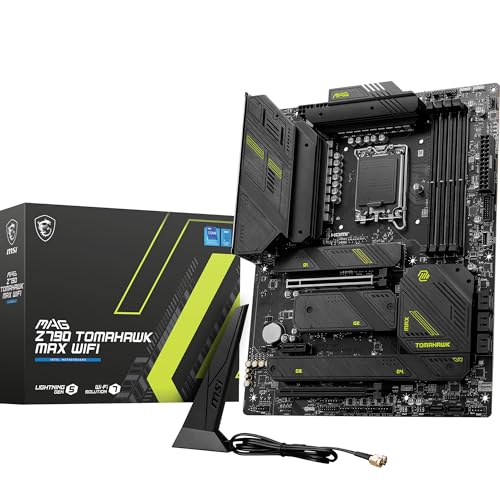
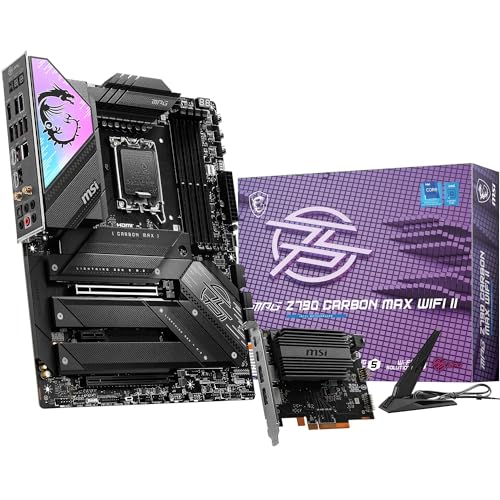
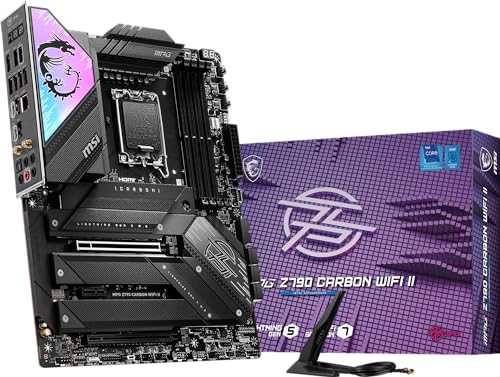
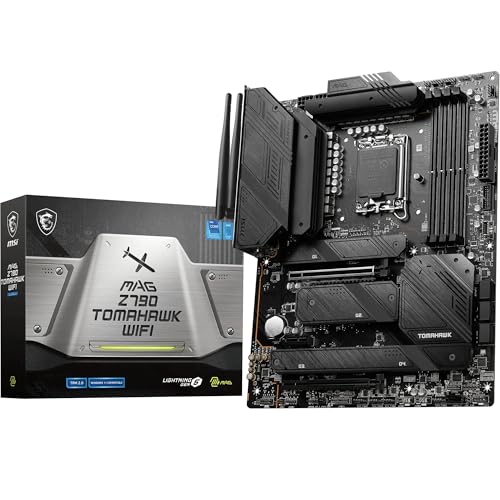
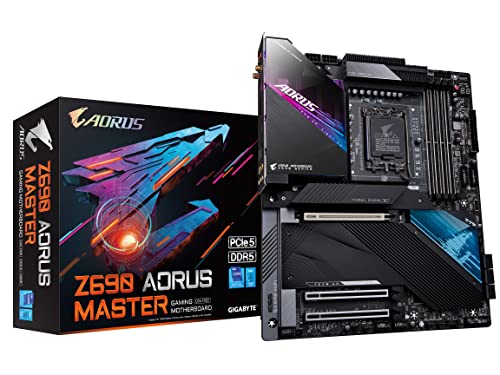
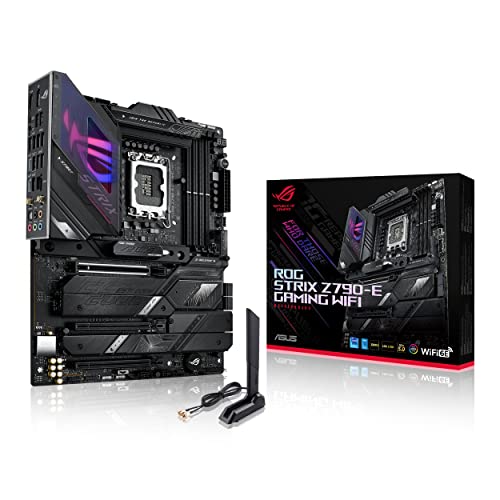
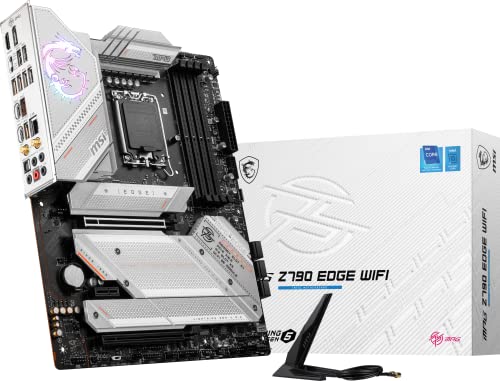
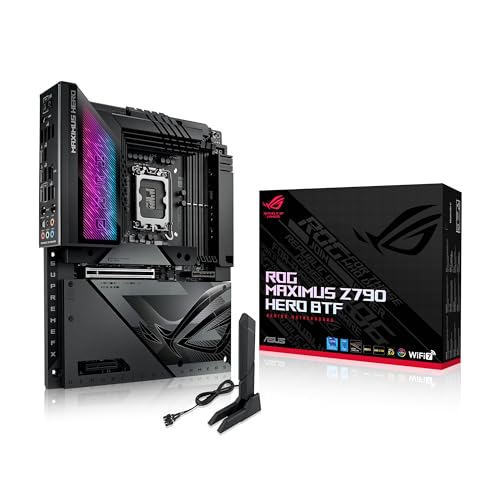
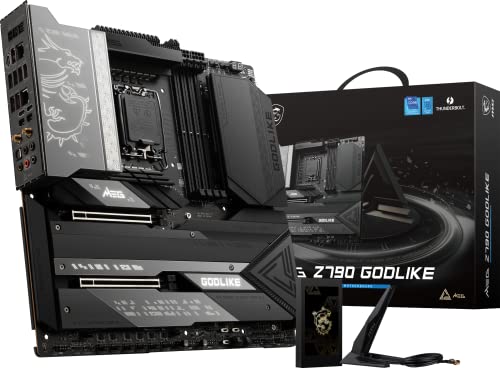
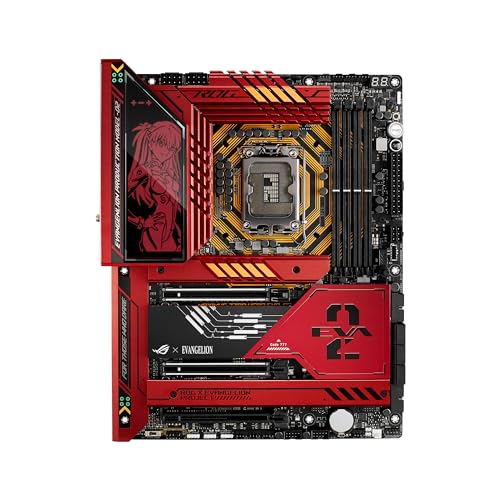
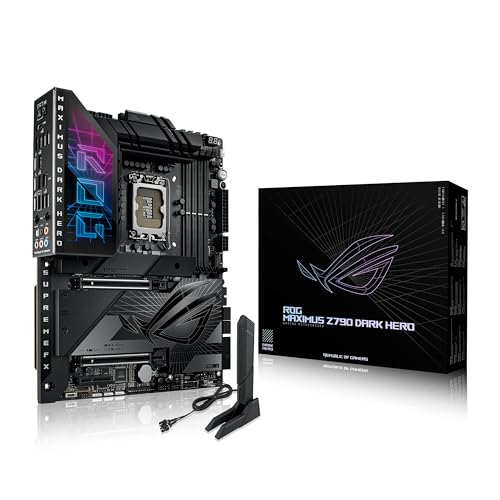
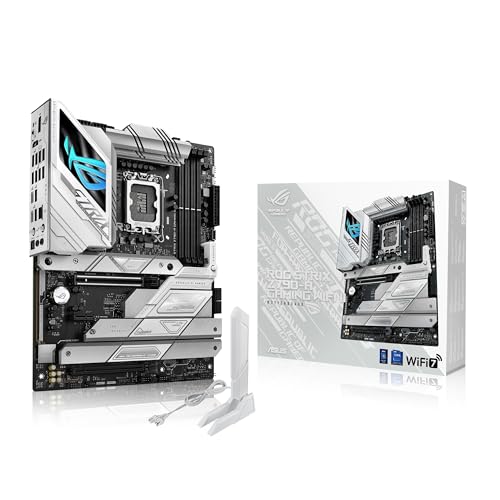
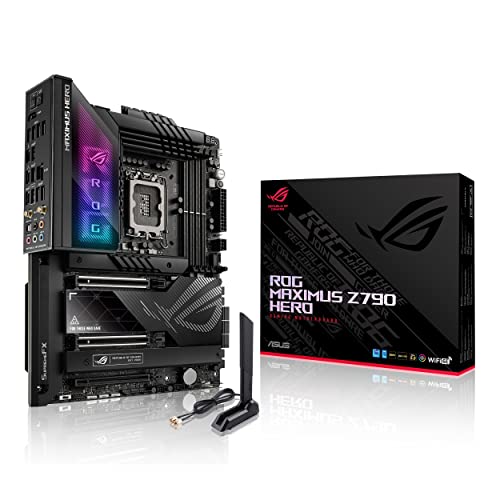
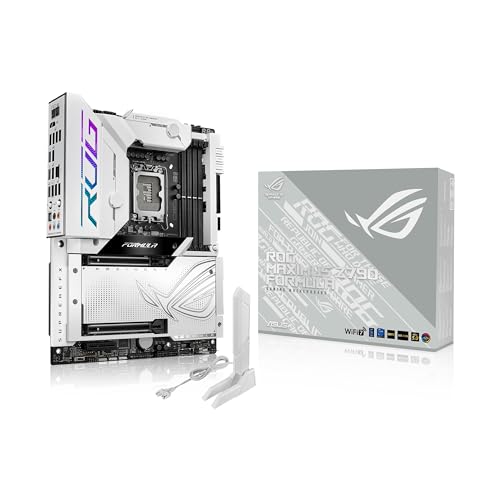
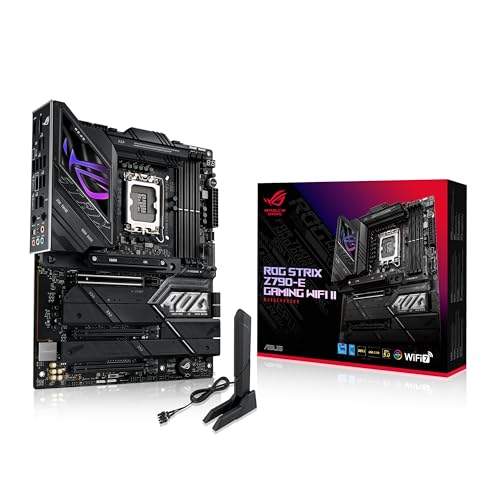
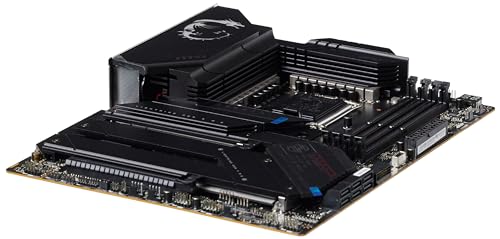
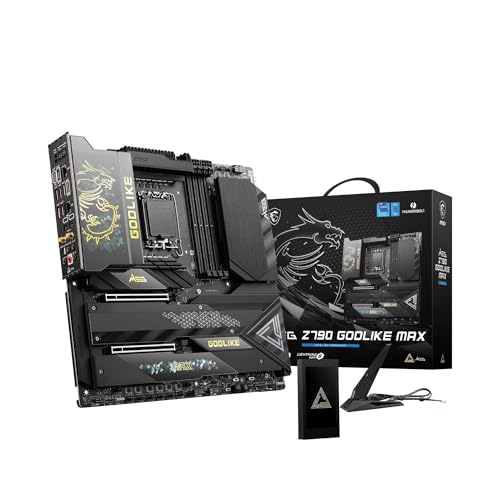
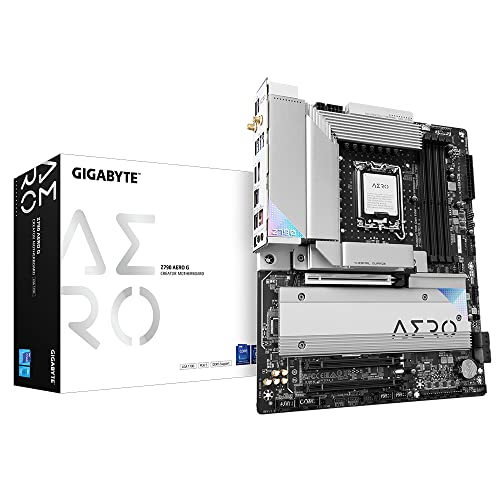
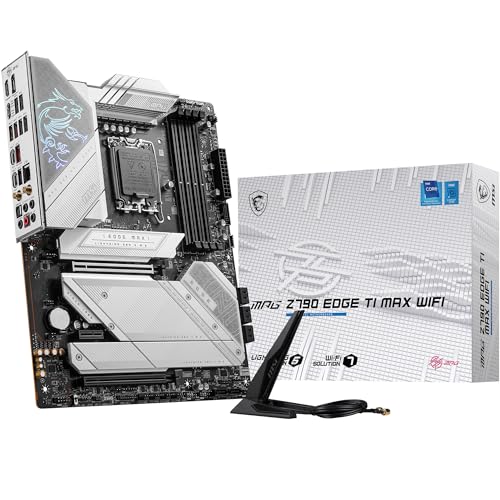
What is an LGA 1700 motherboard?
An LGA 1700 motherboard is a type of mainboard that uses the LGA 1700 socket, designed by Intel for its 12th, 13th, and 14th generation Core processors, also known as Alder Lake, Raptor Lake, and Raptor Lake Refresh.
The socket has 1700 contact pins, which is more than previous Intel sockets such as LGA 1200, to accommodate the new hybrid architecture and features like support for DDR4 or DDR5 memory, as well as PCIe 5.0 on many chipsets. It represents a significant step forward from older Intel sockets, not only in pin count but also in physical dimensions, meaning coolers compatible with earlier sockets often need new brackets or adapters.
Motherboards with LGA 1700 sockets come in different chipset variants, such as H610, B660, Z690, B760, Z790, and others, which determine the features available, from entry-level systems to high-end overclocking platforms. These boards often include faster connectivity options like USB 3.2 Gen 2x2, PCIe 4.0 or 5.0 lanes for graphics cards and storage, and support for high-speed networking such as 2.5G Ethernet or Wi-Fi 6E.
Because of the architectural shift in Intel’s processors, LGA 1700 motherboards are built to handle higher power delivery requirements, making VRM design and cooling important for stability, especially with high-performance CPUs.

Which brands make the best LGA 1700 motherboards?
The best LGA 1700 motherboard brands are as follows.
- ASUS (Overall score: 8.8 points)
- MSI (Overall score: 8.8 points)
- GIGABYTE (Overall score: 8.6 points)
The chart below ranks LGA 1700 motherboard brands by average overall score.
[horizontal-chart-07317724687808947483096002605684156172903843637668]
How much do LGA 1700 motherboards cost?
LGA 1700 motherboards cost between £70 and £550, with most mainstream options priced between £130 and £260.
Entry-level H610 chipset boards start around 80-£110, while mid-range B660 and B760 motherboards typically range from 150-£220. Premium Z690 and Z790 boards with advanced features like multiple PCIe slots, high-speed memory support, and robust power delivery systems can reach 300-£550 or more.
The following chart shows the price distribution of LGA 1700 motherboards.
[vertical-chart-00838847208143120647021583605142992369301051079275]
What should you consider while choosing the best LGA 1700 motherboard?
When choosing the best LGA 1700 motherboard, you should consider the following key factors:
- Chipset compatibility: The motherboard chipset determines which CPU features you can use and whether you can overclock. Z790 and Z690 chipsets support CPU overclocking for enthusiast systems, while B760, H770, and H610 chipsets target different performance levels and budgets. The 700-series chipsets work best with 13th generation processors but remain backward compatible with 12th generation CPUs.
- Memory support: LGA 1700 motherboards support either DDR4 or DDR5 memory, and the two types are not compatible with each other. DDR5 offers up to double the data rates of DDR4 and supports higher-capacity modules up to 128 GB, while DDR4 remains more budget-friendly. Memory overclocking requires chipset support, so check if your chosen motherboard can handle XMP profiles.
- Expansion slots: PCIe 5.0 support provides twice the data rate of PCIe 4.0, which benefits high-performance graphics cards and NVMe storage drives. The chipset determines how many PCIe slots and lanes are available, with Z790 motherboards typically offering more expansion options than budget H610 boards. Consider your current and future needs for GPUs, storage, and expansion cards.
- Connectivity options: Modern LGA 1700 motherboards include Wi-Fi 6E support and multiple USB 3.2 ports at different speeds. Higher-end chipsets provide more USB ports and faster transfer rates, with Z790 supporting up to five USB 3.2 Gen 2x2 ports compared to none on H610. SATA ports for traditional storage drives vary from four on budget boards to eight on premium models.
- Form factor: The motherboard size affects case compatibility and expansion capabilities. Standard ATX boards offer more slots and connectors, while smaller mATX and Mini-ITX formats suit compact builds but limit expansion options. Consider your case size and whether you need multiple GPU slots, extra RAM slots, or additional storage connections when selecting the form factor.